FREE CHEATS FOR
Marbles: Tidy Up
Released November 17, 2026
Updated

 EAGLE CHEATS
How to use Eagle in Marbles: Tidy Up
With Marbles: Tidy Up running, press Insert to open the Eagle menu. The quick keys give direct access to Jar Assignments and Marble Counts. Use the menu for Color Groups, Room Map and Unsorted Pieces and the remaining listed features; close it with Insert to return to the app.
- F2 Jar Assignments
Press F2 to turn Jar Assignments on or off without opening the menu. - F3 Marble Counts
Press F3 to turn Marble Counts on or off without opening the menu. - Insert Color Groups
Press Insert, find Color Groups in the feature list, and switch it on or off. - Insert Room Map
Press Insert, find Room Map in the feature list, and switch it on or off. - Insert Unsorted Pieces
Press Insert, find Unsorted Pieces in the feature list, and switch it on or off.
EXPLORE THE MENUFeatures
8 features
The Eagle trainer for Marbles: Tidy Up brings jar assignments, marble counts, color groups together for the Windows PC release. Press Insert during play to open the menu, choose a control and return to the current session. Additional controls cover room map, unsorted pieces, and sorting log during play.
- Jar Assignments
- Marble Counts
- Color Groups
- Room Map
- Unsorted Pieces
- Sorting Log
- Area Progress
- Collection Record
About the game
Marbles: Tidy Up presents 1,800 scattered marbles that must be sorted into matching jars. Colors and patterns create a calming but large-scale organization task. Progress is visible as the chaos becomes a neatly labeled collection.
A jar that looks complete may still be missing a rare shade. Sorting one region at a time reduces repeated searching. Tracking counts by color makes the last few marbles easier to locate.
Official game page


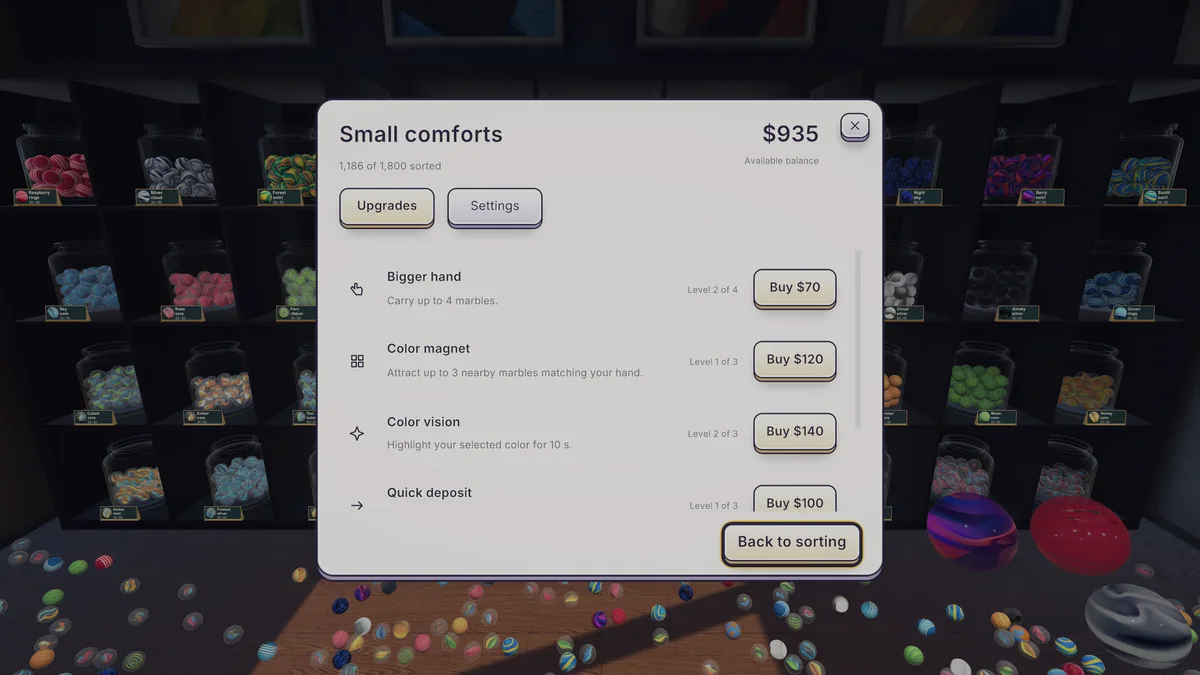

Using the Marbles: Tidy Up trainer
Open the Eagle menu with Insert to review jar assignments, marble counts and unfinished areas. The sorting log records uncertain pieces. Use the room map to plan a clean route through the remaining clutter. The color index stays available during each sorting session.