FREE CHEATS FOR
Master of Arms
Released November 10, 2026
Updated

 EAGLE CHEATS
How to use Eagle in Master of Arms
With Master of Arms running, press Insert to open the Eagle menu. The quick keys give direct access to Deck List and Board Grid. Use the menu for Symbol Links, Run Map and Combo Preview and the remaining listed features; close it with Insert to return to the app.
- F2 Deck List
Press F2 to turn Deck List on or off without opening the menu. - F3 Board Grid
Press F3 to turn Board Grid on or off without opening the menu. - Insert Symbol Links
Press Insert, find Symbol Links in the feature list, and switch it on or off. - Insert Run Map
Press Insert, find Run Map in the feature list, and switch it on or off. - Insert Combo Preview
Press Insert, find Combo Preview in the feature list, and switch it on or off.
EXPLORE THE MENUFeatures
8 features
The Eagle trainer for Master of Arms brings deck list, board grid, symbol links together for the Windows PC release. Press Insert during play to open the menu, choose a control and return to the current session. Additional controls cover combo preview, target score, and shop choices during play.
- Deck List
- Board Grid
- Symbol Links
- Combo Preview
- Target Score
- Shop Choices
- Move History
- Run Map
About the game
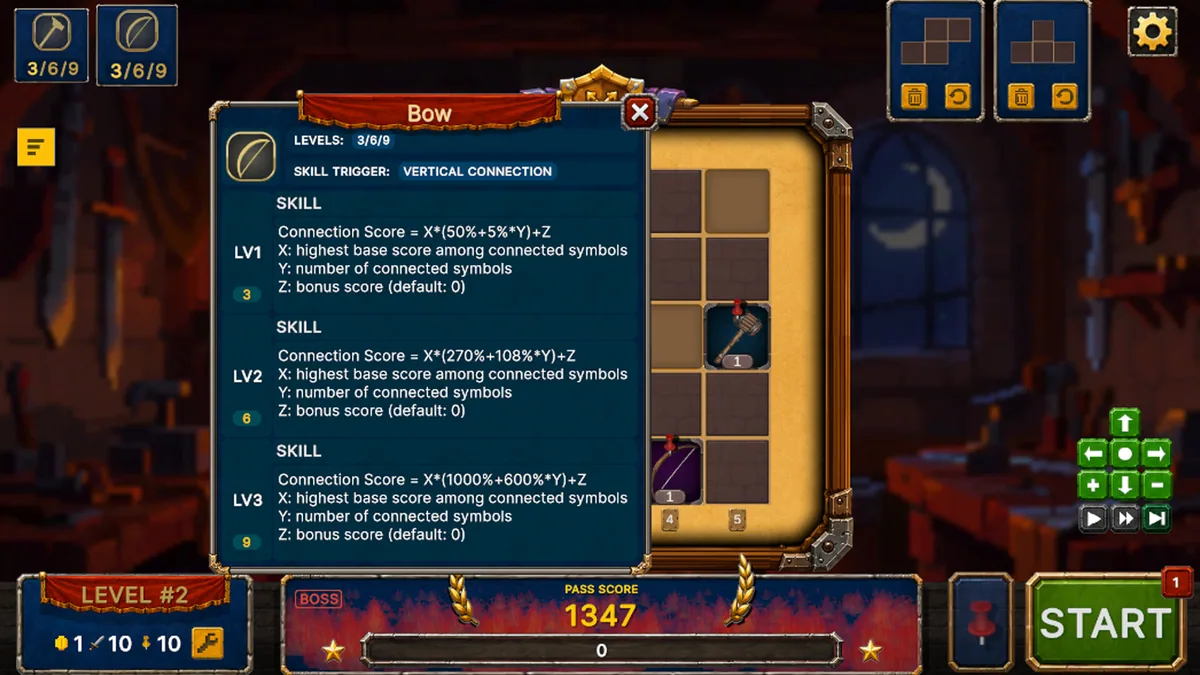
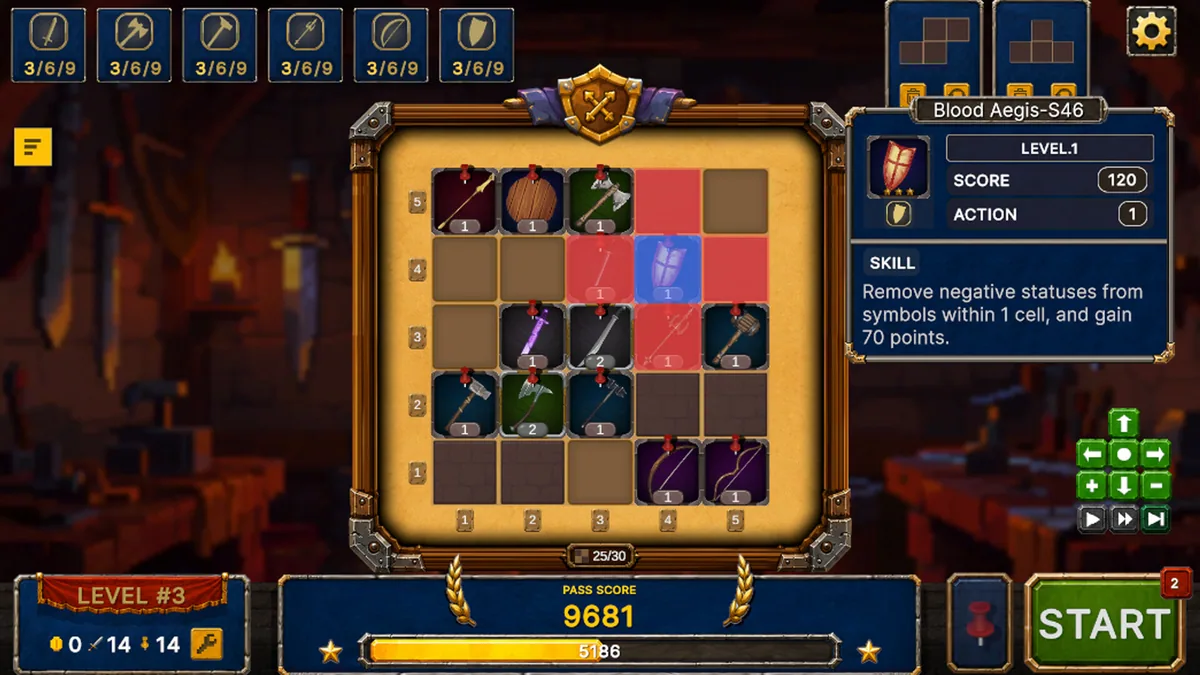
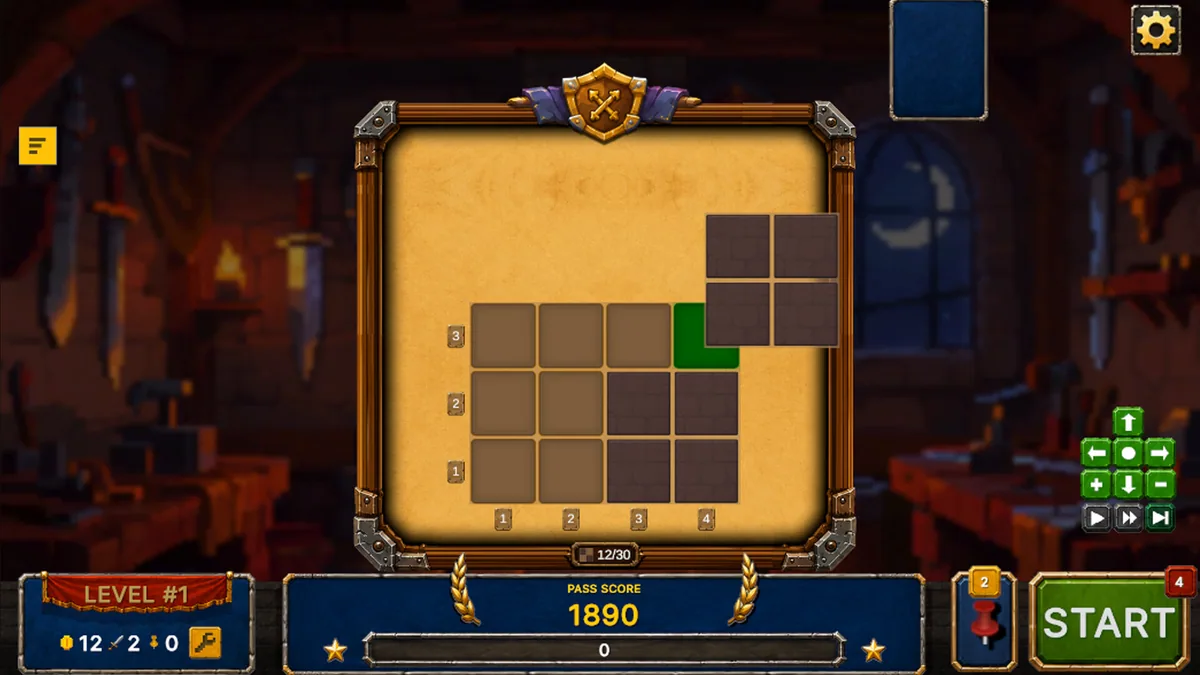
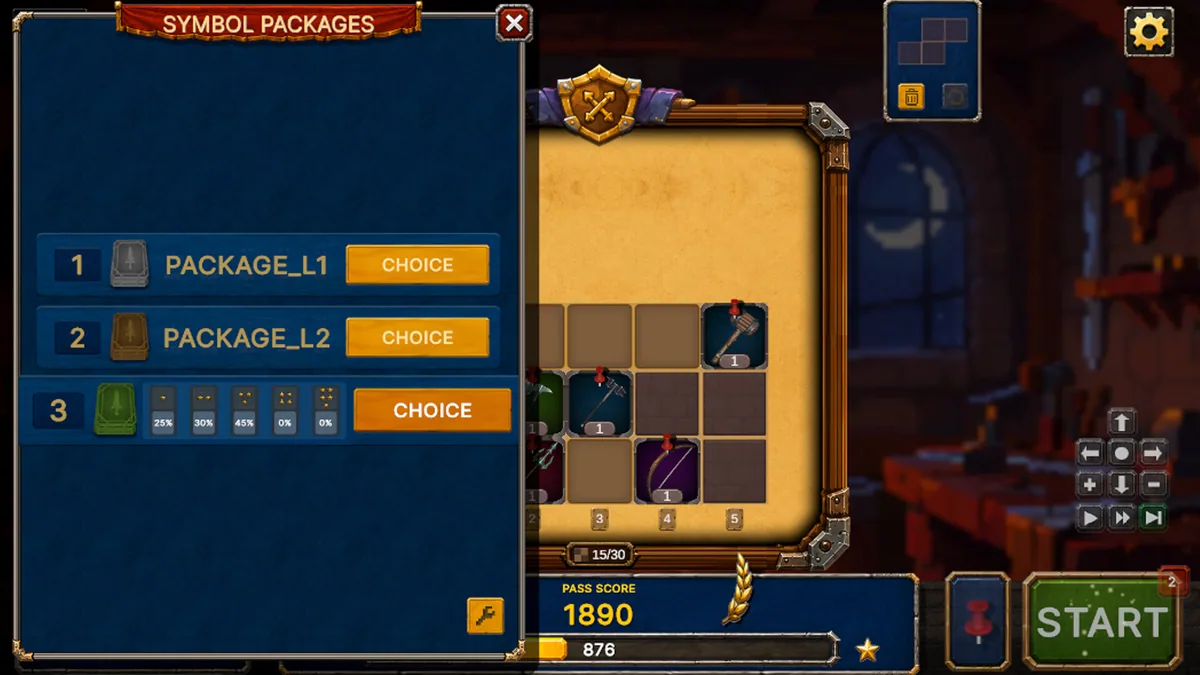
Master of Arms is a single-player roguelike strategy game where a deck supplies weapon symbols and functional blocks for a spatial board. Purchasing the right piece is only part of a build; placement determines which effects connect and which score targets can be reached.
A high-value symbol can underperform if it blocks a better sequence, while a modest connector may unlock several effects at once. The player must consider future space as well as immediate damage. Each run rewards learning how a board layout produces combinations.
Official game page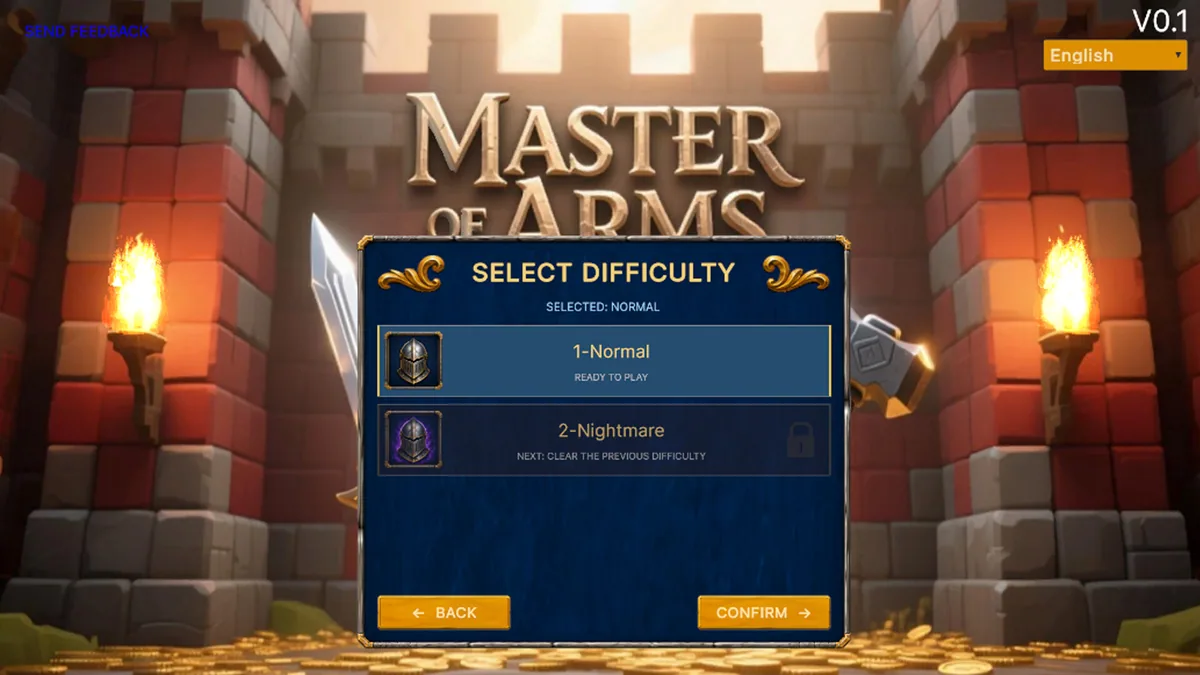
Using the Master of Arms trainer
The menu shows the deck, available slots and predicted links before committing a new block. It helps compare a purchase with the current arrangement and track the target score for the stage. A move history makes an unexpected combo easier to reproduce.