FREE CHEATS FOR
Needle In A Haystack
Released September 29, 2026
Updated
 EAGLE CHEATS
How to use Eagle in Needle In A Haystack
With Needle In A Haystack running, press Insert to open the Eagle menu. The quick keys give direct access to Reveal Clues and Hint Overlay. Use the menu for Highlight Interactable Objects, Freeze Timer and Skip Puzzle and the remaining listed features; close it with Insert to return to the app.
- F2 Reveal Clues
Press F2 to turn Reveal Clues on or off without opening the menu. - F3 Hint Overlay
Press F3 to turn Hint Overlay on or off without opening the menu. - Insert Highlight Interactable Objects
Press Insert, find Highlight Interactable Objects in the feature list, and switch it on or off. - Insert Freeze Timer
Press Insert, find Freeze Timer in the feature list, and switch it on or off. - Insert Skip Puzzle
Press Insert and choose Skip Puzzle when you want to run this action.
EXPLORE THE MENUFeatures
8 features
The free Needle In A Haystack trainer includes Reveal Clues, Hint Overlay and Highlight Interactable Objects. It also offers Skip Puzzle, Unlock Doors and Free Camera. Press Insert to open the menu on Windows PC.
- Reveal Clues
- Hint Overlay
- Highlight Interactable Objects
- Skip Puzzle
- Unlock Doors
- Free Camera
- Save Position
- Freeze Timer
About the game










Why use Eagle for Needle In A Haystack?
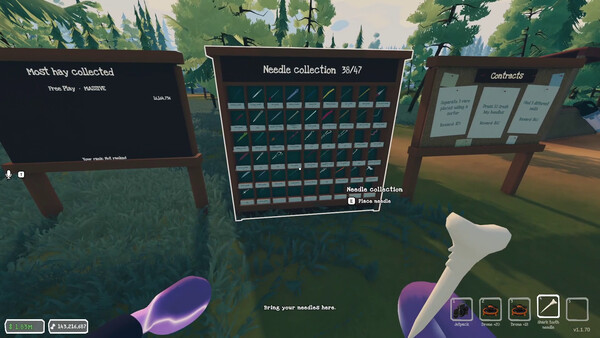
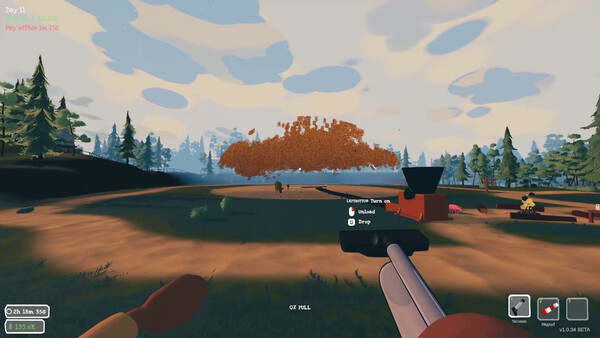
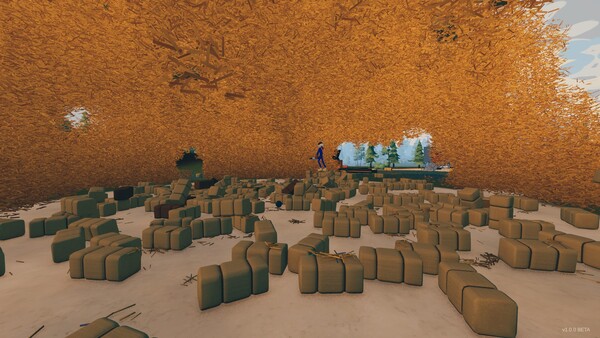
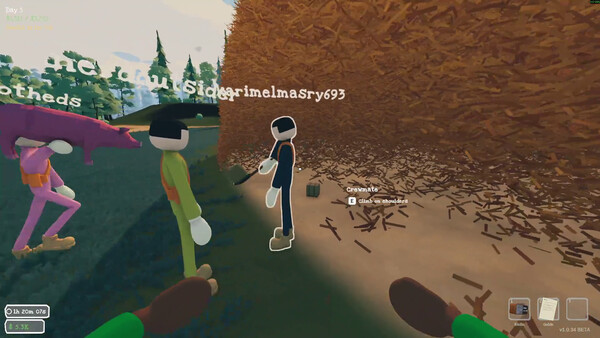
Needle In A Haystack turns a huge field of hay into a cooperative search problem. Eagle's clue and interactable-object highlights give a group a way to narrow its attention when the search becomes repetitive. The menu is useful for checking an area before moving the team elsewhere. Press Insert on Windows PC to open the options, then return to the same hunt with the amount of guidance you prefer.