FREE CHEATS FOR
No Man's Sky
Released August 12, 2016
Updated

 EAGLE CHEATS
How to use Eagle in No Man's Sky
With No Man's Sky running, press Insert to open the Eagle menu. The quick keys give direct access to Infinite Hazard Protection and Infinite Life Support. Use the menu for Infinite Jetpack Fuel, No Ship Damage and Teleport to Waypoint and the remaining listed features; close it with Insert to return to the app.
- F2 Infinite Hazard Protection
Press F2 to turn Infinite Hazard Protection on or off without opening the menu. - F3 Infinite Life Support
Press F3 to turn Infinite Life Support on or off without opening the menu. - Insert Infinite Jetpack Fuel
Press Insert, find Infinite Jetpack Fuel in the feature list, and switch it on or off. - Insert No Ship Damage
Press Insert, find No Ship Damage in the feature list, and switch it on or off. - Insert Teleport to Waypoint
Press Insert and choose Teleport to Waypoint when you want to run this action.
EXPLORE THE MENUFeatures
10 features
The free No Man's Sky trainer includes Infinite Hazard Protection, Infinite Life Support and Infinite Jetpack Fuel. It also offers No Tool Overheat, Infinite Mining Beam and Infinite Ship Fuel. Press Insert to open the menu on Windows PC.
- Infinite Hazard Protection
- Infinite Life Support
- Infinite Jetpack Fuel
- No Tool Overheat
- Infinite Mining Beam
- Infinite Ship Fuel
- No Ship Damage
- Instant Crafting
- Unlimited Inventory Slots
- Teleport to Waypoint
About the game
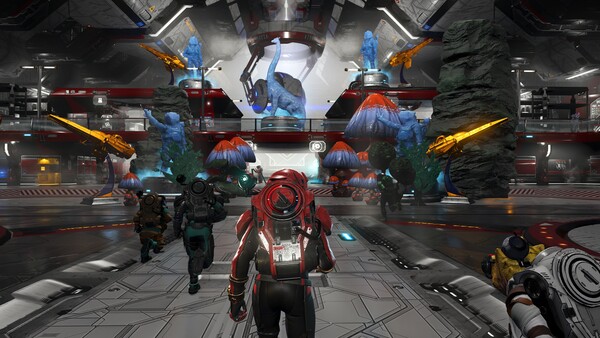
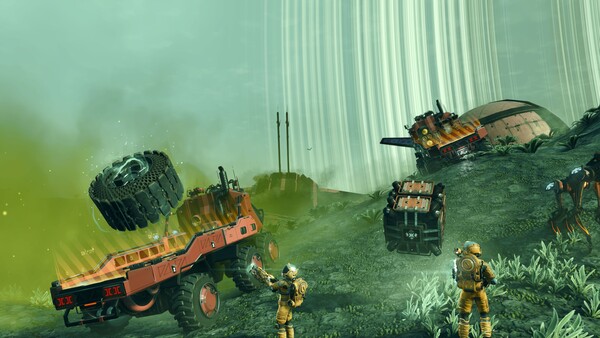
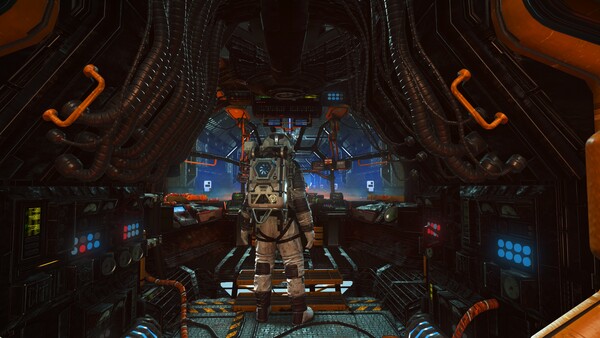
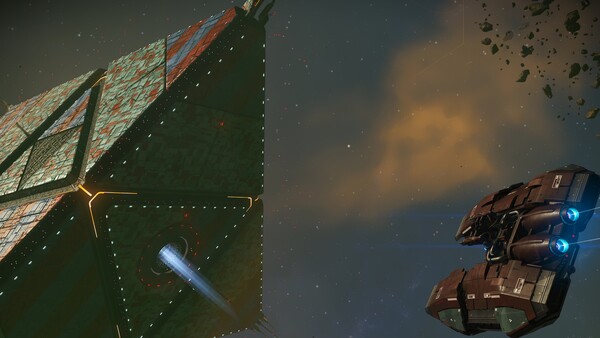
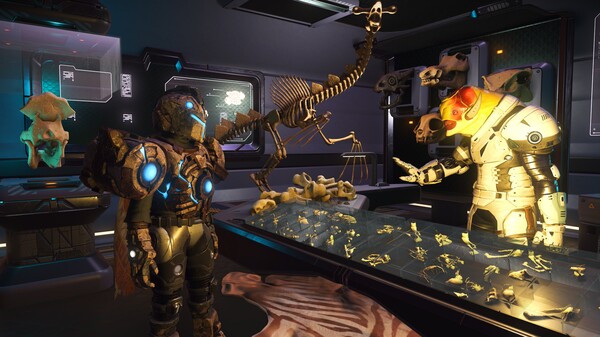
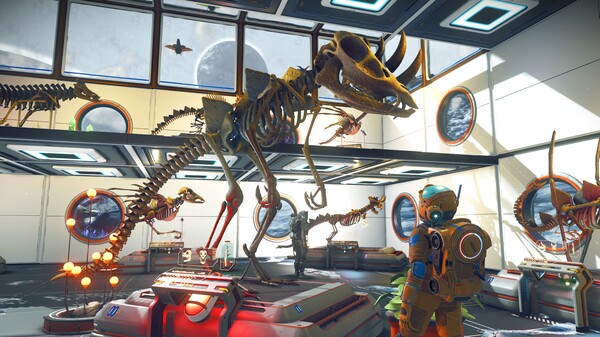
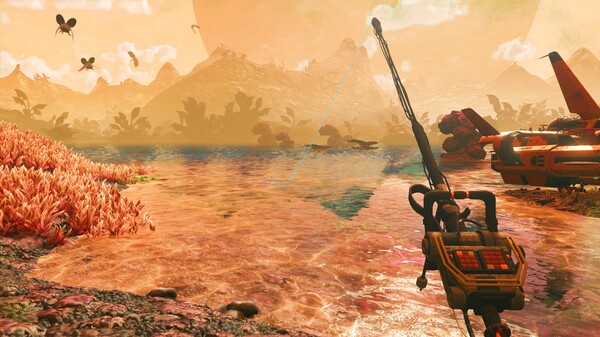
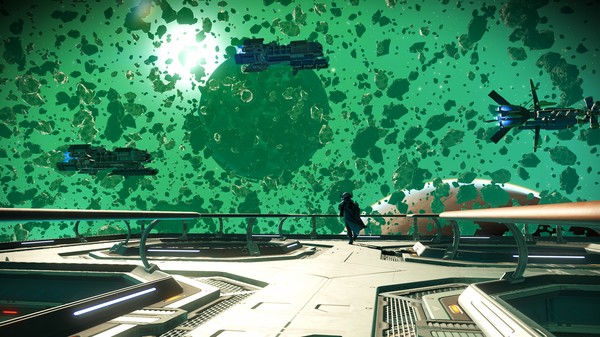
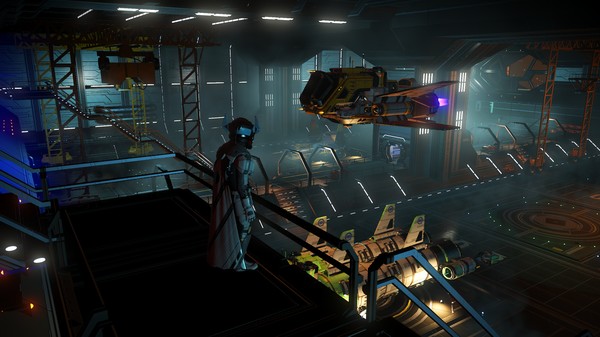
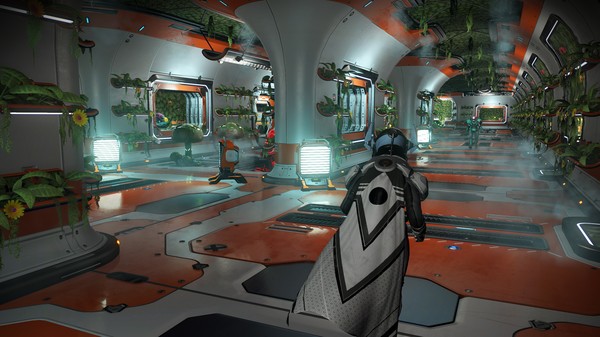
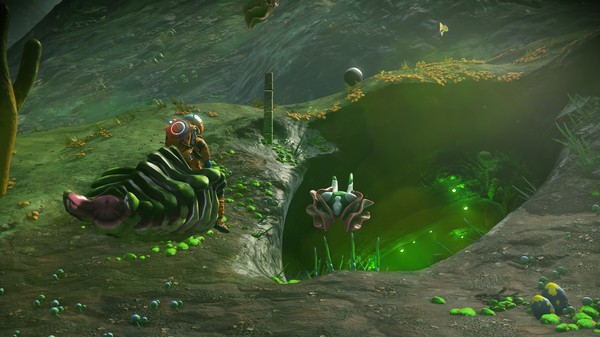
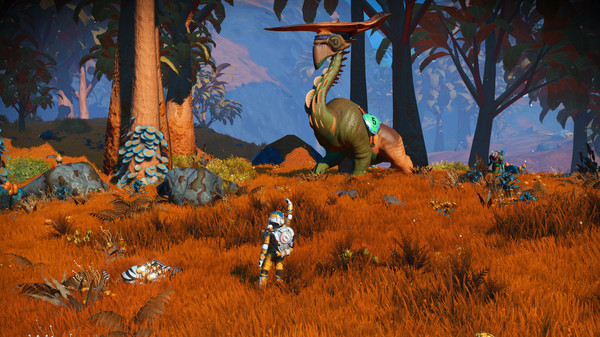
No Man's Sky is a game about exploration and survival in an infinite procedurally generated universe.
Official game page















































































































































































Why use Eagle for No Man's Sky?
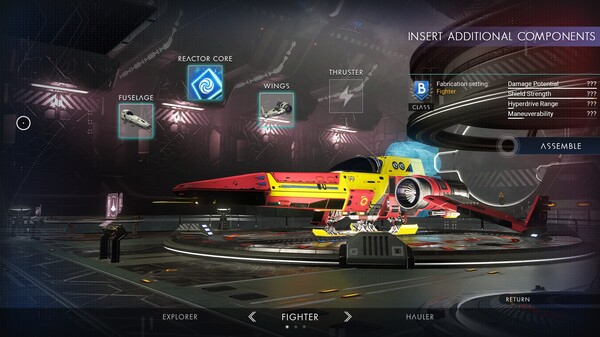
A No Man's Sky session may move from a hazardous planet to a ship flight and then to base work. Eagle keeps hazard protection, life support, jetpack, tool and ship controls in the same menu, so a change in activity does not mean finding a different tool. This is especially handy for long exploration sessions across varied environments. Press Insert on Windows PC to open the controls and return to the current location after choosing what you need.