FREE CHEATS FOR
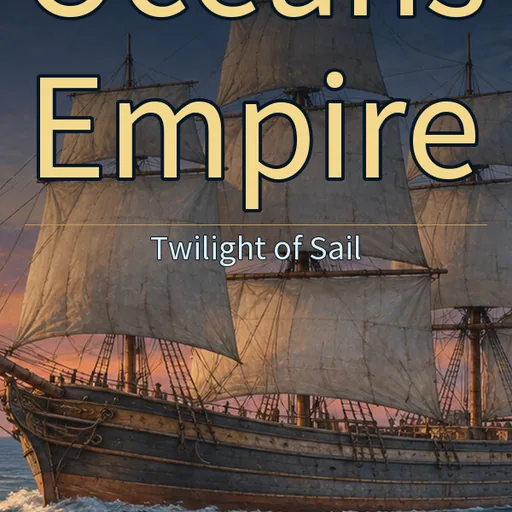
Oceans Empire: Twilight of Sail
Released November 18, 2026
Updated
 EAGLE CHEATS
How to use Eagle in Oceans Empire: Twilight of Sail
With Oceans Empire: Twilight of Sail running, press Insert to open the Eagle menu. The quick keys give direct access to Port Prices and Cargo Holds. Use the menu for Crew Roster, Exploration Map and Fleet Planner and the remaining listed features; close it with Insert to return to the app.
- F2 Port Prices
Press F2 to turn Port Prices on or off without opening the menu. - F3 Cargo Holds
Press F3 to turn Cargo Holds on or off without opening the menu. - Insert Crew Roster
Press Insert, find Crew Roster in the feature list, and switch it on or off. - Insert Exploration Map
Press Insert, find Exploration Map in the feature list, and switch it on or off. - Insert Fleet Planner
Press Insert, find Fleet Planner in the feature list, and switch it on or off.
EXPLORE THE MENUFeatures
8 features
The Eagle trainer for Oceans Empire: Twilight of Sail brings port prices, cargo holds, crew roster together for the Windows PC release. Press Insert during play to open the menu, choose a control and return to the current session. Additional controls cover fleet planner, sea routes, and voyage log during play.
- Port Prices
- Cargo Holds
- Crew Roster
- Fleet Planner
- Sea Routes
- Voyage Log
- Trade Profit
- Exploration Map
About the game
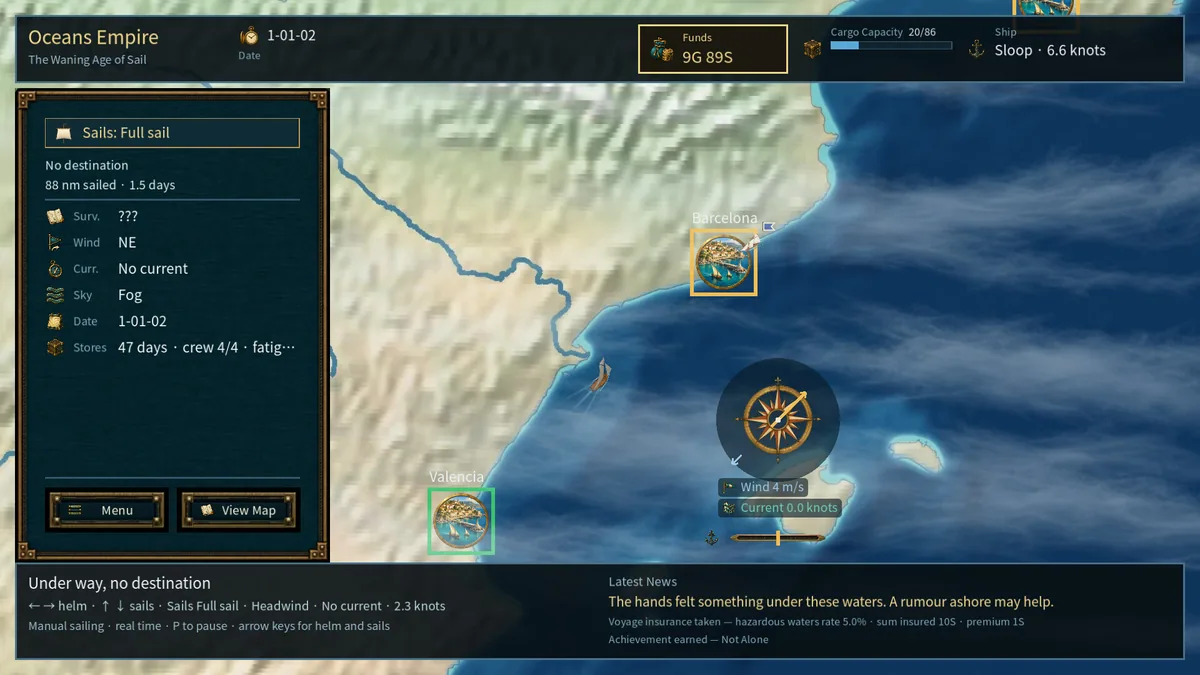
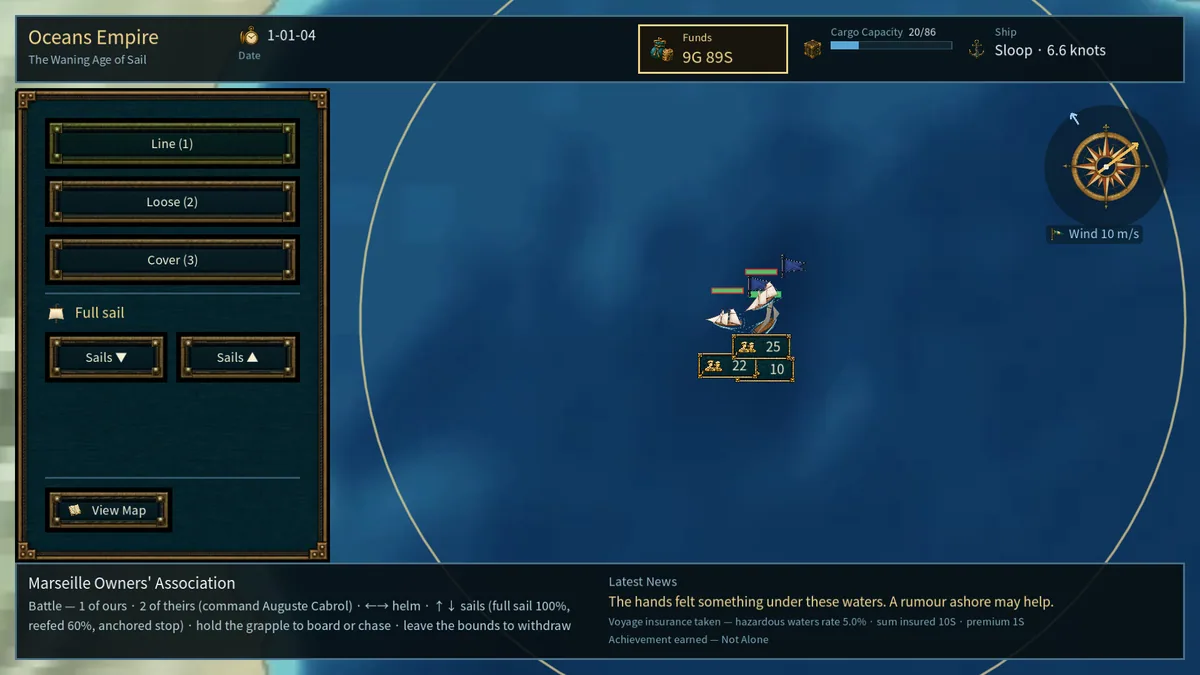
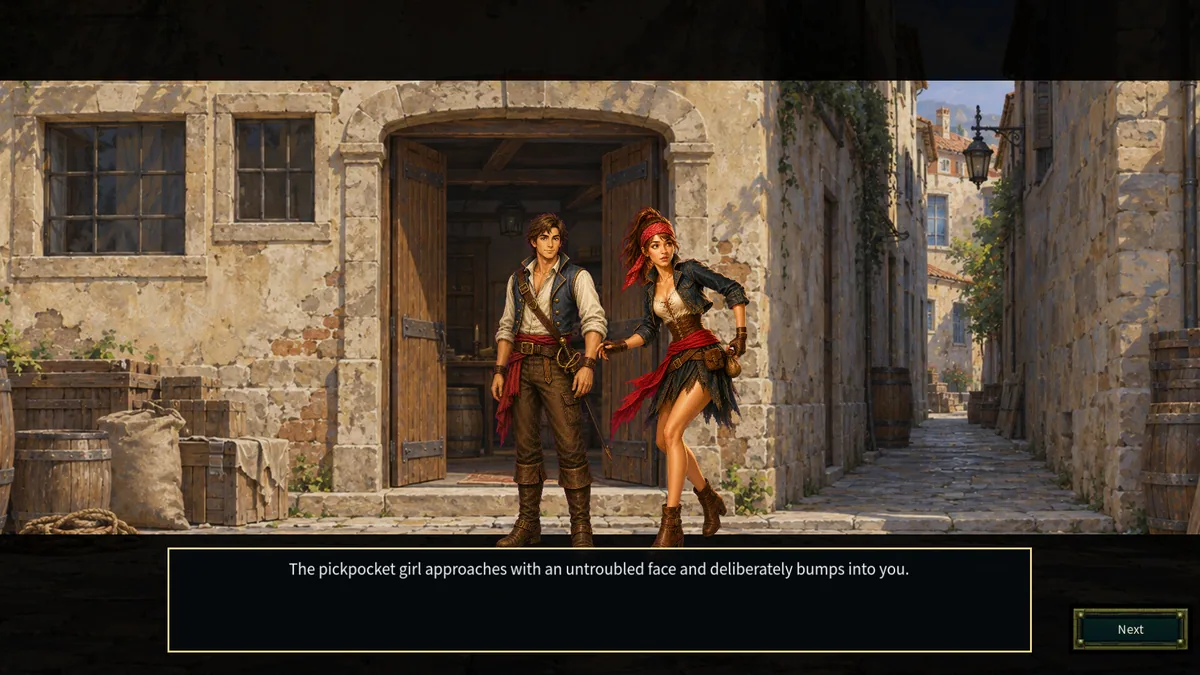
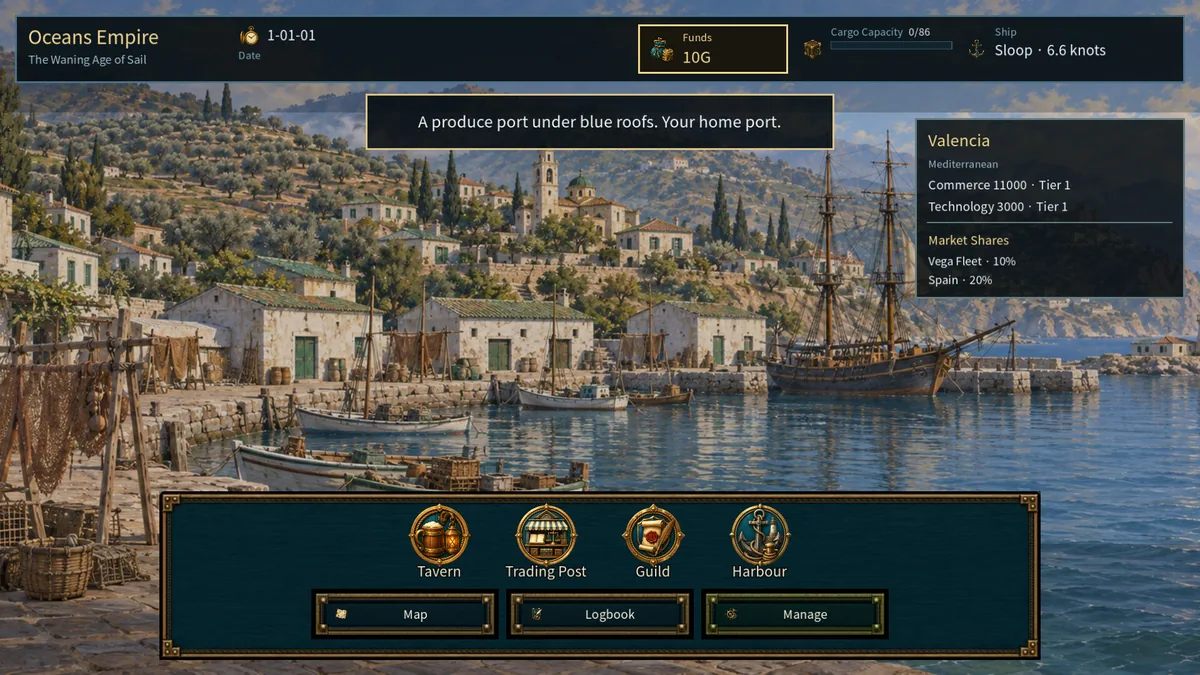
Oceans Empire: Twilight of Sail is a single-player maritime strategy game set in the 1840s. Trading between ports, exploring sea lanes and managing a fleet all influence profit. A successful voyage depends on cargo as well as the crew operating the ships.
A lucrative port can still be a poor destination if the route is long or the ship lacks capacity. Exploration may reveal a better market, but it delays an existing delivery. Comparing voyage costs with sale prices makes expansion more deliberate.
Official game page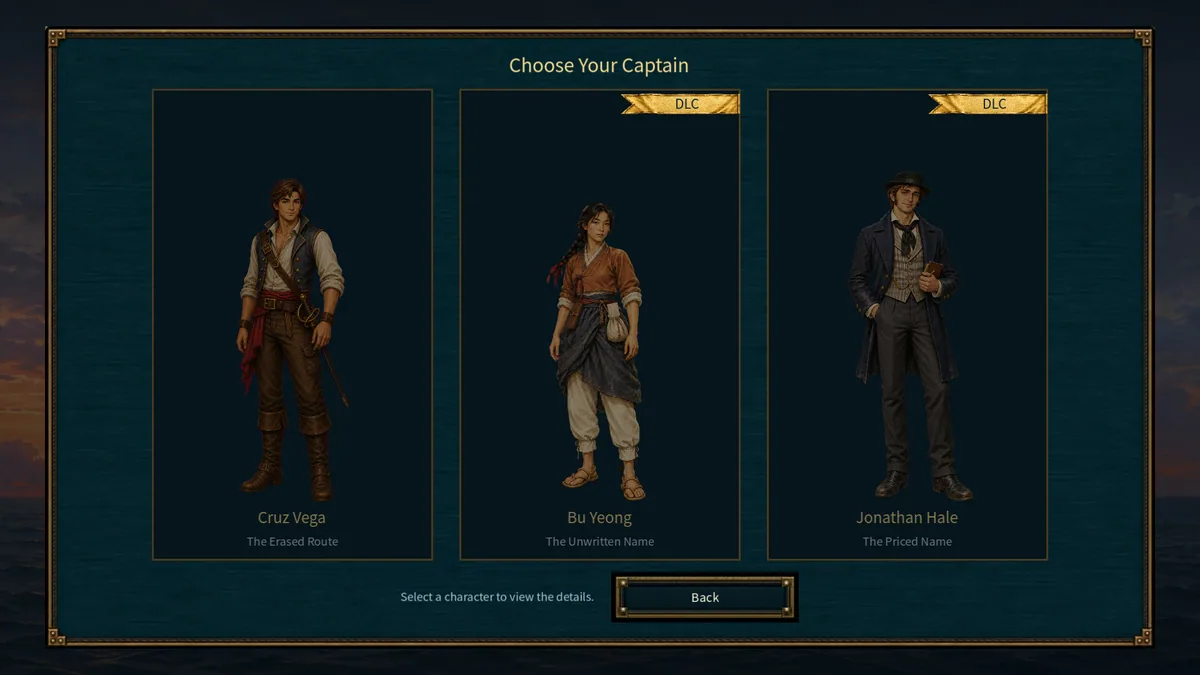
Using the Oceans Empire: Twilight of Sail trainer
Open the Eagle menu with Insert before departure to review port prices, cargo holds and crew assignments. The voyage log records each route's cost and return. Use the fleet planner to decide which vessel should carry the next shipment.