FREE CHEATS FOR
Orb Rush VR
Released November 17, 2026
Updated

 EAGLE CHEATS
How to use Eagle in Orb Rush VR
With Orb Rush VR running, press Insert to open the Eagle menu. The quick keys give direct access to Orb Patterns and Hit Timing. Use the menu for Bomb Routes, Mode Index and Combo History and the remaining listed features; close it with Insert to return to the app.
- F2 Orb Patterns
Press F2 to turn Orb Patterns on or off without opening the menu. - F3 Hit Timing
Press F3 to turn Hit Timing on or off without opening the menu. - Insert Bomb Routes
Press Insert, find Bomb Routes in the feature list, and switch it on or off. - Insert Mode Index
Press Insert, find Mode Index in the feature list, and switch it on or off. - Insert Combo History
Press Insert, find Combo History in the feature list, and switch it on or off.
EXPLORE THE MENUFeatures
8 features
The Eagle trainer for Orb Rush VR brings orb patterns, hit timing, bomb routes together for the Windows PC release. Press Insert during play to open the menu, choose a control and return to the current session. Additional controls cover mode index, combo history, and score panel during play.
- Orb Patterns
- Hit Timing
- Bomb Routes
- Mode Index
- Combo History
- Score Panel
- Session Results
- VR Progress
About the game
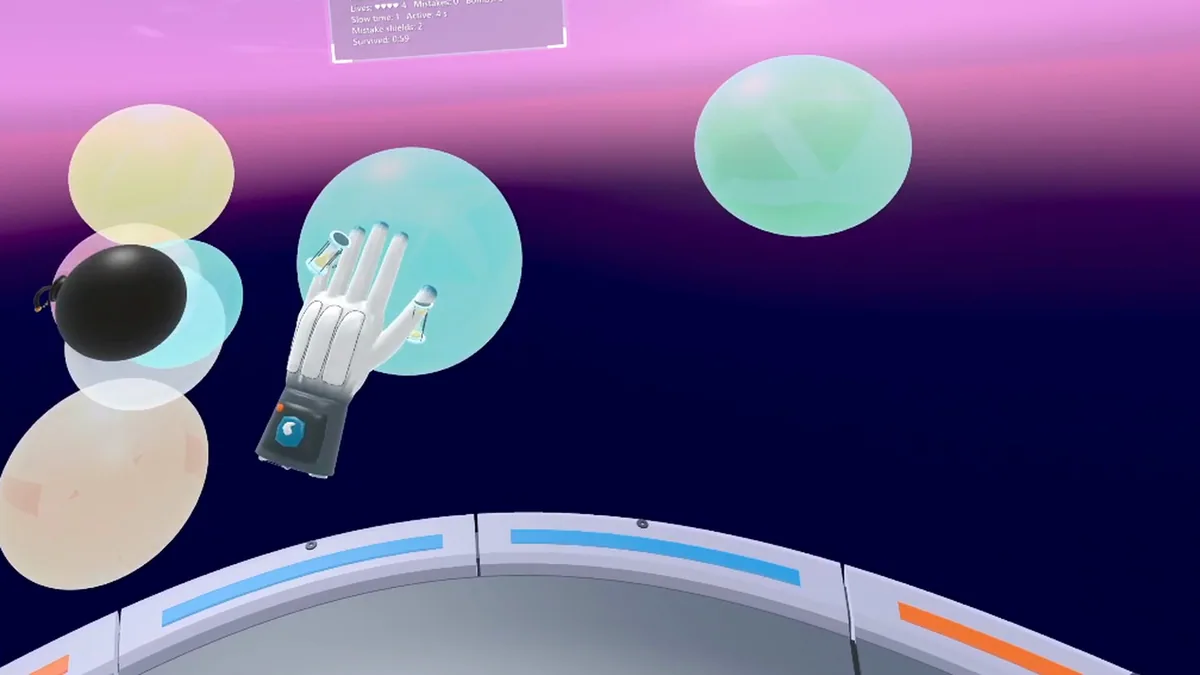
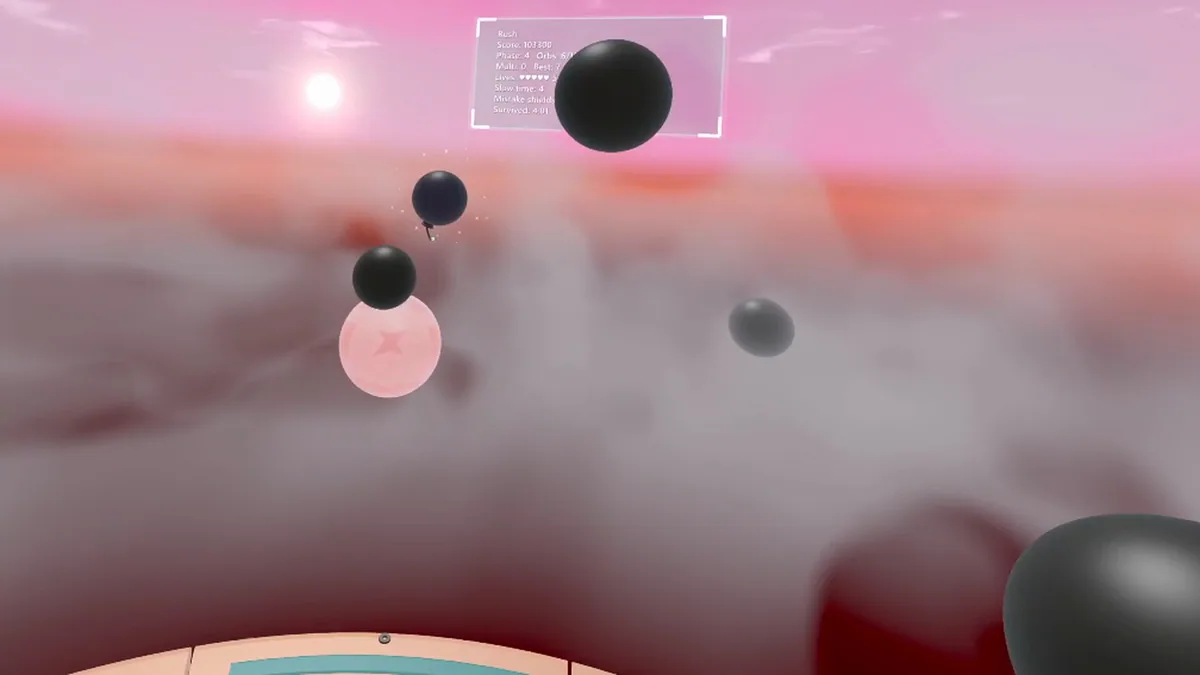
Orb Rush VR is an active virtual-reality score challenge. Players strike incoming orbs, dodge bombs and work through seven modes. Hand movement and timing determine whether a fast streak survives.
A wide swing may hit one orb while leaving no time for the next. Dodging at the wrong moment can break a combo even when the target was clear. Reviewing mode results helps practice the pattern that costs the most points.
Official game page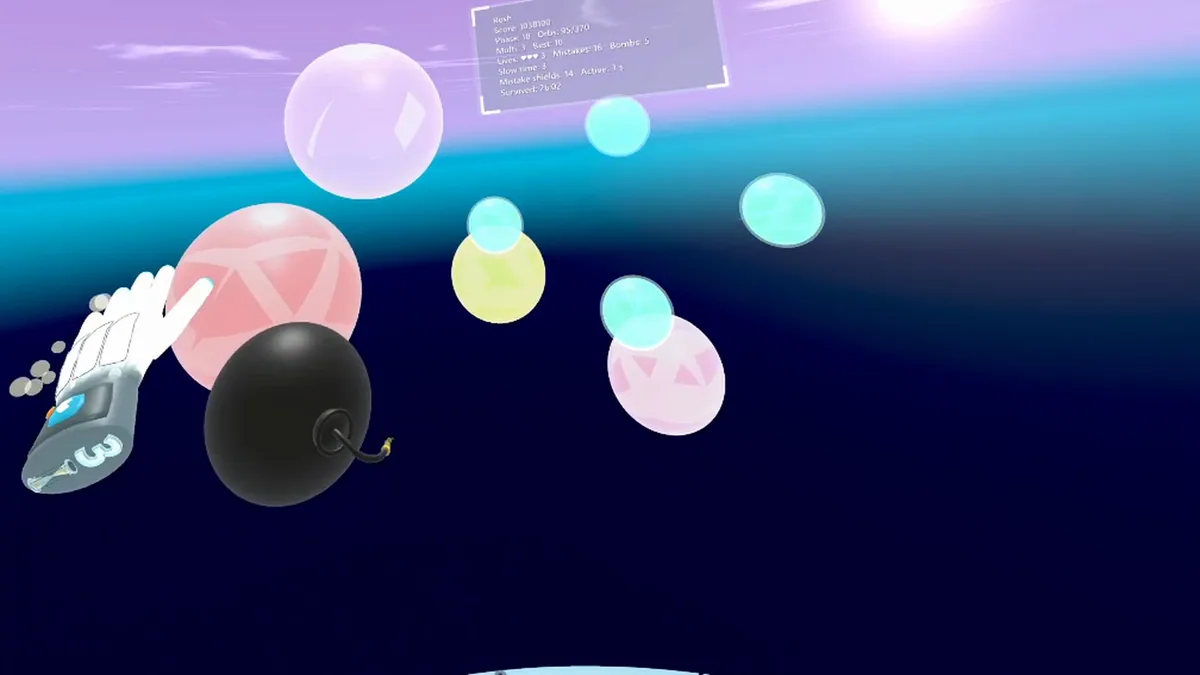


Using the Orb Rush VR trainer
Open the Eagle menu with Insert between VR rounds to review orb patterns, hit timing and combo history. The mode index keeps seven rule sets distinct. Use the score panel to compare consistency, not just one lucky streak.