FREE CHEATS FOR
Pathfinder: Wrath of the Righteous - Enhanced Edition
Released September 2, 2021
Updated

 EAGLE CHEATS
How to use Eagle in Pathfinder: Wrath of the Righteous - Enhanced Edition
With Pathfinder: Wrath of the Righteous - Enhanced Edition running, press Insert to open the Eagle menu. The quick keys give direct access to Infinite Health and Infinite Stamina. Use the menu for No Ability Cooldown, Free Skill Respec and Set Game Speed and the remaining listed features; close it with Insert to return to the app.
- F2 Infinite Health
Press F2 to turn Infinite Health on or off without opening the menu. - F3 Infinite Stamina
Press F3 to turn Infinite Stamina on or off without opening the menu. - Insert No Ability Cooldown
Press Insert, find No Ability Cooldown in the feature list, and switch it on or off. - Insert Free Skill Respec
Press Insert, find Free Skill Respec in the feature list, and switch it on or off. - Insert Set Game Speed
Press Insert, choose Set Game Speed, adjust the value, and apply.
EXPLORE THE MENUFeatures
8 features
The free Pathfinder: Wrath of the Righteous - Enhanced Edition trainer includes Infinite Health, Infinite Stamina and No Ability Cooldown. It also offers Instant Level Up, Free Skill Respec and Unlimited Currency. Press Insert to open the menu on Windows PC.
- Infinite Health
- Infinite Stamina
- No Ability Cooldown
- Instant Level Up
- Free Skill Respec
- Unlimited Currency
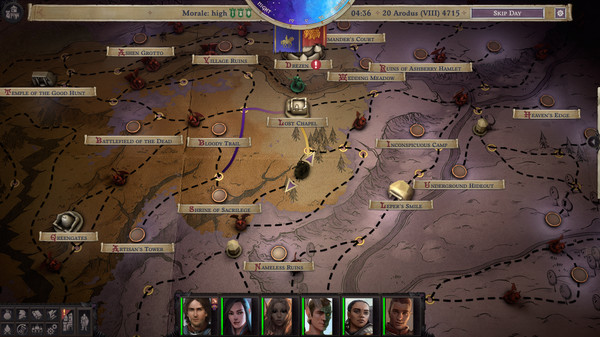
- Reveal Map
- Set Game Speed
About the game
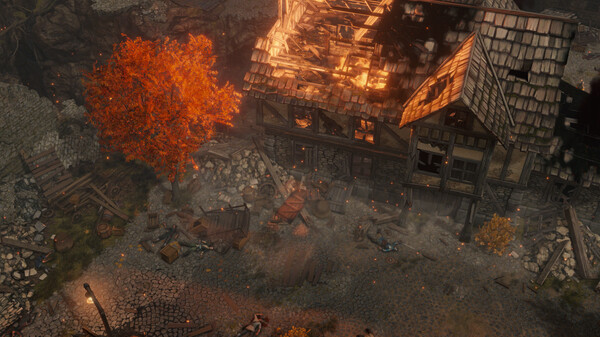
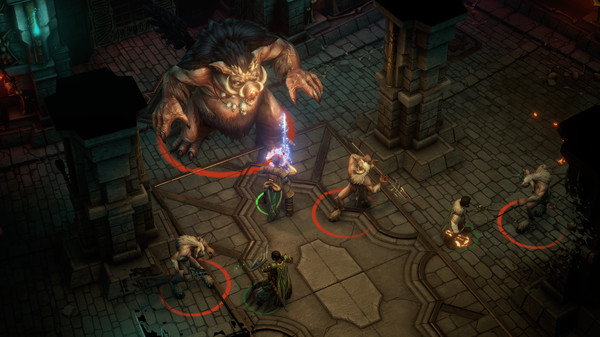
Embark on a journey to a realm overrun by demons in a new epic RPG from the creators of the critically acclaimed Pathfinder: Kingmaker. Explore the nature of good and evil, learn the true cost of power, and rise as a Mythic Hero capable of deeds beyond mortal expectations.
Official game page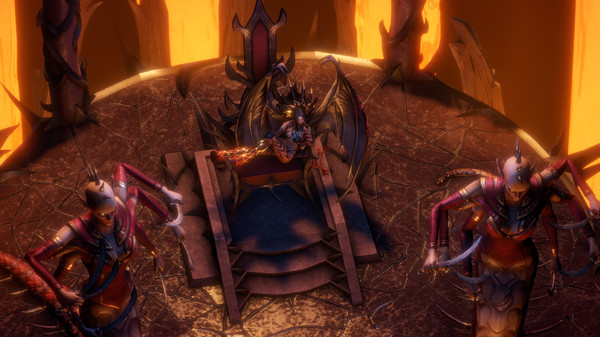




Why use Eagle for Pathfinder: Wrath of the Righteous - Enhanced Edition?
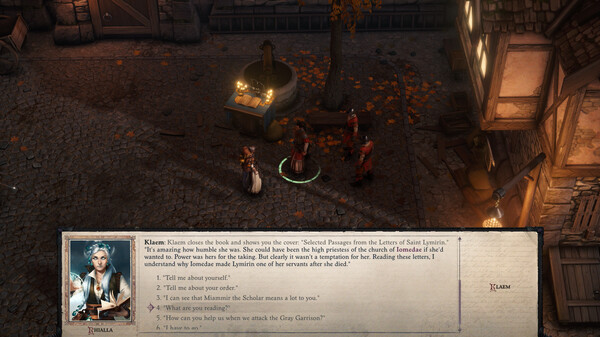
Pathfinder: Wrath of the Righteous can spend hours developing a party before a difficult encounter tests its choices. Eagle places health and cooldown controls beside level and respec options, so you can explore a different build inside an existing campaign. That is particularly useful when a mythic path changes how a character plays. Open the menu with Insert on Windows PC and review the available controls before changing a save.