FREE CHEATS FOR
Pigeon Ball
Released November 13, 2026
Updated

 EAGLE CHEATS
How to use Eagle in Pigeon Ball
With Pigeon Ball running, press Insert to open the Eagle menu. The quick keys give direct access to Ball Marker and Team Positions. Use the menu for Scoreboard, Flight Status and Arena Map and the remaining listed features; close it with Insert to return to the app.
- F2 Ball Marker
Press F2 to turn Ball Marker on or off without opening the menu. - F3 Team Positions
Press F3 to turn Team Positions on or off without opening the menu. - Insert Scoreboard
Press Insert, find Scoreboard in the feature list, and switch it on or off. - Insert Flight Status
Press Insert, find Flight Status in the feature list, and switch it on or off. - Insert Arena Map
Press Insert, find Arena Map in the feature list, and switch it on or off.
EXPLORE THE MENUFeatures
8 features
The Eagle trainer for Pigeon Ball brings ball marker, team positions, scoreboard together for the Windows PC release. Press Insert during play to open the menu, choose a control and return to the current session. Additional controls cover pass history, flight status, and peck timing during play.
- Ball Marker
- Team Positions
- Scoreboard
- Pass History
- Flight Status
- Peck Timing
- Arena Map
- Match Timer
About the game
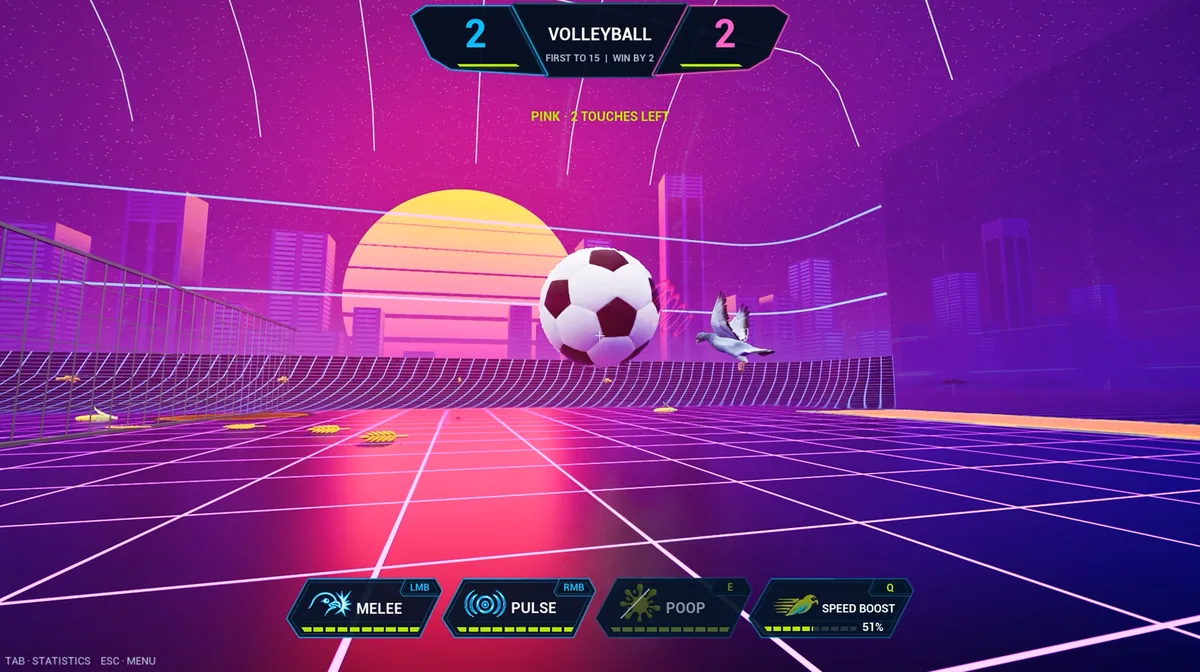
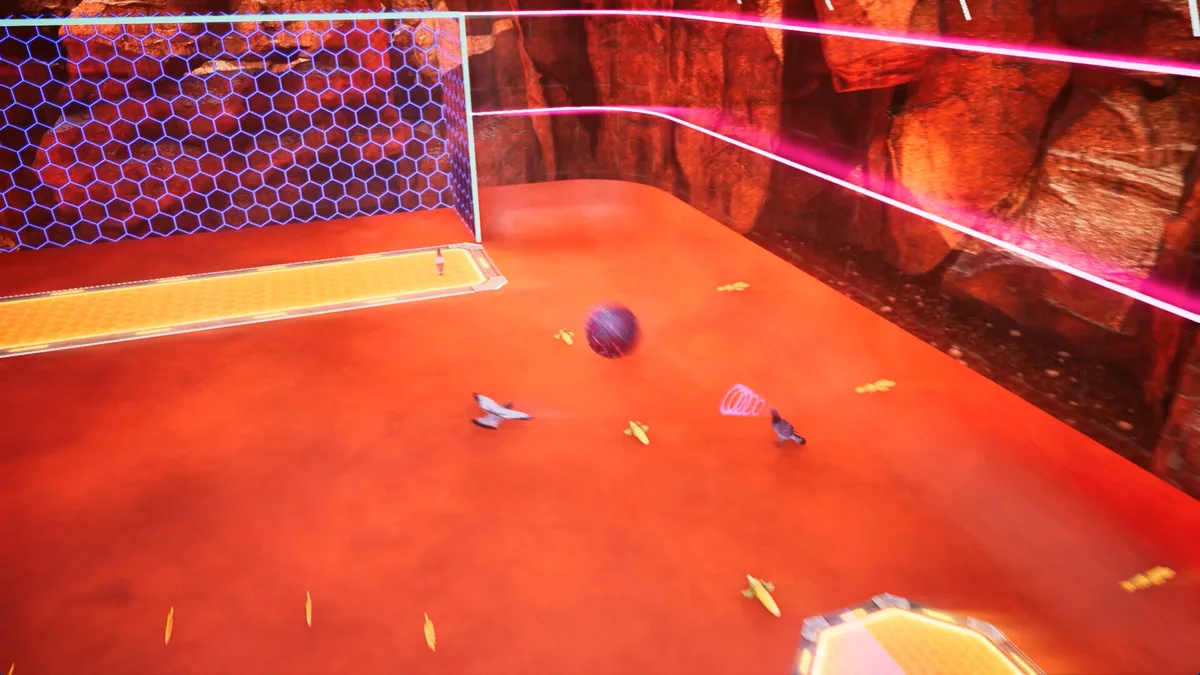
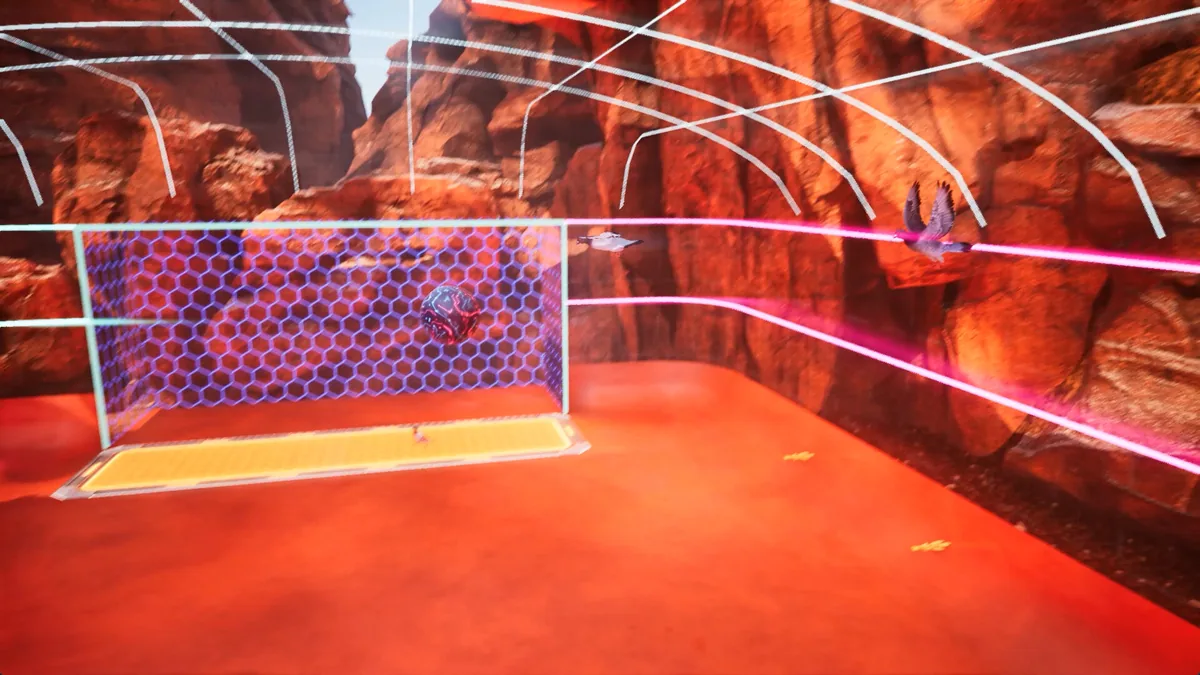
Pigeon Ball turns flying, pecking and passing into a fast multiplayer arena sport. Players can view the game from first or third person while chasing the ball and trying to score. Movement is not merely a way to reach the action; it is the core skill that creates a scoring chance.
A long flight may win space but leave the ball behind, while a well-timed pass can turn a crowded corner into an open goal. Switching attention between teammates and opponents matters as much as tracking the ball. Each chaotic match rewards a group that learns to move together.
Official game page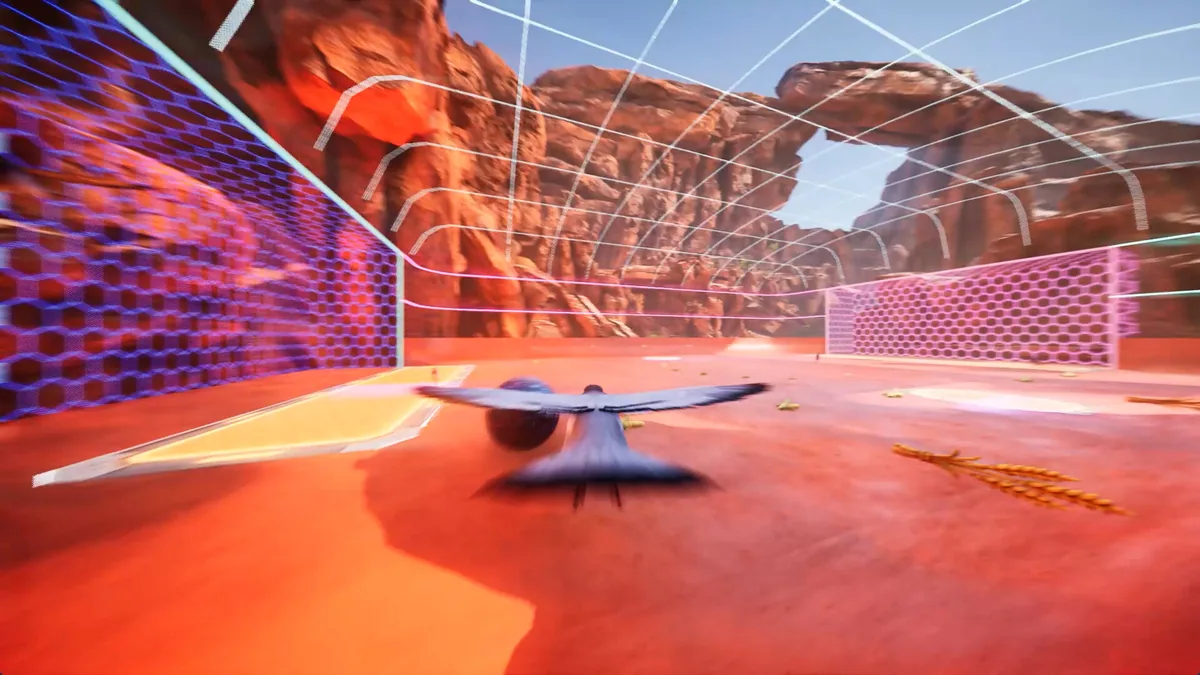
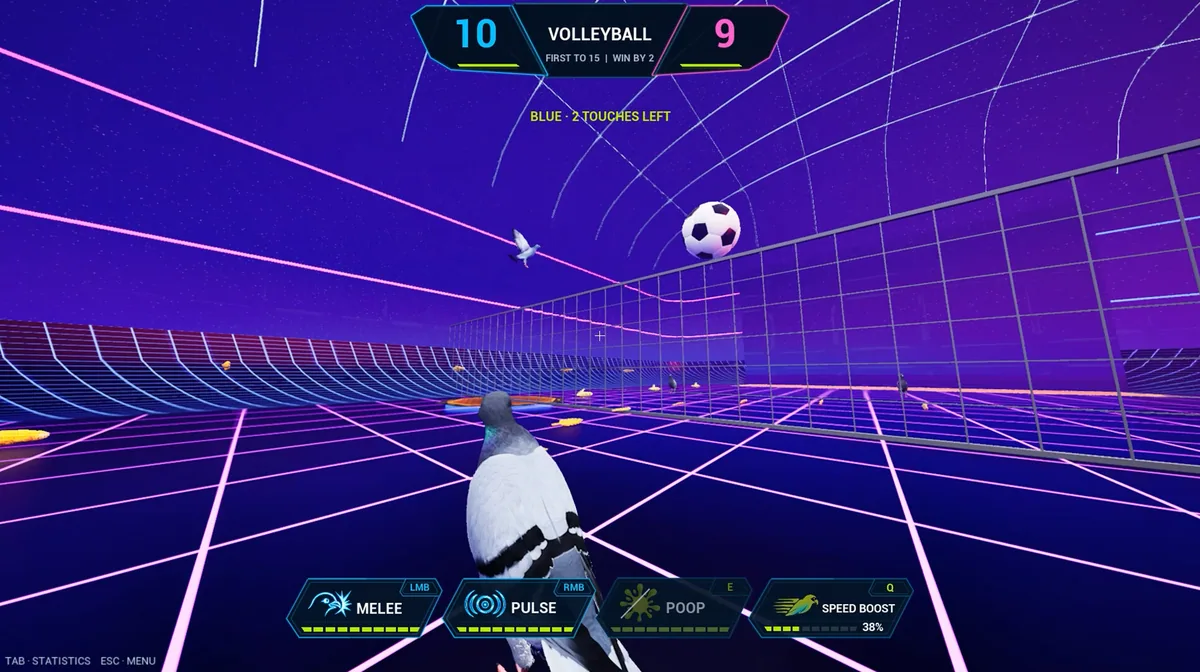
Using the Pigeon Ball trainer
The Eagle menu shows ball position, team markers and score beside a compact arena map. Use Insert between plays to review recent passes and player roles. The movement panel helps understand flight and peck timing without controlling the bird during a live rally.