FREE CHEATS FOR
Pocket TD
Released November 16, 2026
Updated
 EAGLE CHEATS
How to use Eagle in Pocket TD
With Pocket TD running, press Insert to open the Eagle menu. The quick keys give direct access to Tower Roster and Map Growth. Use the menu for Coverage View, Biome Route and Boss Notes and the remaining listed features; close it with Insert to return to the app.
- F2 Tower Roster
Press F2 to turn Tower Roster on or off without opening the menu. - F3 Map Growth
Press F3 to turn Map Growth on or off without opening the menu. - Insert Coverage View
Press Insert, find Coverage View in the feature list, and switch it on or off. - Insert Biome Route
Press Insert, find Biome Route in the feature list, and switch it on or off. - Insert Boss Notes
Press Insert, find Boss Notes in the feature list, and switch it on or off.
EXPLORE THE MENUFeatures
8 features
The Eagle trainer for Pocket TD brings tower roster, map growth, coverage view together for the Windows PC release. Press Insert during play to open the menu, choose a control and return to the current session. Additional controls cover biome route, boss notes, and perk history during play.
- Tower Roster
- Map Growth
- Coverage View
- Biome Route
- Boss Notes
- Perk History
- Resource Budget
- Run Record
About the game
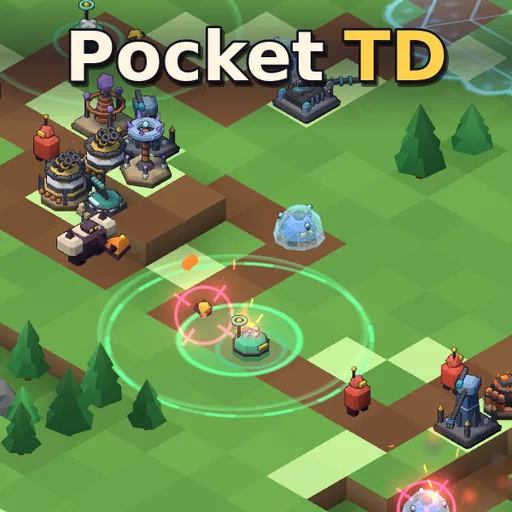
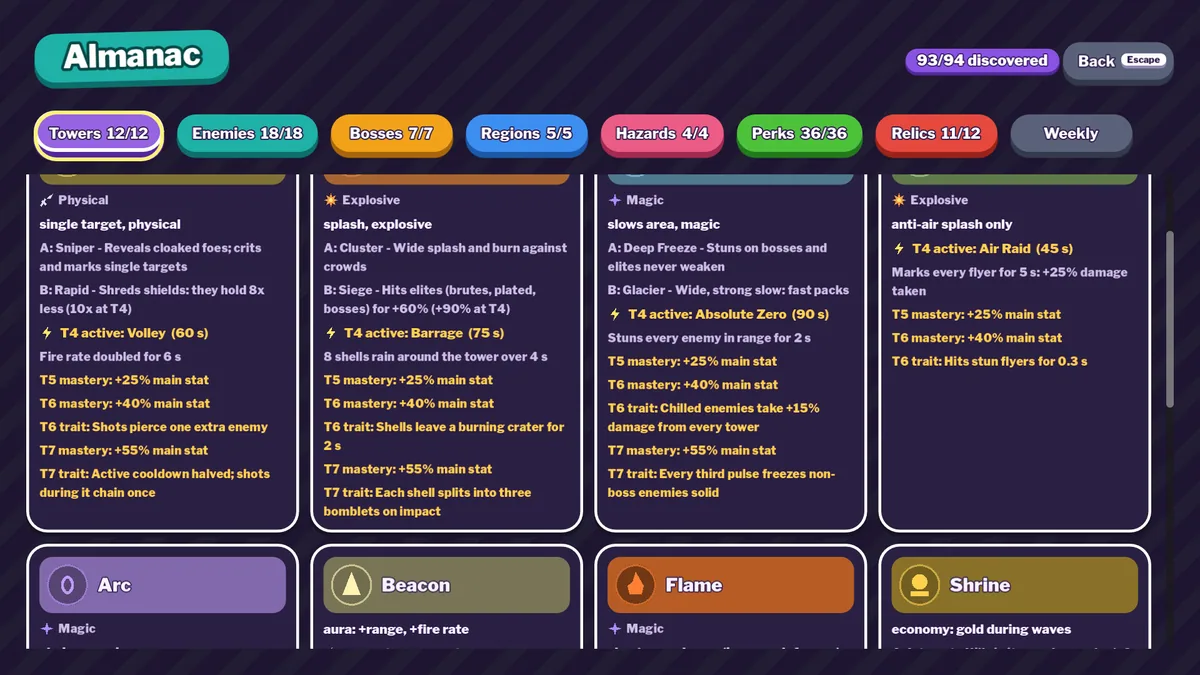
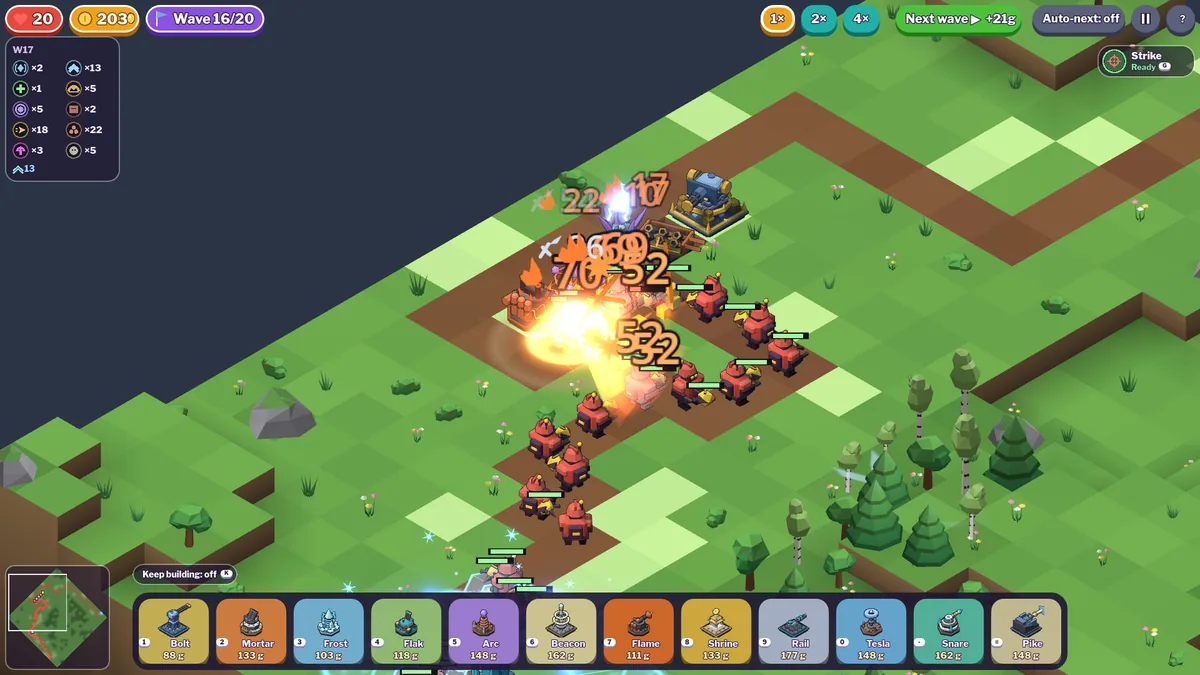
Pocket TD grows its map as the tower defense run continues. Twelve tower types, five biomes and boss fights create new placement problems each time space opens. Perks can change the value of an established defense.
A tower positioned for the current edge may lose coverage after the map expands. Saving resources for a boss can be wiser than filling every empty tile. Looking at leaks by biome helps identify whether the layout or the chosen perk needs work.
Official game page


Using the Pocket TD trainer
Open the Eagle menu with Insert before a new stage to review towers, emerging map tiles and the next boss. The coverage panel shows which paths remain exposed. Use the perk history to compare how earlier choices affected later biomes.