FREE CHEATS FOR
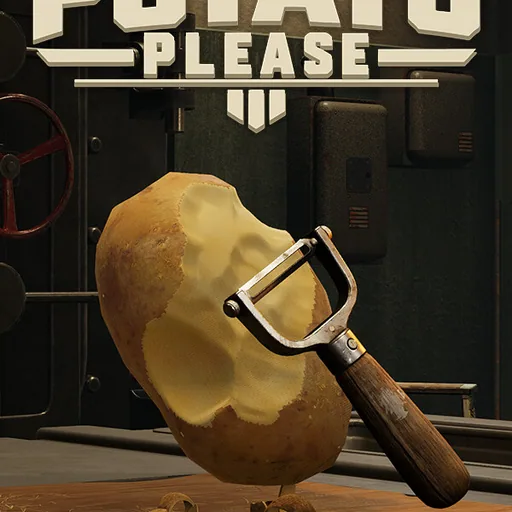
Potato Please
Released November 3, 2026
Updated
 EAGLE CHEATS
How to use Eagle in Potato Please
With Potato Please running, press Insert to open the Eagle menu. The quick keys give direct access to Potato Count and Peel Progress. Use the menu for Waste Weight, Knife Status and Tool Upgrades and the remaining listed features; close it with Insert to return to the app.
- F2 Potato Count
Press F2 to turn Potato Count on or off without opening the menu. - F3 Peel Progress
Press F3 to turn Peel Progress on or off without opening the menu. - Insert Waste Weight
Press Insert, find Waste Weight in the feature list, and switch it on or off. - Insert Knife Status
Press Insert, find Knife Status in the feature list, and switch it on or off. - Insert Tool Upgrades
Press Insert, find Tool Upgrades in the feature list, and switch it on or off.
EXPLORE THE MENUFeatures
8 features
The Eagle trainer for Potato Please brings potato count, peel progress, waste weight together for the Windows PC release. Press Insert during play to open the menu, choose a control and return to the current session. Additional controls cover knife status, tool upgrades, and bucket fill during play.
- Potato Count
- Peel Progress
- Waste Weight
- Knife Status
- Tool Upgrades
- Bucket Fill
- Earnings
- Shift Record
About the game
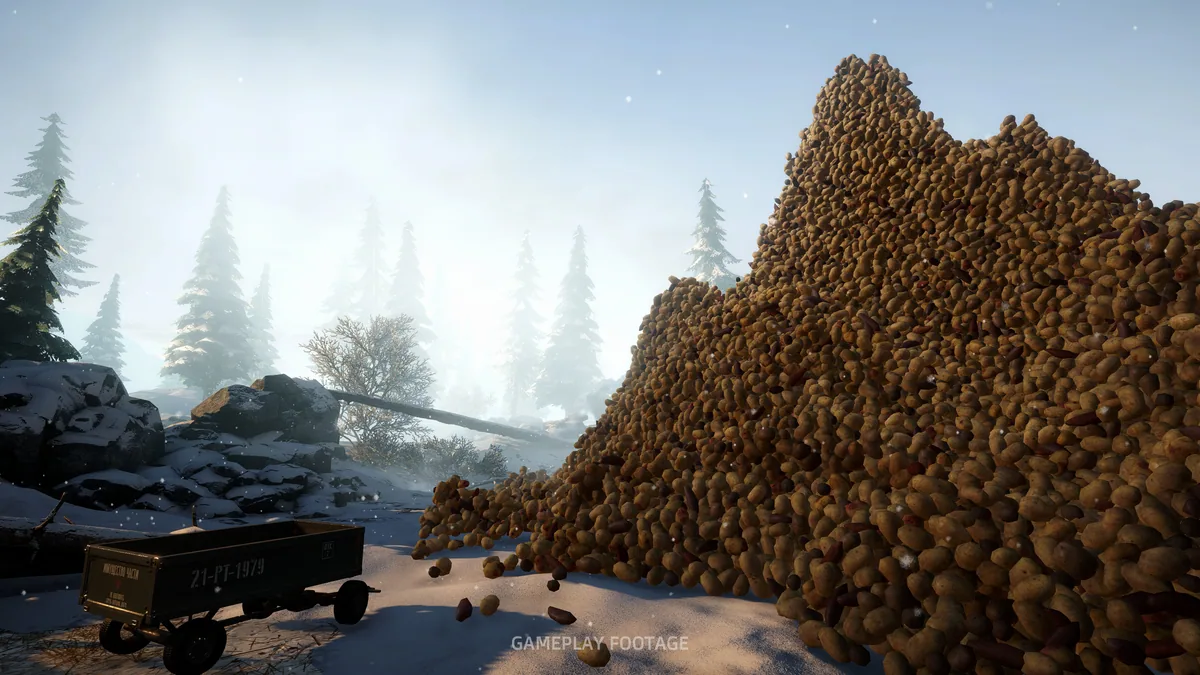
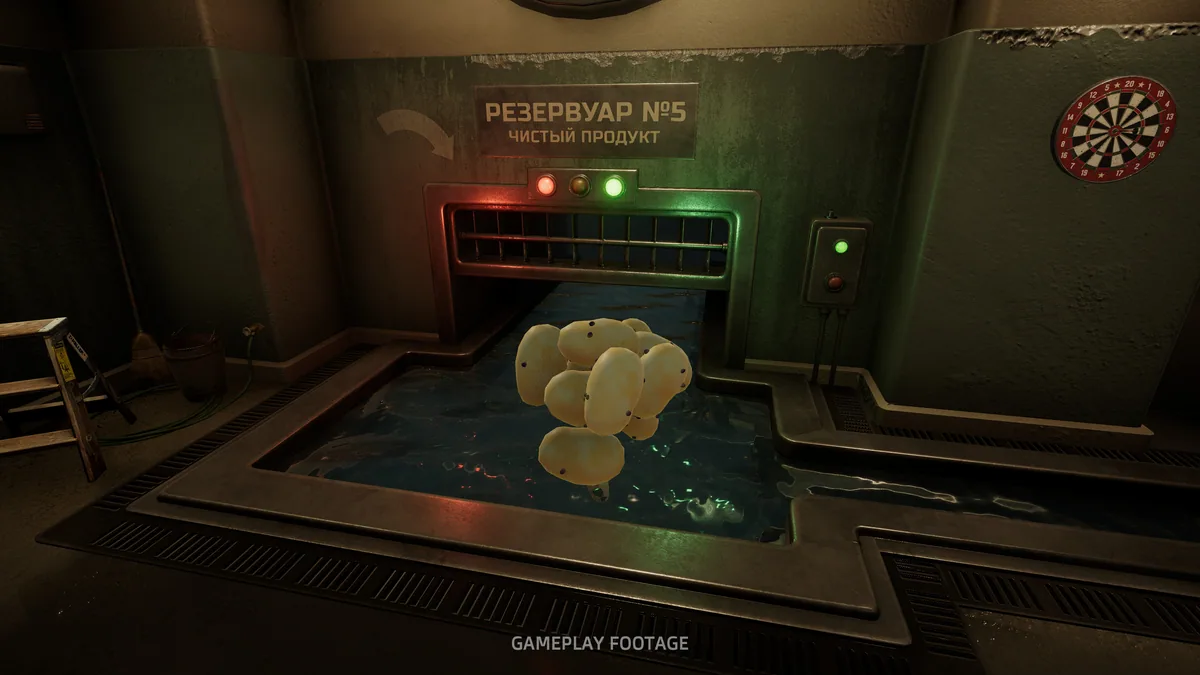
Potato Please turns a mountain of potatoes into a first-person precision task. A knife, a bucket and realistic peeling physics make thin cuts and low waste the measures of success. Better tools can be bought, but no purchase removes the need to handle the next potato carefully.
Cutting too deeply may be quick and wasteful; working too slowly can make the remaining pile feel endless. The physical motion of each peel gives a small result that adds up over a shift. Tool improvements change the workflow while preserving the unusual focus on craft.
Official game page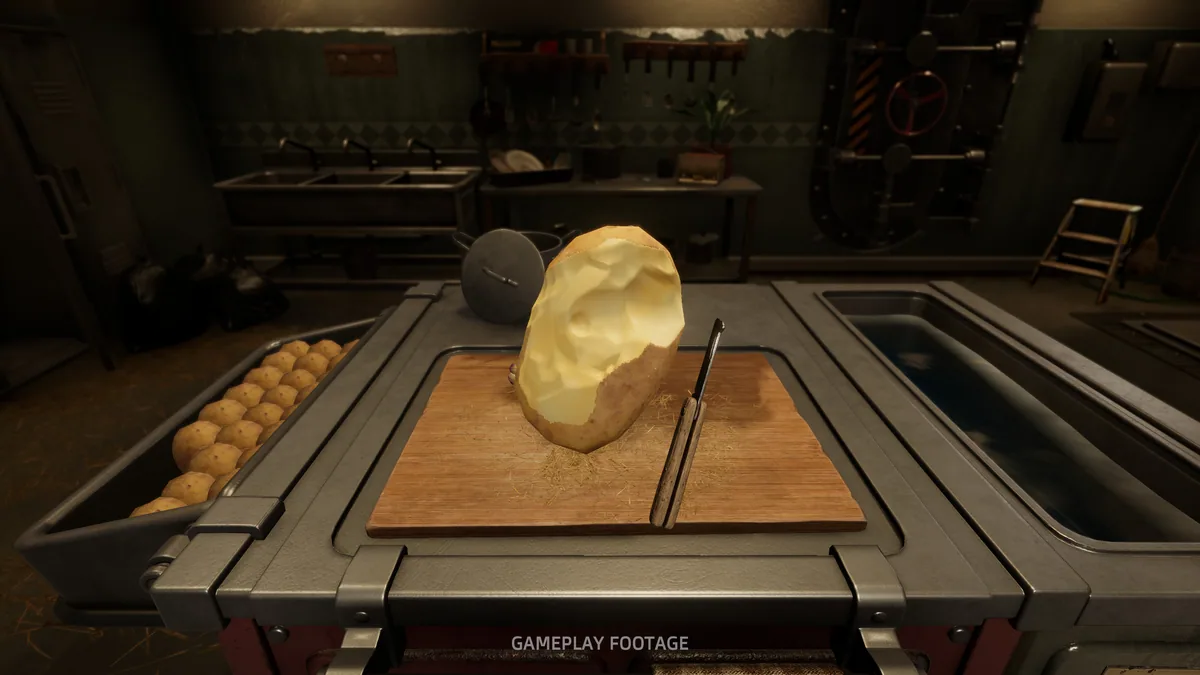
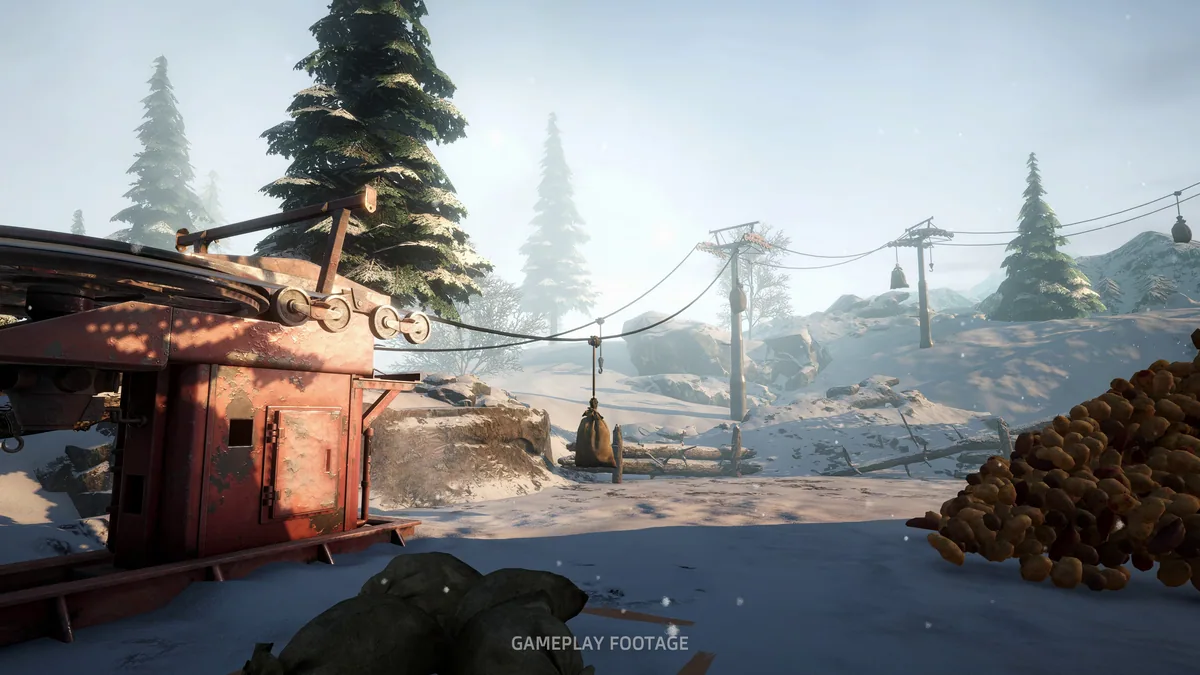
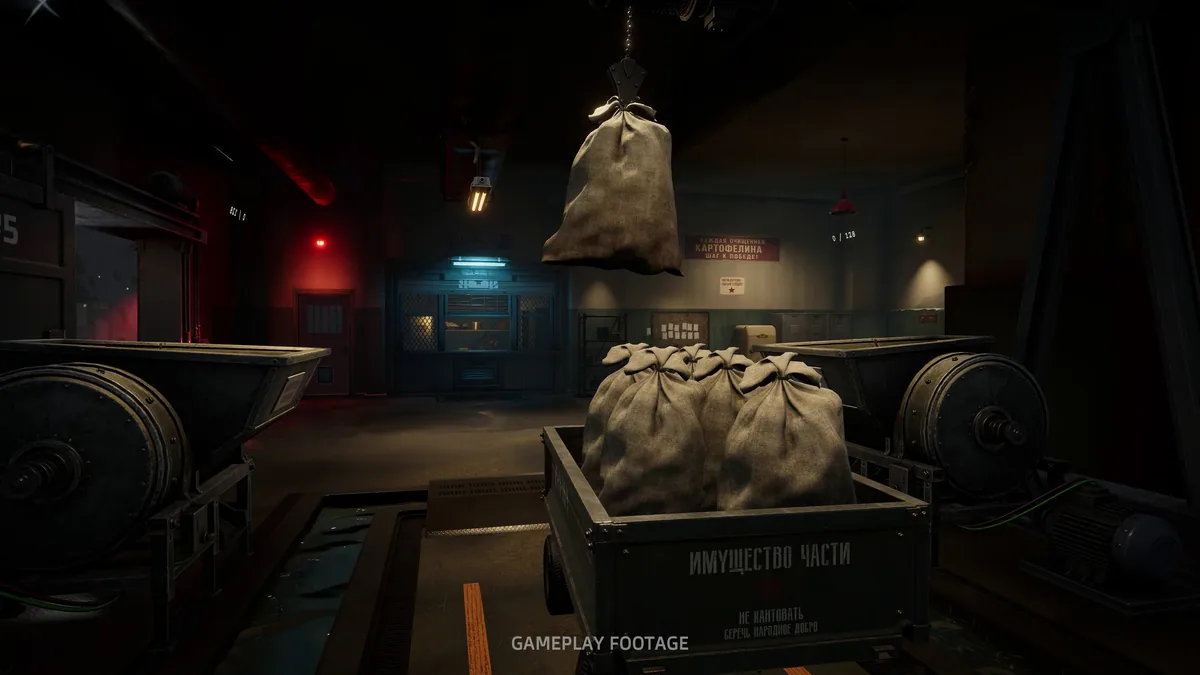
Using the Potato Please trainer
The Eagle menu tracks peeled weight, waste and tool condition alongside the size of the remaining pile. Open it with Insert between potatoes to compare a new tool with current earnings. A cut history helps identify where material was lost without performing the hands-on peeling for the player.