FREE CHEATS FOR
Presentfall: Santa Defense
Released November 17, 2026
Updated
 EAGLE CHEATS
How to use Eagle in Presentfall: Santa Defense
With Presentfall: Santa Defense running, press Insert to open the Eagle menu. The quick keys give direct access to Present Health and Helper Roster. Use the menu for Snowball Stock, Defense Map and Enemy Paths and the remaining listed features; close it with Insert to return to the app.
- F2 Present Health
Press F2 to turn Present Health on or off without opening the menu. - F3 Helper Roster
Press F3 to turn Helper Roster on or off without opening the menu. - Insert Snowball Stock
Press Insert, find Snowball Stock in the feature list, and switch it on or off. - Insert Defense Map
Press Insert, find Defense Map in the feature list, and switch it on or off. - Insert Enemy Paths
Press Insert, find Enemy Paths in the feature list, and switch it on or off.
EXPLORE THE MENUFeatures
8 features
The Eagle trainer for Presentfall: Santa Defense brings present health, helper roster, snowball stock together for the Windows PC release. Press Insert during play to open the menu, choose a control and return to the current session. Additional controls cover enemy paths, hire costs, and wave log during play.
- Present Health
- Helper Roster
- Snowball Stock
- Enemy Paths
- Hire Costs
- Wave Log
- Defense Map
- Holiday Progress
About the game
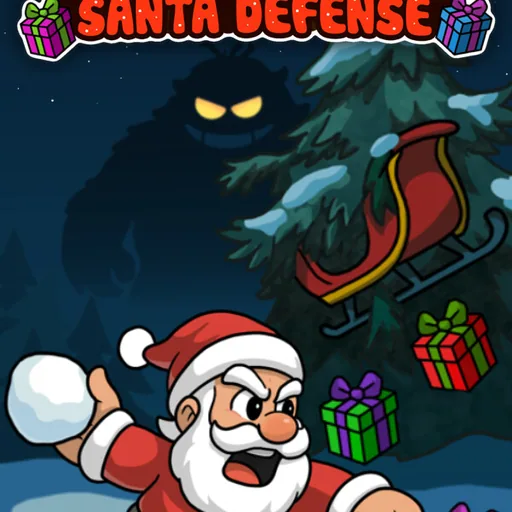
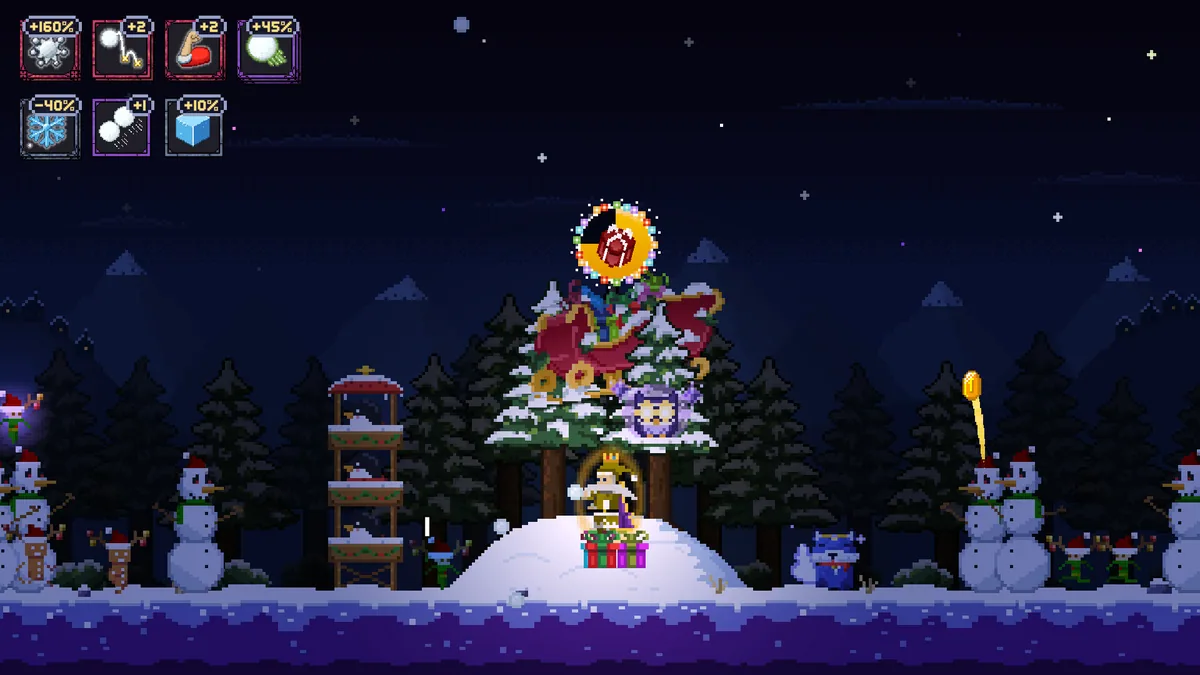
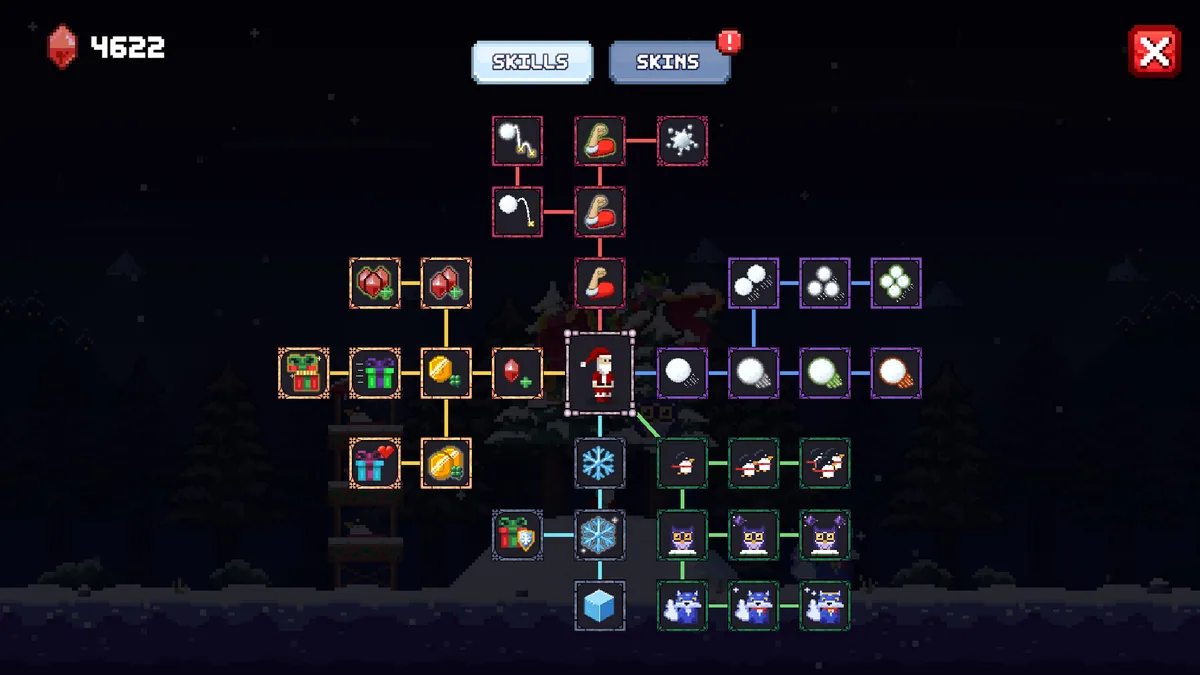
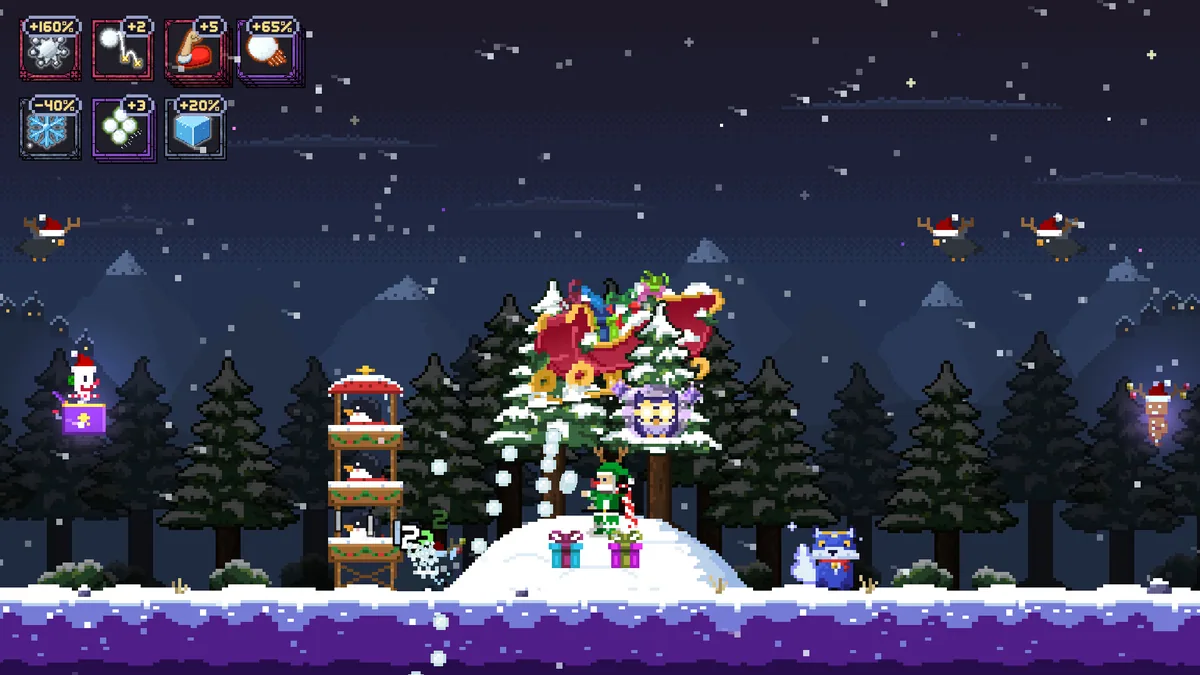
Presentfall: Santa Defense is a pixel-art Christmas defense game about saving the last presents. Snowballs and hired penguin or owl helpers protect against attackers. The small seasonal premise creates clear choices about where to spend limited support.
A helper placed too far from the presents may contribute little when the next wave arrives. Throwing snowballs at every target can leave a gap for a faster enemy. Looking at wave routes helps position allies where they can matter most.
Official game page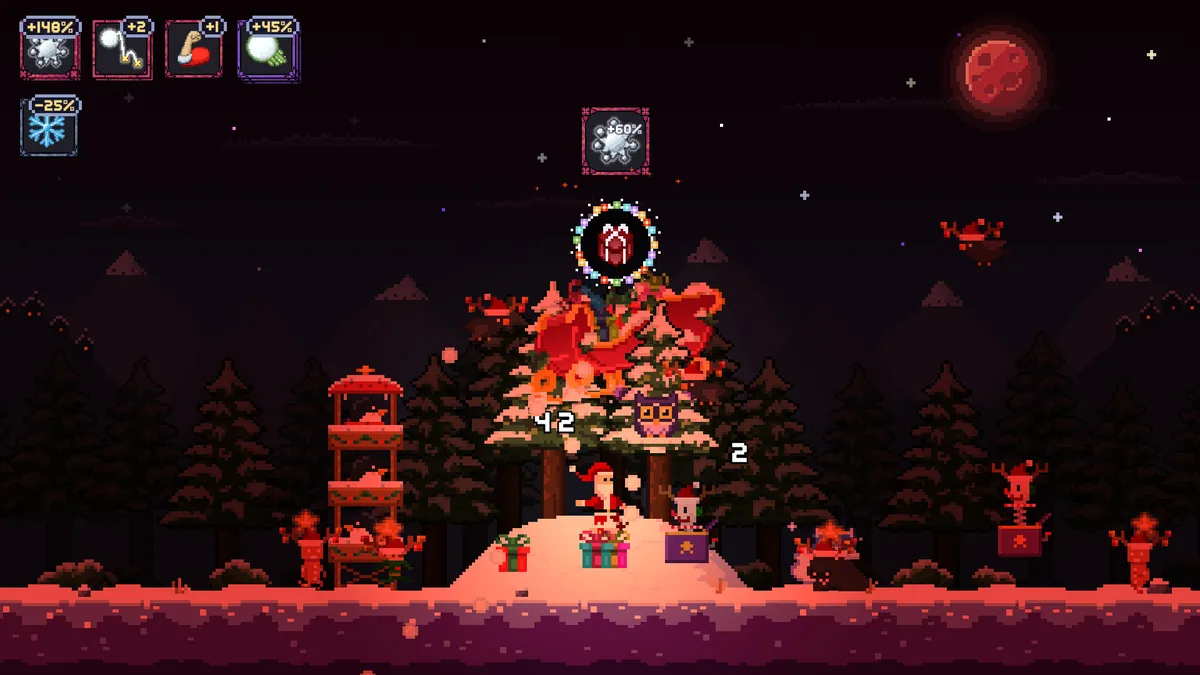
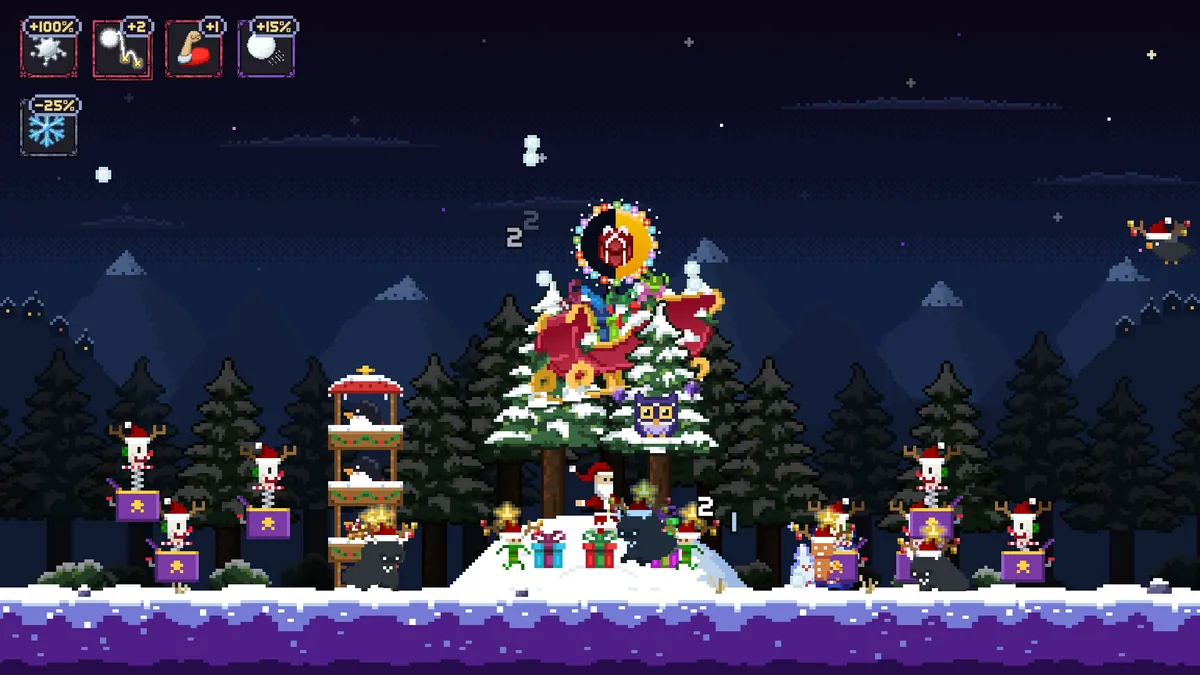
Using the Presentfall: Santa Defense trainer
Open the Eagle menu with Insert before a wave to inspect present health, helper positions and enemy paths. The defense log records each breach. Use the hire panel to compare an additional animal ally with an upgrade to the current line.