FREE CHEATS FOR
Project: Home!
Released November 13, 2026
Updated

 EAGLE CHEATS
How to use Eagle in Project: Home!
With Project: Home! running, press Insert to open the Eagle menu. The quick keys give direct access to Room Repairs and Material Stock. Use the menu for Task Calendar, House Map and Lola Notes and the remaining listed features; close it with Insert to return to the app.
- F2 Room Repairs
Press F2 to turn Room Repairs on or off without opening the menu. - F3 Material Stock
Press F3 to turn Material Stock on or off without opening the menu. - Insert Task Calendar
Press Insert, find Task Calendar in the feature list, and switch it on or off. - Insert House Map
Press Insert, find House Map in the feature list, and switch it on or off. - Insert Lola Notes
Press Insert, find Lola Notes in the feature list, and switch it on or off.
EXPLORE THE MENUFeatures
8 features
The Eagle trainer for Project: Home! brings room repairs, material stock, task calendar together for the Windows PC release. Press Insert during play to open the menu, choose a control and return to the current session. Additional controls cover house map, lola notes, and mira notes during play.
- Room Repairs
- Material Stock
- Task Calendar
- House Map
- Lola Notes
- Mira Notes
- Dialogue History
- Story Progress
About the game
Project: Home! begins when a lost job sends the protagonist back to a hometown and a family house in need of repair. Old friends Lola and Mira offer help with renovation, while the relationships may develop beyond the work. Building the home and rebuilding a life become connected parts of the story.
A room can be repaired with materials, but a friendship depends on the choices made during time together. Deciding which task to finish next changes how the house feels and which conversations are available. The story's quieter pace rewards remembering what each friend has shared.
Official game page
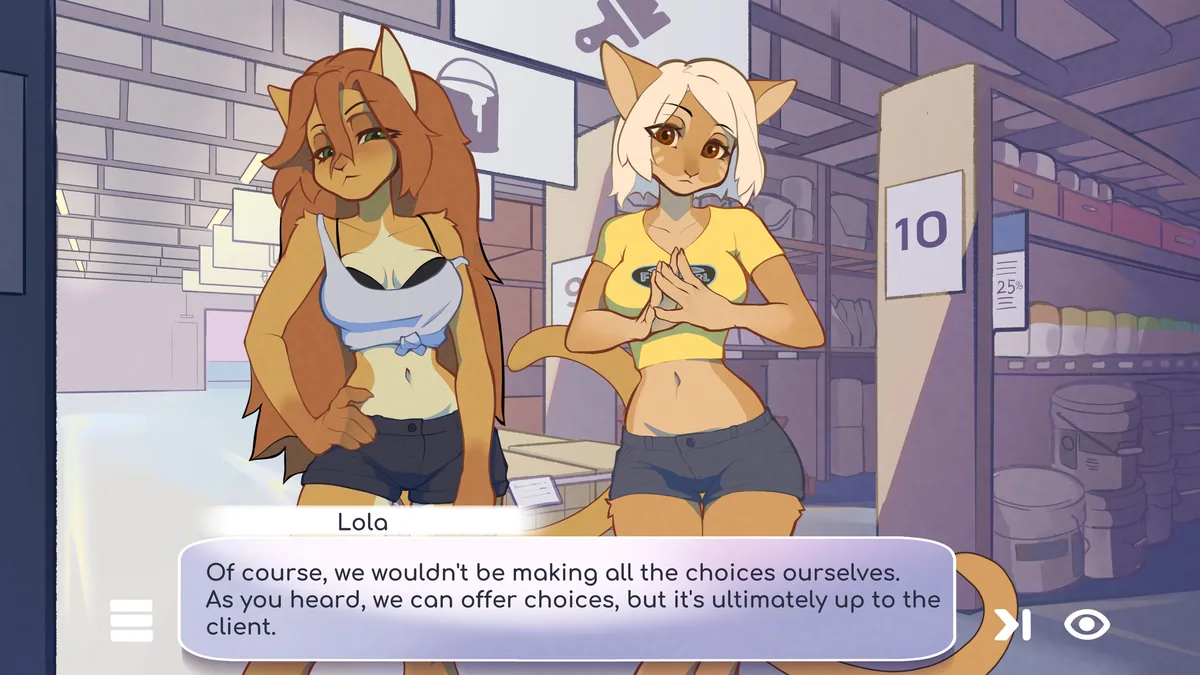
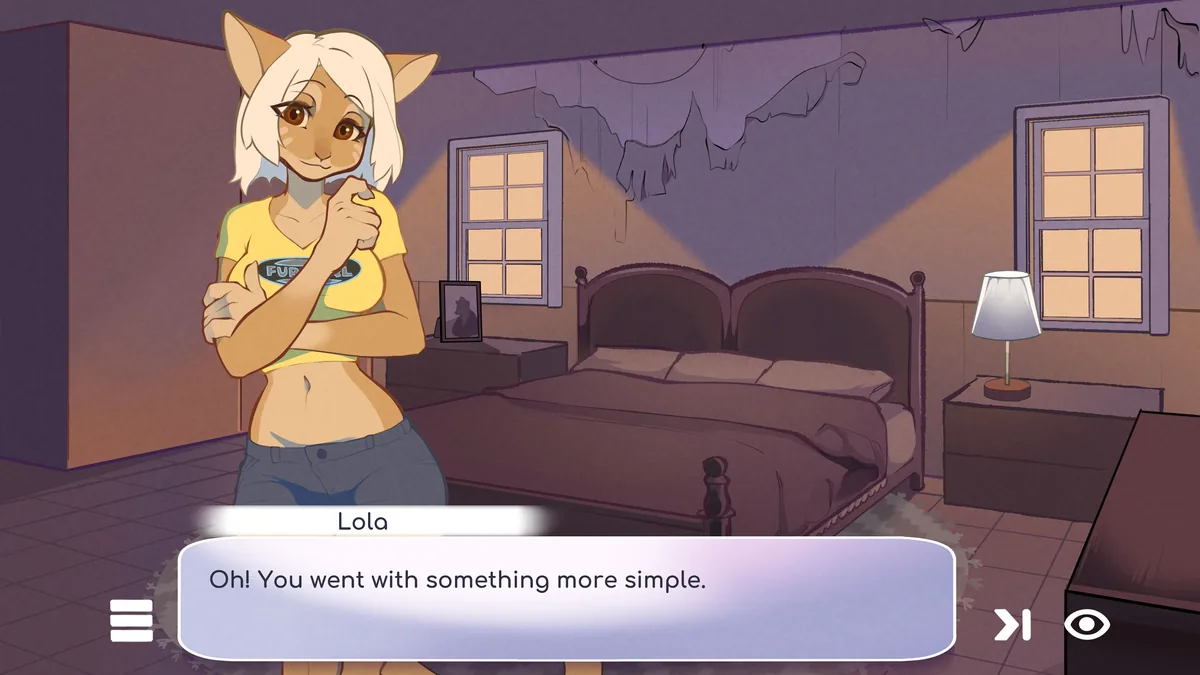
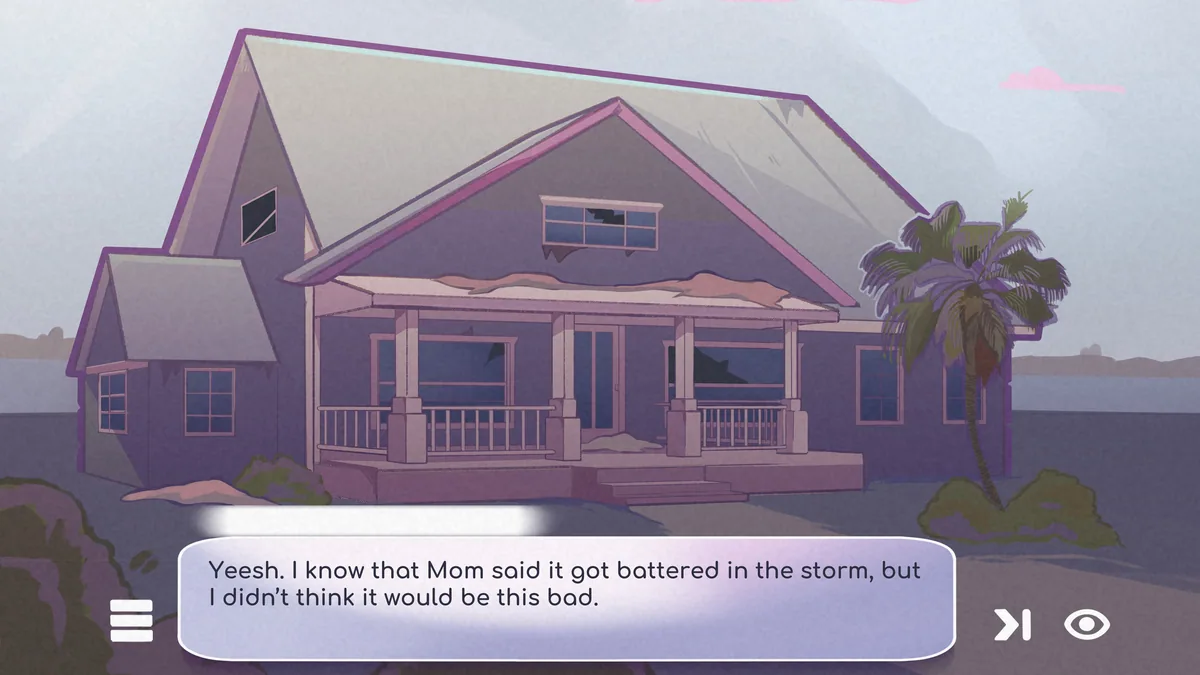
Using the Project: Home! trainer
The Eagle menu separates renovation tasks, material stock and conversation notes. Use Insert before a new project to see what the house still needs. A relationship timeline records visible story choices without inventing an outcome or replacing the player's dialogue decisions.