FREE CHEATS FOR
PROJECT M.E.D.S.
Released November 10, 2026
Updated
 EAGLE CHEATS
How to use Eagle in PROJECT M.E.D.S.
With PROJECT M.E.D.S. running, press Insert to open the Eagle menu. The quick keys give direct access to Defender Health and Pathogen Wave. Use the menu for Medical Weapons, Boss Health and Infection Map and the remaining listed features; close it with Insert to return to the app.
- F2 Defender Health
Press F2 to turn Defender Health on or off without opening the menu. - F3 Pathogen Wave
Press F3 to turn Pathogen Wave on or off without opening the menu. - Insert Medical Weapons
Press Insert, find Medical Weapons in the feature list, and switch it on or off. - Insert Boss Health
Press Insert, find Boss Health in the feature list, and switch it on or off. - Insert Infection Map
Press Insert, find Infection Map in the feature list, and switch it on or off.
EXPLORE THE MENUFeatures
8 features
The Eagle trainer for PROJECT M.E.D.S. brings defender health, pathogen wave, medical weapons together for the Windows PC release. Press Insert during play to open the menu, choose a control and return to the current session. Additional controls cover upgrade choices, pickup range, and boss health during play.
- Defender Health
- Pathogen Wave
- Medical Weapons
- Upgrade Choices
- Pickup Range
- Boss Health
- Infection Map
- Run Timer
About the game
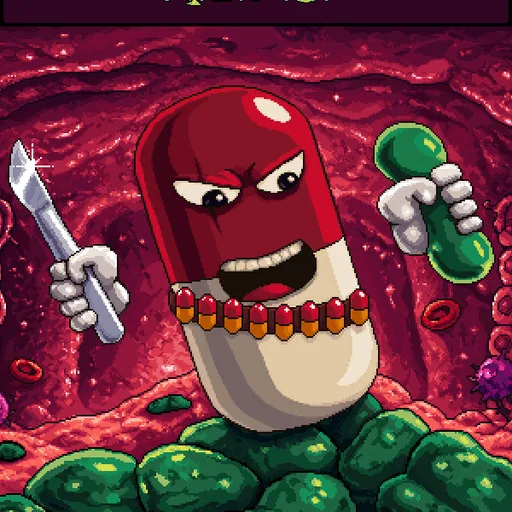
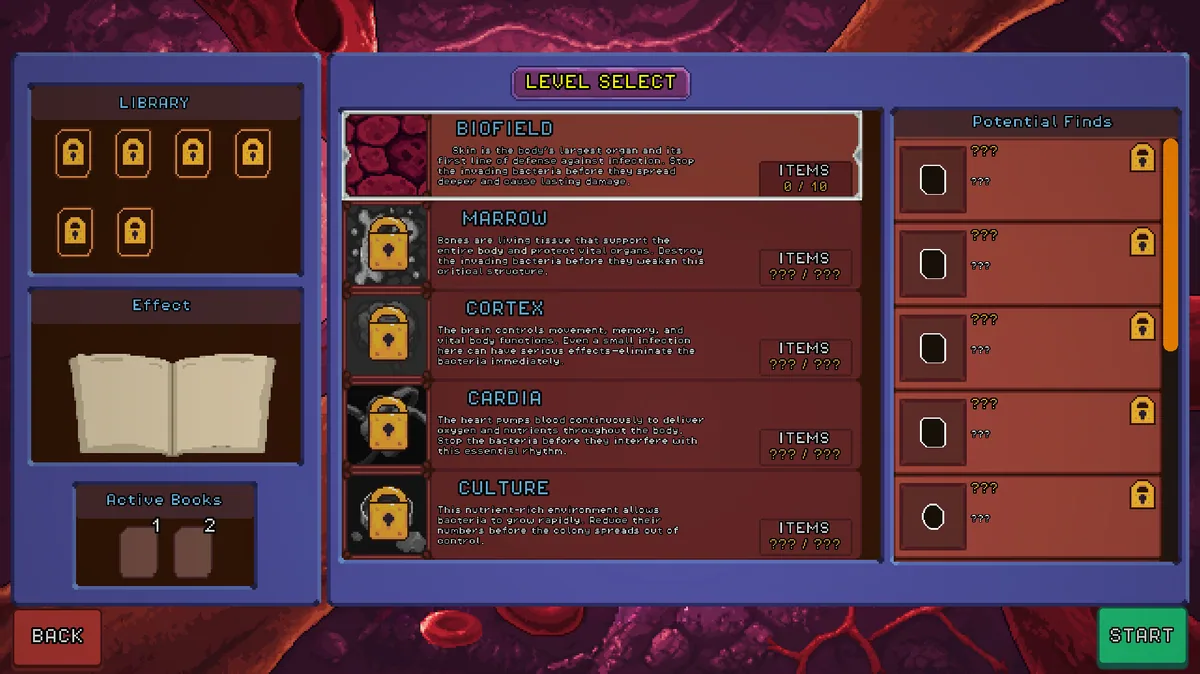
PROJECT M.E.D.S. is an action survivor game set inside a body overwhelmed by infectious germs. Medical weapons and upgrades help the defender survive large pathogen waves. The biological theme gives enemy groups different roles as the defense pushes toward the next crisis.
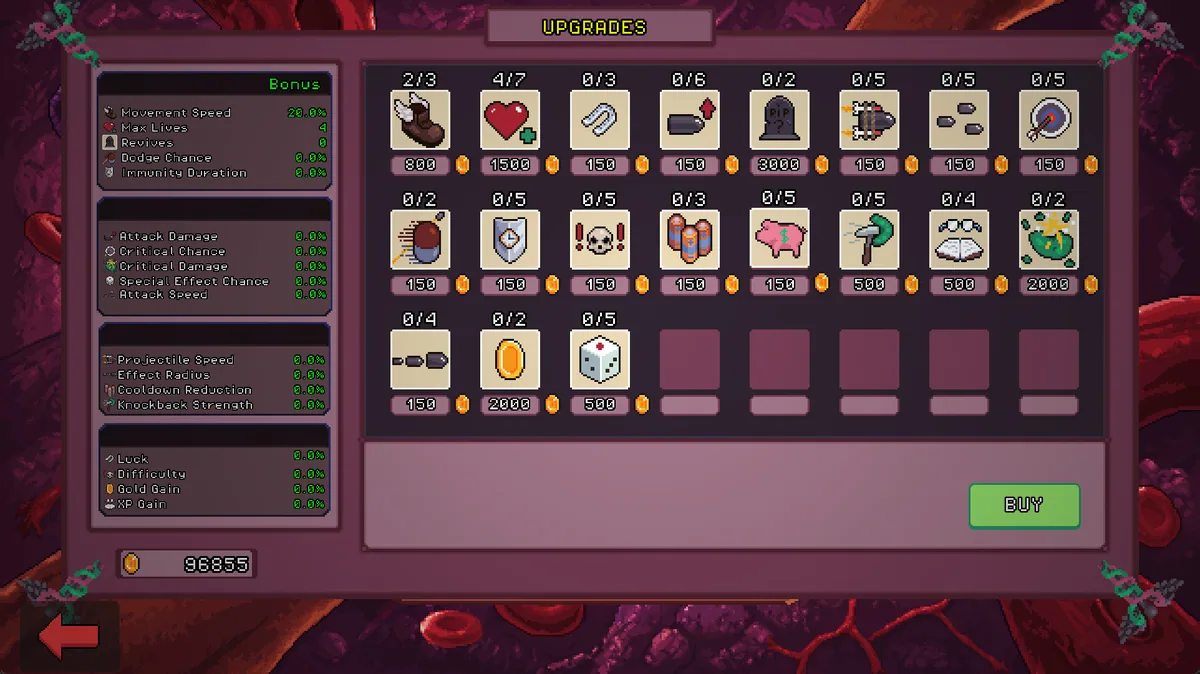
A weapon that clears small germs may need another effect to handle a tougher infection. Moving too close for pickups can place the defender in the path of a new wave. Upgrade choices are most useful when they improve a weakness in the current medical arsenal.
Official game page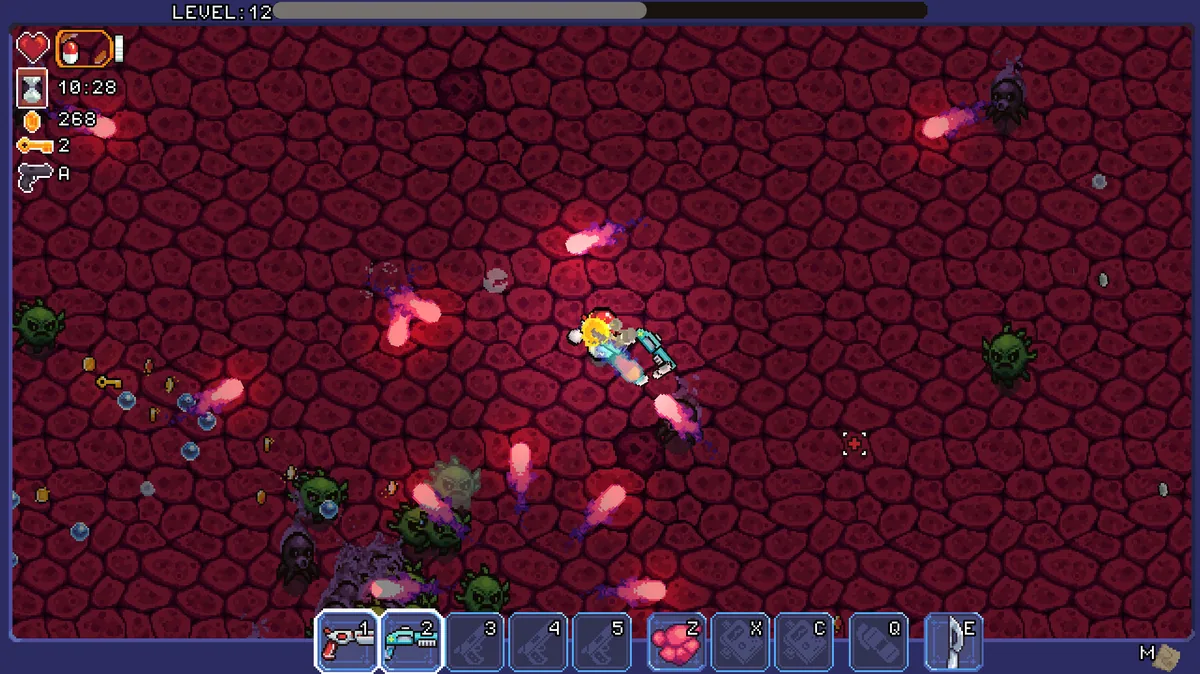
Using the PROJECT M.E.D.S. trainer
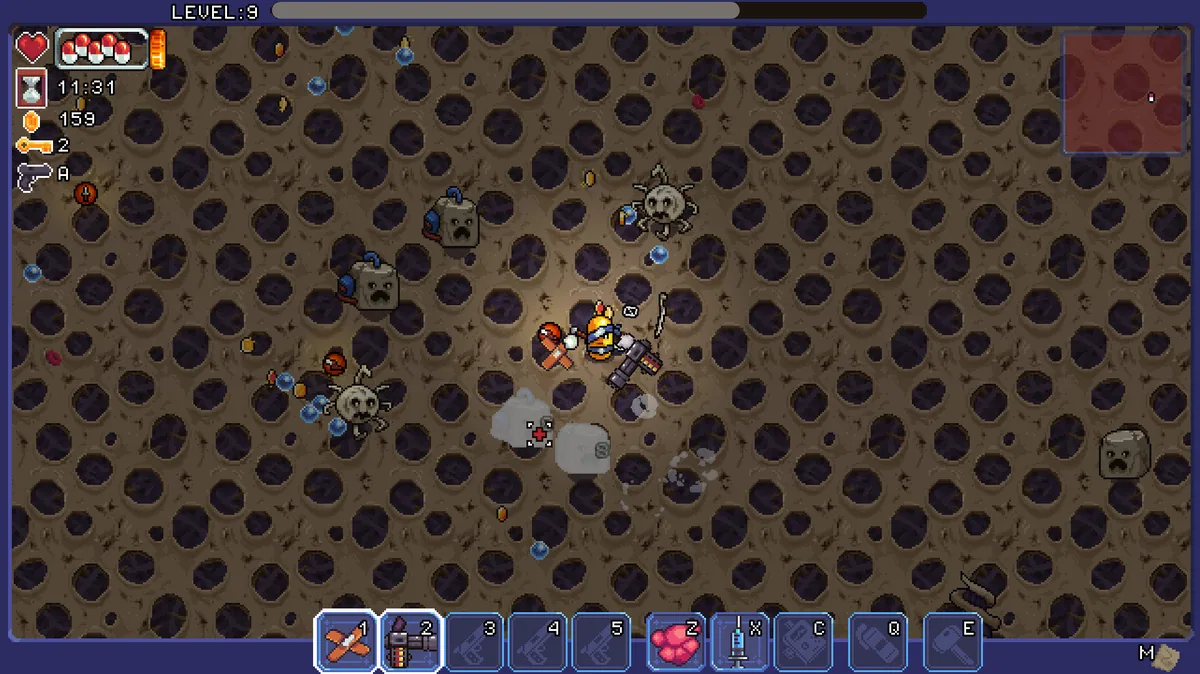
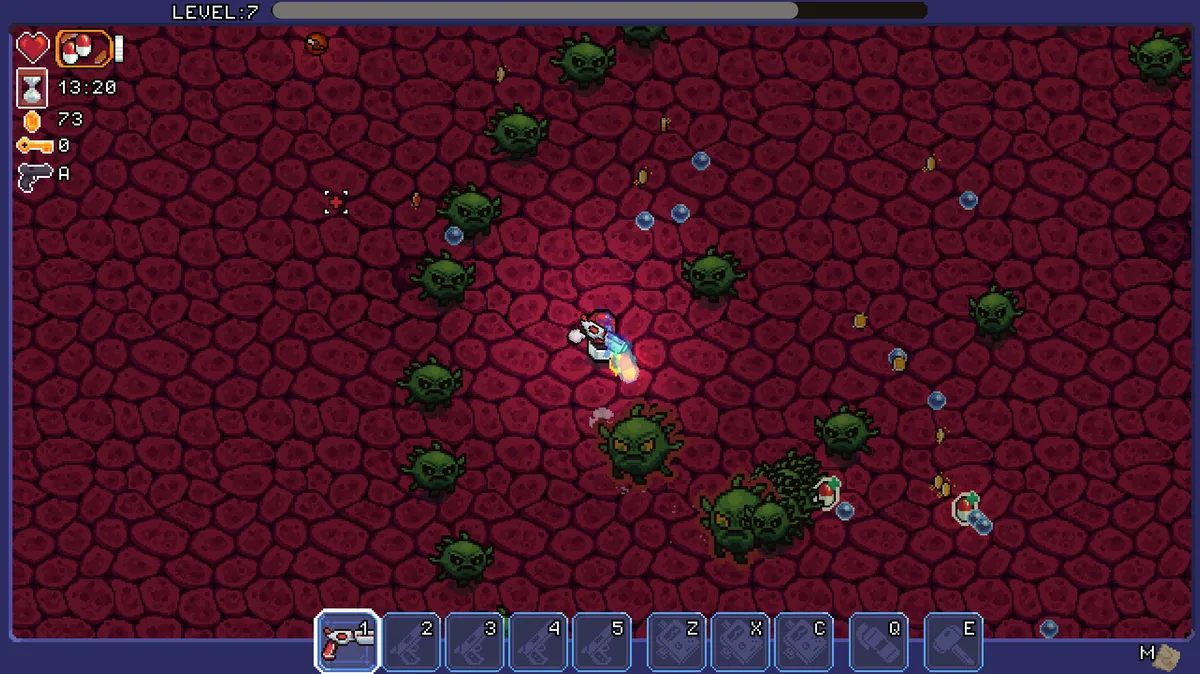
The menu shows defender health, pathogen types and available weapon upgrades during a run. It helps compare a new medical tool with the current build and track whether the next wave is approaching. A progress view keeps the broader defense objective visible.