FREE CHEATS FOR
Pump And Dump
Released November 16, 2026
Updated
 EAGLE CHEATS
How to use Eagle in Pump And Dump
With Pump And Dump running, press Insert to open the Eagle menu. The quick keys give direct access to Stock Holdings and Scheme Cards. Use the menu for Buyer Calls, Run Timeline and SEC Pressure and the remaining listed features; close it with Insert to return to the app.
- F2 Stock Holdings
Press F2 to turn Stock Holdings on or off without opening the menu. - F3 Scheme Cards
Press F3 to turn Scheme Cards on or off without opening the menu. - Insert Buyer Calls
Press Insert, find Buyer Calls in the feature list, and switch it on or off. - Insert Run Timeline
Press Insert, find Run Timeline in the feature list, and switch it on or off. - Insert SEC Pressure
Press Insert, find SEC Pressure in the feature list, and switch it on or off.
EXPLORE THE MENUFeatures
8 features
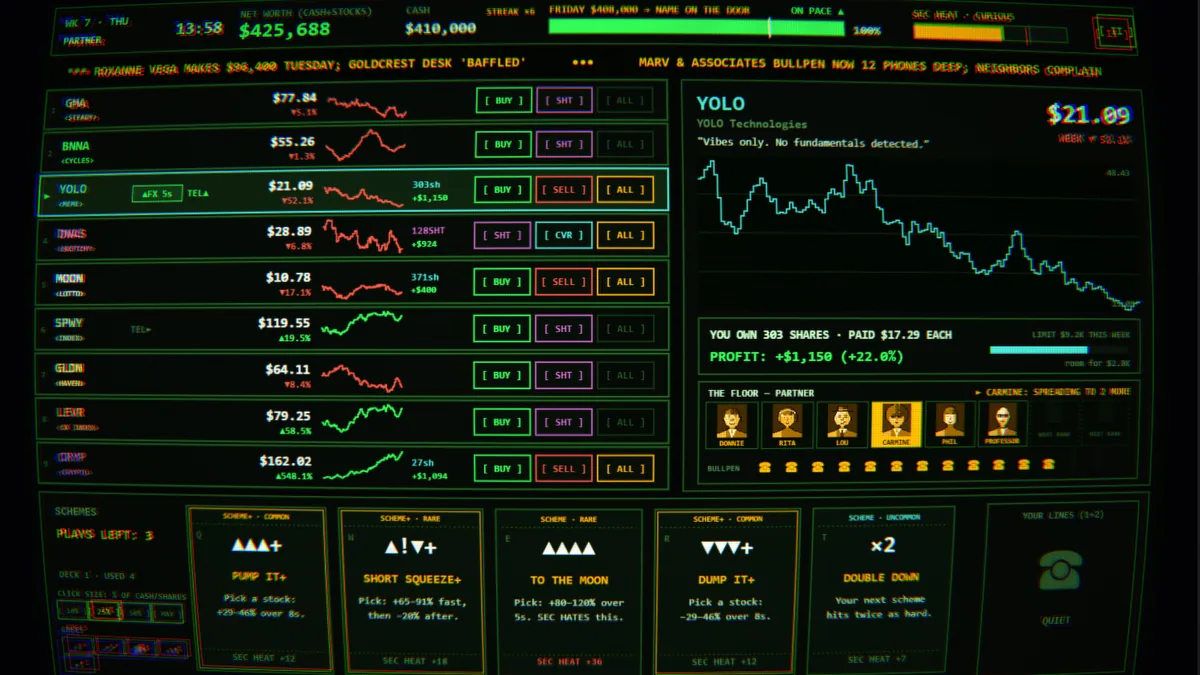
The Eagle trainer for Pump And Dump brings stock holdings, scheme cards, buyer calls together for the Windows PC release. Press Insert during play to open the menu, choose a control and return to the current session. Additional controls cover sec pressure, weekly ledger, and exit planner during play.
- Stock Holdings
- Scheme Cards
- Buyer Calls
- SEC Pressure
- Weekly Ledger
- Exit Planner
- Profit Record
- Run Timeline
About the game
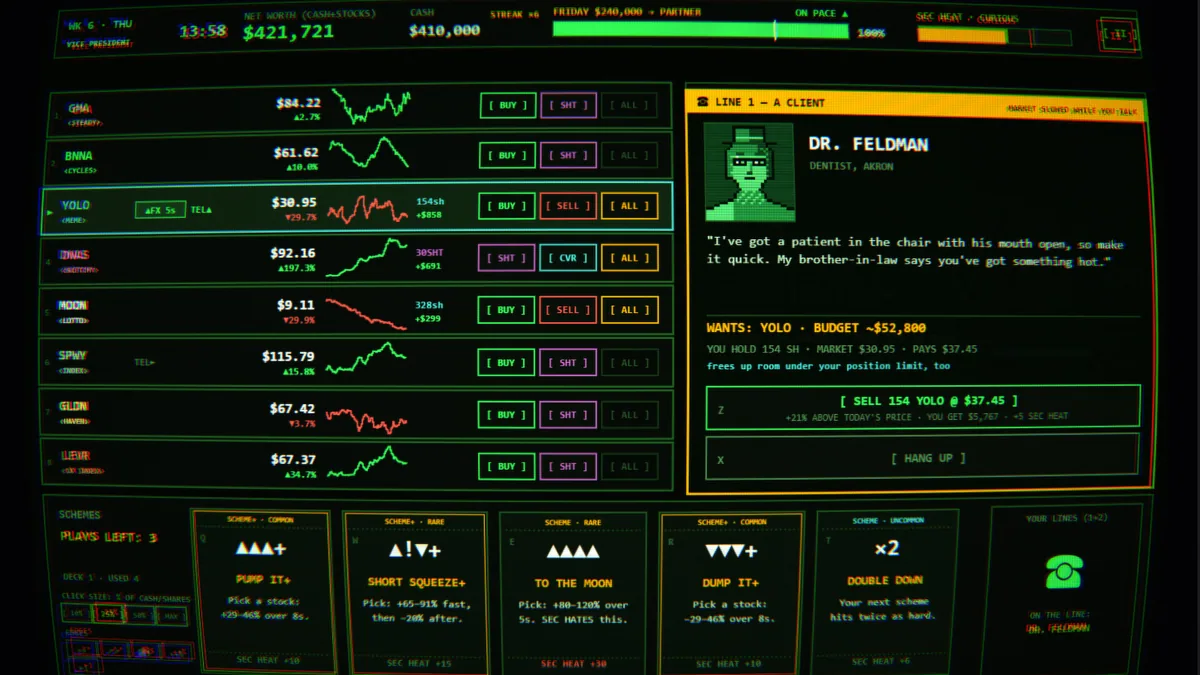
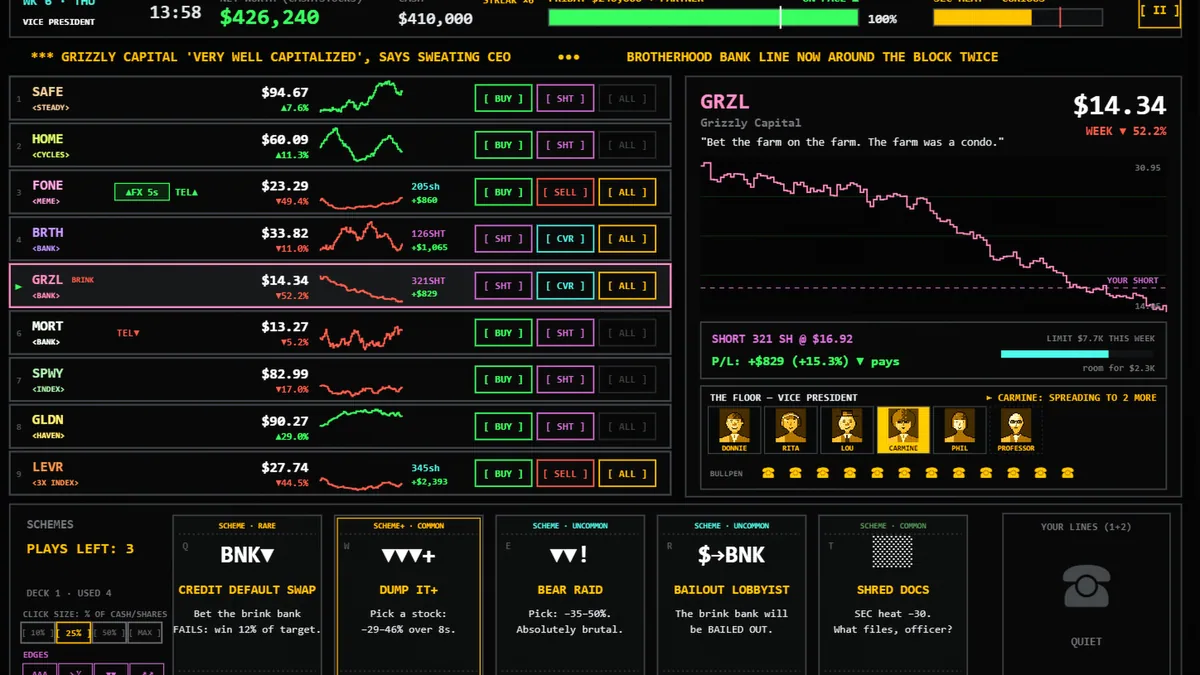
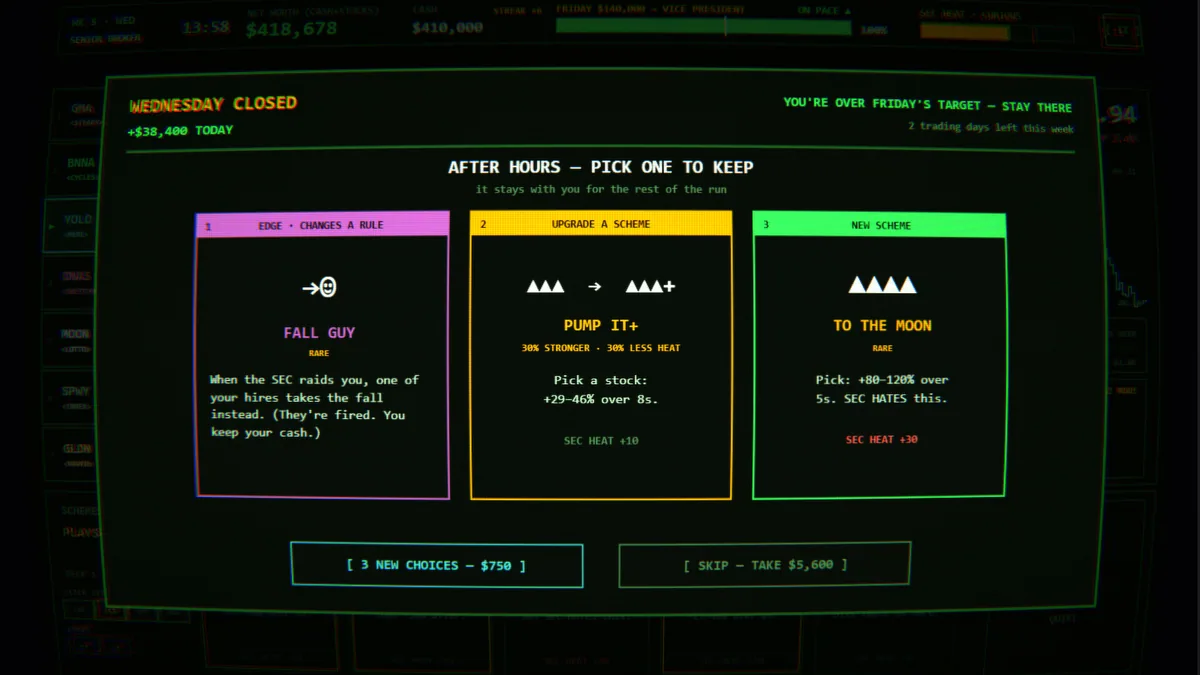
Pump And Dump is a trading roguelite set in 1987. Scheme cards move stocks, telephone sales bring in buyers and the SEC remains a threat. Eight in-game weeks give every manipulation a deadline.
Pushing one stock too hard may raise attention before there is time to exit. A card that creates a short spike is less useful without enough buyers lined up. Tracking exposure beside profit makes the risk of each move easier to understand.
Official game page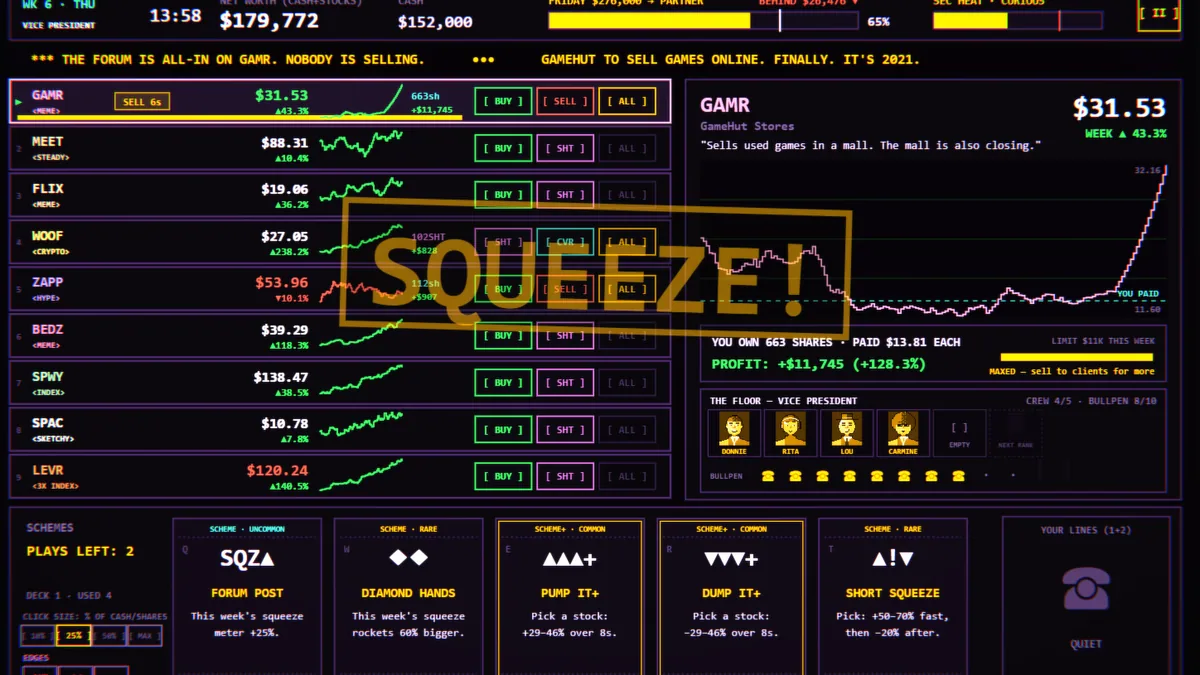
Using the Pump And Dump trainer
Open the Eagle menu with Insert between turns to review holdings, card effects and enforcement pressure. The weekly ledger links trades to sales calls. Use the exit planner to decide when a position has become too risky to hold.



