FREE CHEATS FOR
QBLOX
Released November 10, 2026
Updated

 EAGLE CHEATS
How to use Eagle in QBLOX
With QBLOX running, press Insert to open the Eagle menu. The quick keys give direct access to Axis Position and Wall Grid. Use the menu for Block Path, Time Splits and Line Preview and the remaining listed features; close it with Insert to return to the app.
- F2 Axis Position
Press F2 to turn Axis Position on or off without opening the menu. - F3 Wall Grid
Press F3 to turn Wall Grid on or off without opening the menu. - Insert Block Path
Press Insert, find Block Path in the feature list, and switch it on or off. - Insert Time Splits
Press Insert, find Time Splits in the feature list, and switch it on or off. - Insert Line Preview
Press Insert, find Line Preview in the feature list, and switch it on or off.
EXPLORE THE MENUFeatures
8 features
The Eagle trainer for QBLOX brings axis position, wall grid, block path together for the Windows PC release. Press Insert during play to open the menu, choose a control and return to the current session. Additional controls cover line preview, move history, and undo moves during play.
- Axis Position
- Wall Grid
- Block Path
- Line Preview
- Move History
- Undo Moves
- Score Tracker
- Time Splits
About the game
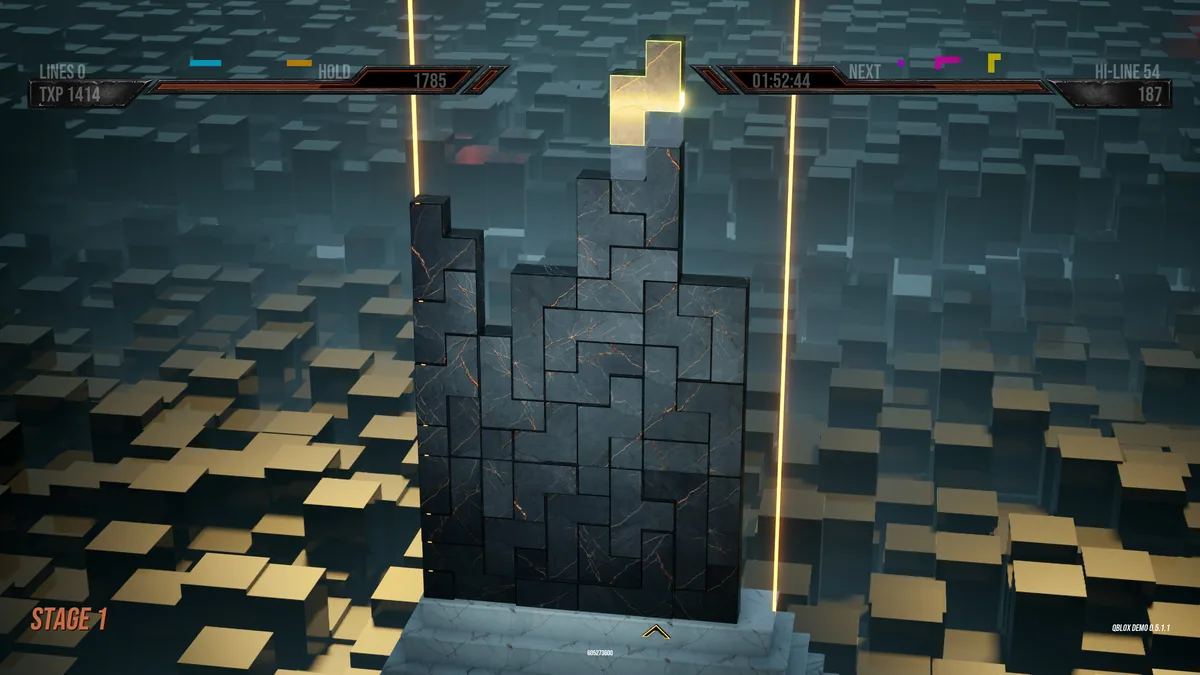
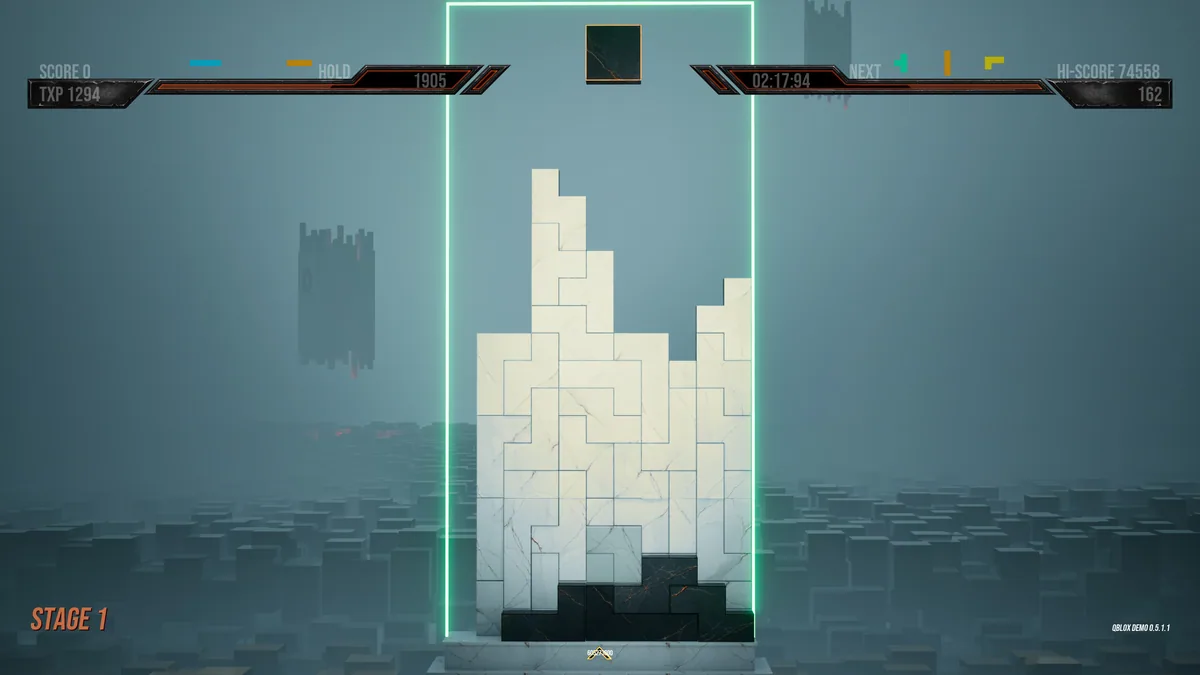
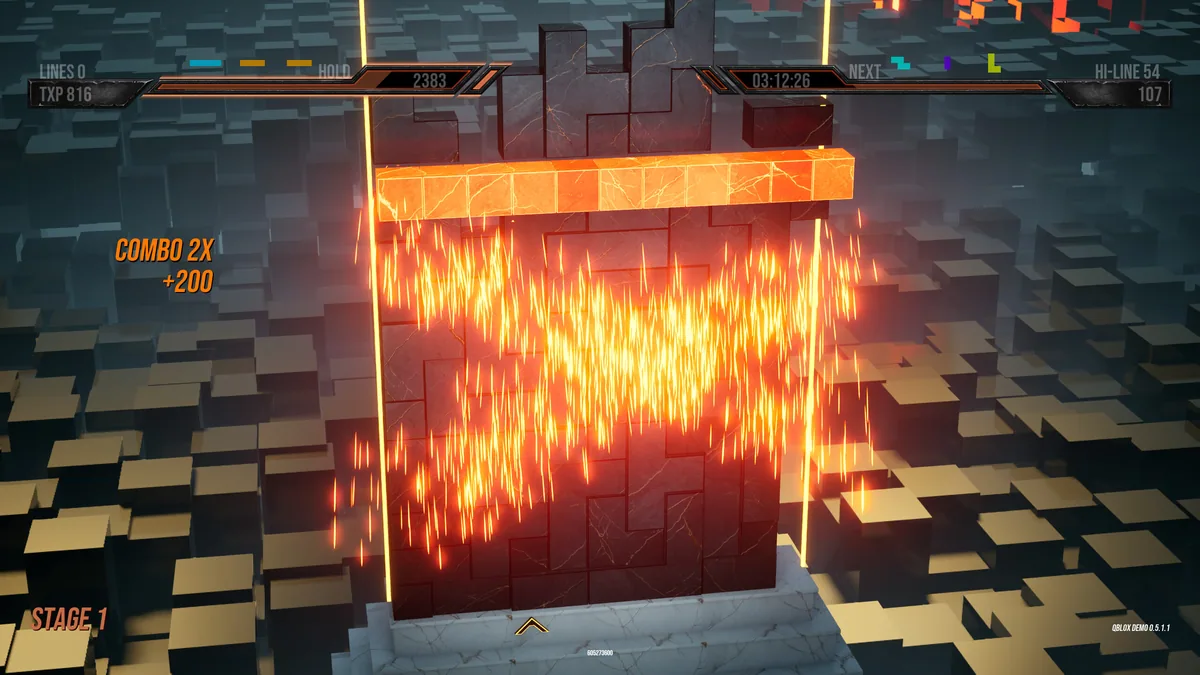
QBLOX is a fast three-dimensional action puzzle about shifting an axis between walls to guide blocks and break lines. Spatial position matters as much as speed. Each move changes where pieces can travel and which new alignment becomes possible.
A quick line break can leave awkward blocks for the next move, while a slower setup may create several clear paths. Rotating the problem mentally is central to the game. Replays help players see how a small axis change produced an unexpected result.
Official game page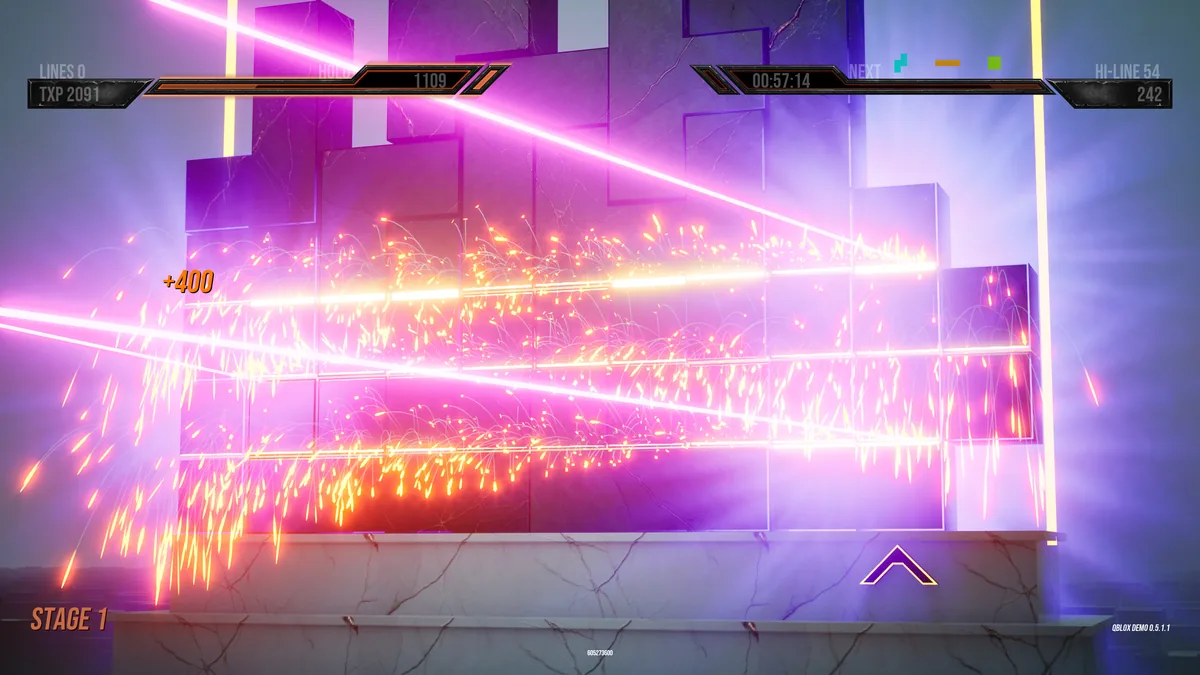
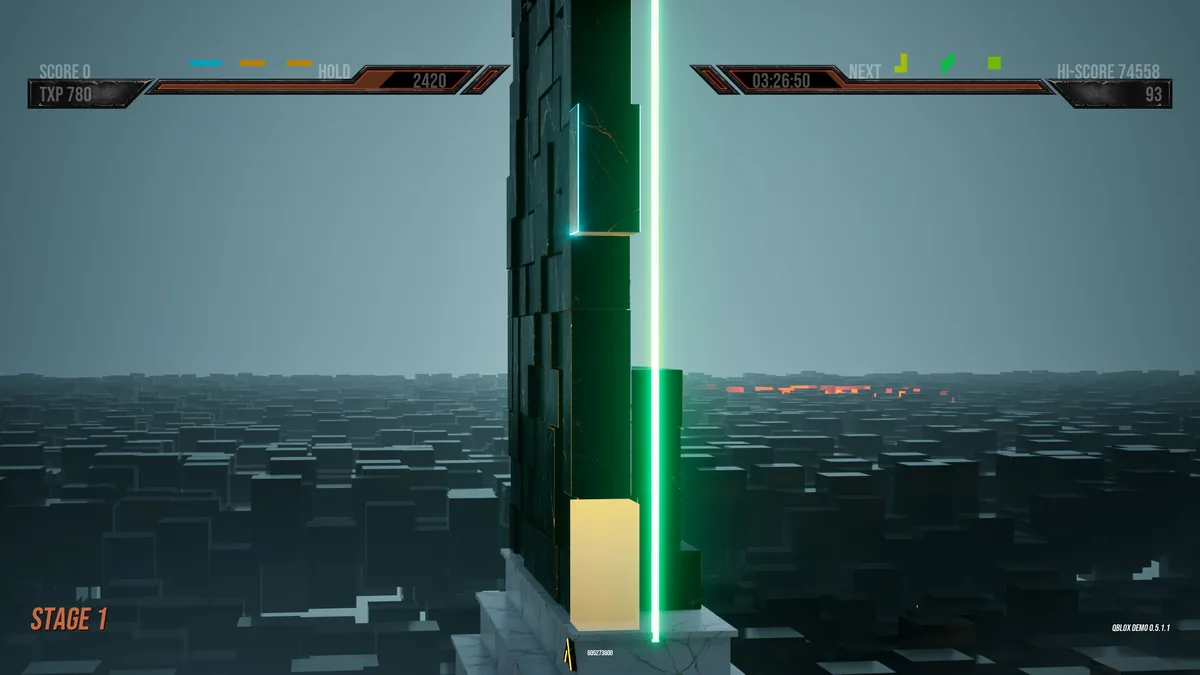
Using the QBLOX trainer
The menu shows the current axis, wall layout and projected block path before a move. It helps compare alternatives and follow the chain of line breaks afterward. Score and time views support both learning a puzzle and chasing a faster solution.