FREE CHEATS FOR
Racing League Evolution
Released November 14, 2026
Updated

 EAGLE CHEATS
How to use Eagle in Racing League Evolution
With Racing League Evolution running, press Insert to open the Eagle menu. The quick keys give direct access to Track Map and Lap Sectors. Use the menu for Machine Class, Vehicle Setup and Race Position and the remaining listed features; close it with Insert to return to the app.
- F2 Track Map
Press F2 to turn Track Map on or off without opening the menu. - F3 Lap Sectors
Press F3 to turn Lap Sectors on or off without opening the menu. - Insert Machine Class
Press Insert, find Machine Class in the feature list, and switch it on or off. - Insert Vehicle Setup
Press Insert, find Vehicle Setup in the feature list, and switch it on or off. - Insert Race Position
Press Insert, find Race Position in the feature list, and switch it on or off.
EXPLORE THE MENUFeatures
8 features
The Eagle trainer for Racing League Evolution brings track map, lap sectors, machine class together for the Windows PC release. Press Insert during play to open the menu, choose a control and return to the current session. Additional controls cover vehicle setup, race position, and career standings during play.
- Track Map
- Lap Sectors
- Machine Class
- Vehicle Setup
- Race Position
- Career Standings
- Upgrade View
- Event Calendar
About the game
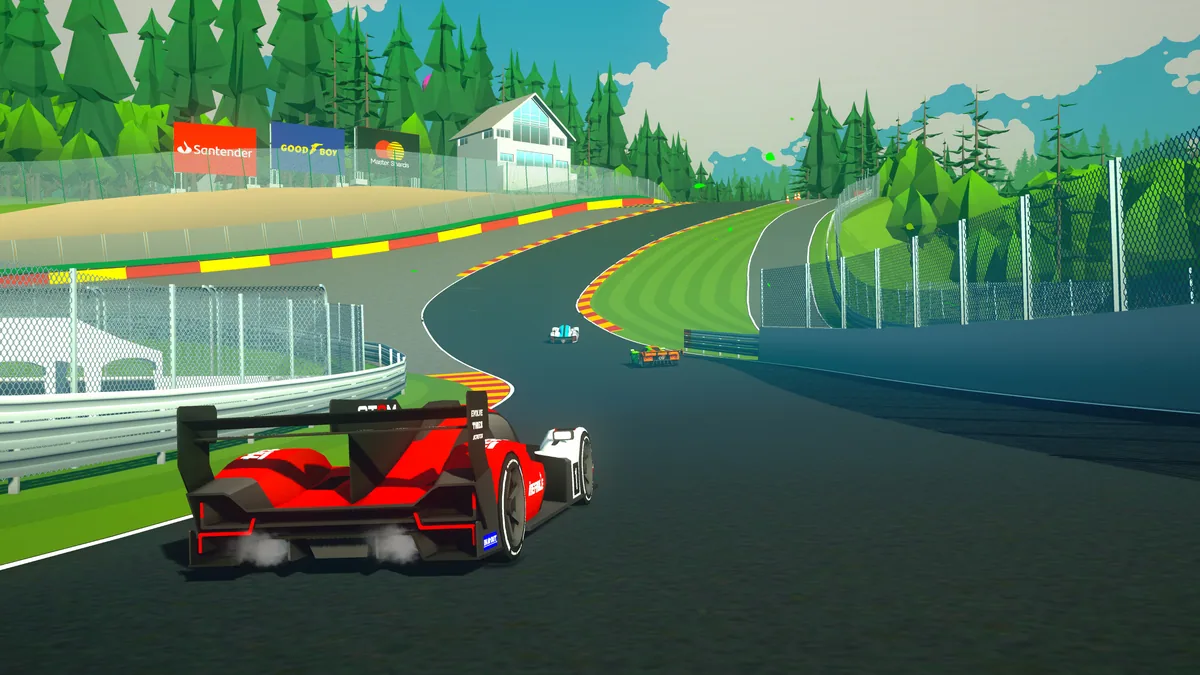
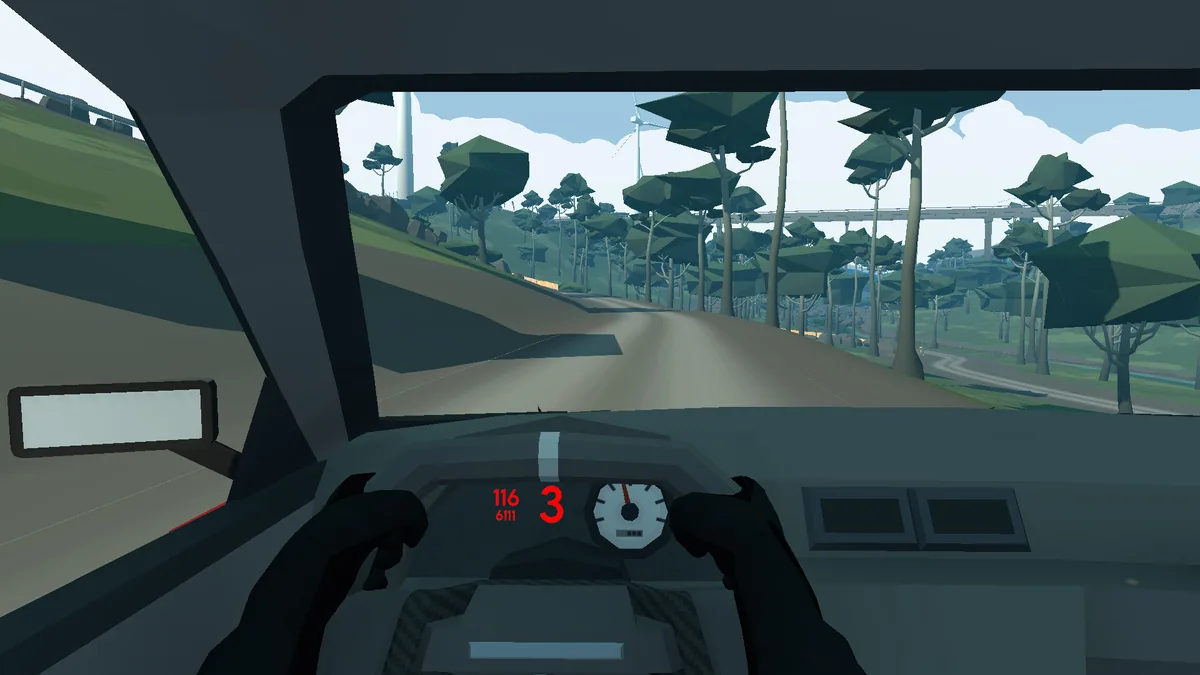
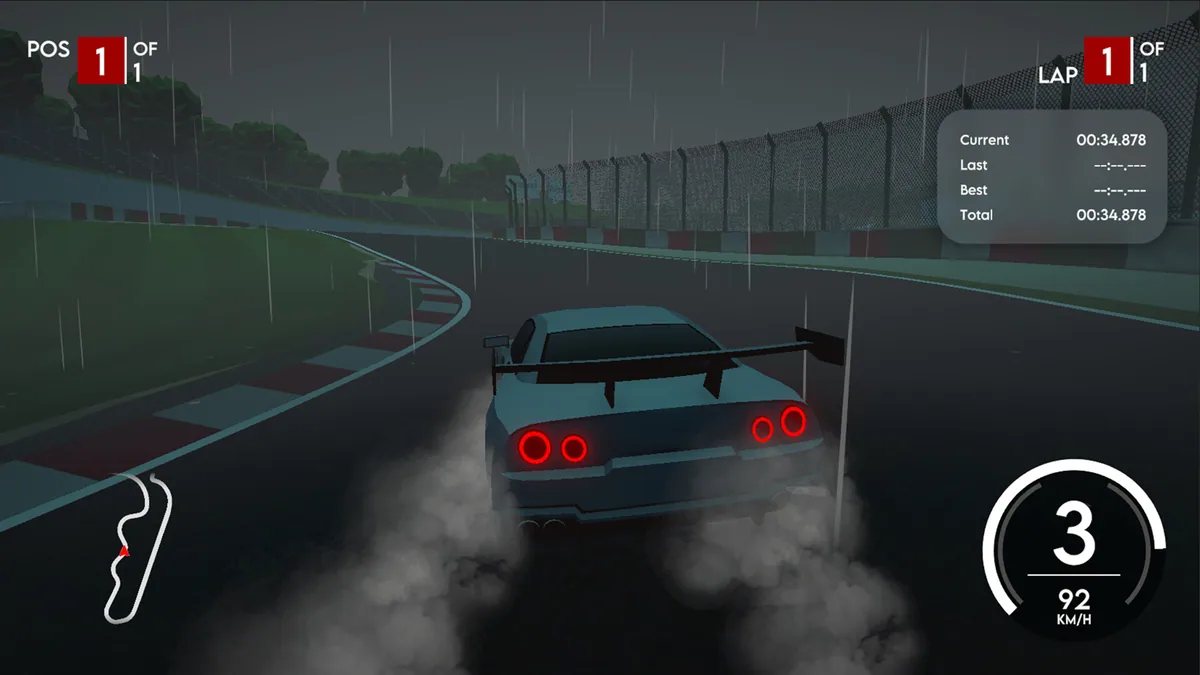
Racing League Evolution follows rookie Alex Rivera from grassroots events toward a world championship. More than twenty tracks and machines across six classes give the career a changing rhythm. Learning a circuit is only one part of progress; the vehicle class and season position also shape the next race.
A fast machine can be difficult to place on a tight track, while a familiar course feels different when the class changes. Championship progress depends on reliable finishes as well as occasional wins. Reviewing a prior lap can reveal whether a mistake came from braking, line choice or an unsuitable setup.
Official game page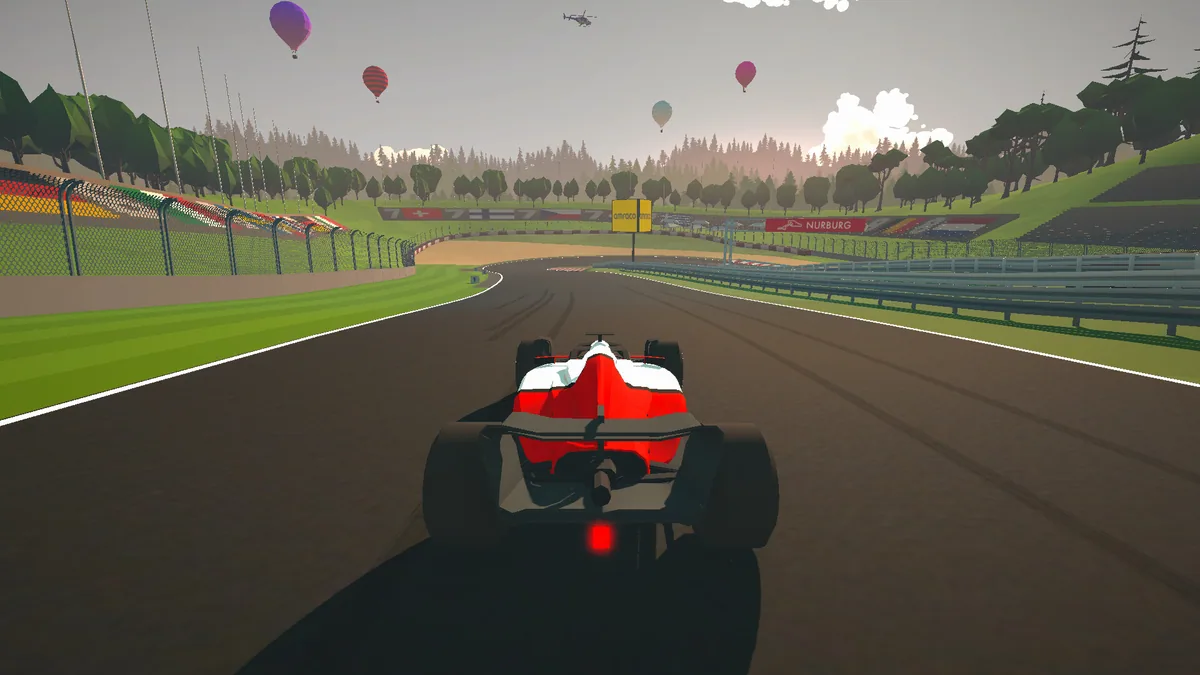
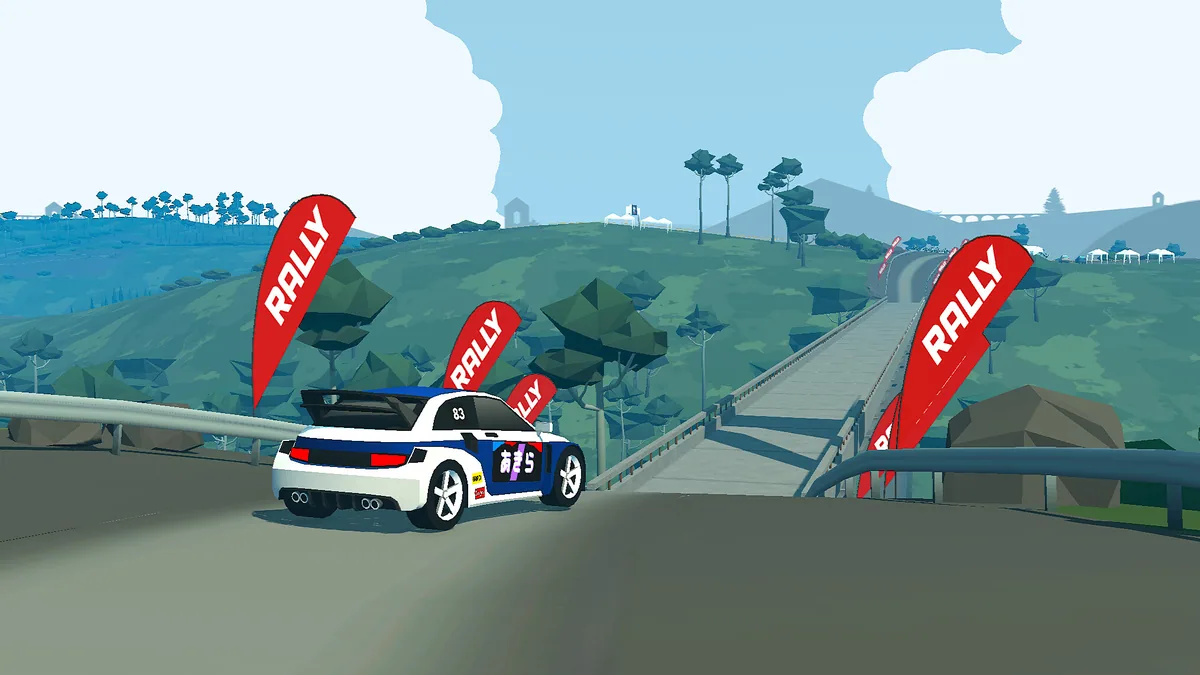
Using the Racing League Evolution trainer
The Eagle menu joins track sectors, machine class and career standings. Open it with Insert before a race to inspect the circuit and chosen vehicle, then use the lap panel to compare sector times afterward. The career view keeps the next championship goal visible between events.