FREE CHEATS FOR
Red Crucible Assault
Released November 15, 2026
Updated
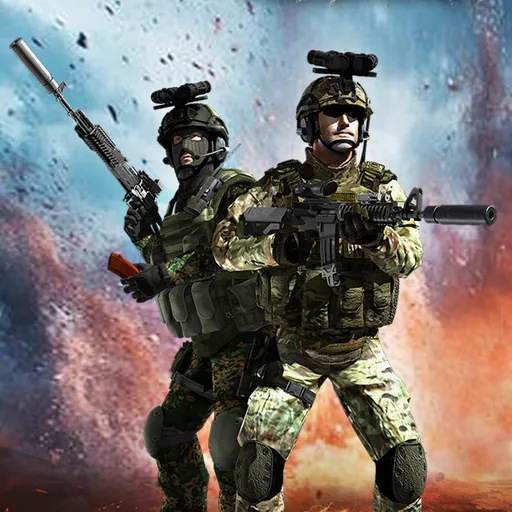
 EAGLE CHEATS
How to use Eagle in Red Crucible Assault
With Red Crucible Assault running, press Insert to open the Eagle menu. The quick keys give direct access to Site Map and Enemy Markers. Use the menu for Ammo Reserve, Health View and Evidence Log and the remaining listed features; close it with Insert to return to the app.
- F2 Site Map
Press F2 to turn Site Map on or off without opening the menu. - F3 Enemy Markers
Press F3 to turn Enemy Markers on or off without opening the menu. - Insert Ammo Reserve
Press Insert, find Ammo Reserve in the feature list, and switch it on or off. - Insert Health View
Press Insert, find Health View in the feature list, and switch it on or off. - Insert Evidence Log
Press Insert, find Evidence Log in the feature list, and switch it on or off.
EXPLORE THE MENUFeatures
8 features
The Eagle trainer for Red Crucible Assault brings site map, enemy markers, ammo reserve together for the Windows PC release. Press Insert during play to open the menu, choose a control and return to the current session. Additional controls cover evidence log, sector checklist, and weapon status during play.
- Site Map
- Enemy Markers
- Ammo Reserve
- Evidence Log
- Sector Checklist
- Weapon Status
- Health View
- Objective Route
About the game
Red Crucible Assault moves through World War II bunkers and Cold War black sites in search of buried technology. Rival forces oppose the investigation, so each discovery is reached through a firefight rather than a quiet archive. The shifting historical settings connect combat with the game's central secret.
A bunker corridor favors a different approach from a larger security site, and a hidden room may matter as much as the next enemy position. Keeping track of explored sectors avoids repeated searches while ammunition remains limited. The mystery advances through sites that were deliberately forgotten.
Official game page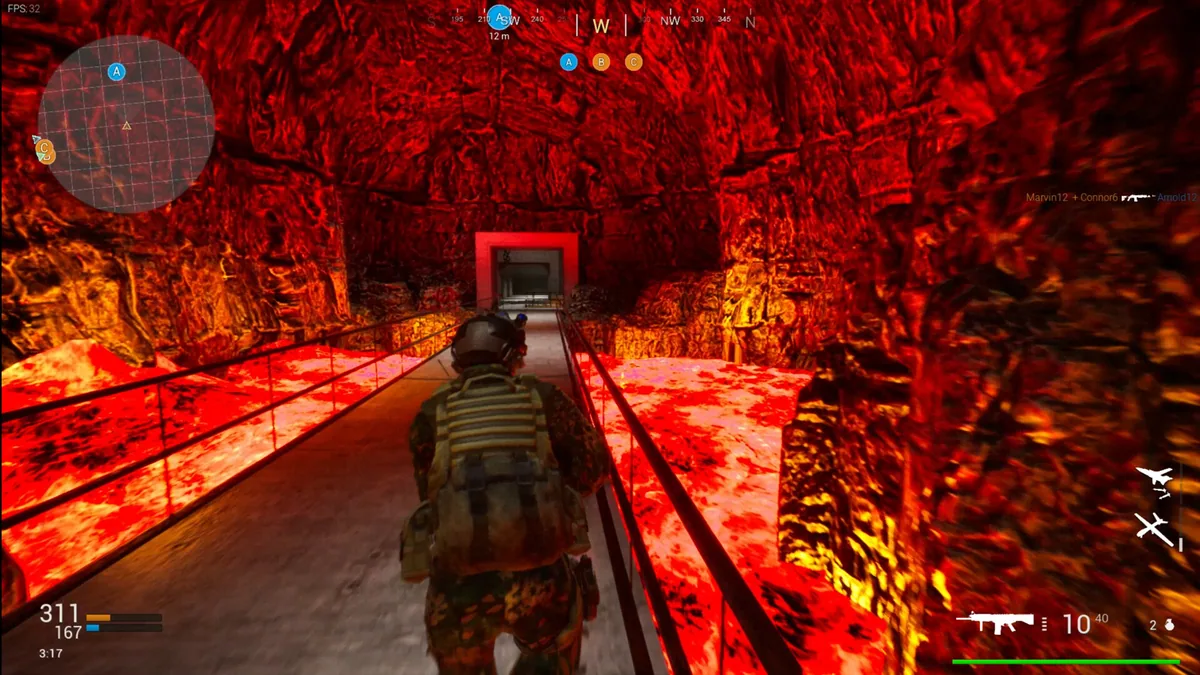
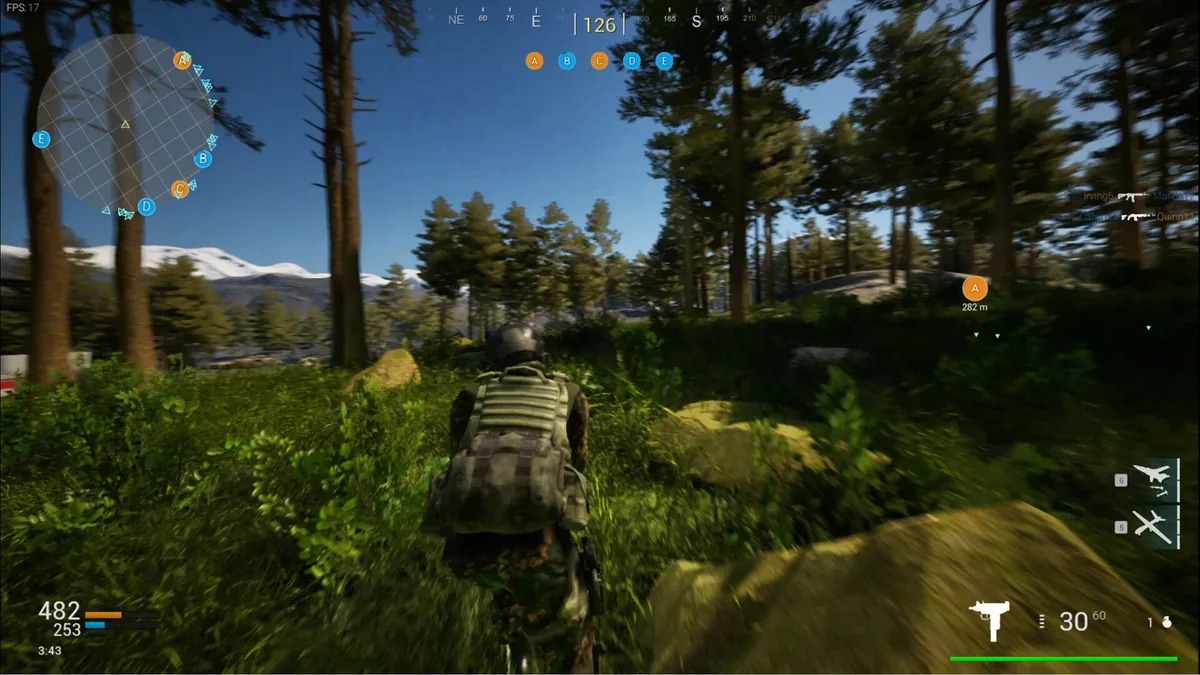
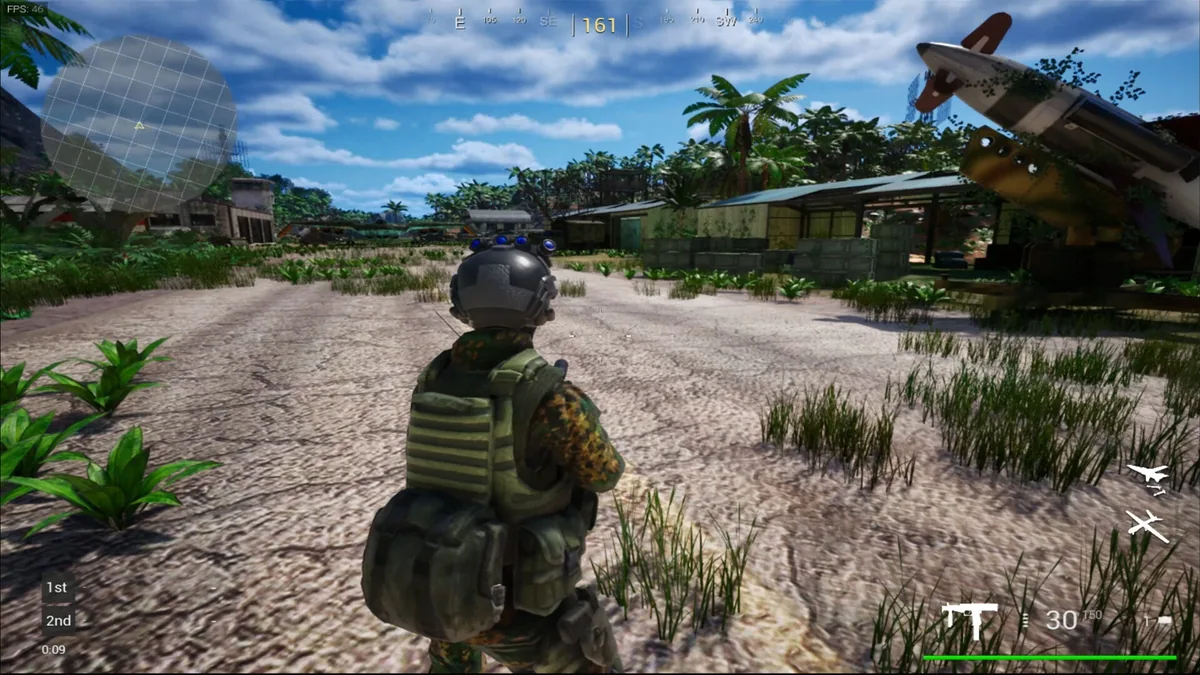
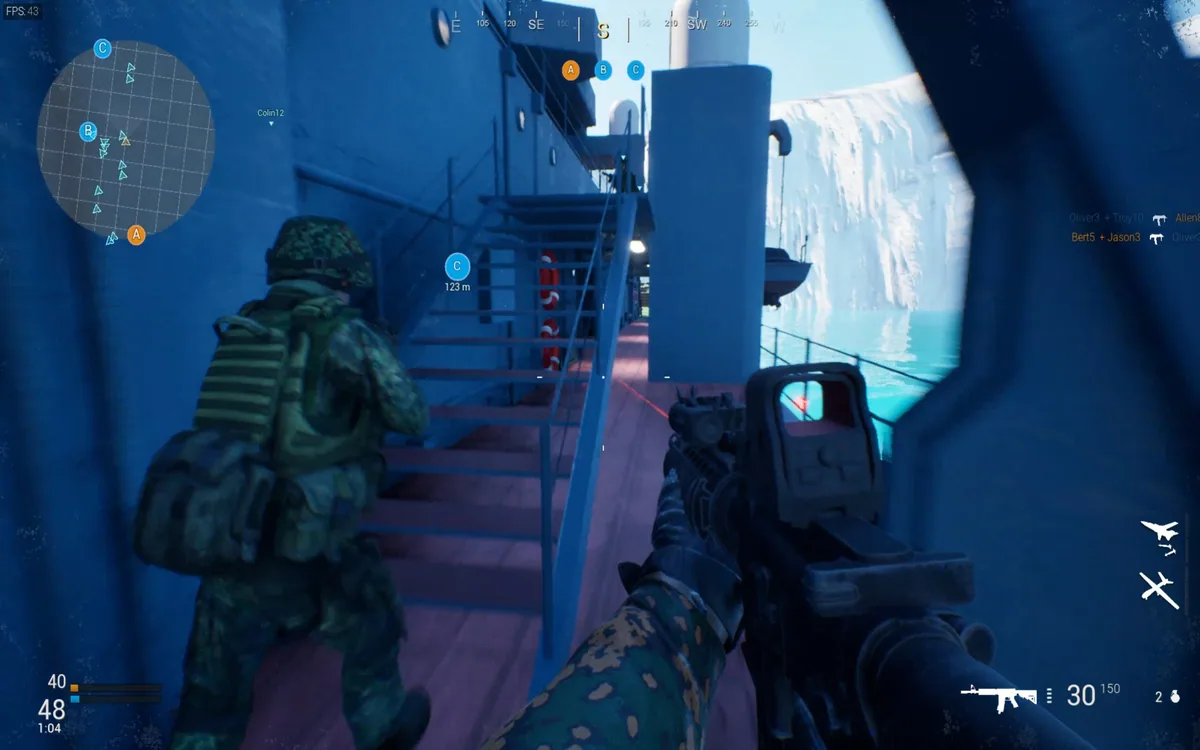
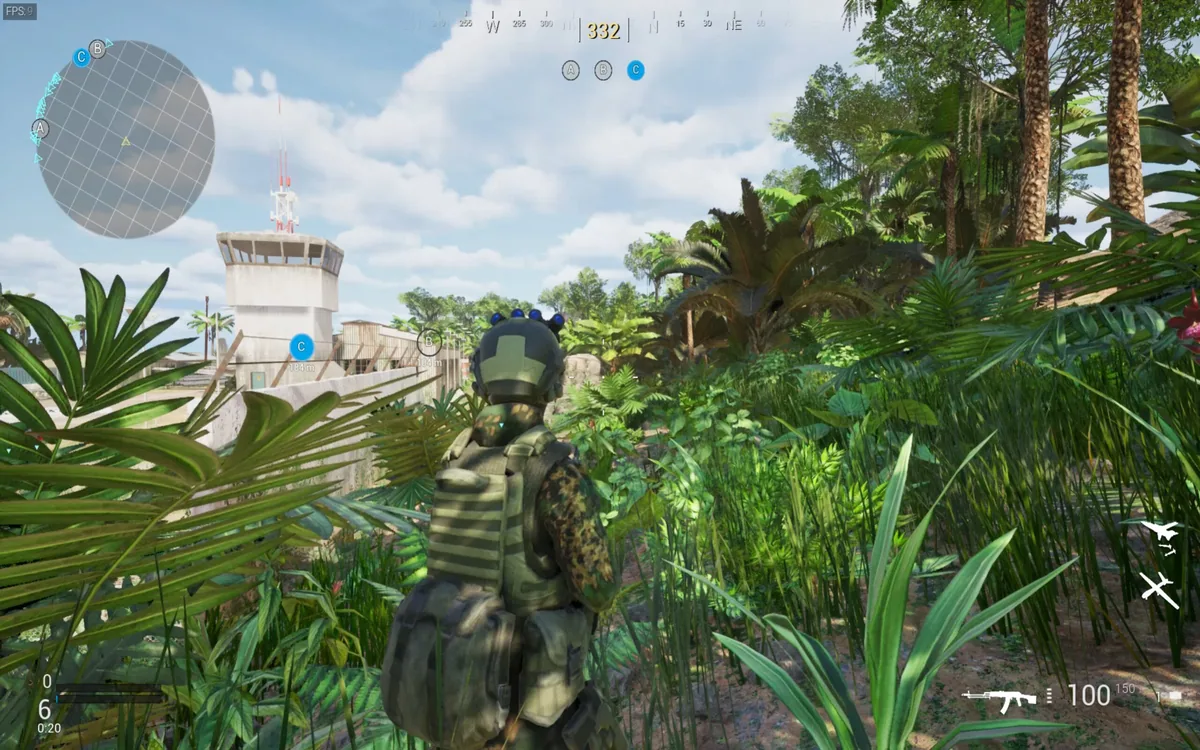
Using the Red Crucible Assault trainer
The Eagle menu pairs the current site map with ammunition, enemy positions and discovered evidence. Use Insert before entering a new sector to review what has already been found. Its evidence log keeps the investigation readable without claiming to reveal the final meaning of the buried technology.