FREE CHEATS FOR
Restless Path
Released November 10, 2026
Updated
 EAGLE CHEATS
How to use Eagle in Restless Path
With Restless Path running, press Insert to open the Eagle menu. The quick keys give direct access to Stamina Gauge and Weapon Status. Use the menu for Enemy Intent, Health View and Realm Map and the remaining listed features; close it with Insert to return to the app.
- F2 Stamina Gauge
Press F2 to turn Stamina Gauge on or off without opening the menu. - F3 Weapon Status
Press F3 to turn Weapon Status on or off without opening the menu. - Insert Enemy Intent
Press Insert, find Enemy Intent in the feature list, and switch it on or off. - Insert Health View
Press Insert, find Health View in the feature list, and switch it on or off. - Insert Realm Map
Press Insert, find Realm Map in the feature list, and switch it on or off.
EXPLORE THE MENUFeatures
8 features
The Eagle trainer for Restless Path brings stamina gauge, weapon status, enemy intent together for the Windows PC release. Press Insert during play to open the menu, choose a control and return to the current session. Additional controls cover realm map, ally bonds, and quest journal during play.
- Stamina Gauge
- Weapon Status
- Enemy Intent
- Realm Map
- Ally Bonds
- Quest Journal
- Health View
- Checkpoint Select
About the game
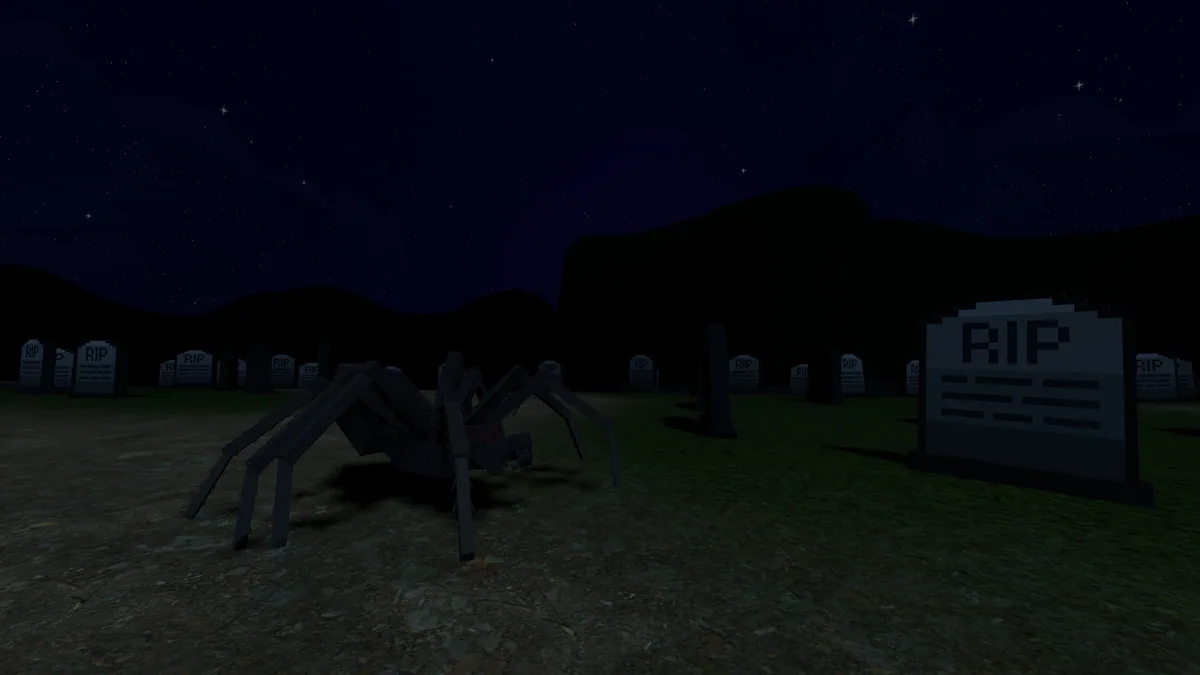
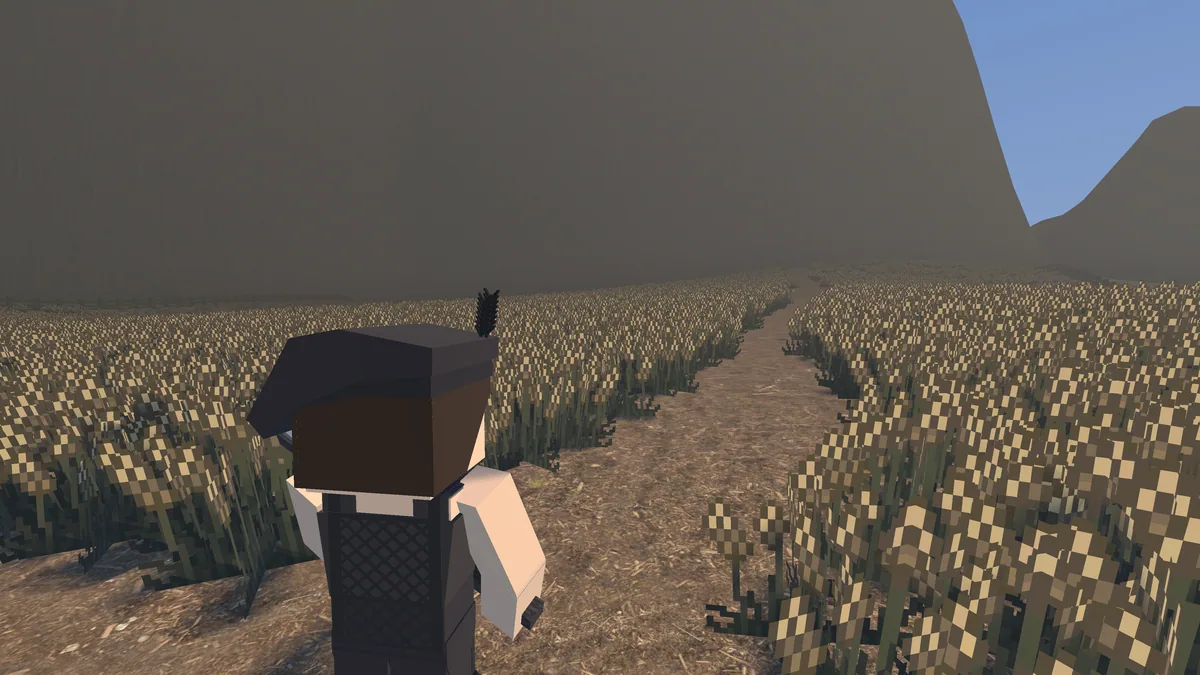
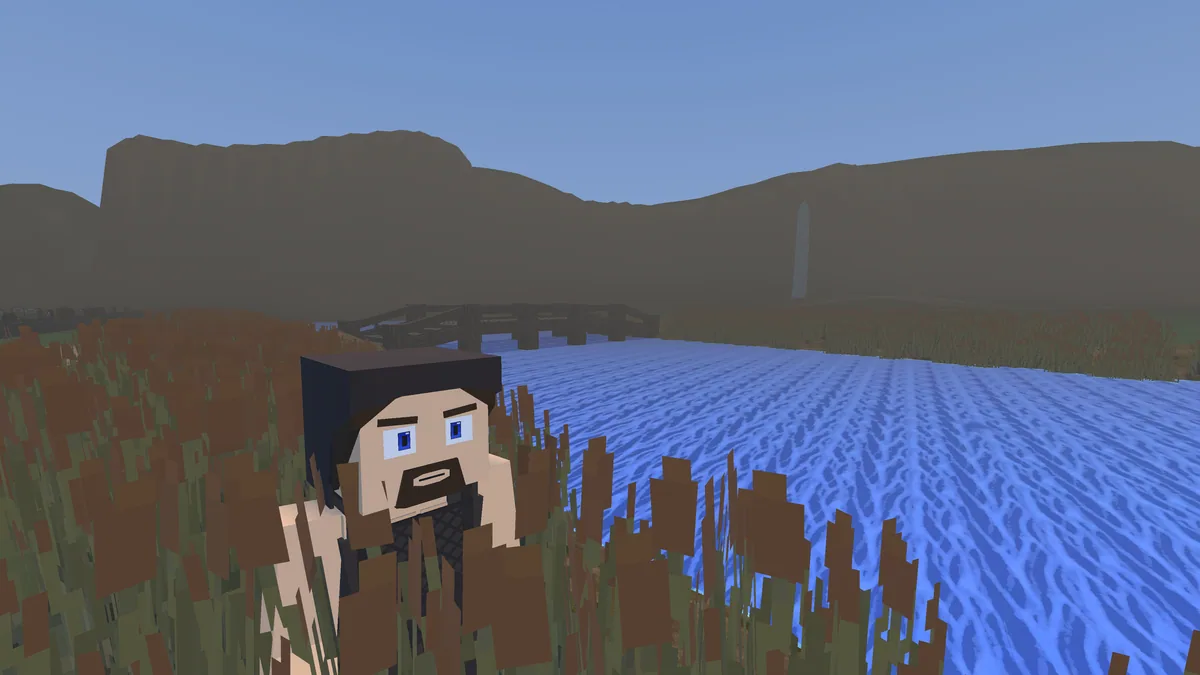
Restless Path follows a lone wolf through a voxel world damaged by evil. Stamina-driven combat requires deliberate attacks and careful recovery, while characters met along the way can become meaningful allies. Half-open realms provide room to explore before facing the next difficult fight.
An enemy that looks slow may still punish an attack when the player's stamina is nearly gone. Exploration can reveal another route or useful relationship before a confrontation. The story gives those fights a purpose beyond clearing every creature from a map.
Official game page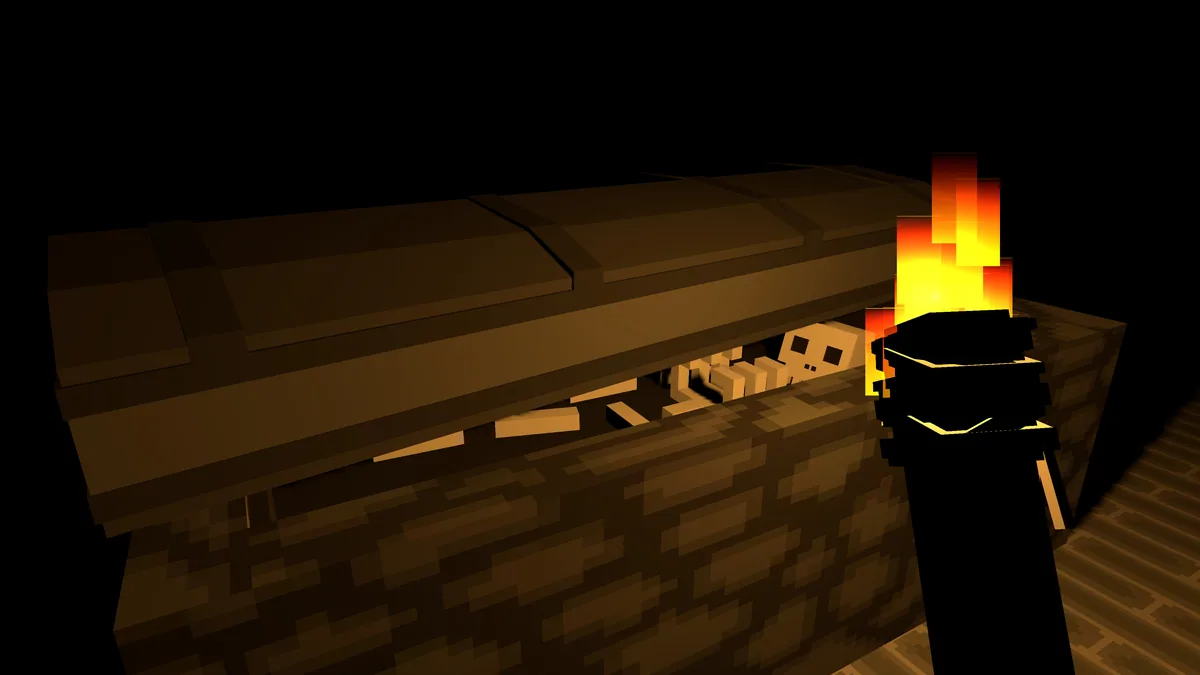

Using the Restless Path trainer
The menu shows stamina, weapon condition and the next enemy opening together. It helps plan a safer approach and track bonds formed during travel. A realm map records explored passages without removing the risk of entering an unfamiliar area.