FREE CHEATS FOR
ROBOTEKA
Released November 11, 2026
Updated
 EAGLE CHEATS
How to use Eagle in ROBOTEKA
With ROBOTEKA running, press Insert to open the Eagle menu. The quick keys give direct access to Robot Health and Energy Gauge. Use the menu for Attack Timing, Guard Status and Opponent State and the remaining listed features; close it with Insert to return to the app.
- F2 Robot Health
Press F2 to turn Robot Health on or off without opening the menu. - F3 Energy Gauge
Press F3 to turn Energy Gauge on or off without opening the menu. - Insert Attack Timing
Press Insert, find Attack Timing in the feature list, and switch it on or off. - Insert Guard Status
Press Insert, find Guard Status in the feature list, and switch it on or off. - Insert Opponent State
Press Insert, find Opponent State in the feature list, and switch it on or off.
EXPLORE THE MENUFeatures
8 features
The Eagle trainer for ROBOTEKA brings robot health, energy gauge, attack timing together for the Windows PC release. Press Insert during play to open the menu, choose a control and return to the current session. Additional controls cover guard status, opponent state, and arena position during play.
- Robot Health
- Energy Gauge
- Attack Timing
- Guard Status
- Opponent State
- Arena Position
- Combo Log
- Match Replay
About the game
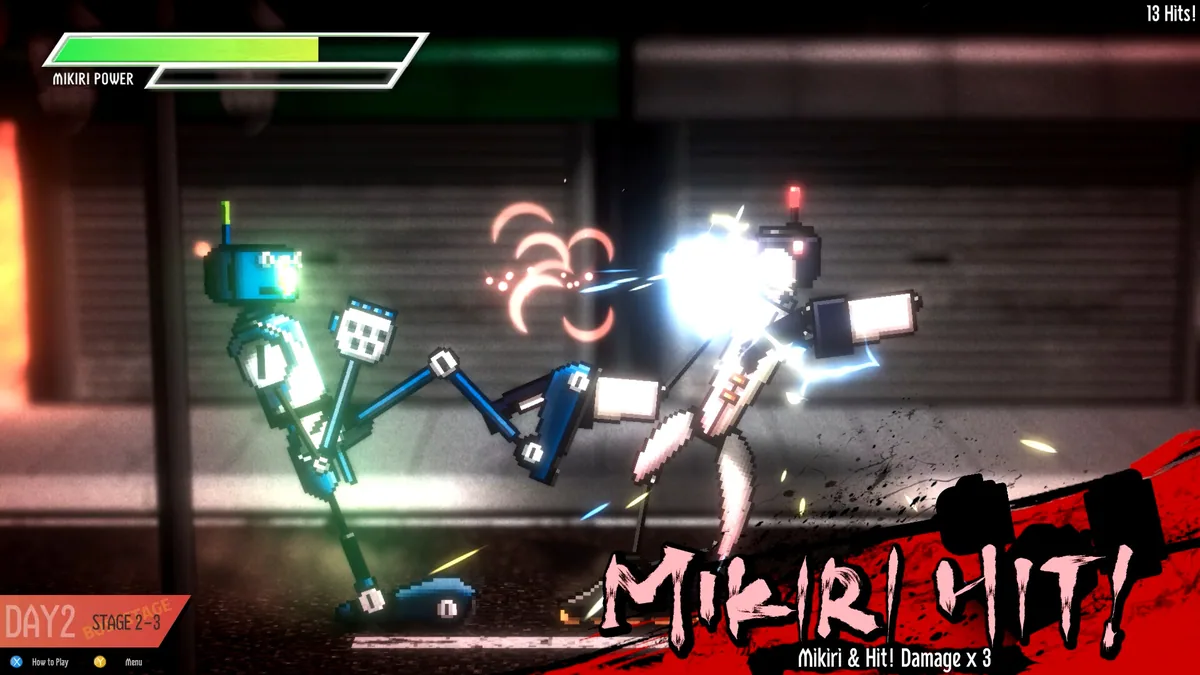
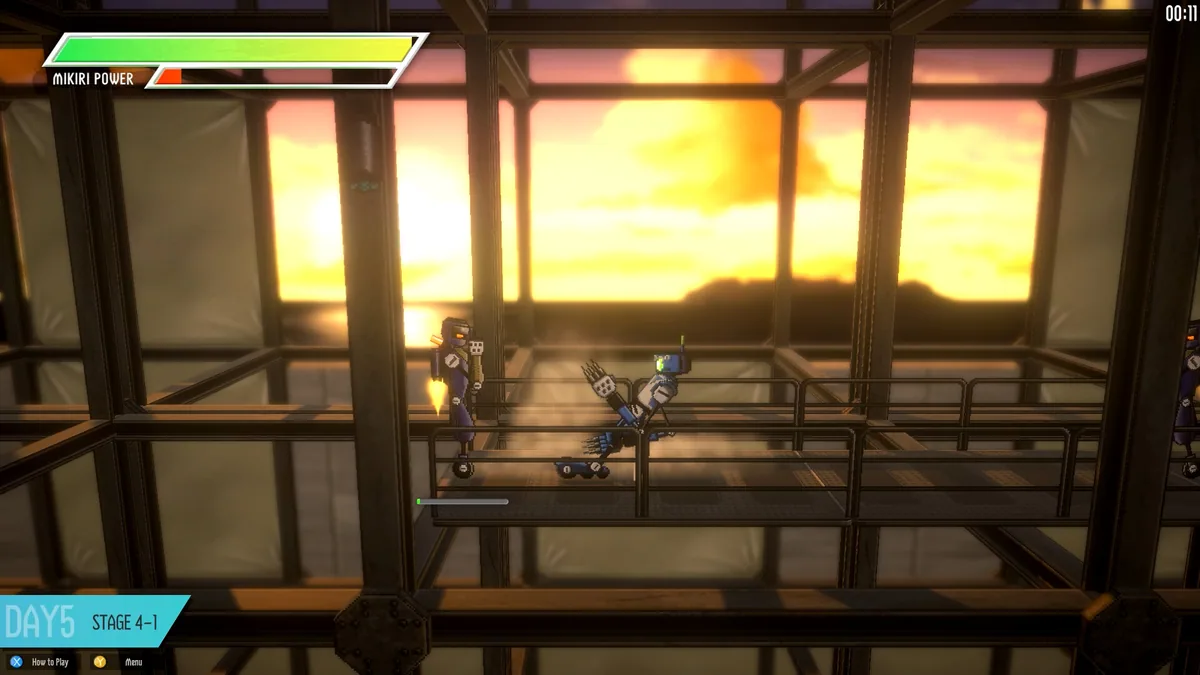
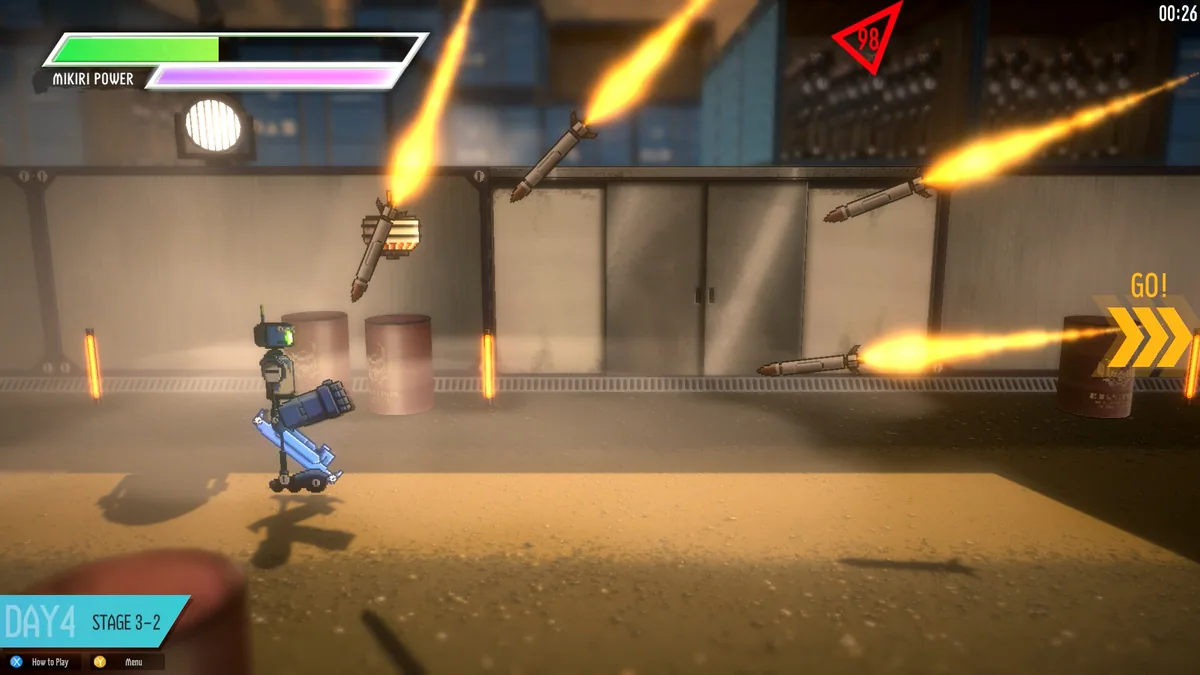
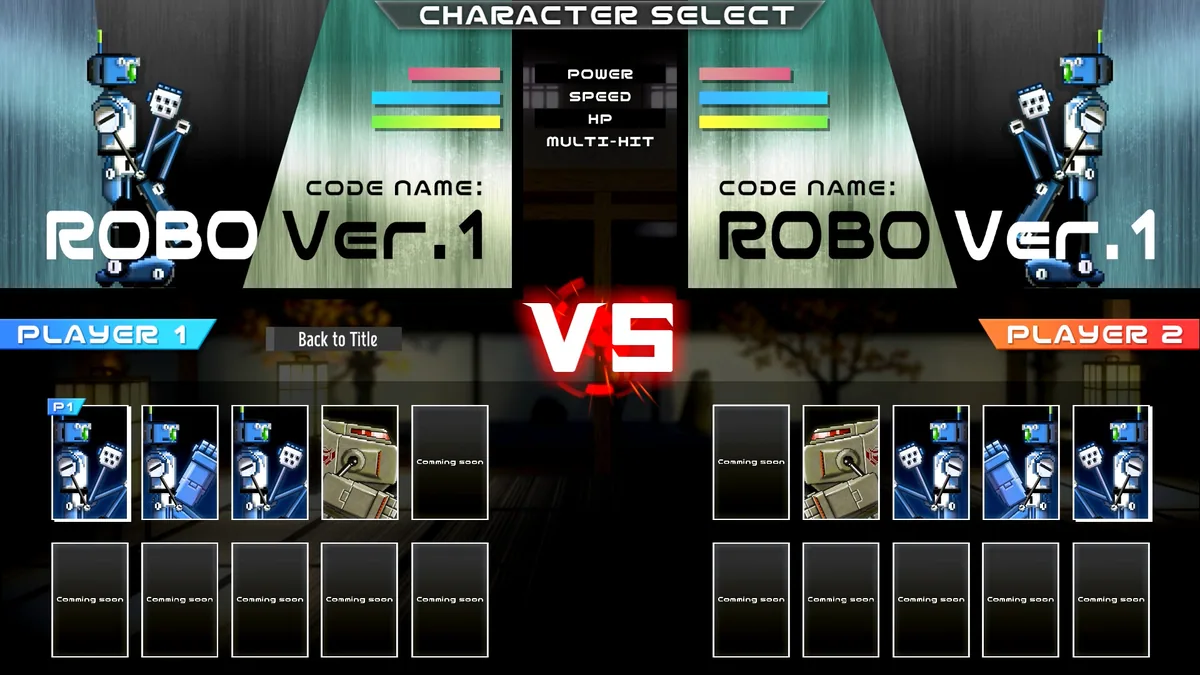
ROBOTEKA is a robot fighting game built around simple inputs and precise martial-arts timing. Short exchanges matter because an attack thrown too early can expose the fighter to a counter. The accessible controls leave room for learning distance, rhythm and the behavior of each opponent.
A clean win comes from recognizing an opening rather than pressing every available action. Players can test how quickly a move recovers and whether a different position changes its reach. Replays are useful when a close bout turns on a single missed defense.
Official game page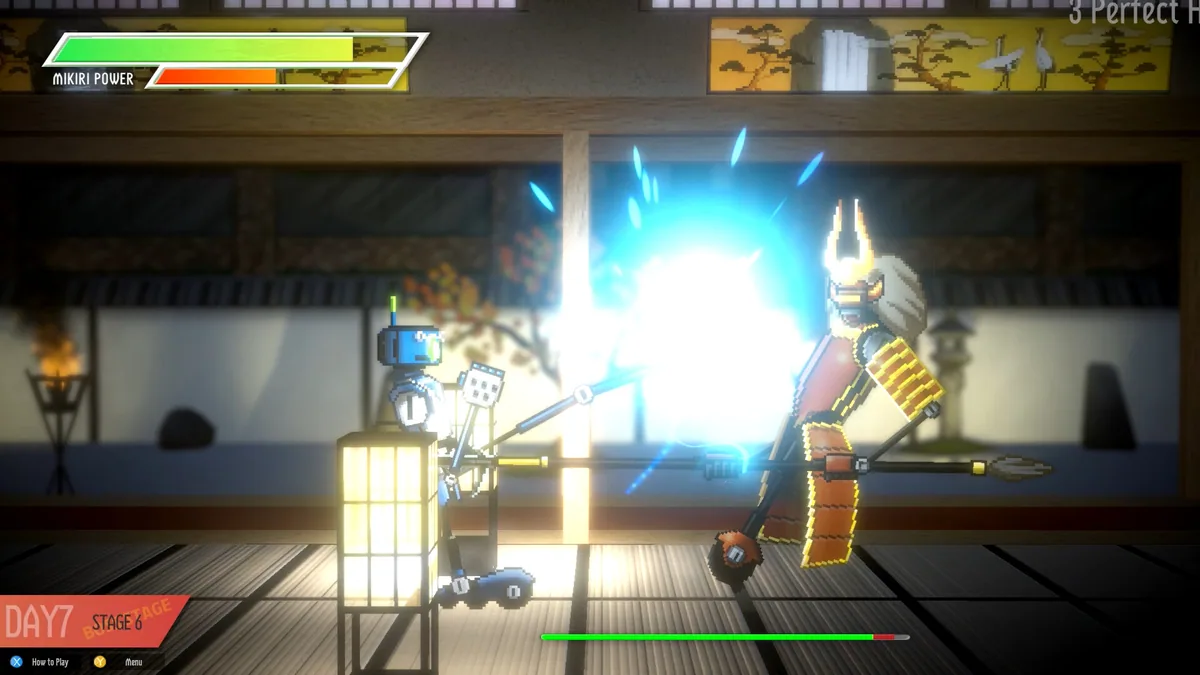
Using the ROBOTEKA trainer
The menu shows energy, attack timing and the opponent's current state during a fight. It helps compare moves after a round and identify where the robot lost control of the exchange. An arena view keeps position clear when both fighters close distance.