FREE CHEATS FOR
Russian Fishing 4
Released November 10, 2021
Updated
 EAGLE CHEATS
How to use Eagle in Russian Fishing 4
With Russian Fishing 4 running, press Insert to open the Eagle menu. The quick keys give direct access to Fish Location Overlay and Rare Fish Highlight. Use the menu for Bite Alert, Set Weather and Instant Catch and the remaining listed features; close it with Insert to return to the app.
- F2 Fish Location Overlay
Press F2 to turn Fish Location Overlay on or off without opening the menu. - F3 Rare Fish Highlight
Press F3 to turn Rare Fish Highlight on or off without opening the menu. - Insert Bite Alert
Press Insert, find Bite Alert in the feature list, and switch it on or off. - Insert Set Weather
Press Insert, choose Set Weather, adjust its value or option, and apply. - Insert Instant Catch
Press Insert and choose Instant Catch when you want to run this action.
EXPLORE THE MENUFeatures
8 features
The free Russian Fishing 4 trainer includes Fish Location Overlay, Rare Fish Highlight and Bite Alert. It also offers Instant Catch, No Line Break and Unlimited Bait. Press Insert to open the menu on Windows PC.
- Fish Location Overlay
- Rare Fish Highlight
- Bite Alert
- Instant Catch
- No Line Break
- Unlimited Bait
- Reveal Fish Species
- Set Weather
About the game
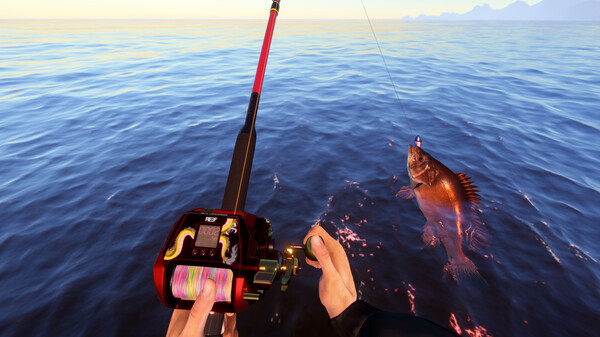
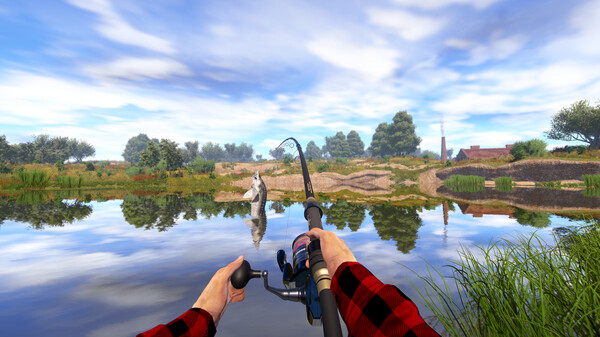
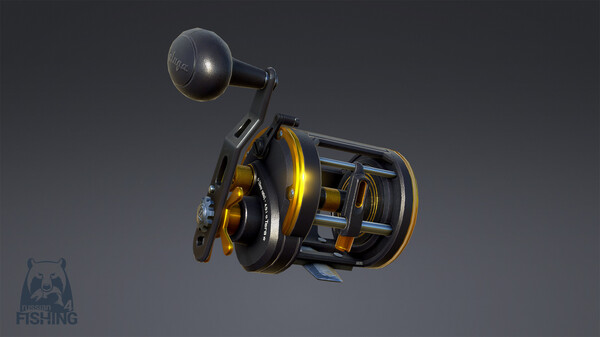
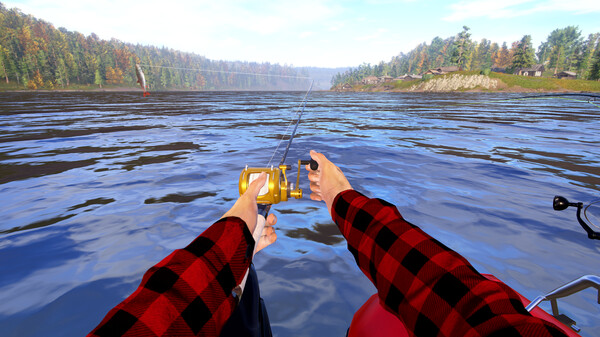
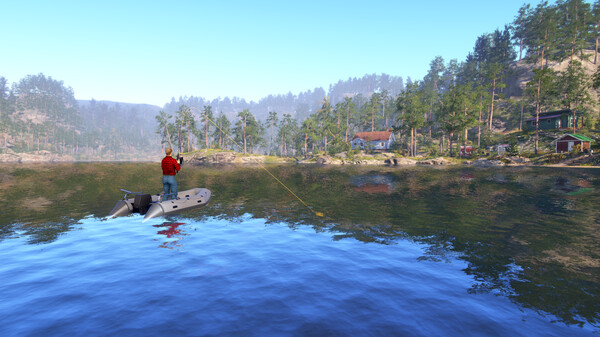
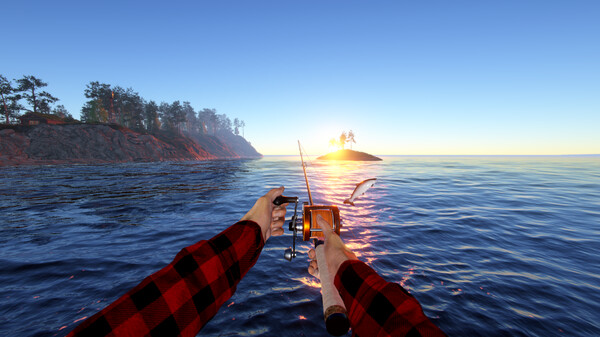
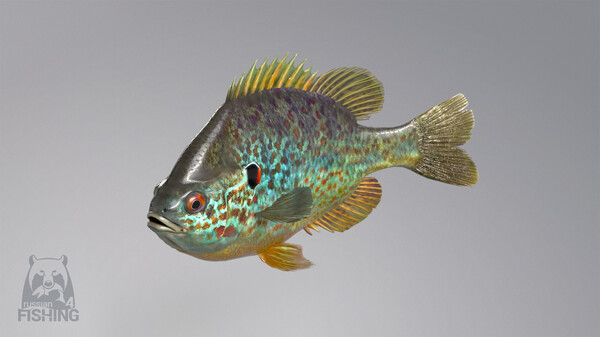
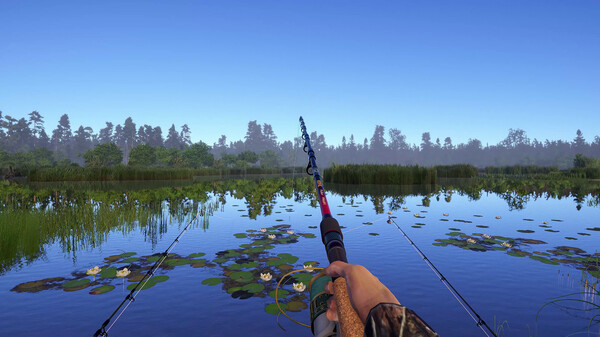
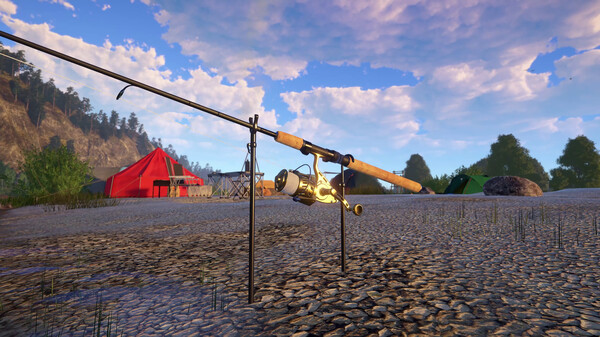
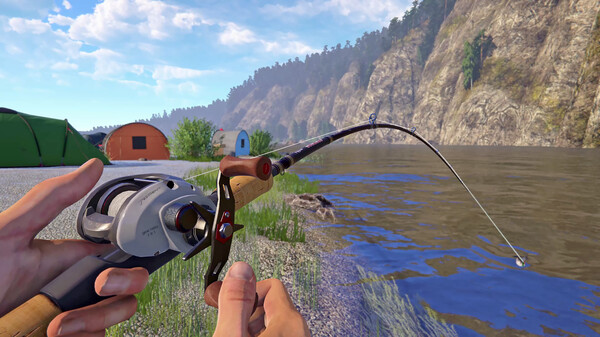
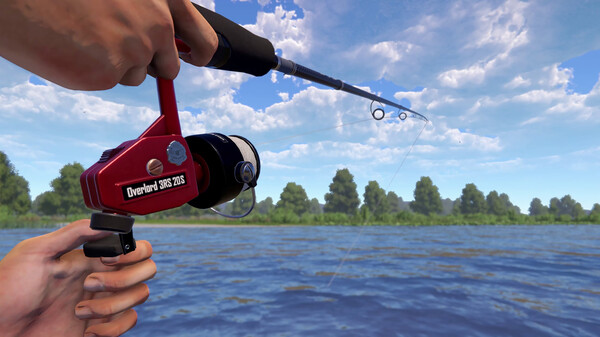
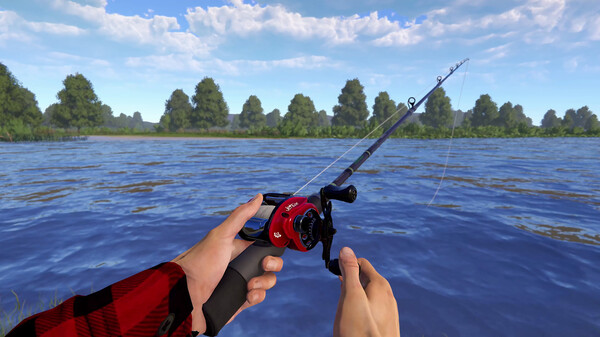
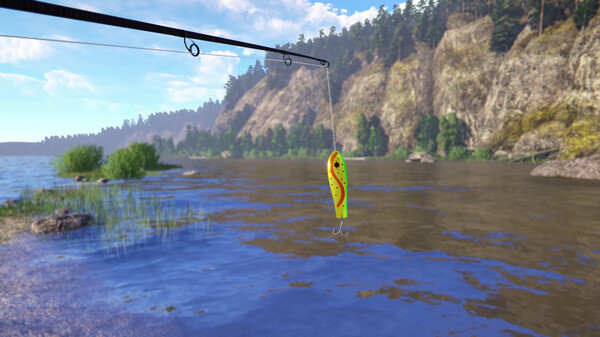
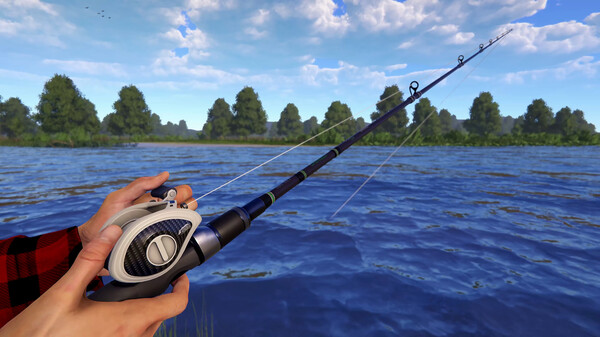
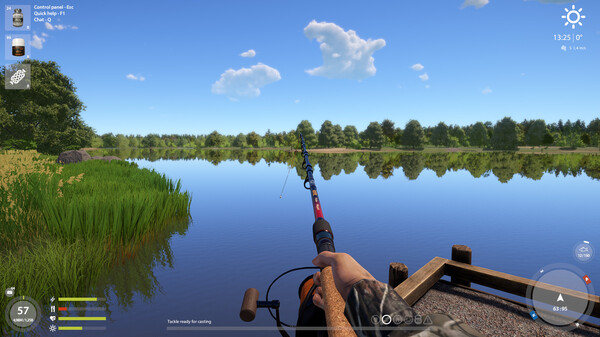
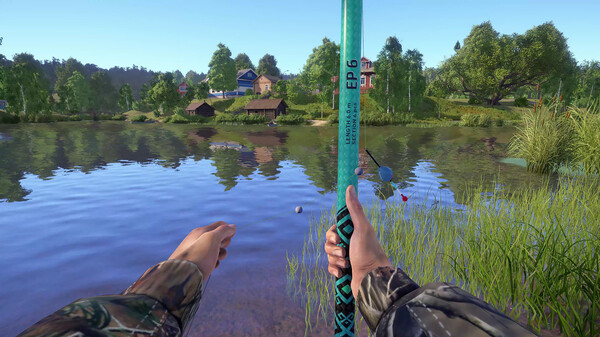
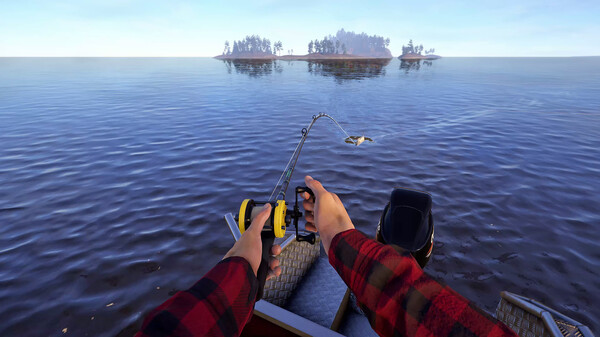
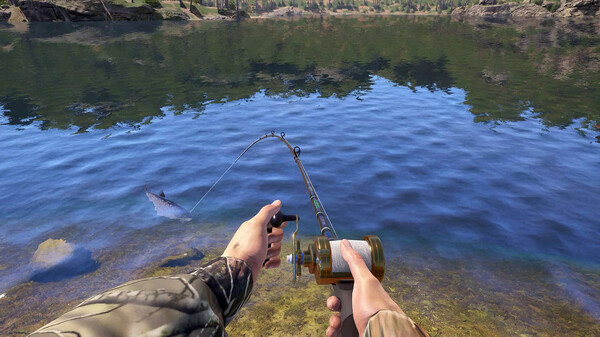
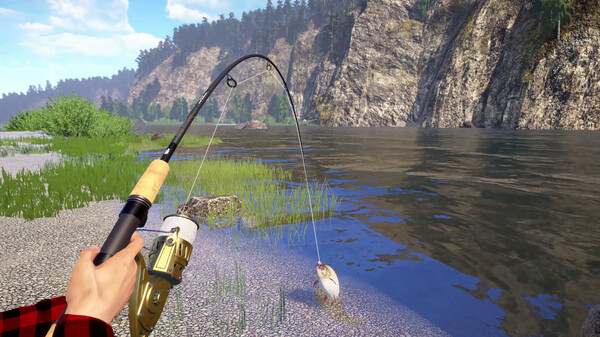
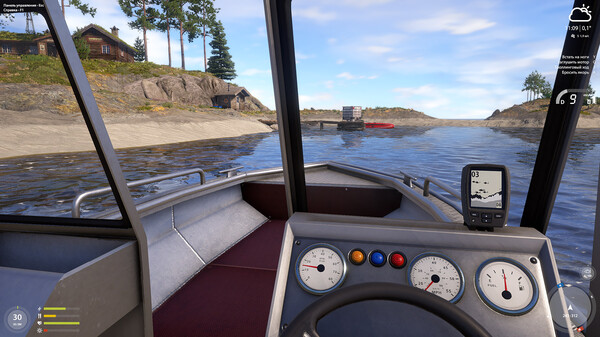
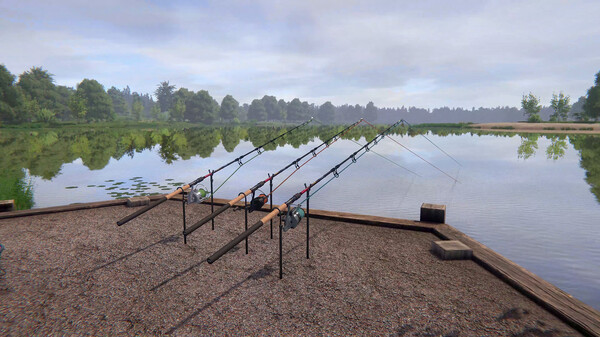
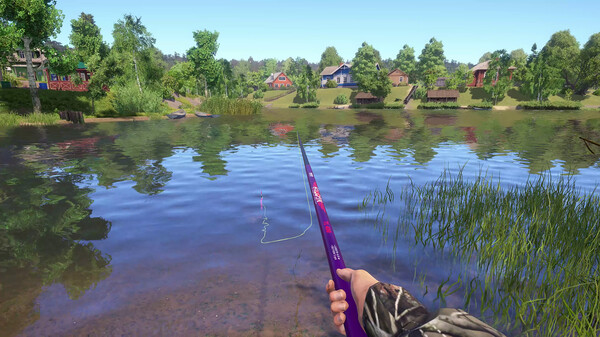
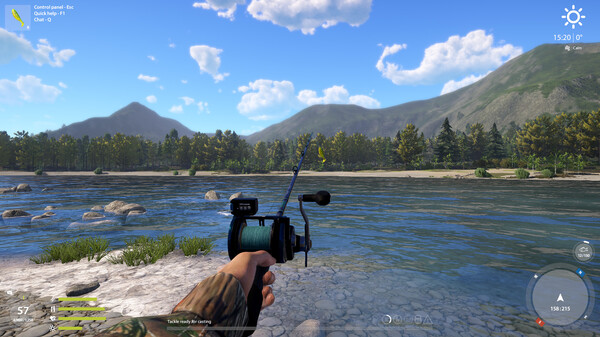
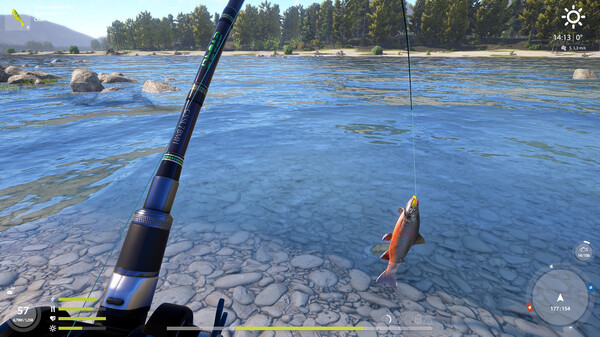
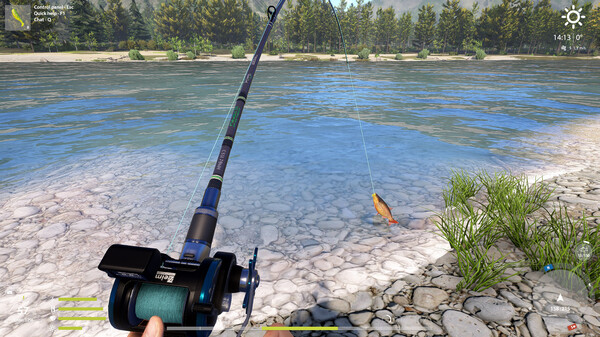
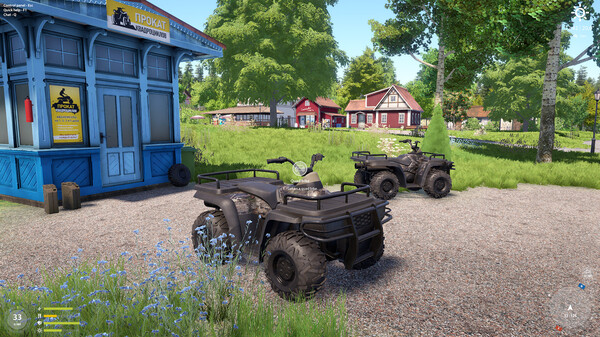
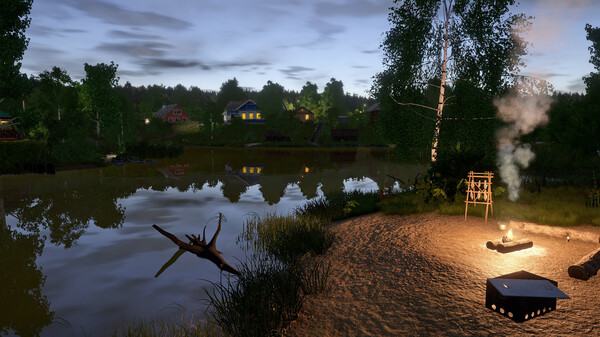
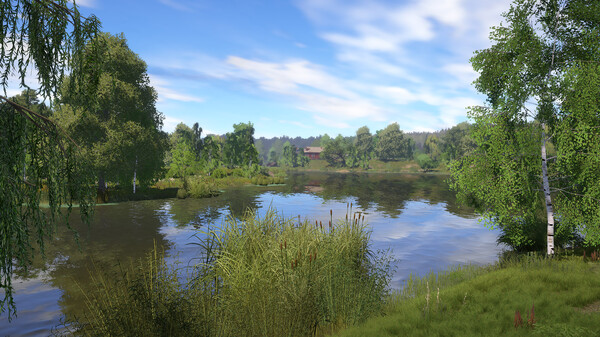
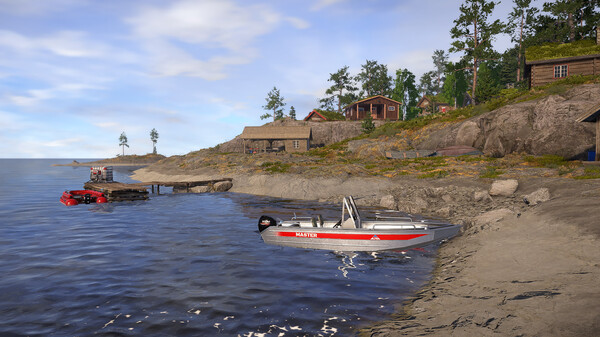
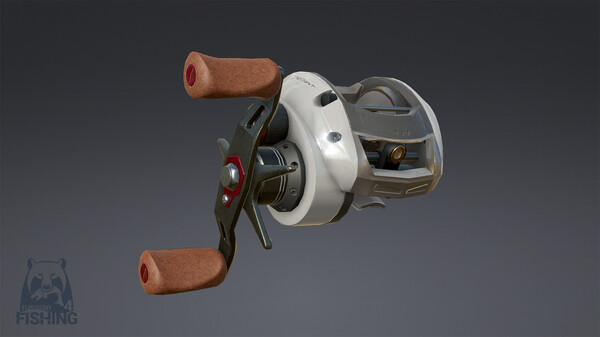
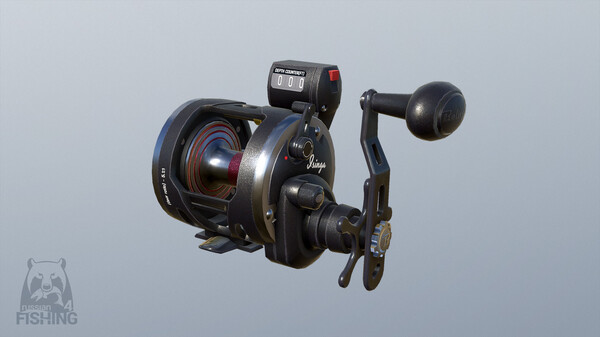
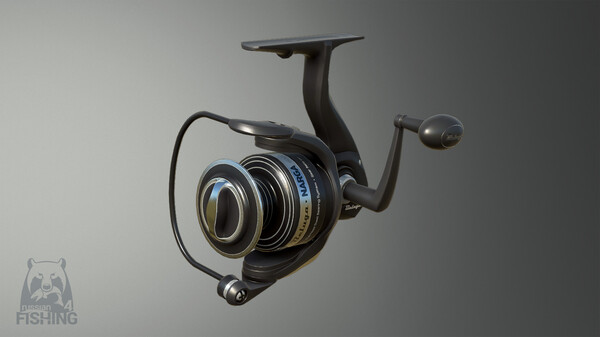
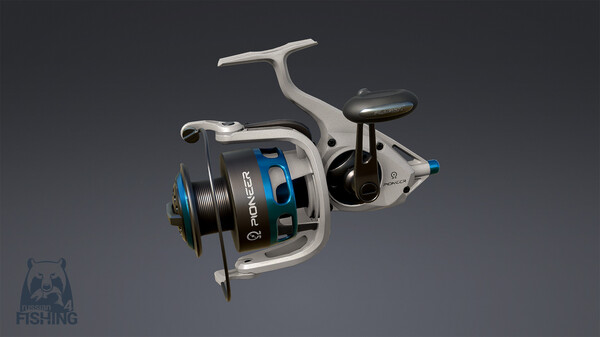
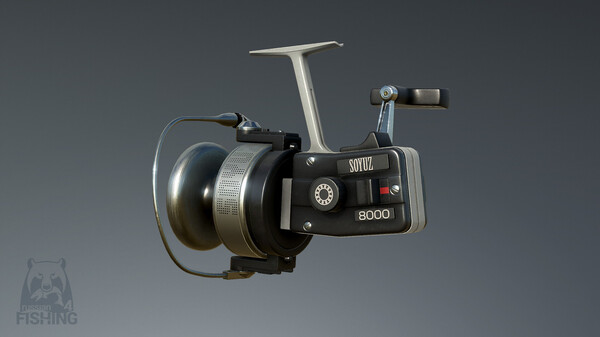
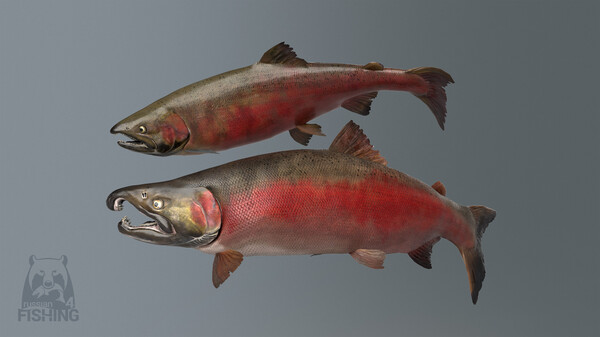
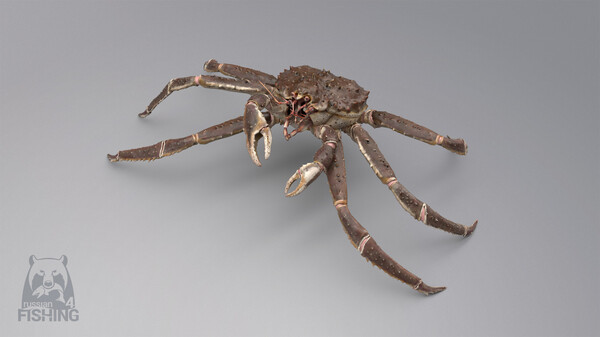
Russian Fishing 4 is a fishing simulator with RPG elements. There is no story line and the whole process is based on the concept of an open, free to roam and free to play game.
Official game page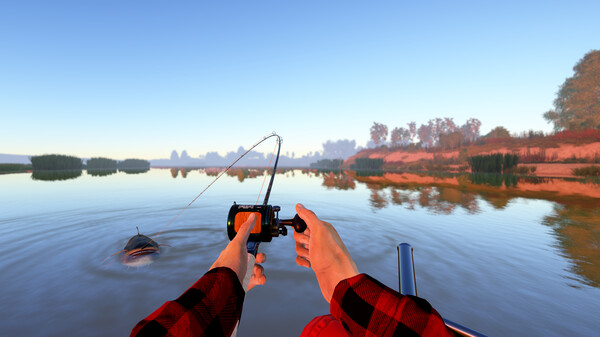























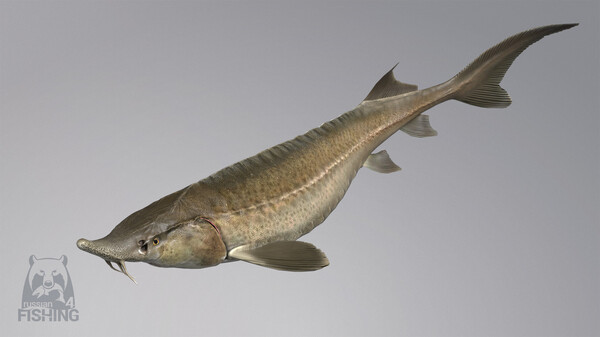
Why use Eagle for Russian Fishing 4?
Russian Fishing 4 is an open-ended angling game where finding a good spot and reading the right bite take time. Eagle groups fish locations, rare-fish highlights and bite alerts, helping you compare waters without losing track of a line. The menu is useful when moving between patient fishing and a more focused search for a species. Press Insert on Windows PC and continue the current session.