FREE CHEATS FOR
Silicon Tycoon
Released November 14, 2026
Updated

 EAGLE CHEATS
How to use Eagle in Silicon Tycoon
With Silicon Tycoon running, press Insert to open the Eagle menu. The quick keys give direct access to Product Blueprints and Research Tree. Use the menu for Market Share, Campus Map and Rival Firms and the remaining listed features; close it with Insert to return to the app.
- F2 Product Blueprints
Press F2 to turn Product Blueprints on or off without opening the menu. - F3 Research Tree
Press F3 to turn Research Tree on or off without opening the menu. - Insert Market Share
Press Insert, find Market Share in the feature list, and switch it on or off. - Insert Campus Map
Press Insert, find Campus Map in the feature list, and switch it on or off. - Insert Rival Firms
Press Insert, find Rival Firms in the feature list, and switch it on or off.
EXPLORE THE MENUFeatures
8 features
The Eagle trainer for Silicon Tycoon brings product blueprints, research tree, market share together for the Windows PC release. Press Insert during play to open the menu, choose a control and return to the current session. Additional controls cover rival firms, campus map, and part costs during play.
- Product Blueprints
- Research Tree
- Market Share
- Rival Firms
- Campus Map
- Part Costs
- Production Queue
- Era Timeline
About the game
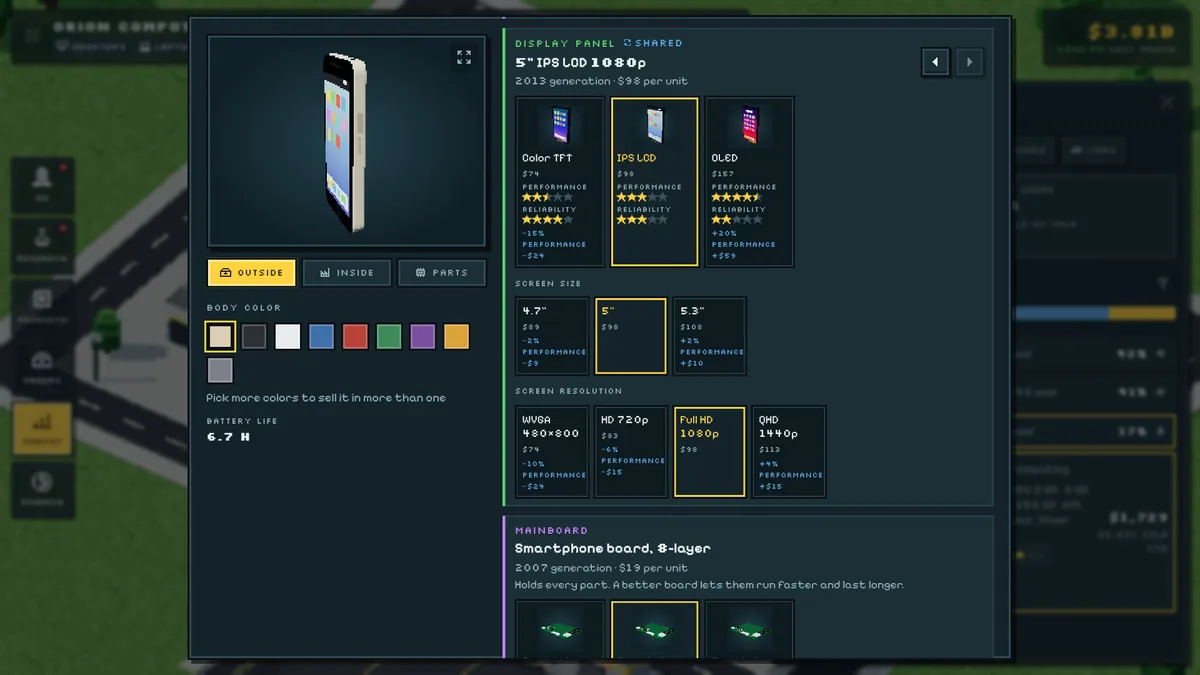
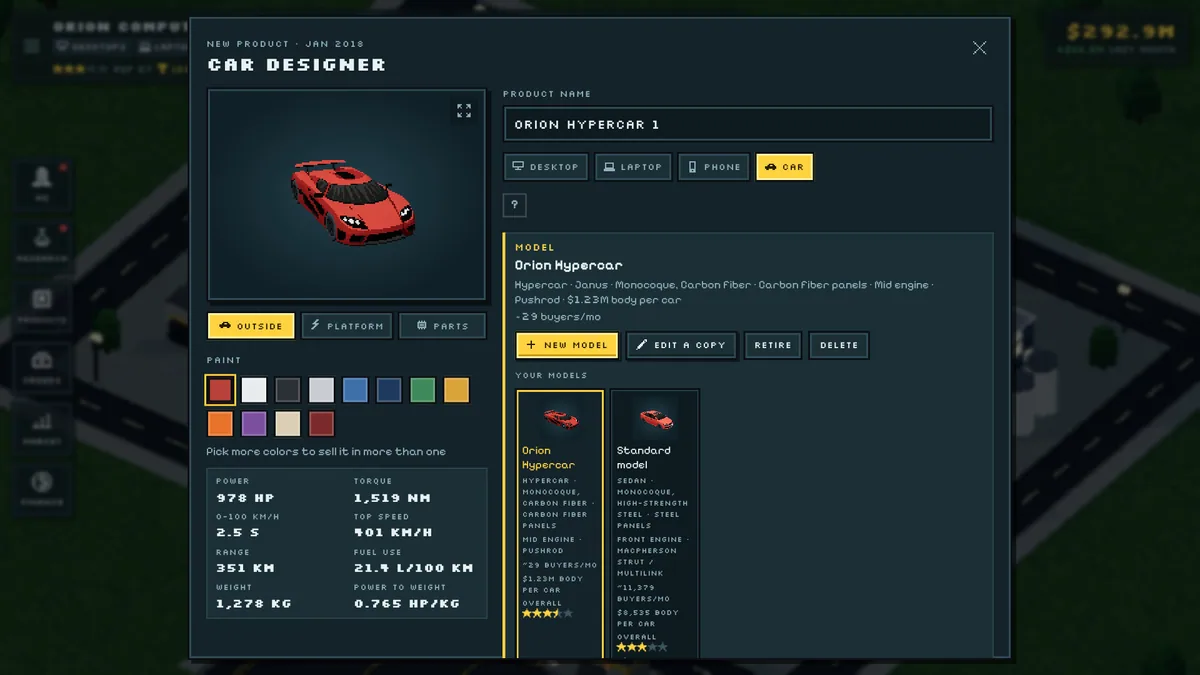
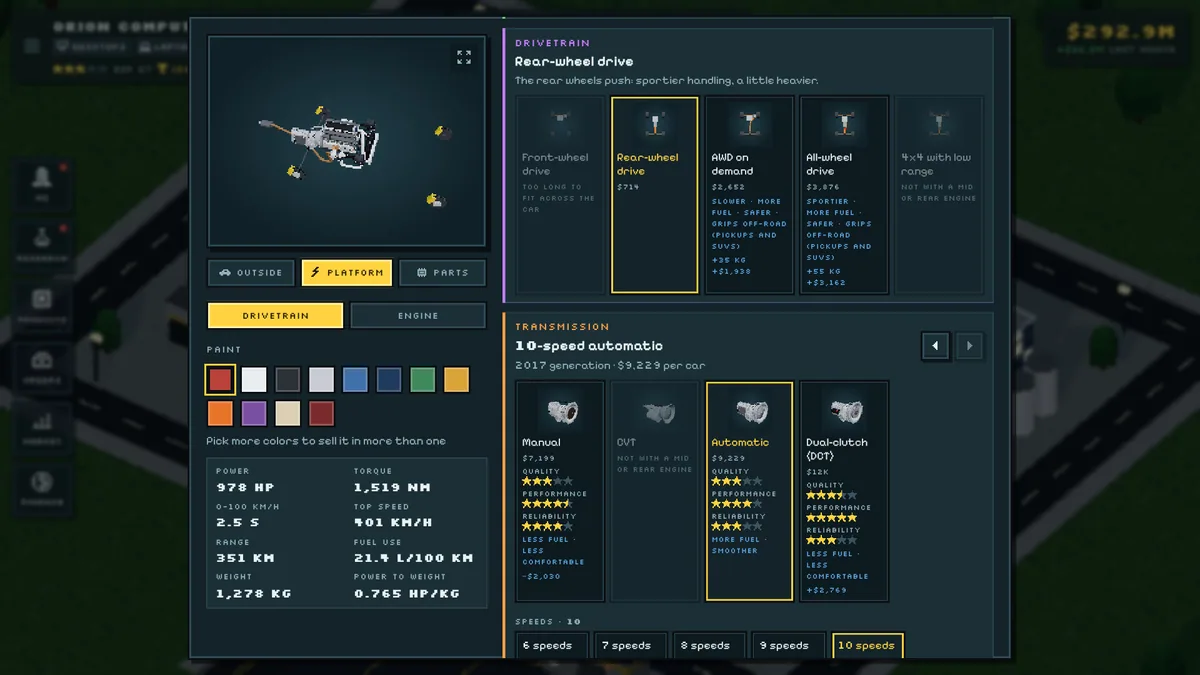
Silicon Tycoon begins in 1980 and asks players to build an electronics and car company across decades of technology. Desktops, laptops, phones, cars and engines are designed part by part, while a campus expands and twelve rival firms compete for markets. Research turns a small manufacturer into a broad business.
A new product line can reach customers but also stretch research and production capacity. The changing era matters because a successful older design may lose ground as components improve. Comparing rivals, costs and demand helps decide whether to refine an existing machine or start a different one.
Official game page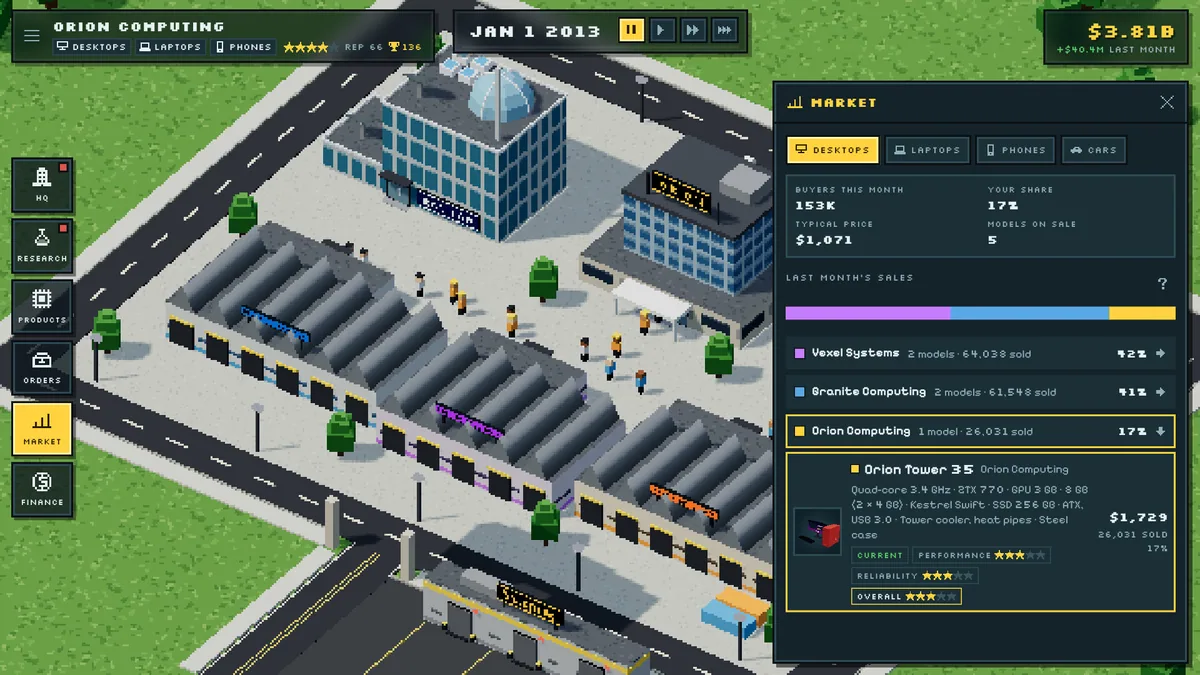
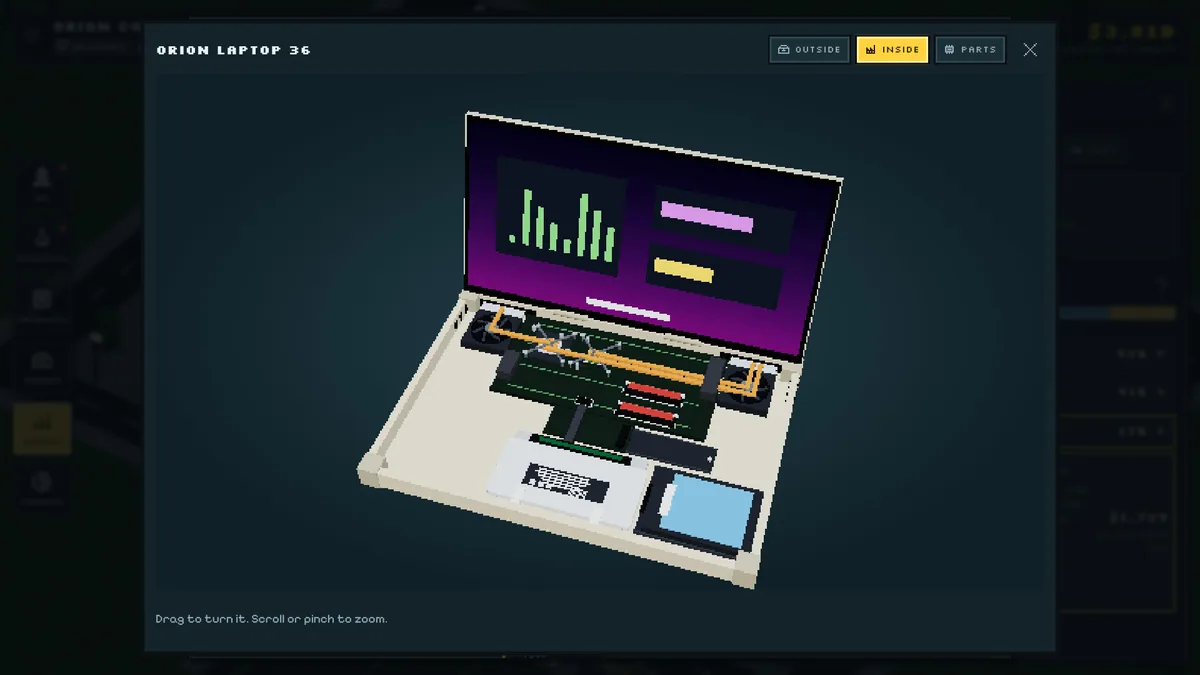
Using the Silicon Tycoon trainer
The Eagle menu connects product blueprints, research projects and market results in one company view. Use Insert before releasing a design to inspect its parts and expected costs. A technology timeline shows which advances are available in the current year and which rivals are gaining ground.