FREE CHEATS FOR
SONIC PICO PARK
Released November 12, 2026
Updated

 EAGLE CHEATS
How to use Eagle in SONIC PICO PARK
With SONIC PICO PARK running, press Insert to open the Eagle menu. The quick keys give direct access to Team Positions and Switch Status. Use the menu for Stage Map, Level Progress and Puzzle Objects and the remaining listed features; close it with Insert to return to the app.
- F2 Team Positions
Press F2 to turn Team Positions on or off without opening the menu. - F3 Switch Status
Press F3 to turn Switch Status on or off without opening the menu. - Insert Stage Map
Press Insert, find Stage Map in the feature list, and switch it on or off. - Insert Level Progress
Press Insert, find Level Progress in the feature list, and switch it on or off. - Insert Puzzle Objects
Press Insert, find Puzzle Objects in the feature list, and switch it on or off.
EXPLORE THE MENUFeatures
8 features
The Eagle trainer for SONIC PICO PARK brings team positions, switch status, stage map together for the Windows PC release. Press Insert during play to open the menu, choose a control and return to the current session. Additional controls cover puzzle objects, role notes, and checkpoint view during play.
- Team Positions
- Switch Status
- Stage Map
- Puzzle Objects
- Role Notes
- Checkpoint View
- Level Progress
- Session Status
About the game
SONIC PICO PARK brings Sonic the Hedgehog into the teamwork puzzles of PICO PARK. Two to eight players can cooperate locally or online, combining a fast character's familiar flair with levels that require everyone to contribute. The route forward often depends on the slowest part of the team.
Rushing ahead may leave another player unable to reach the same platform or switch. A successful solution requires agreeing on roles, movement order and the timing of shared actions. Sonic's energy makes the puzzles lively, but coordination remains the real way to finish a level.
Official game page
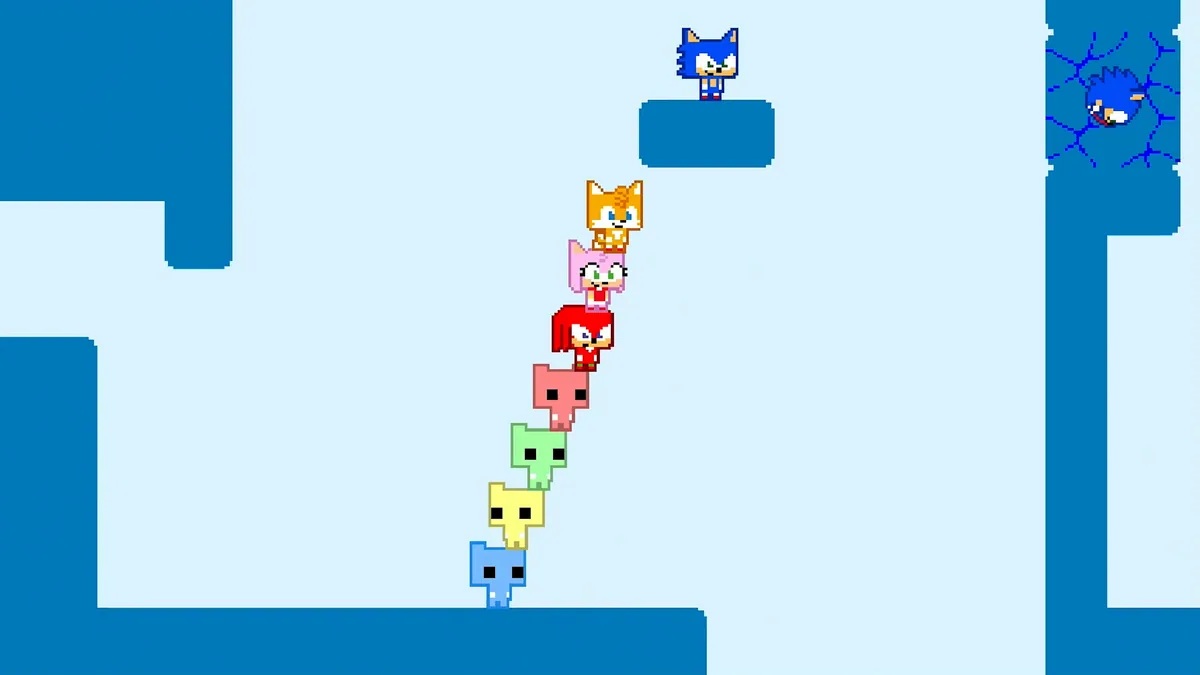


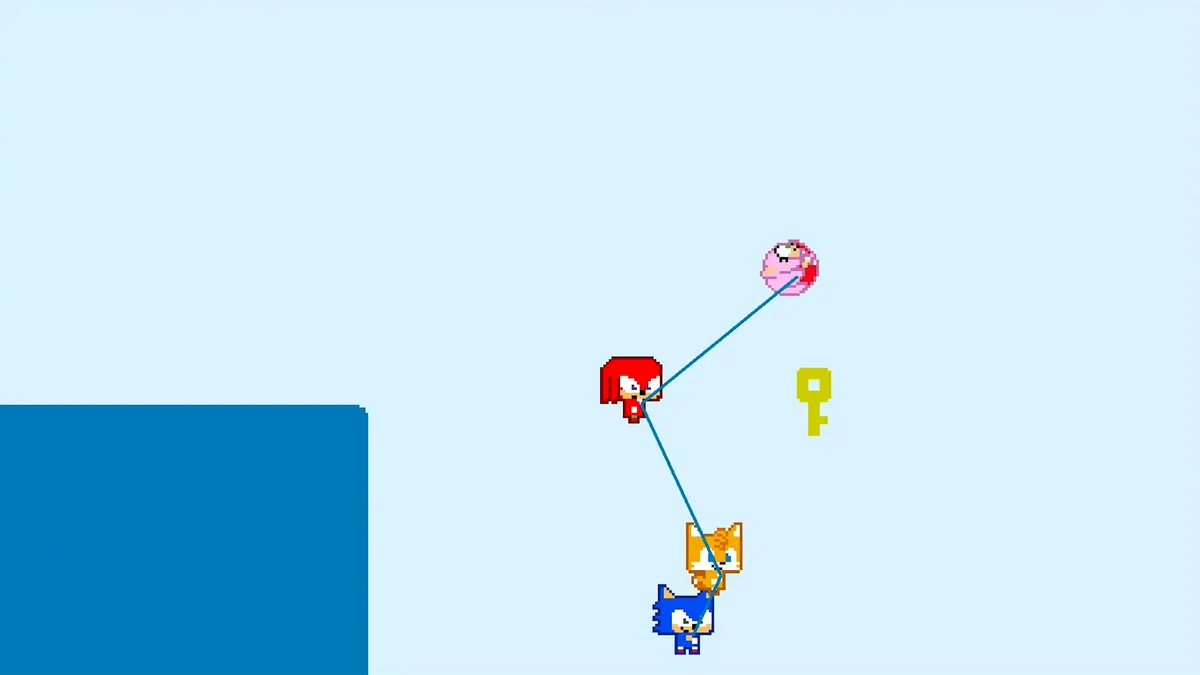
Using the SONIC PICO PARK trainer
The Eagle menu shows team positions, puzzle switches and the current stage route. Open it with Insert to check which action a teammate still needs to complete. A level checklist records discovered interactions without pressing a button or solving a cooperative puzzle in place of the players.