FREE CHEATS FOR
Sort Them Dice
Released November 13, 2026
Updated

 EAGLE CHEATS
How to use Eagle in Sort Them Dice
With Sort Them Dice running, press Insert to open the Eagle menu. The quick keys give direct access to Dice Inspector and Display Checklist. Use the menu for Set Membership, Shop Map and Area Progress and the remaining listed features; close it with Insert to return to the app.
- F2 Dice Inspector
Press F2 to turn Dice Inspector on or off without opening the menu. - F3 Display Checklist
Press F3 to turn Display Checklist on or off without opening the menu. - Insert Set Membership
Press Insert, choose Set Membership, adjust its value or option, and apply. - Insert Shop Map
Press Insert, find Shop Map in the feature list, and switch it on or off. - Insert Area Progress
Press Insert, find Area Progress in the feature list, and switch it on or off.
EXPLORE THE MENUFeatures
8 features
The Eagle trainer for Sort Them Dice brings dice inspector, set membership, display checklist together for the Windows PC release. Press Insert during play to open the menu, choose a control and return to the current session. Additional controls cover area progress, tool upgrades, and collection count during play.
- Dice Inspector
- Set Membership
- Display Checklist
- Area Progress
- Tool Upgrades
- Collection Count
- Placement View
- Shop Map
About the game
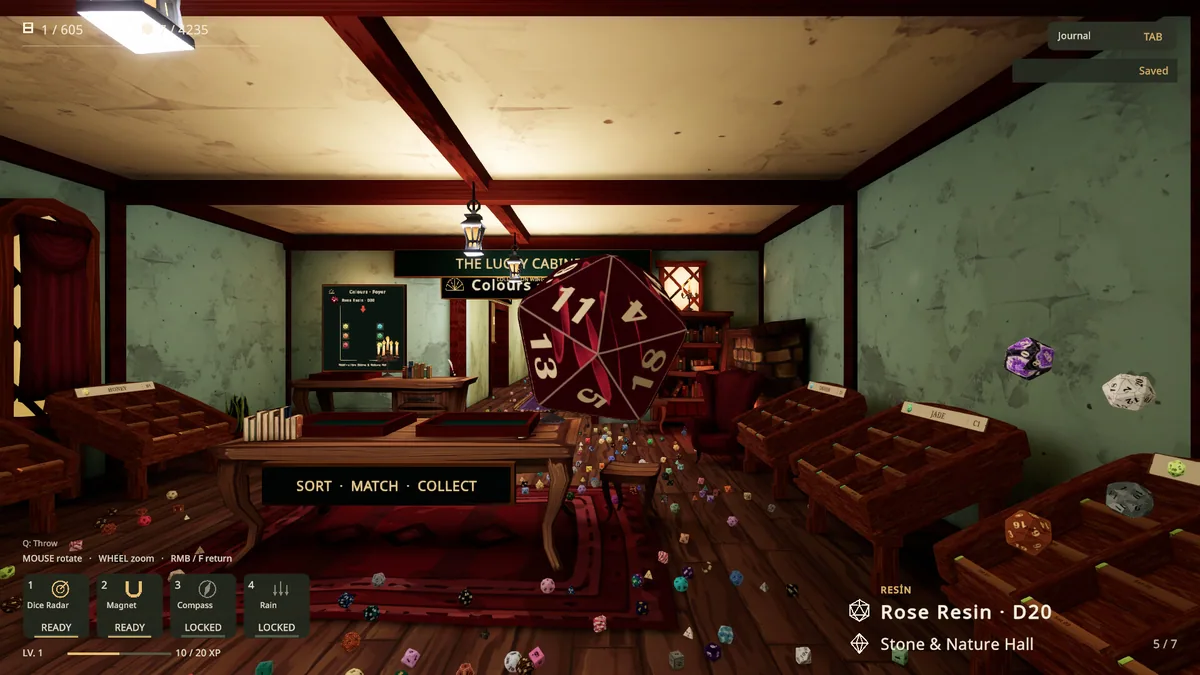
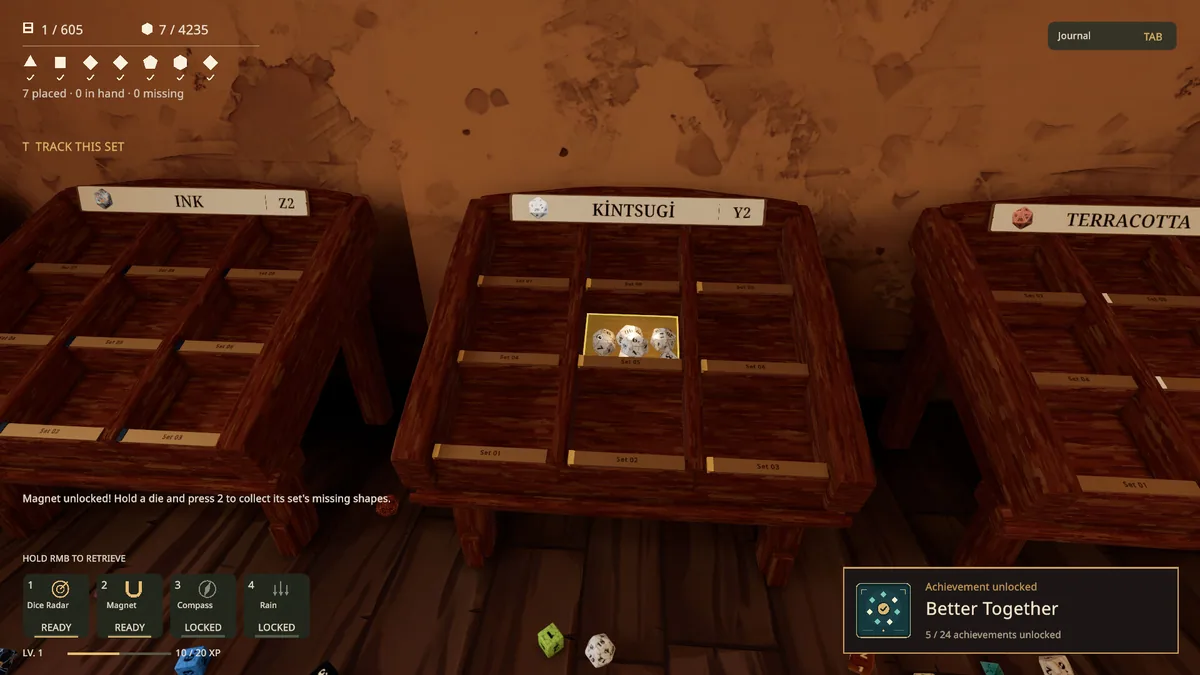
Sort Them Dice asks players to inspect and organize more than four thousand dice into hundreds of sets across six themed areas. Wooden displays slowly fill as a scattered hoard becomes a collection. The first-person pace encourages attention to color, markings and the identity of each piece.
Two dice may look close enough to match until a side or symbol reveals a different set. Unlockable organizing tools make the later volume manageable, but the satisfying moment is still putting the right piece in place. Working area by area helps prevent an unfinished display from being forgotten.
Official game page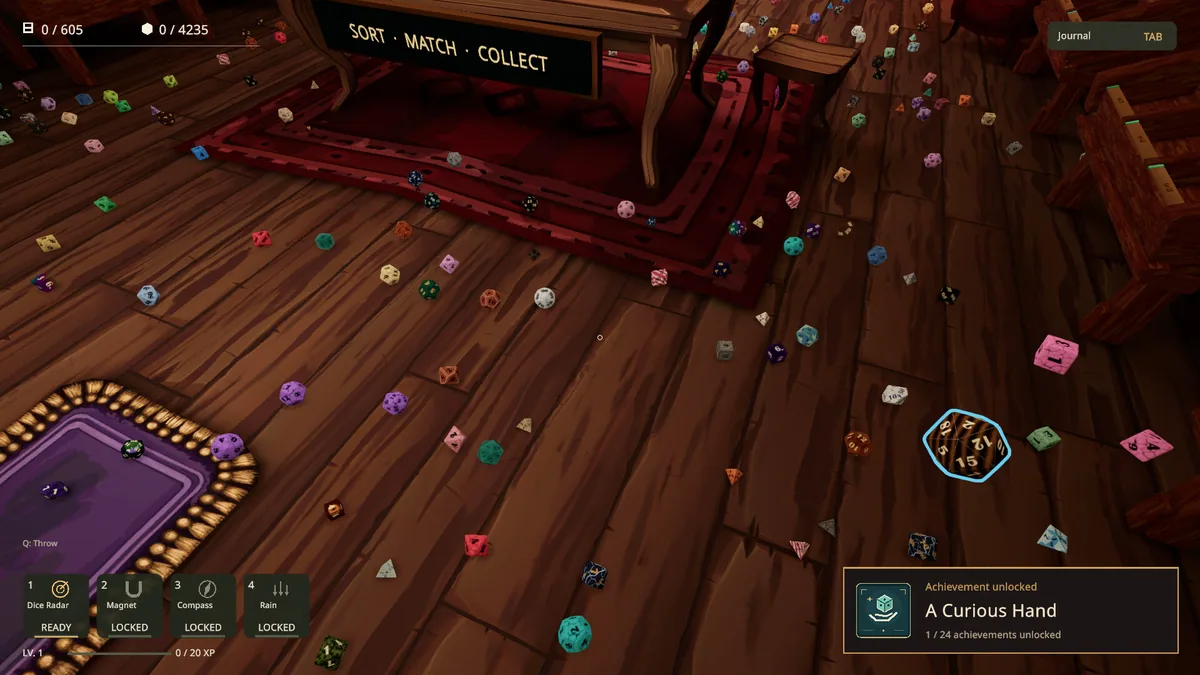
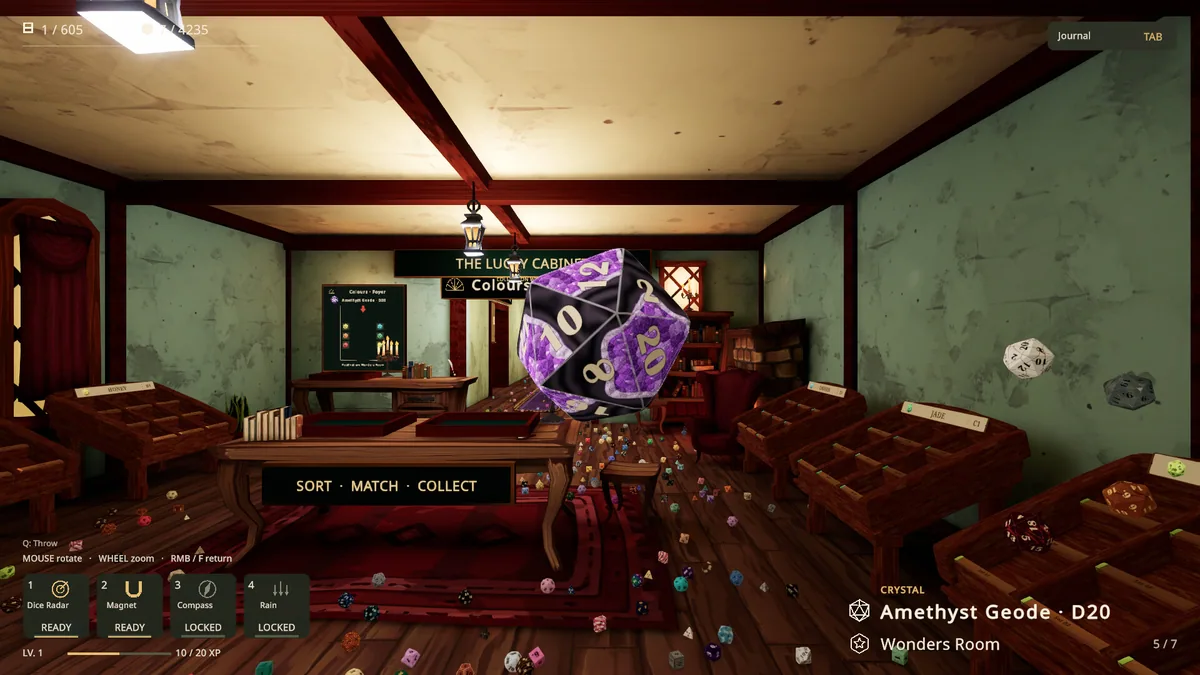
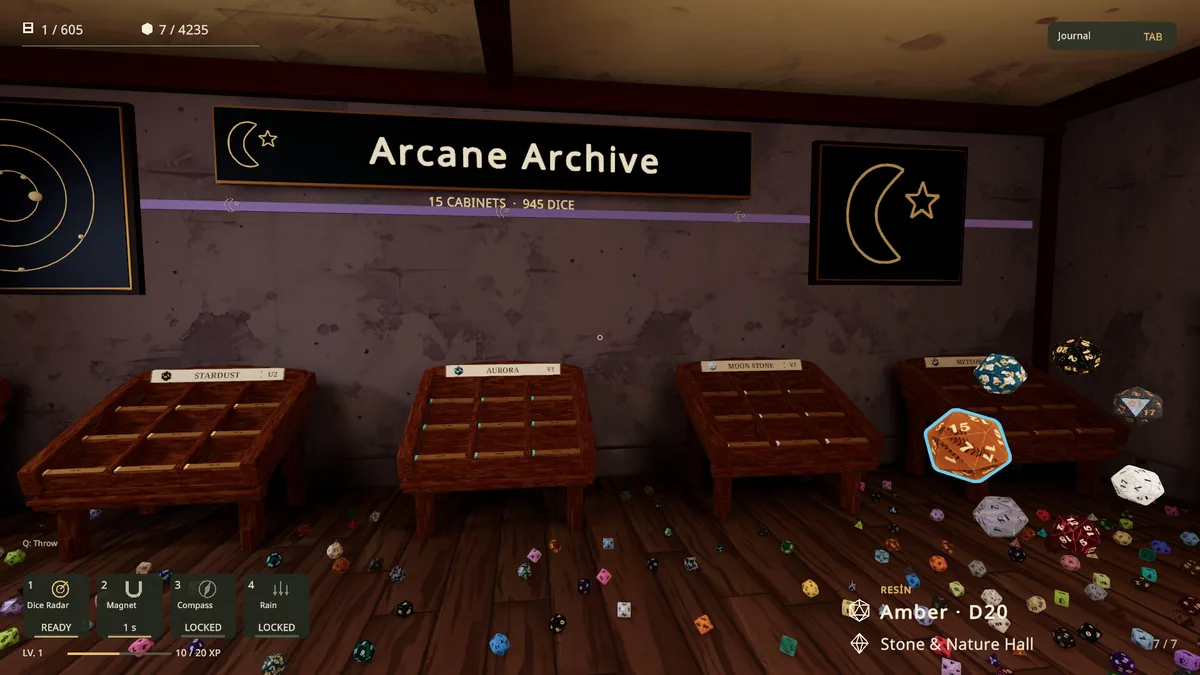
Using the Sort Them Dice trainer
The Eagle menu shows set membership, area completion and available organizing upgrades. Use Insert while holding a die to compare its details with a display. A collection counter tracks real progress through the six areas without replacing the tactile work of sorting each piece.