FREE CHEATS FOR
STEEL GULLET
Released November 16, 2026
Updated

 EAGLE CHEATS
How to use Eagle in STEEL GULLET
With STEEL GULLET running, press Insert to open the Eagle menu. The quick keys give direct access to Heat Map and Material Flow. Use the menu for Machine Output, Mass Ledger and Scrap Mix and the remaining listed features; close it with Insert to return to the app.
- F2 Heat Map
Press F2 to turn Heat Map on or off without opening the menu. - F3 Material Flow
Press F3 to turn Material Flow on or off without opening the menu. - Insert Machine Output
Press Insert, find Machine Output in the feature list, and switch it on or off. - Insert Mass Ledger
Press Insert, find Mass Ledger in the feature list, and switch it on or off. - Insert Scrap Mix
Press Insert, find Scrap Mix in the feature list, and switch it on or off.
EXPLORE THE MENUFeatures
8 features
The Eagle trainer for STEEL GULLET brings heat map, material flow, machine output together for the Windows PC release. Press Insert during play to open the menu, choose a control and return to the current session. Additional controls cover mass ledger, scrap mix, and refining yield during play.
- Heat Map
- Material Flow
- Machine Output
- Mass Ledger
- Scrap Mix
- Refining Yield
- Layout View
- Factory History
About the game
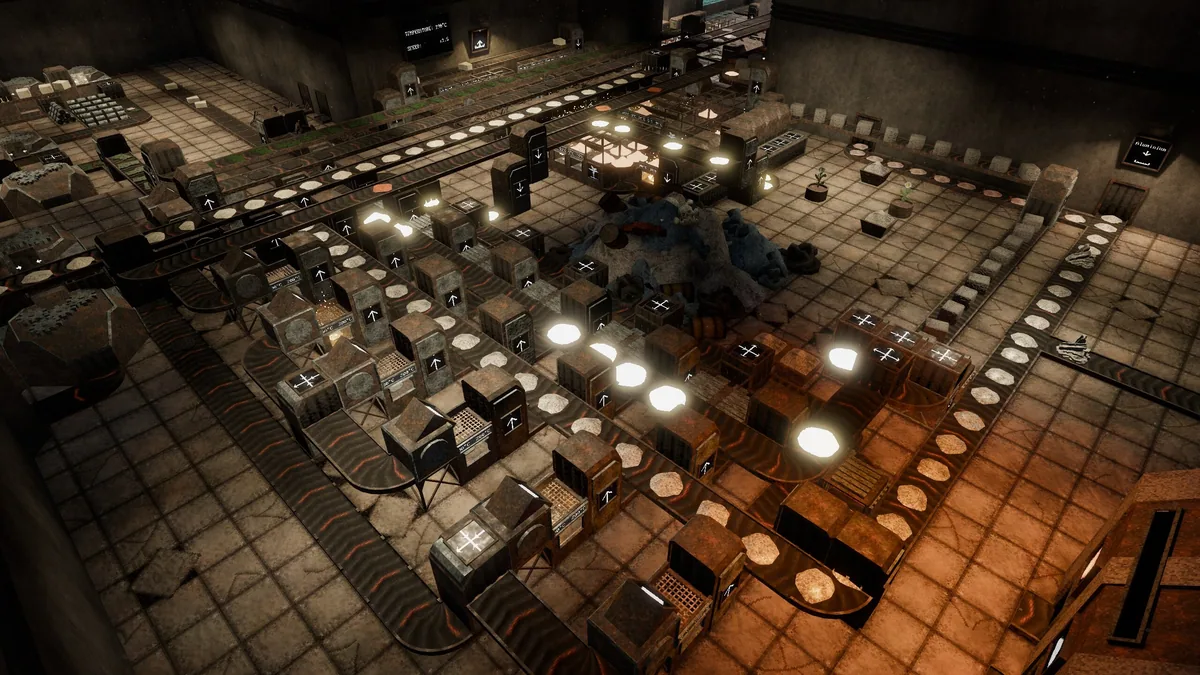
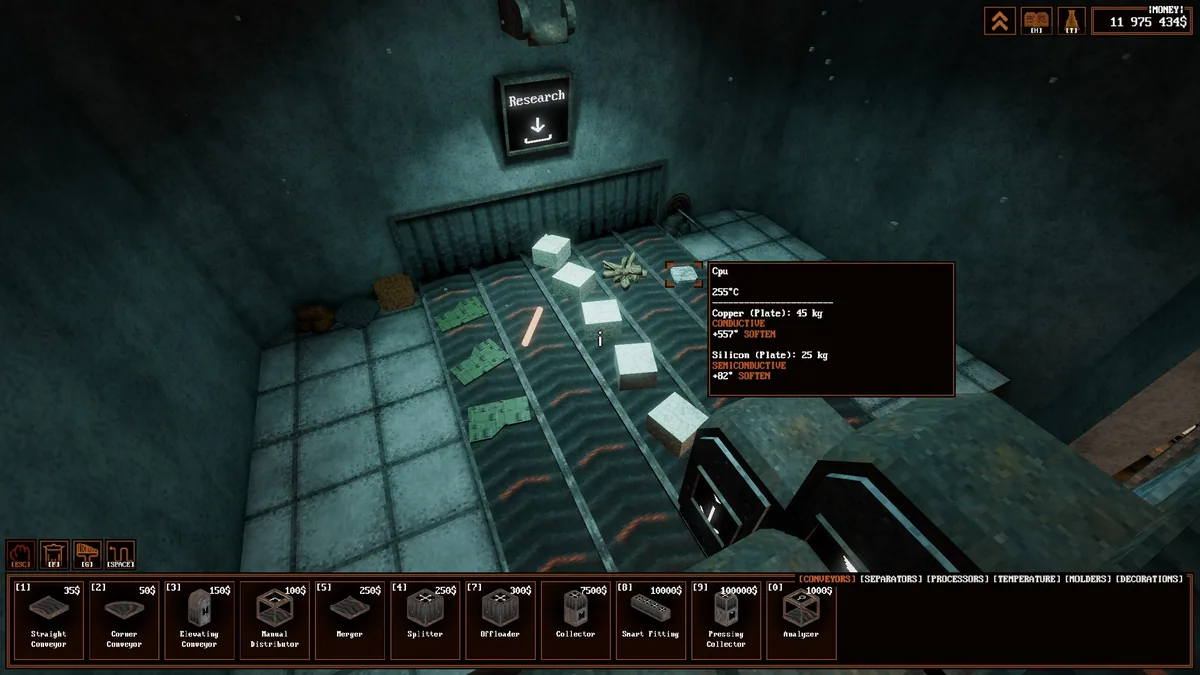
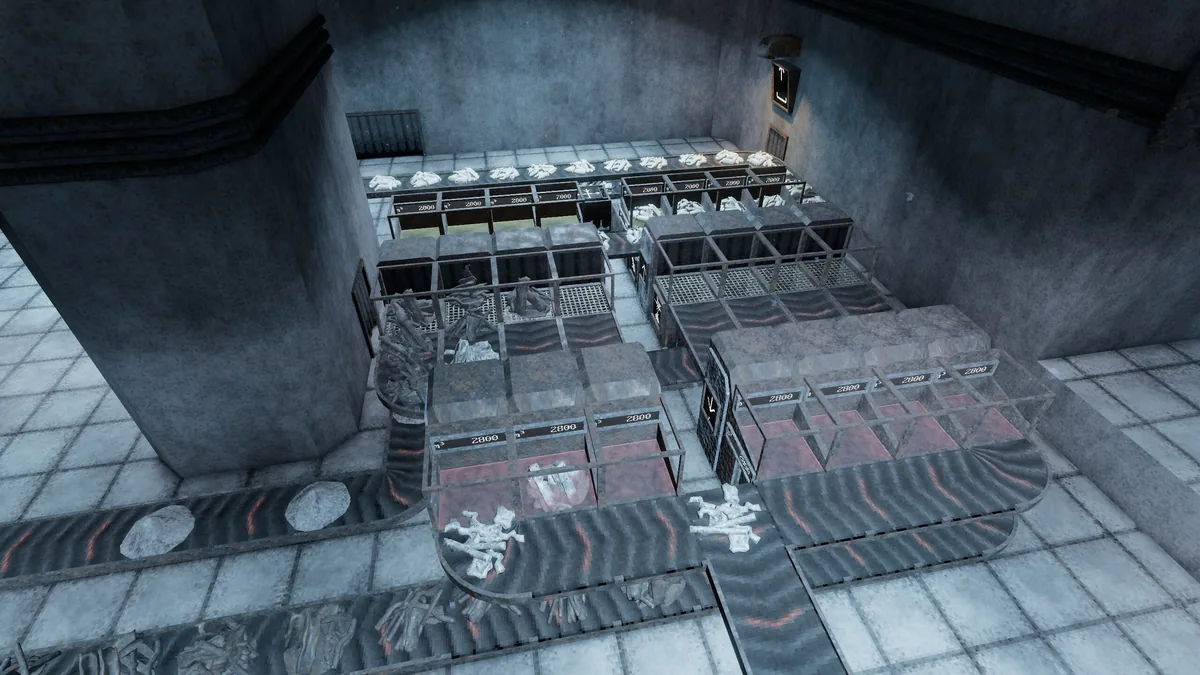
STEEL GULLET is a factory automation game where scrap is melted, separated and refined through physical processes. Thermodynamics and material mass make plant layout more than a matter of conveyor speed.
A hotter furnace may improve one step while creating a bottleneck at separation. Mixed scrap also changes what a line can recover. Reviewing throughput and waste by machine helps identify which redesign will actually improve the whole factory.
Official game page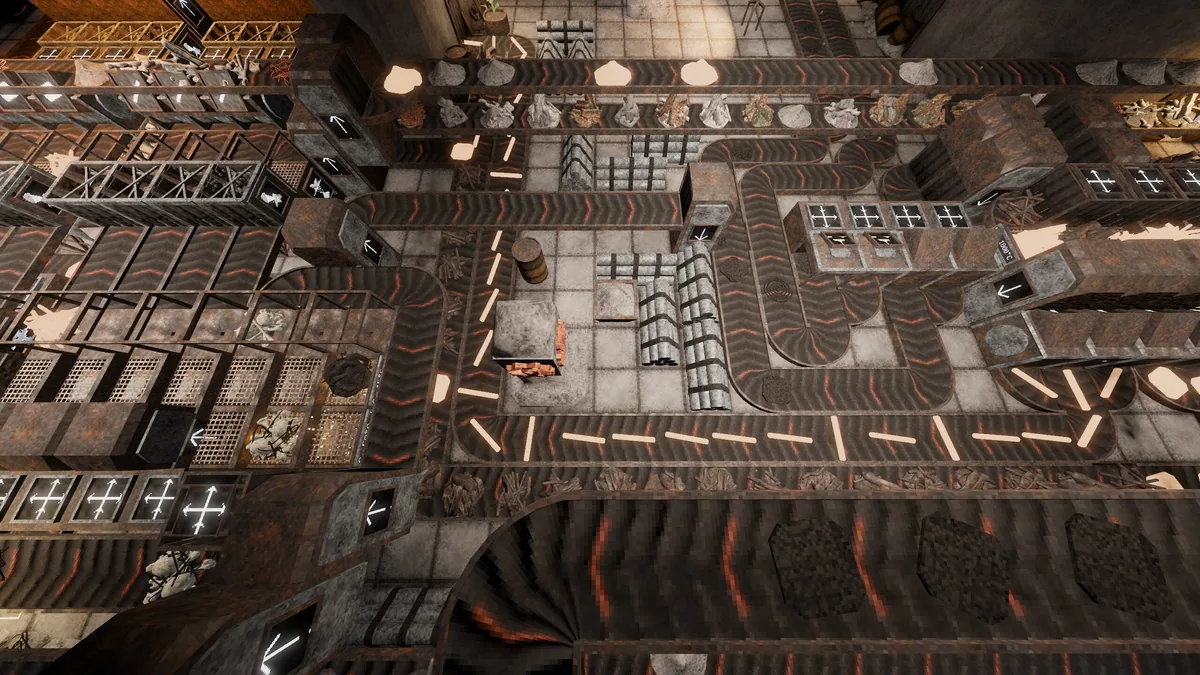
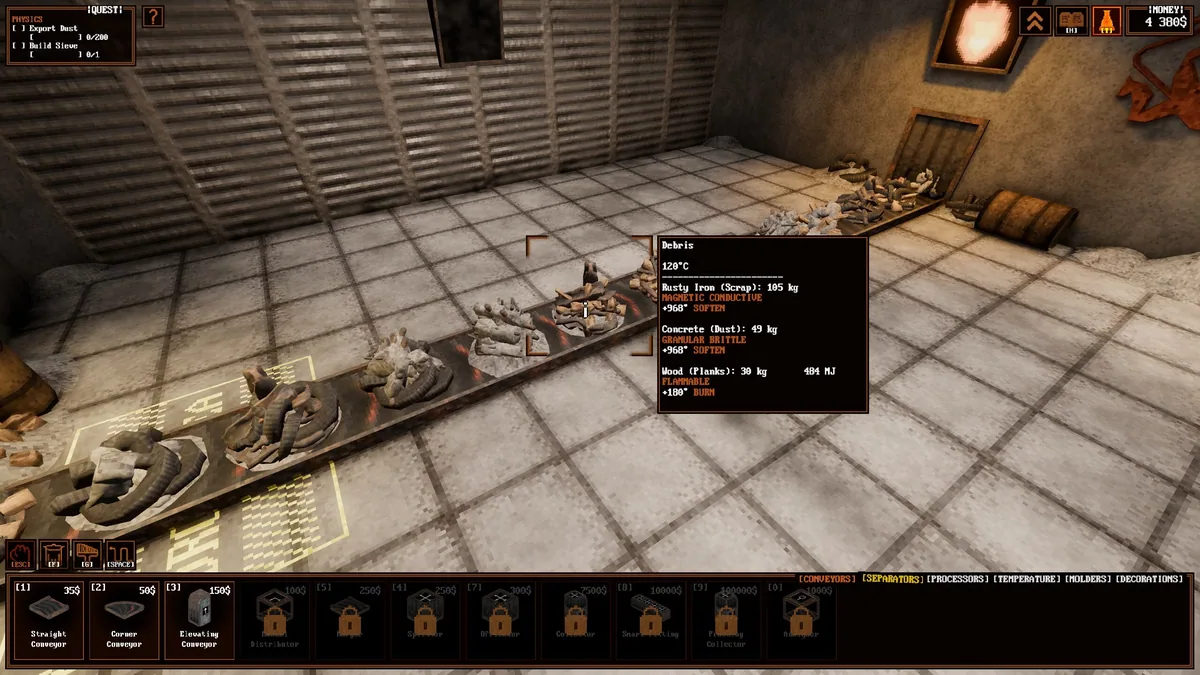
Using the STEEL GULLET trainer
Open the Eagle menu with Insert to inspect heat, material flow and machine output across the plant. The process ledger records mass entering and leaving each stage. Use the layout view to plan a change before rebuilding a working line.