FREE CHEATS FOR
Stellar Courier
Released November 17, 2026
Updated

 EAGLE CHEATS
How to use Eagle in Stellar Courier
With Stellar Courier running, press Insert to open the Eagle menu. The quick keys give direct access to Cargo Condition and Ship Health. Use the menu for Delivery Route, Weapon Readiness and Flight Notes and the remaining listed features; close it with Insert to return to the app.
- F2 Cargo Condition
Press F2 to turn Cargo Condition on or off without opening the menu. - F3 Ship Health
Press F3 to turn Ship Health on or off without opening the menu. - Insert Delivery Route
Press Insert, find Delivery Route in the feature list, and switch it on or off. - Insert Weapon Readiness
Press Insert, find Weapon Readiness in the feature list, and switch it on or off. - Insert Flight Notes
Press Insert, find Flight Notes in the feature list, and switch it on or off.
EXPLORE THE MENUFeatures
8 features
The Eagle trainer for Stellar Courier brings cargo condition, ship health, delivery route together for the Windows PC release. Press Insert during play to open the menu, choose a control and return to the current session. Additional controls cover pirate activity, sector history, and weapon readiness during play.
- Cargo Condition
- Ship Health
- Delivery Route
- Pirate Activity
- Sector History
- Weapon Readiness
- Flight Notes
- Mission Record
About the game
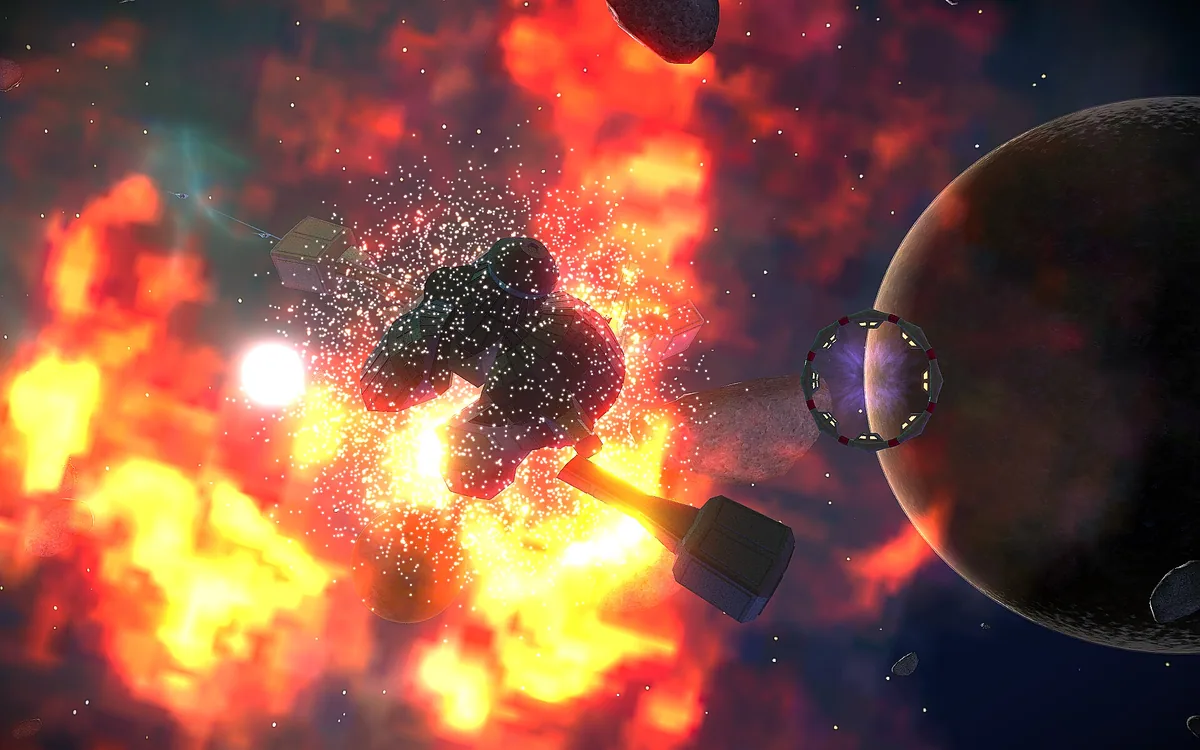
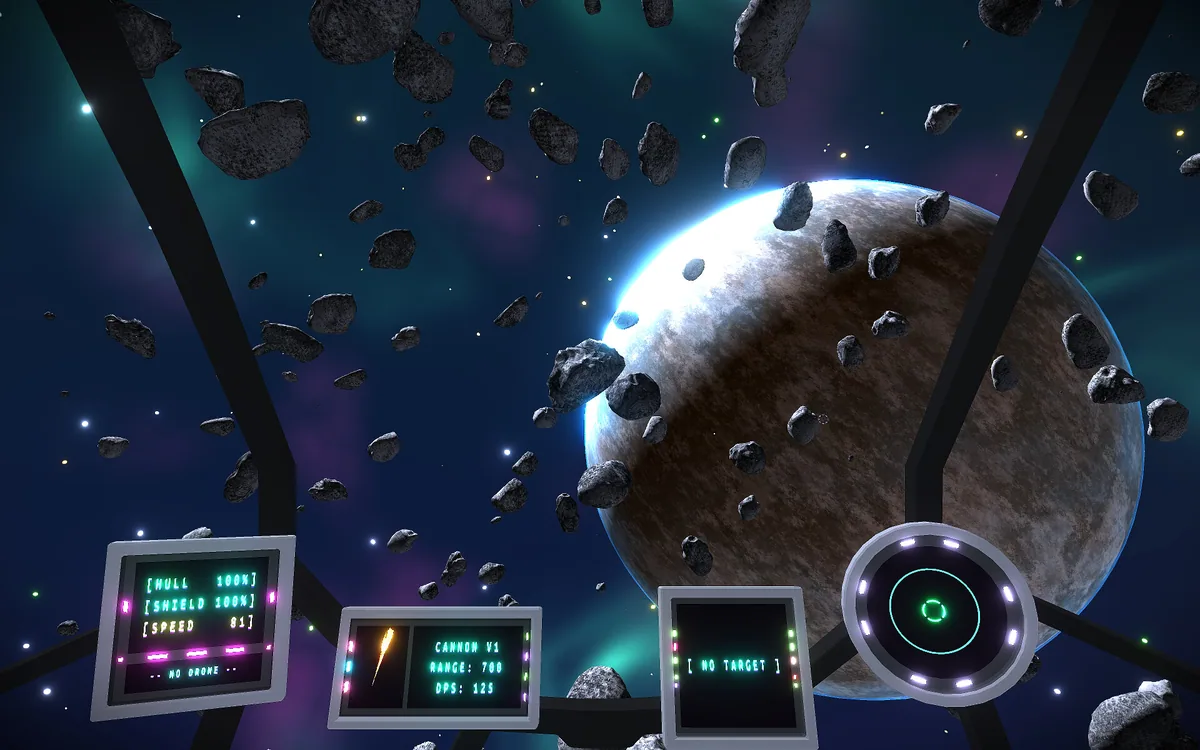
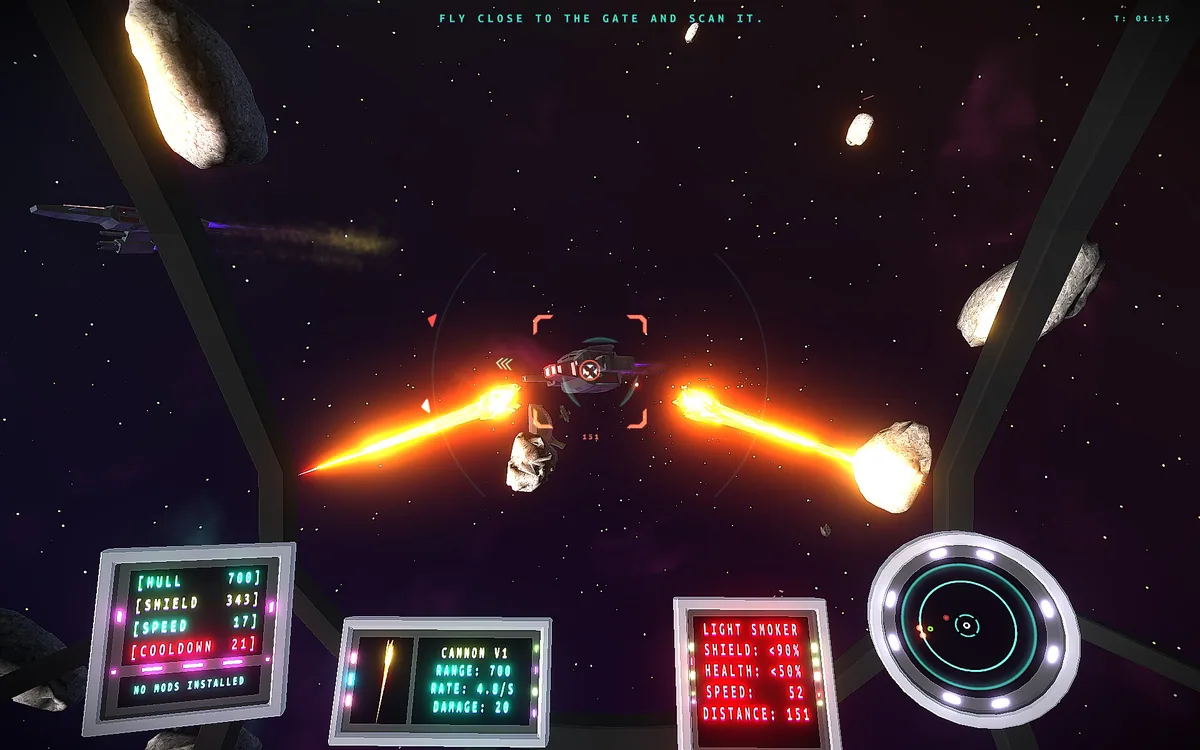
Stellar Courier is an arcade space shooter about delivering one package through a fractured galaxy. Flight has an aircraft-like feel, and pirates and remnants of an old army threaten the route. The objective is to reach the destination with the cargo intact.
A shortcut through hostile space can cost more hull than a longer route. Shooting every opponent is not always necessary when delivery remains the priority. Tracking which sectors cause damage helps build a safer course for the next attempt.
Official game page
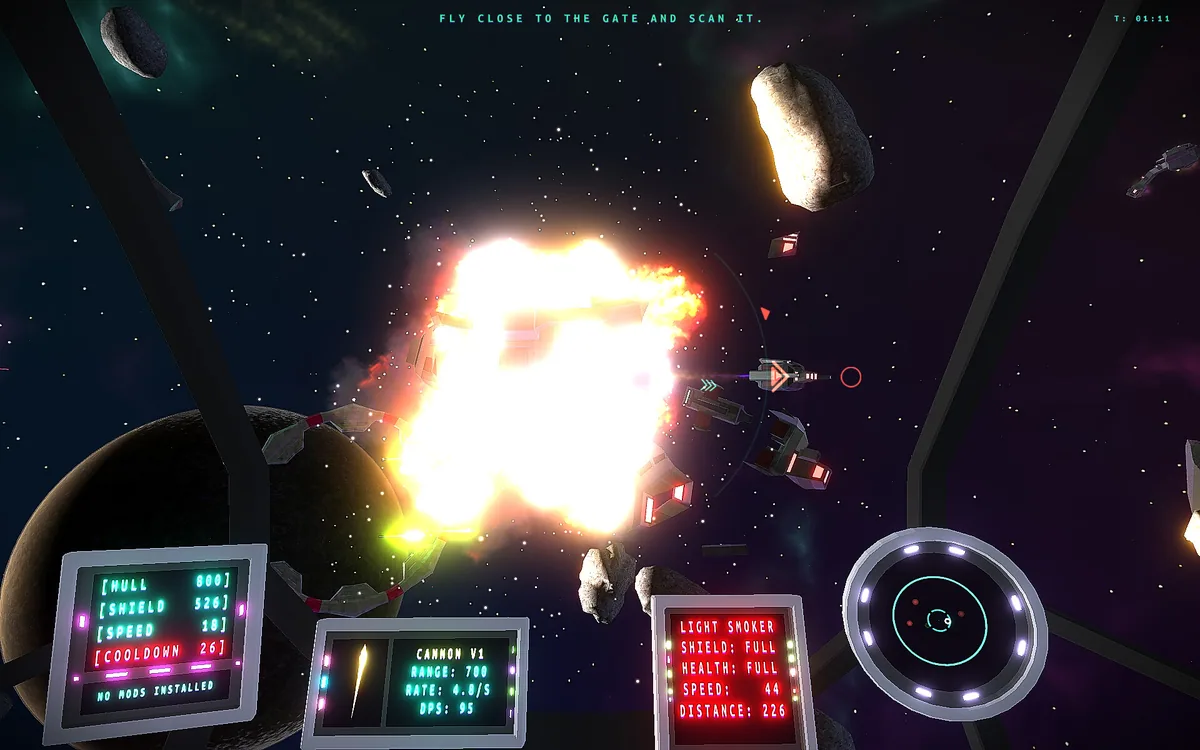
Using the Stellar Courier trainer
Open the Eagle menu with Insert to inspect cargo condition, ship health and the delivery route. The encounter log marks pirate activity and difficult turns. Use the sector history to compare a fast passage with a safer one.