FREE CHEATS FOR
Summer, Youth, and Baseball
Released November 17, 2026
Updated

 EAGLE CHEATS
How to use Eagle in Summer, Youth, and Baseball
With Summer, Youth, and Baseball running, press Insert to open the Eagle menu. The quick keys give direct access to Hit Total and Cheer Count. Use the menu for Upgrade Prices, Inning Log and Swing Rate and the remaining listed features; close it with Insert to return to the app.
- F2 Hit Total
Press F2 to turn Hit Total on or off without opening the menu. - F3 Cheer Count
Press F3 to turn Cheer Count on or off without opening the menu. - Insert Upgrade Prices
Press Insert, find Upgrade Prices in the feature list, and switch it on or off. - Insert Inning Log
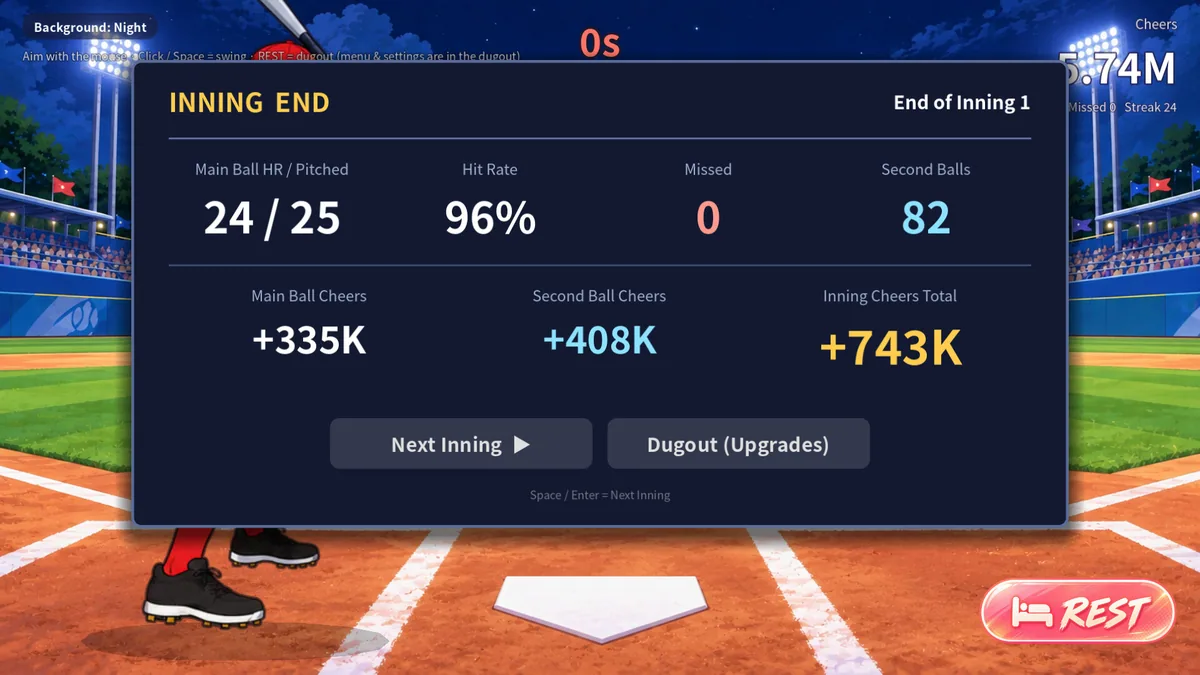
Press Insert, find Inning Log in the feature list, and switch it on or off. - Insert Swing Rate
Press Insert, find Swing Rate in the feature list, and switch it on or off.
EXPLORE THE MENUFeatures
8 features
The Eagle trainer for Summer, Youth, and Baseball brings hit total, cheer count, upgrade prices together for the Windows PC release. Press Insert during play to open the menu, choose a control and return to the current session. Additional controls cover inning log, swing rate, and milestone plan during play.
- Hit Total
- Cheer Count
- Upgrade Prices
- Inning Log
- Swing Rate
- Milestone Plan
- Unlock Path
- Ending Progress
About the game
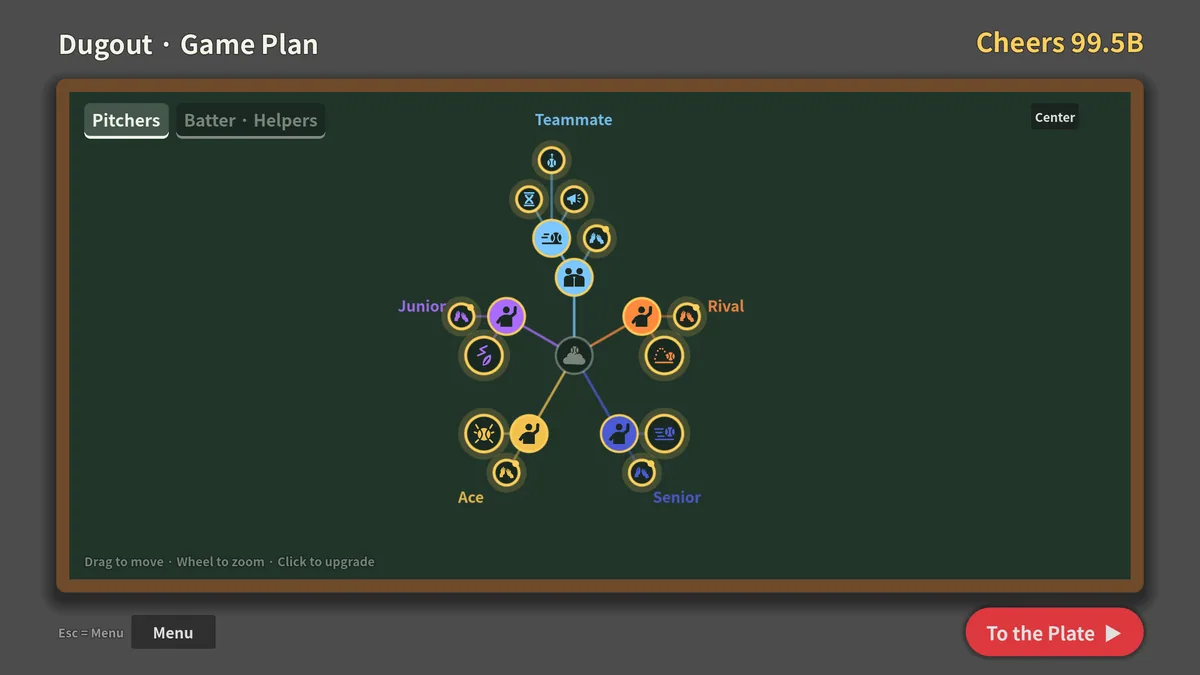
Summer, Youth, and Baseball is a short incremental baseball game built around hitting, earning cheers and reaching an ending. Each swing adds a small piece of progress. The compact format puts emphasis on choosing upgrades that shorten the next stretch.
A quick improvement to one hit may be less valuable than a boost that affects every future swing. Tracking cheers per session helps judge when the next unlock is within reach. The ending gives the accumulation a clear destination.
Official game page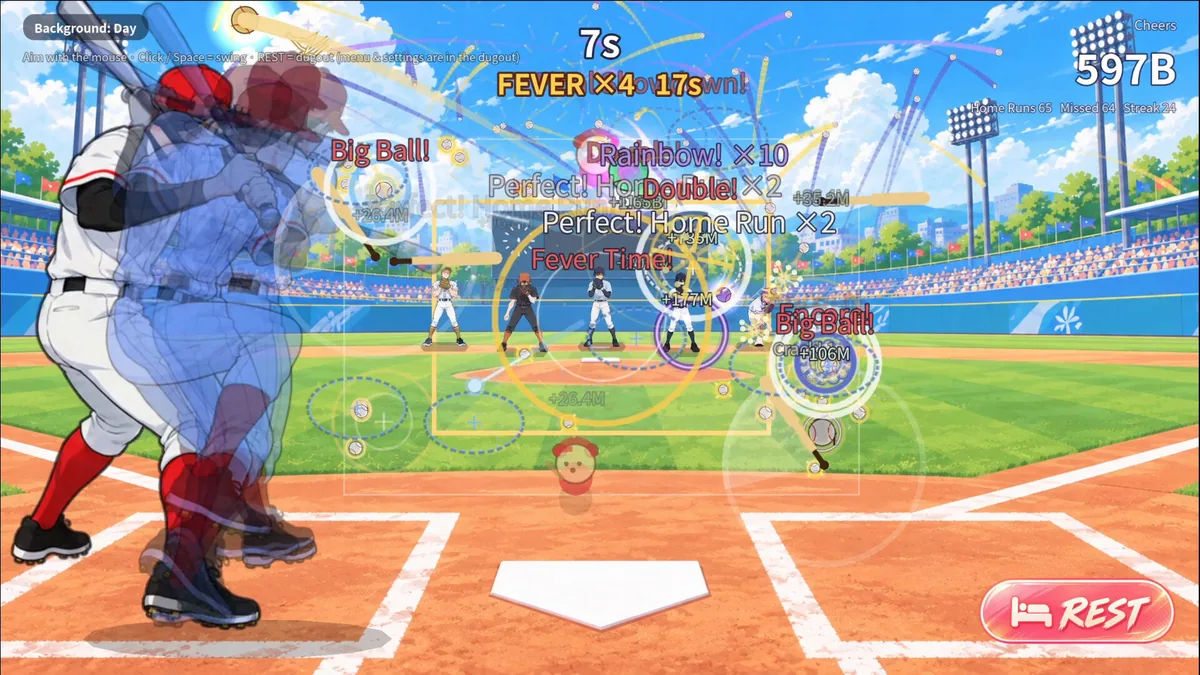


Using the Summer, Youth, and Baseball trainer
Open the Eagle menu with Insert to review hit totals, cheers and upgrade prices. The inning log records how a purchase changed the pace. Use the milestone panel before spending a reserve needed for the next story step.