FREE CHEATS FOR
SX BEYOND
Released November 10, 2026
Updated

 EAGLE CHEATS
How to use Eagle in SX BEYOND
With SX BEYOND running, press Insert to open the Eagle menu. The quick keys give direct access to Ammo Reserve and Squad Health. Use the menu for City Map, Supply Inventory and Stealth Status and the remaining listed features; close it with Insert to return to the app.
- F2 Ammo Reserve
Press F2 to turn Ammo Reserve on or off without opening the menu. - F3 Squad Health
Press F3 to turn Squad Health on or off without opening the menu. - Insert City Map
Press Insert, find City Map in the feature list, and switch it on or off. - Insert Supply Inventory
Press Insert, find Supply Inventory in the feature list, and switch it on or off. - Insert Stealth Status
Press Insert, find Stealth Status in the feature list, and switch it on or off.
EXPLORE THE MENUFeatures
8 features
The Eagle trainer for SX BEYOND brings ammo reserve, squad health, city map together for the Windows PC release. Press Insert during play to open the menu, choose a control and return to the current session. Additional controls cover stealth status, supply inventory, and enemy markers during play.
- Ammo Reserve
- Squad Health
- City Map
- Stealth Status
- Supply Inventory
- Enemy Markers
- Objective Log
- Checkpoint View
About the game
SX BEYOND is an FPS survival horror game through ruined cyber-cities occupied by infernal threats. Players manage limited supplies and use stealth or combat to survive, alone or with a squad. The setting turns ordinary streets into routes that need careful scouting.
A loud fight may remove one threat while drawing attention from another area. Ammunition, healing and safe paths therefore have to be considered together. Cooperative runs add the question of where teammates are positioned before anyone commits to an attack.
Official game page

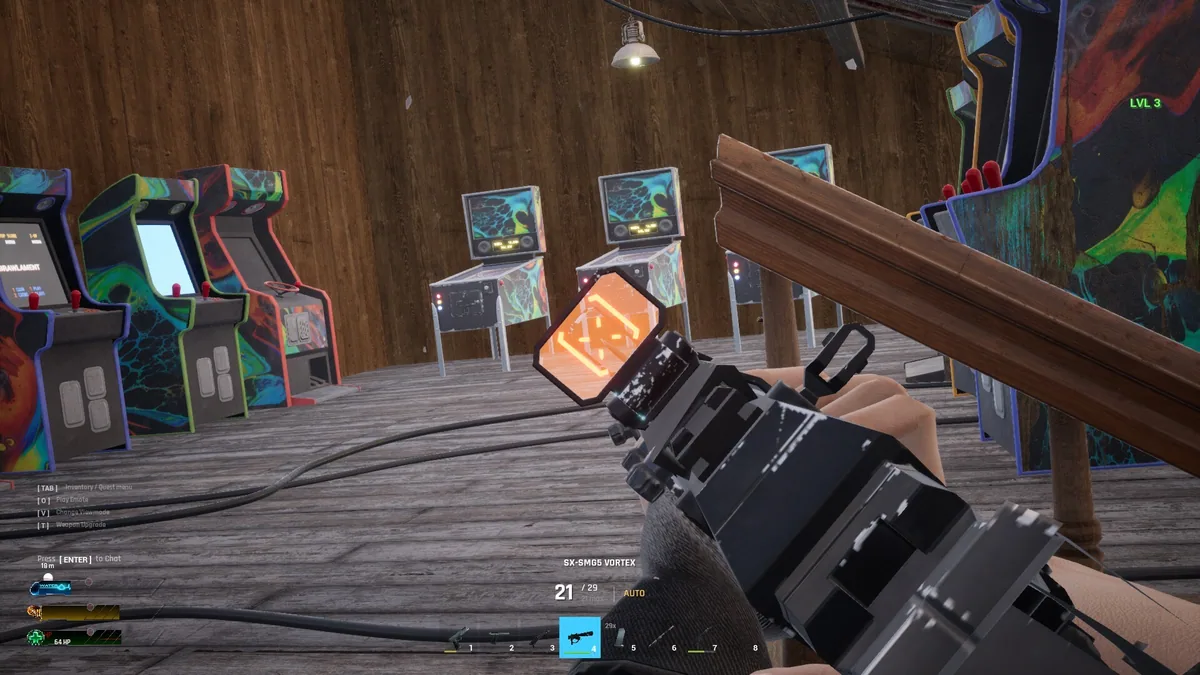
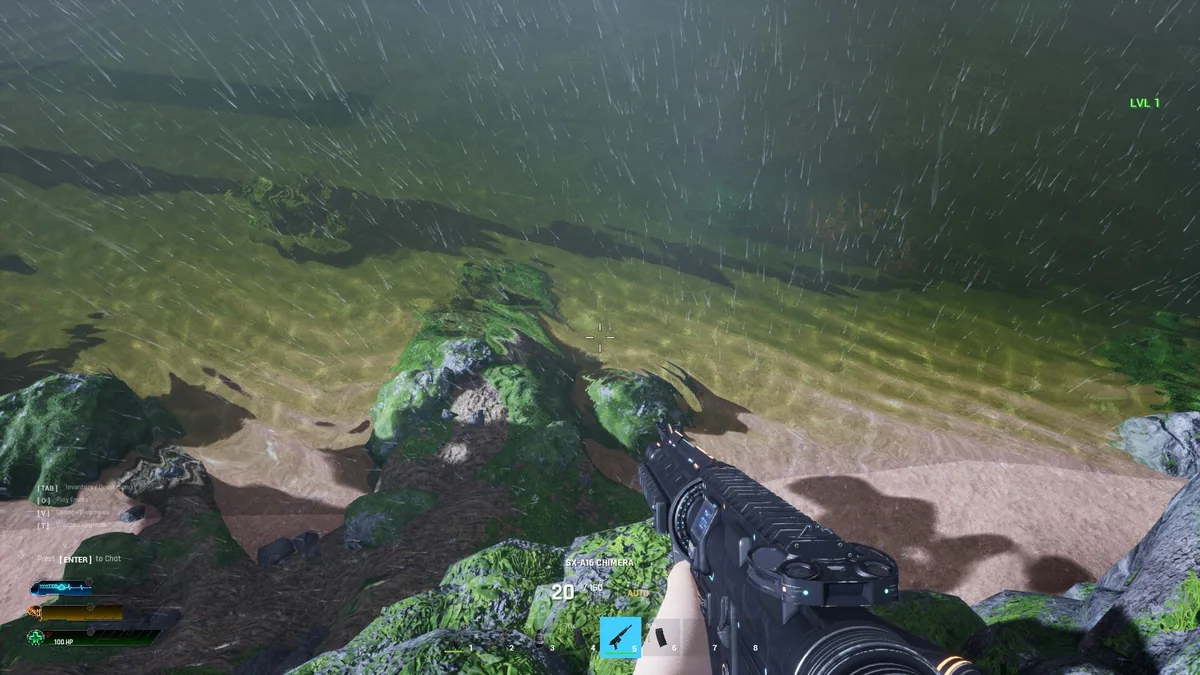
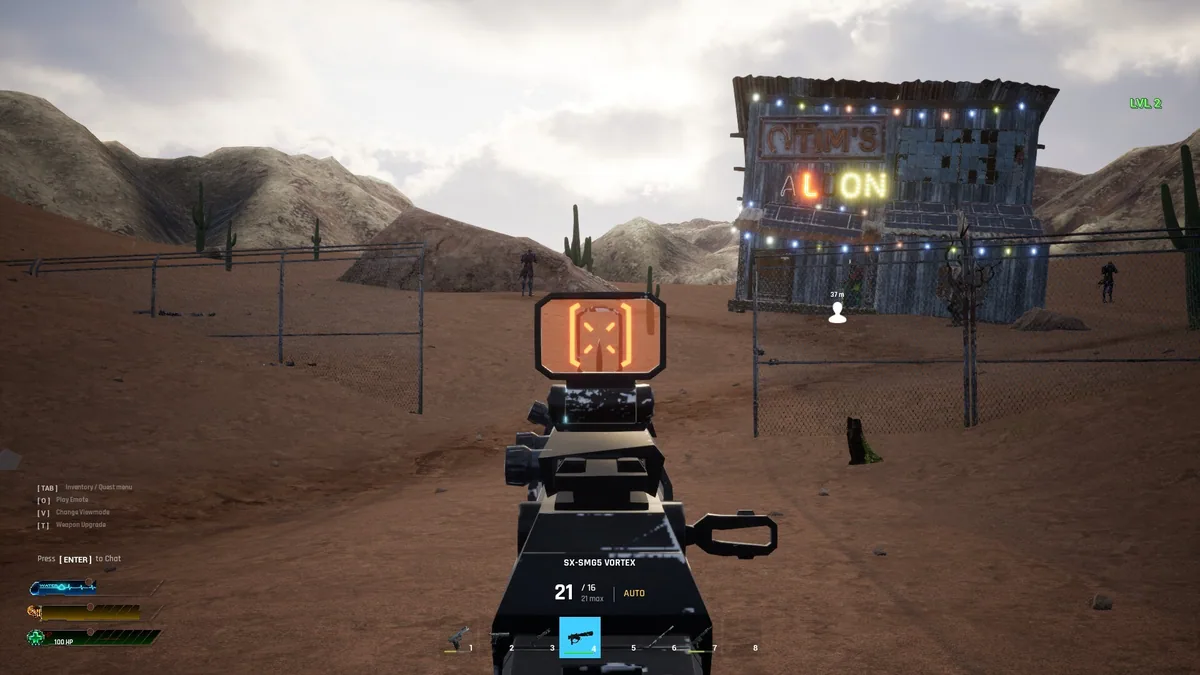
Using the SX BEYOND trainer
The menu keeps ammunition, squad status and discovered city paths visible without revealing every danger. It helps compare a quiet route with a fight and track whether the group has enough supplies to continue. A mission log separates current objectives from optional exploration.