FREE CHEATS FOR
Tactics: Setting Sun
Released November 14, 2026
Updated
 EAGLE CHEATS
How to use Eagle in Tactics: Setting Sun
With Tactics: Setting Sun running, press Insert to open the Eagle menu. The quick keys give direct access to Unit Roster and Turn Status. Use the menu for Objective Map, Movement Range and Terrain View and the remaining listed features; close it with Insert to return to the app.
- F2 Unit Roster
Press F2 to turn Unit Roster on or off without opening the menu. - F3 Turn Status
Press F3 to turn Turn Status on or off without opening the menu. - Insert Objective Map
Press Insert, find Objective Map in the feature list, and switch it on or off. - Insert Movement Range
Press Insert, find Movement Range in the feature list, and switch it on or off. - Insert Terrain View
Press Insert, find Terrain View in the feature list, and switch it on or off.
EXPLORE THE MENUFeatures
8 features
The Eagle trainer for Tactics: Setting Sun brings unit roster, turn status, objective map together for the Windows PC release. Press Insert during play to open the menu, choose a control and return to the current session. Additional controls cover terrain view, movement range, and campaign log during play.
- Unit Roster
- Turn Status
- Objective Map
- Terrain View
- Movement Range
- Campaign Log
- Editor Layers
- Match History
About the game
Tactics: Setting Sun focuses on turn-based warfare in the Pacific Theater of World War II. Single-player and multiplayer modes sit alongside a map editor and a roguelike campaign. Terrain, unit position and the next turn's possibilities matter more than quick input.
A captured point can be difficult to hold when supply lines stretch across water or an exposed flank. The map editor offers a different perspective on how terrain creates those dilemmas. In a campaign, preserving capable units can be more valuable than a costly immediate gain.
Official game page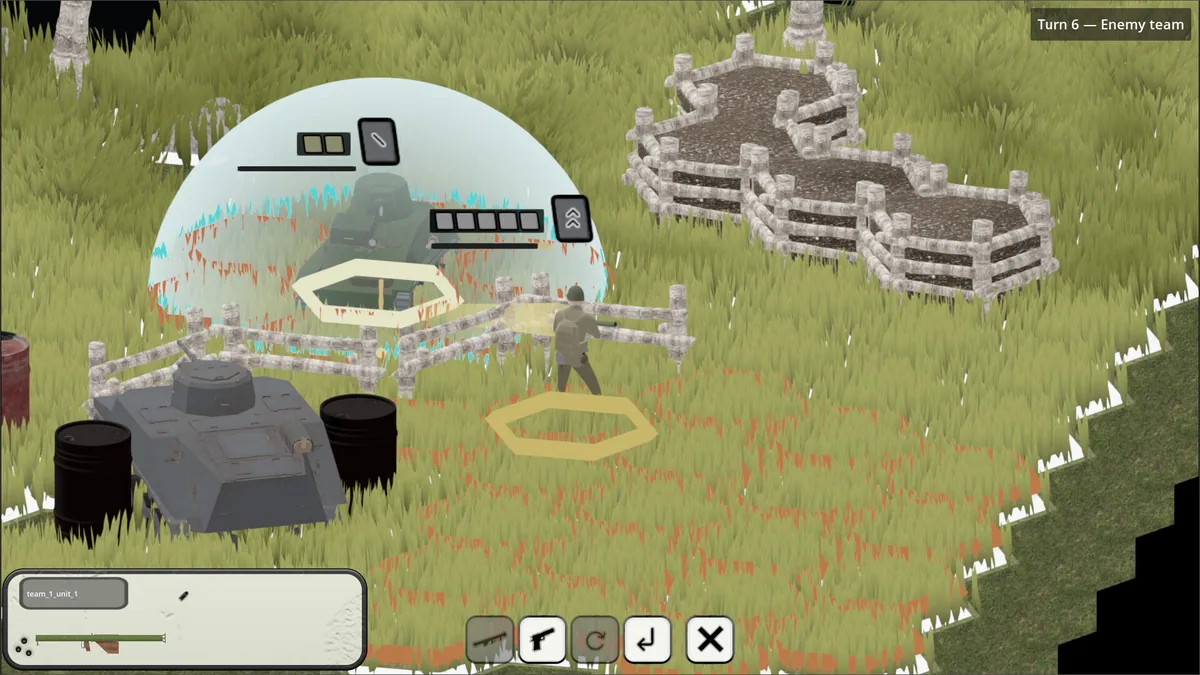
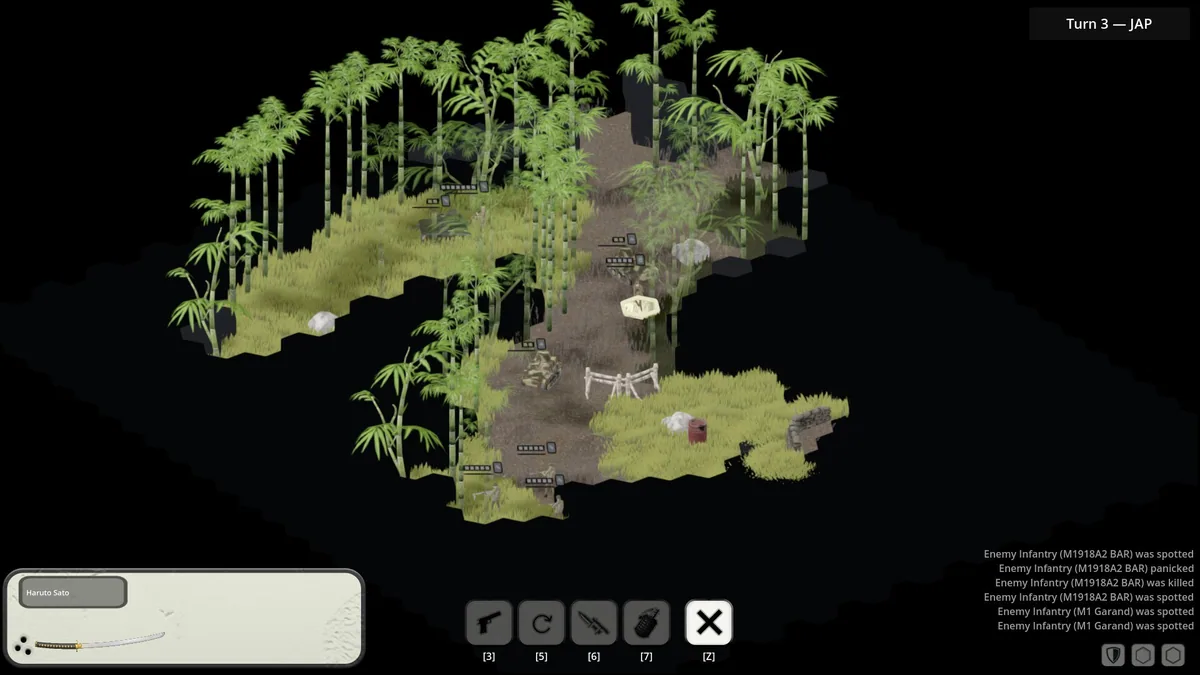
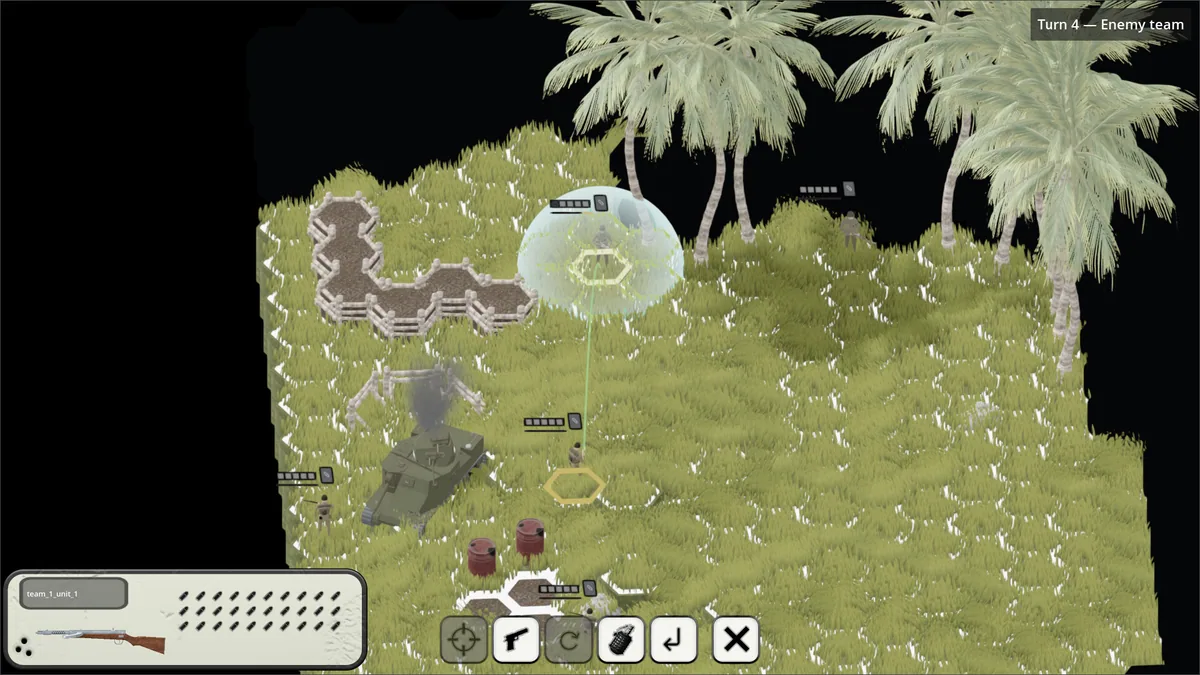
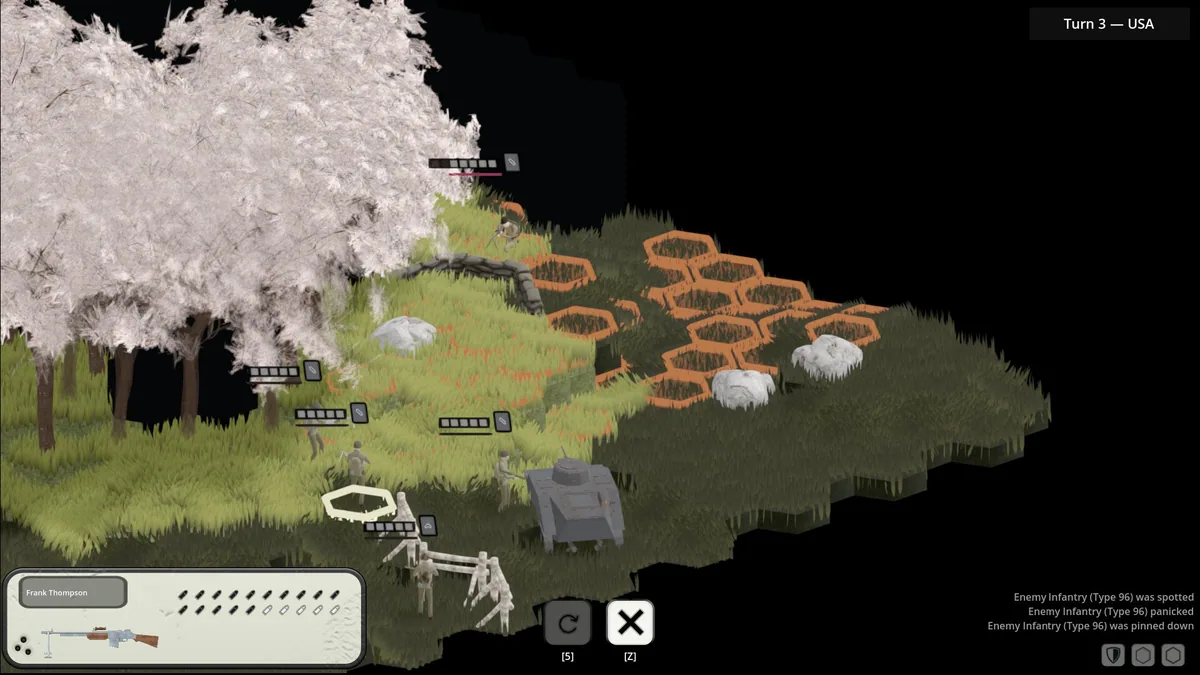
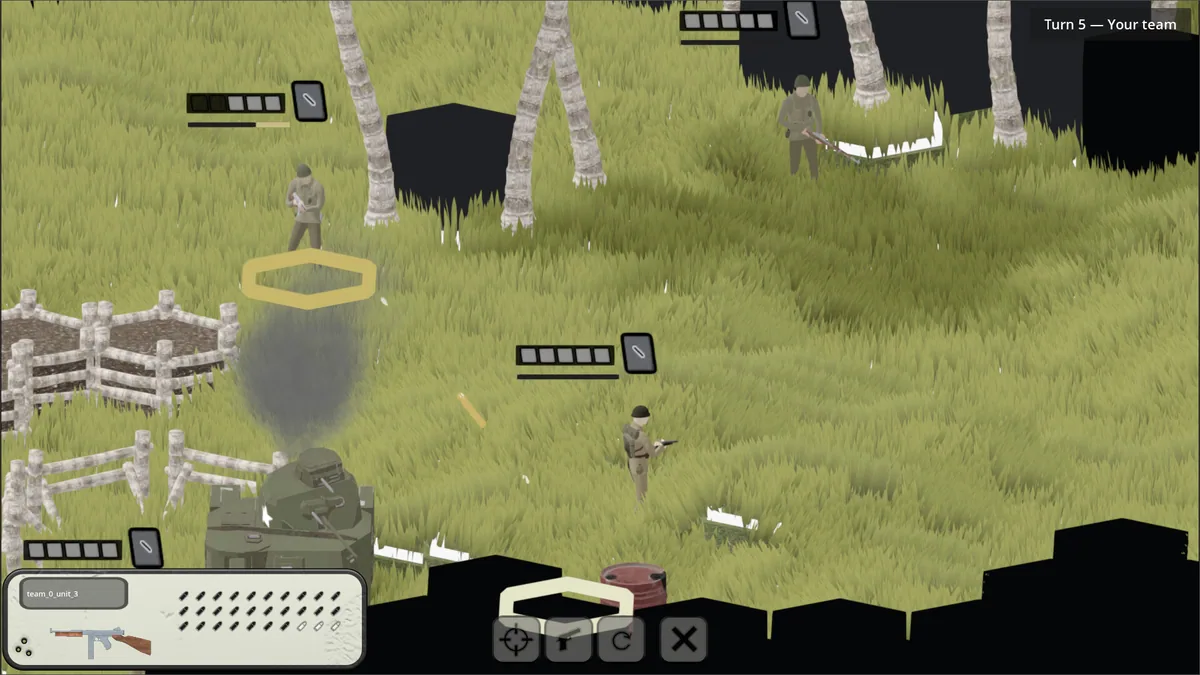
Using the Tactics: Setting Sun trainer
The Eagle menu shows unit status, objectives and the visible map in one tactical panel. Open it with Insert before ending a turn to review a threatened flank or remaining movement. An editor view tracks placed terrain separately from the campaign so creation tools do not obscure battle decisions.