FREE CHEATS FOR
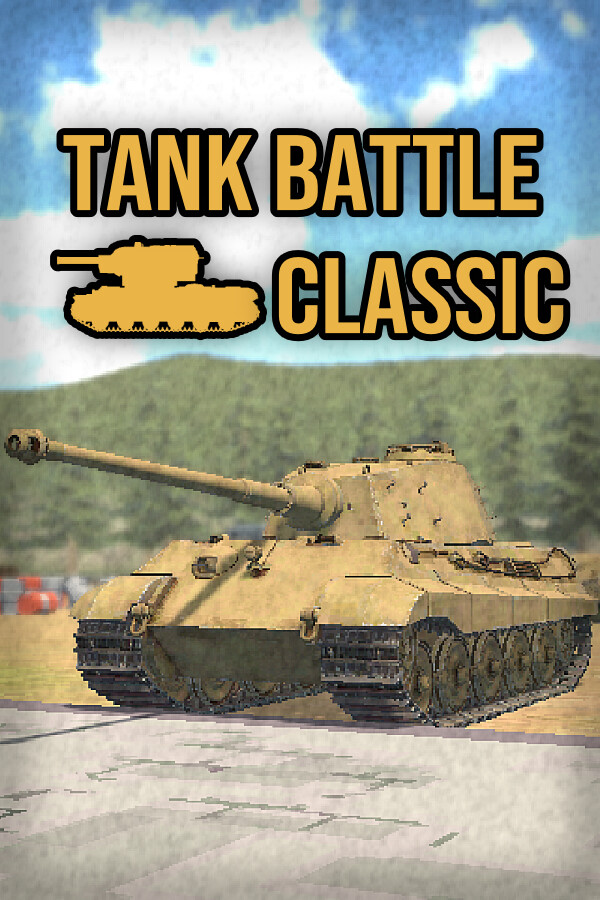
Tank Battle Classic
Released September 24, 2026
Updated
 EAGLE CHEATS
How to use Eagle in Tank Battle Classic
With Tank Battle Classic running, press Insert to open the Eagle menu. The quick keys give direct access to Infinite Health and Infinite Ammo. Use the menu for No Reload, No Recoil and Movement Speed and the remaining listed features; close it with Insert to return to the app.
- F2 Infinite Health
Press F2 to turn Infinite Health on or off without opening the menu. - F3 Infinite Ammo
Press F3 to turn Infinite Ammo on or off without opening the menu. - Insert No Reload
Press Insert, find No Reload in the feature list, and switch it on or off. - Insert No Recoil
Press Insert, find No Recoil in the feature list, and switch it on or off. - Insert Movement Speed
Press Insert, choose Movement Speed, adjust the value, and apply.
EXPLORE THE MENUFeatures
8 features
The free Tank Battle Classic trainer includes Infinite Health, Infinite Ammo and No Reload. It also offers No Recoil, No Weapon Sway and Enemy ESP. Press Insert to open the menu on Windows PC.
- Infinite Health
- Infinite Ammo
- No Reload
- No Recoil
- No Weapon Sway
- Enemy ESP
- Ammo Counter Overlay
- Movement Speed
About the game
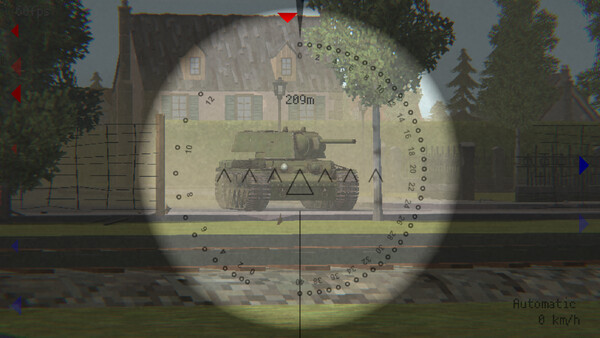
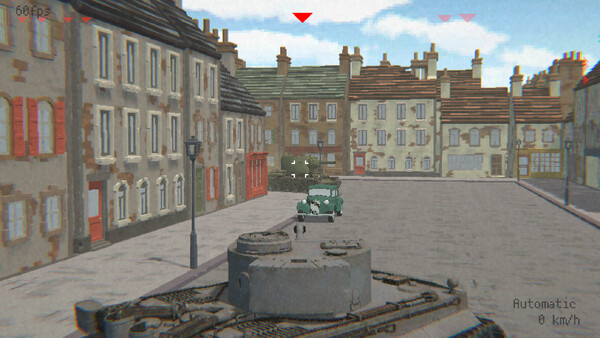
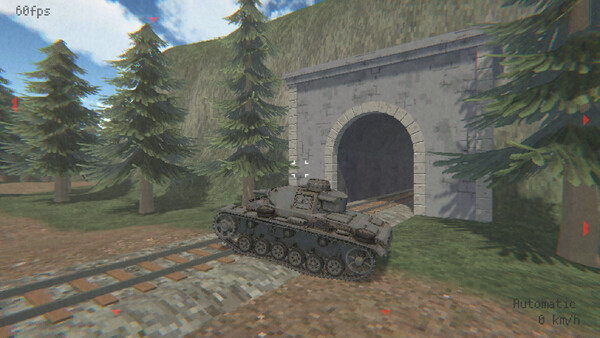
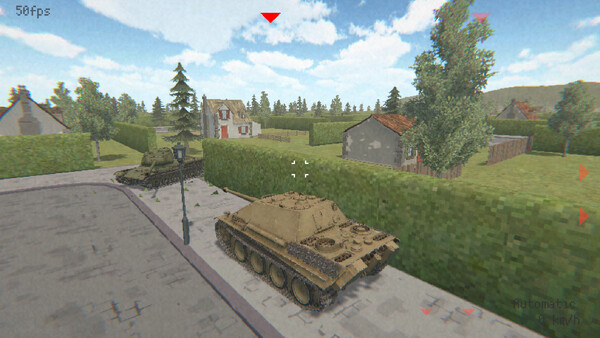
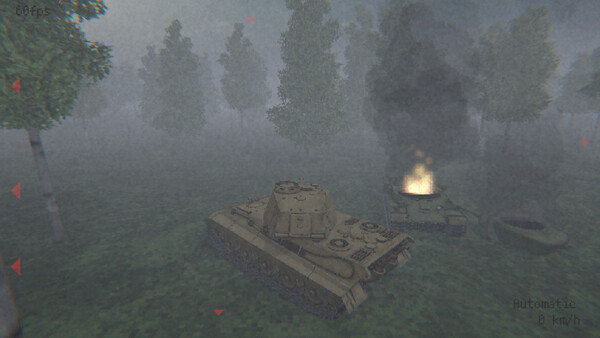
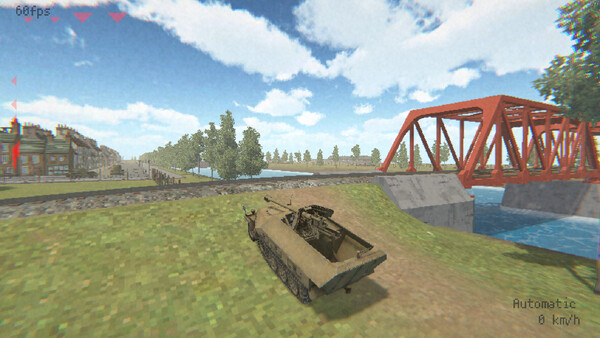
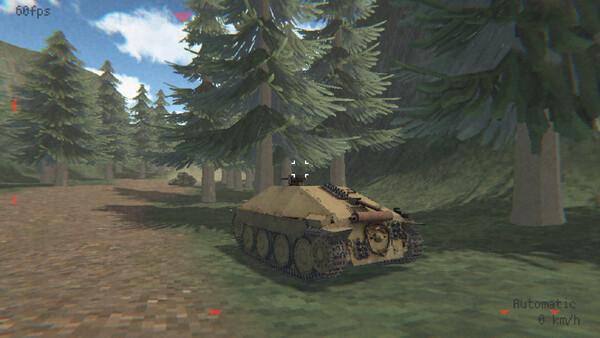
A tank combat action game with retro-style visuals, featuring WWII tanks in single-player battles.
Official game page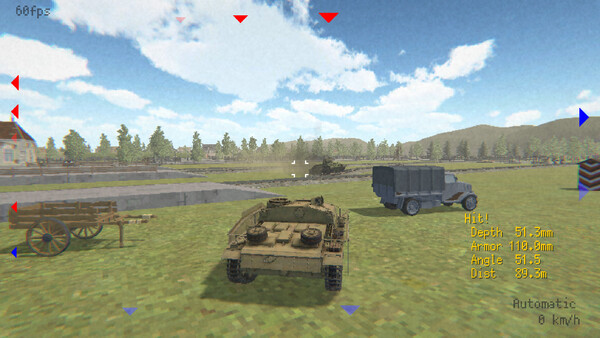
Why use Eagle for Tank Battle Classic?
Tank Battle Classic focuses on single-player armored battles with a retro look. Eagle groups vehicle survival and ammunition controls with recoil and weapon handling, which helps when comparing how a tank behaves in the same engagement. Rather than restarting a battle to test one setting, open the menu with Insert on Windows PC and make the adjustment during the current session. The feature list above shows the complete set of controls.