FREE CHEATS FOR
The Cozy Funemployment
Released November 18, 2026
Updated

 EAGLE CHEATS
How to use Eagle in The Cozy Funemployment
With The Cozy Funemployment running, press Insert to open the Eagle menu. The quick keys give direct access to Daily Calendar and Activity List. Use the menu for Recipe Notes, Time Off Record and Hobby Progress and the remaining listed features; close it with Insert to return to the app.
- F2 Daily Calendar
Press F2 to turn Daily Calendar on or off without opening the menu. - F3 Activity List
Press F3 to turn Activity List on or off without opening the menu. - Insert Recipe Notes
Press Insert, find Recipe Notes in the feature list, and switch it on or off. - Insert Time Off Record
Press Insert, find Time Off Record in the feature list, and switch it on or off. - Insert Hobby Progress
Press Insert, find Hobby Progress in the feature list, and switch it on or off.
EXPLORE THE MENUFeatures
8 features
The Eagle trainer for The Cozy Funemployment brings daily calendar, activity list, recipe notes together for the Windows PC release. Press Insert during play to open the menu, choose a control and return to the current session. Additional controls cover hobby progress, energy view, and memory journal during play.
- Daily Calendar
- Activity List
- Recipe Notes
- Hobby Progress
- Energy View
- Memory Journal
- Personal Goals
- Time Off Record
About the game
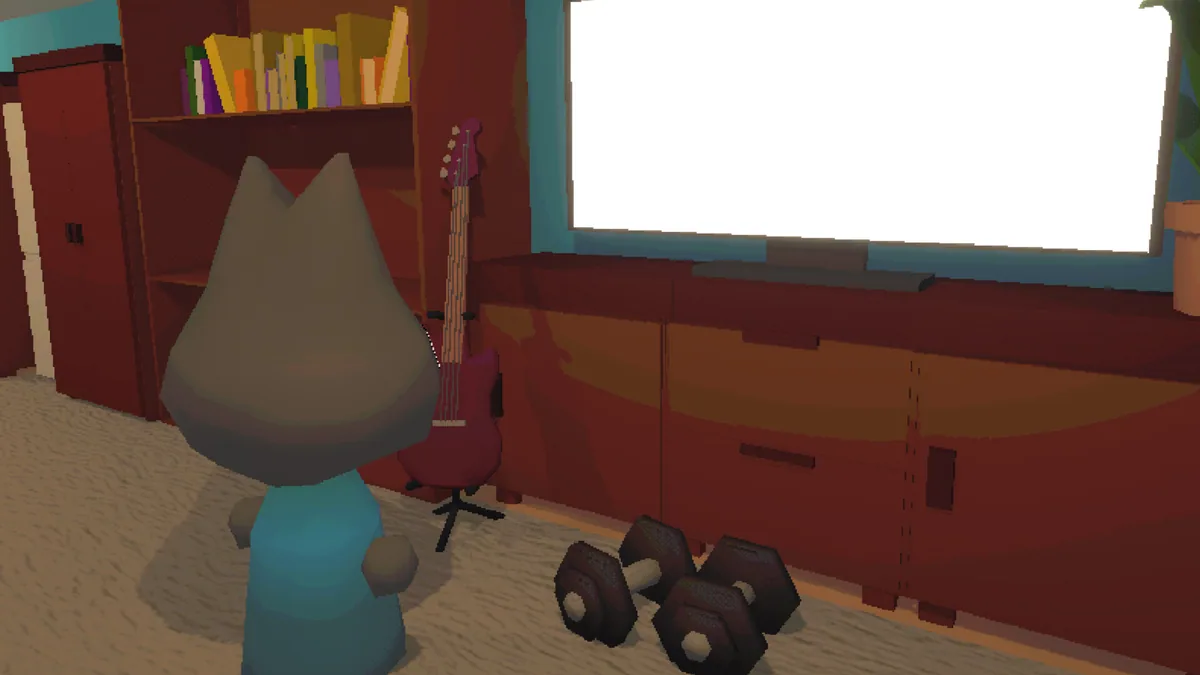
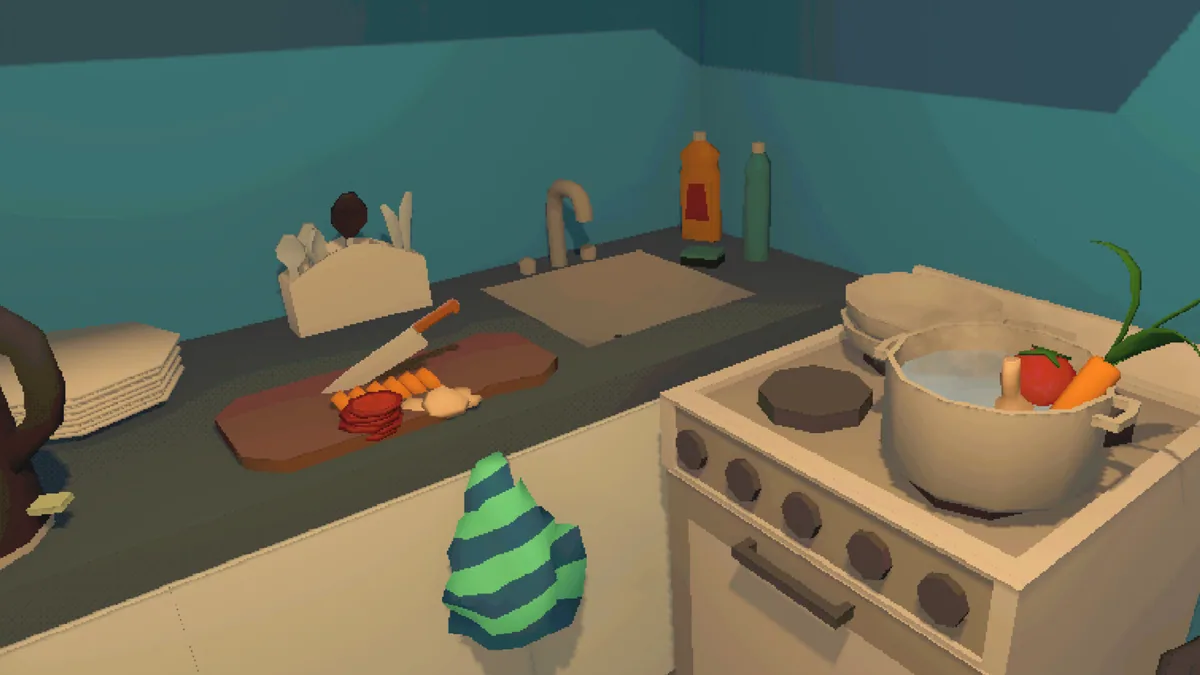
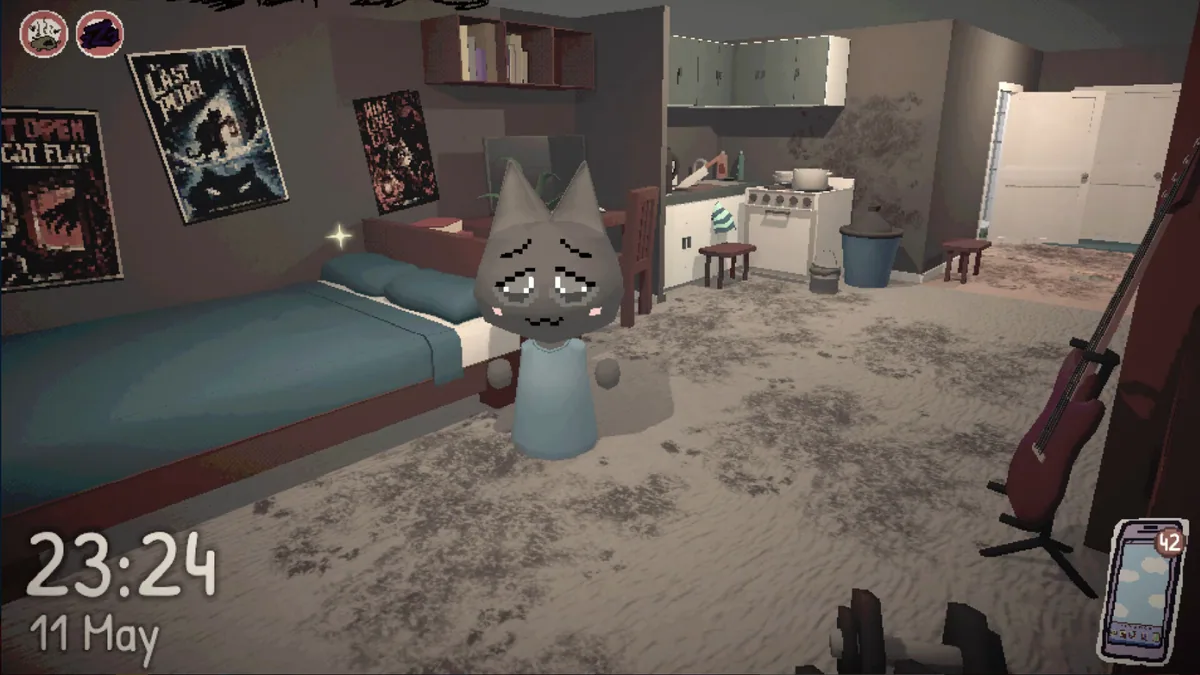
The Cozy Funemployment is a life sim about taking a break before the next job search. Cooking, hobbies and long-postponed activities become the day's goals. The premise gives value to choosing how to spend time rather than maximizing a career statistic.
A packed schedule can recreate the pressure the character wanted to escape. Trying one new activity may reveal a better routine for the next day. Tracking what was enjoyable helps make the break feel personal and deliberate.
Official game page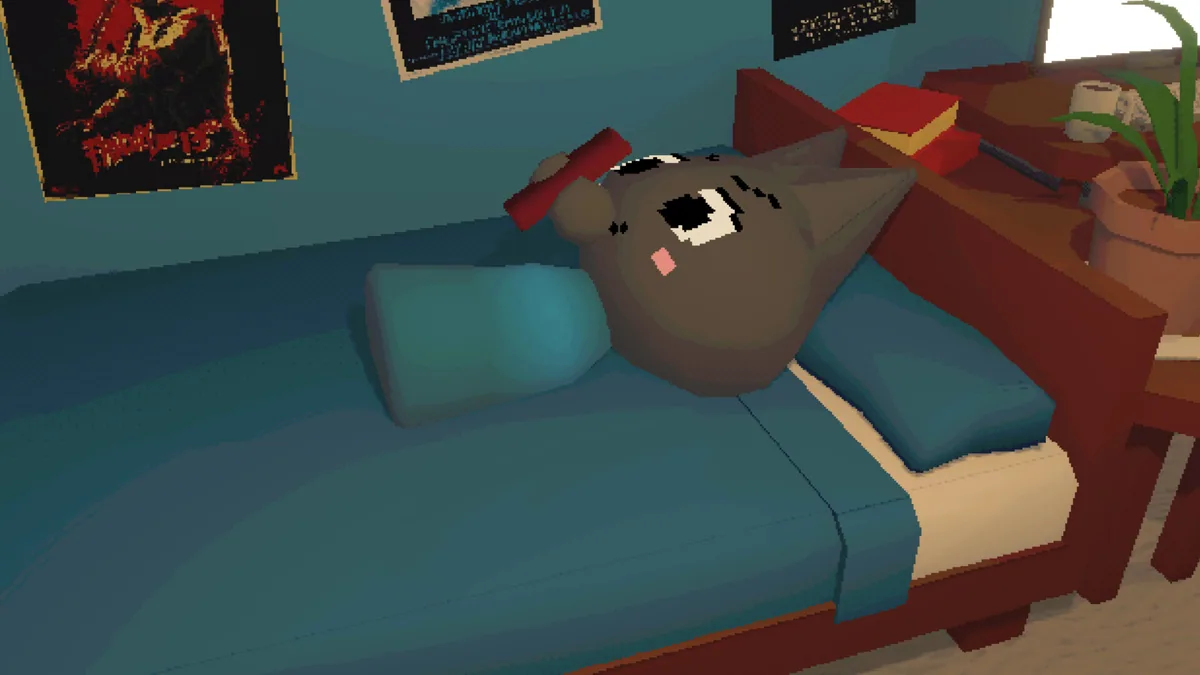

Using the The Cozy Funemployment trainer
Open the Eagle menu with Insert to review daily plans, recipes and activities tried. The journal keeps memorable moments alongside practical tasks. Use the calendar to leave space for rest while following an interesting new hobby.