FREE CHEATS FOR
The Dungeons of Vellorath
Released November 10, 2026
Updated

 EAGLE CHEATS
How to use Eagle in The Dungeons of Vellorath
With The Dungeons of Vellorath running, press Insert to open the Eagle menu. The quick keys give direct access to Party Roster and Auto Battle Log. Use the menu for Equipment Stats, Boss Health and Loot Inventory and the remaining listed features; close it with Insert to return to the app.
- F2 Party Roster
Press F2 to turn Party Roster on or off without opening the menu. - F3 Auto Battle Log
Press F3 to turn Auto Battle Log on or off without opening the menu. - Insert Equipment Stats
Press Insert, find Equipment Stats in the feature list, and switch it on or off. - Insert Boss Health
Press Insert, find Boss Health in the feature list, and switch it on or off. - Insert Loot Inventory
Press Insert, find Loot Inventory in the feature list, and switch it on or off.
EXPLORE THE MENUFeatures
8 features
The Eagle trainer for The Dungeons of Vellorath brings party roster, auto battle log, equipment stats together for the Windows PC release. Press Insert during play to open the menu, choose a control and return to the current session. Additional controls cover road map, hero roles, and boss health during play.
- Party Roster
- Auto Battle Log
- Equipment Stats
- Road Map
- Hero Roles
- Boss Health
- Loot Inventory
- Quest Progress
About the game
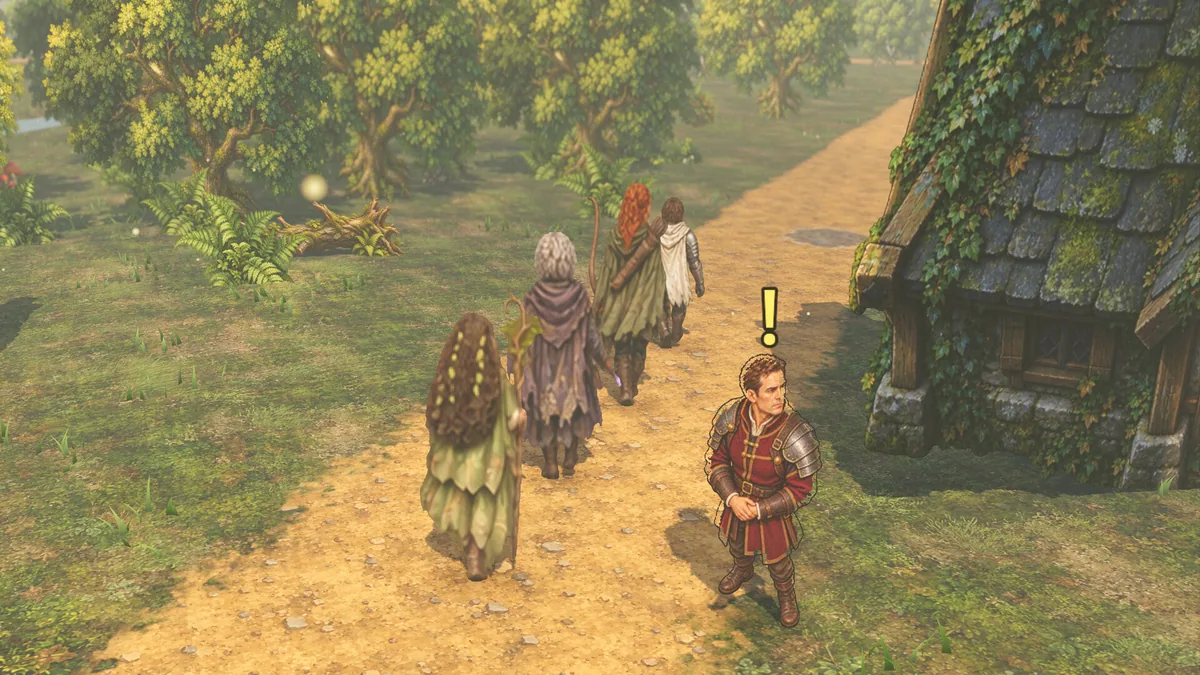
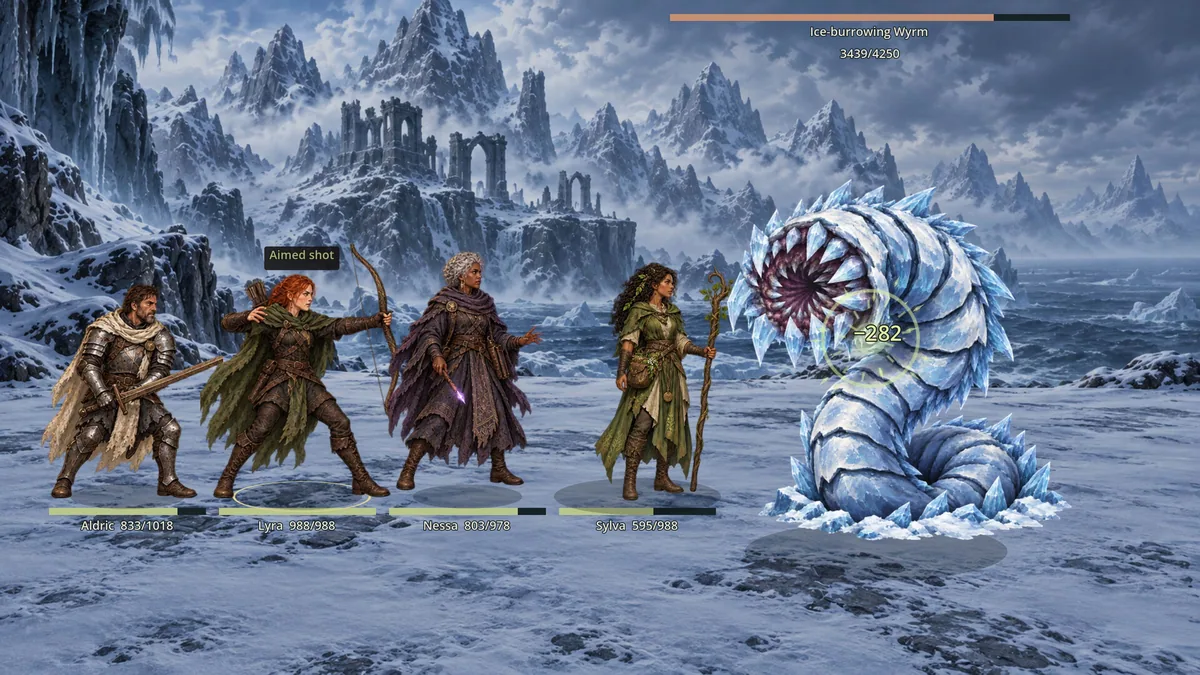
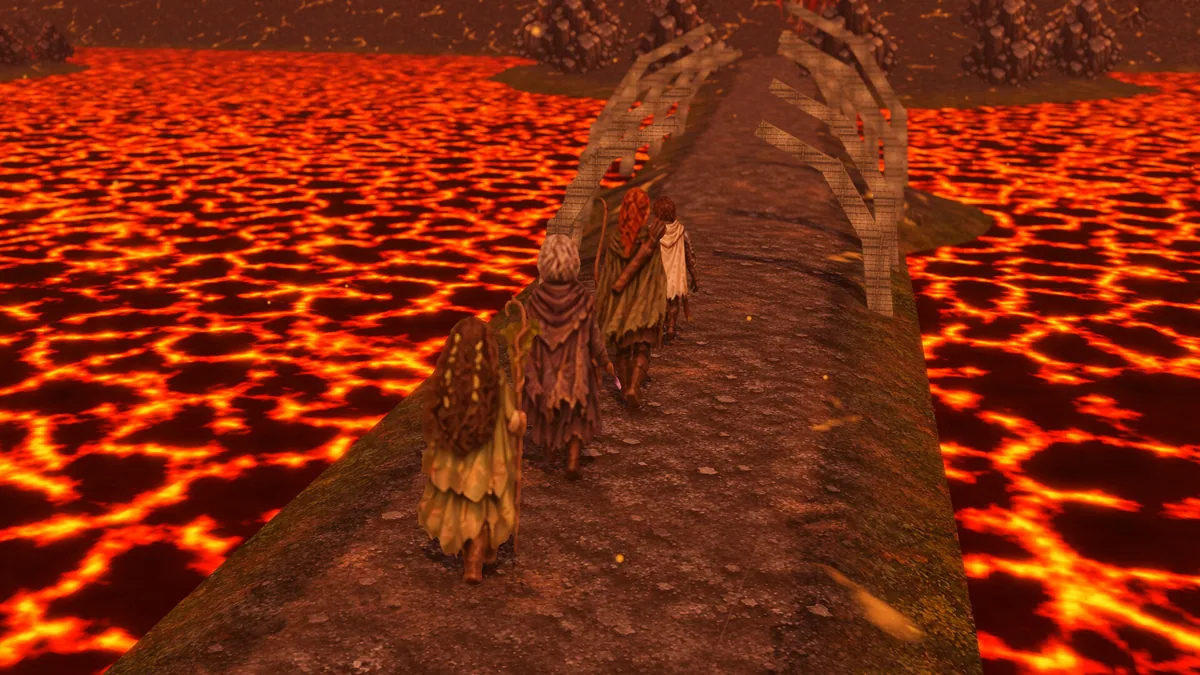
The Dungeons of Vellorath is a fantasy RPG where a party explores dangerous lands and fights through turn-based automatic combat. Reopening roads is part of the journey toward Vhaal the Merciless. Party building therefore supports both dungeon survival and progress across the wider map.
A strong hero can still struggle if the rest of the group lacks support or the right equipment. Watching an automatic battle reveals whether a loss came from damage, defense or an unsuitable formation. The next road may be worth opening only after the party is ready.
Official game page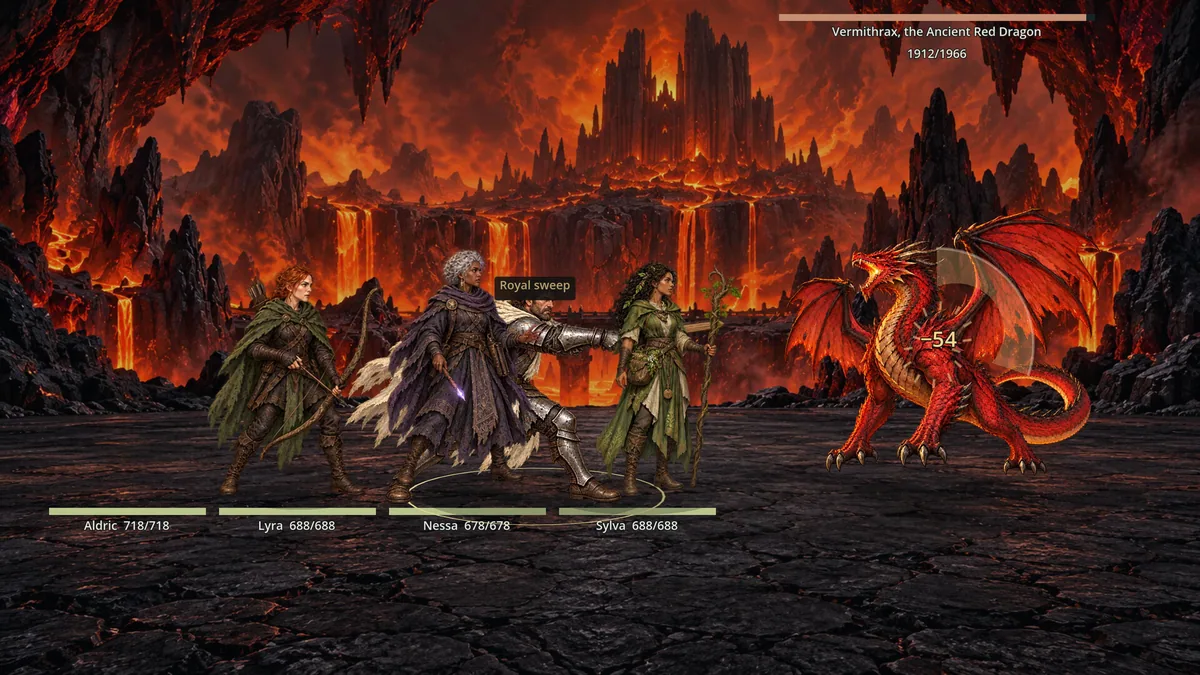
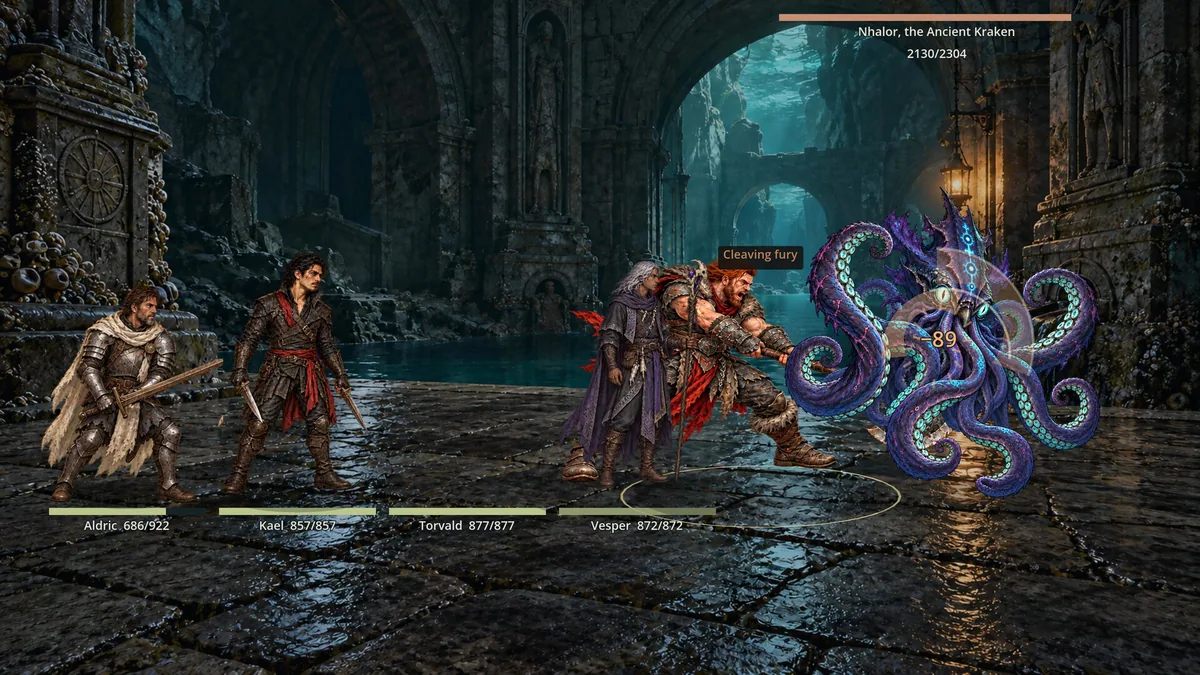
Using the The Dungeons of Vellorath trainer
The menu brings hero roles, equipment and combat results together. It helps compare a new recruit with the current group and track which route remains closed. Boss preparation views show the party's condition before committing to another automatic fight.