FREE CHEATS FOR
The Outlast Trials
Released March 5, 2024
Updated

 EAGLE CHEATS
How to use Eagle in The Outlast Trials
With The Outlast Trials running, press Insert to open the Eagle menu. The quick keys give direct access to Infinite Health, Infinite Stamina and Night Vision Battery. Use the menu for Threat ESP, Item ESP and Objective Highlight and the remaining listed features; close it with Insert to return to the app.
- F2 Infinite Health
Press F2 to turn Infinite Health on or off without opening the menu. - F3 Infinite Stamina
Press F3 to turn Infinite Stamina on or off without opening the menu. - F4 Night Vision Battery
Press F4 to turn Night Vision Battery on or off without opening the menu. - Insert Threat ESP
Press Insert, find Threat ESP in the feature list, and switch it on or off. - Insert Item ESP
Press Insert, find Item ESP in the feature list, and switch it on or off. - Insert Objective Highlight
Press Insert, find Objective Highlight in the feature list, and switch it on or off.
EXPLORE THE MENUFeatures
12 features
The free The Outlast Trials trainer includes Infinite Health, Infinite Stamina and Night Vision Battery. It also offers Threat ESP, Item ESP and Objective Highlight. Press Insert to open the menu on Windows PC.
- Infinite Health
- Infinite Stamina
- Night Vision Battery
- Threat ESP
- Item ESP
- Objective Highlight
- No Detection
- No Psychosis
- Instant Teammate Revive
- Trial Timer Overlay
- Reveal Exit
- Free Camera
About the game
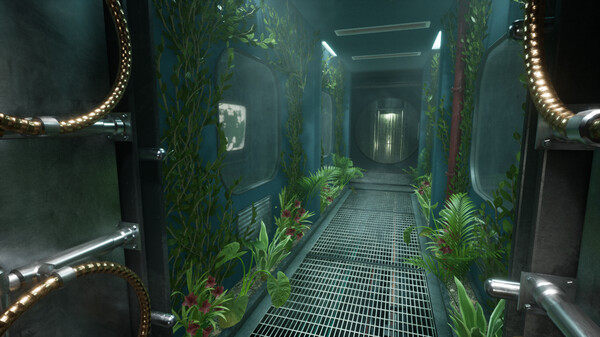
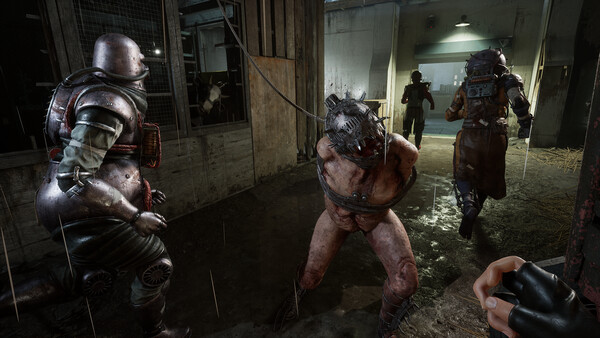
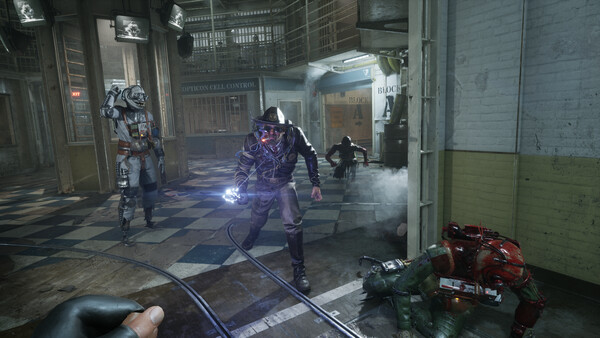
Red Barrels invites you to experience mind-numbing terror, this time with friends. Whether you go through the trials alone or in teams, if you survive long enough and complete the therapy, Murkoff will happily let you leave… but will you be the same?.
Official game page












Why use Eagle for The Outlast Trials?
The Outlast Trials combines hiding, objective work and a changing supply situation. Eagle brings Night Vision Battery, Threat ESP, Item ESP and Objective Highlight together, helping you decide where to move next during a trial. It is useful for revisiting a difficult objective or learning a level without losing track of threats. Press Insert on Windows PC to open the menu, choose the displayed information you need and continue the same trial.