FREE CHEATS FOR
Tinselwood
Released November 16, 2026
Updated
 EAGLE CHEATS
How to use Eagle in Tinselwood
With Tinselwood running, press Insert to open the Eagle menu. The quick keys give direct access to Valley Map and Painted Buildings. Use the menu for Town Activity, Progress Titles and Lane Layout and the remaining listed features; close it with Insert to return to the app.
- F2 Valley Map
Press F2 to turn Valley Map on or off without opening the menu. - F3 Painted Buildings
Press F3 to turn Painted Buildings on or off without opening the menu. - Insert Town Activity
Press Insert, find Town Activity in the feature list, and switch it on or off. - Insert Progress Titles
Press Insert, find Progress Titles in the feature list, and switch it on or off. - Insert Lane Layout
Press Insert, find Lane Layout in the feature list, and switch it on or off.
EXPLORE THE MENUFeatures
8 features
The Eagle trainer for Tinselwood brings valley map, painted buildings, town activity together for the Windows PC release. Press Insert during play to open the menu, choose a control and return to the current session. Additional controls cover progress titles, lane layout, and market reach during play.
- Valley Map
- Painted Buildings
- Town Activity
- Progress Titles
- Lane Layout
- Market Reach
- Workshop View
- Build History
About the game
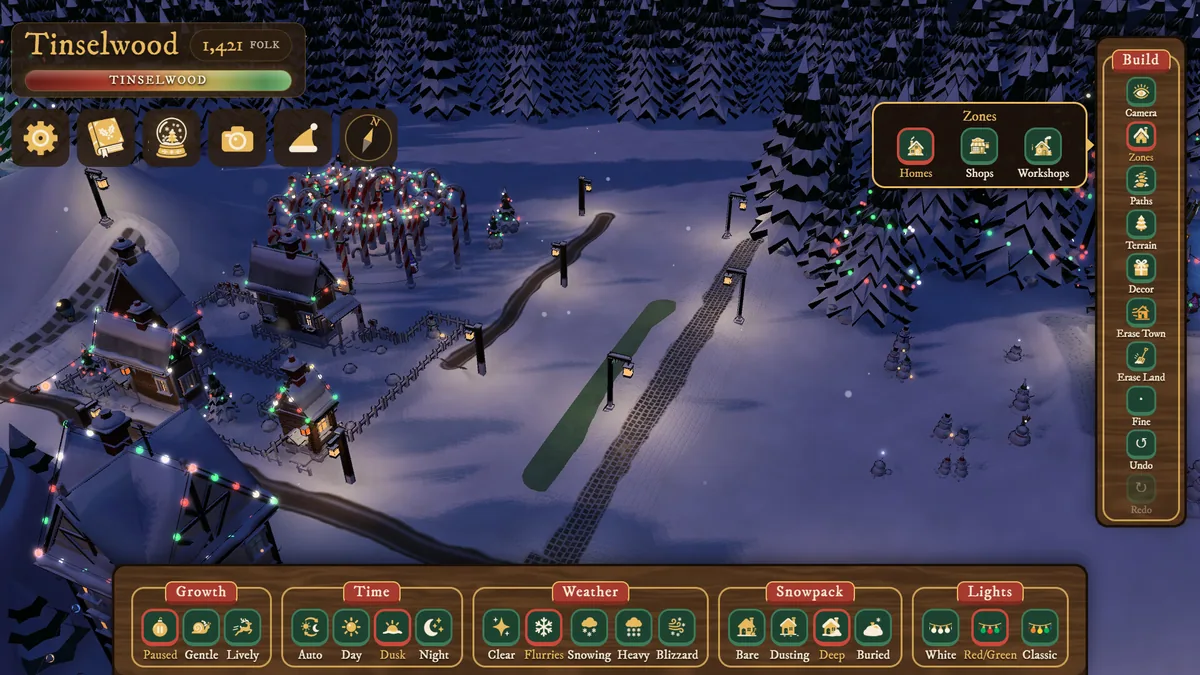
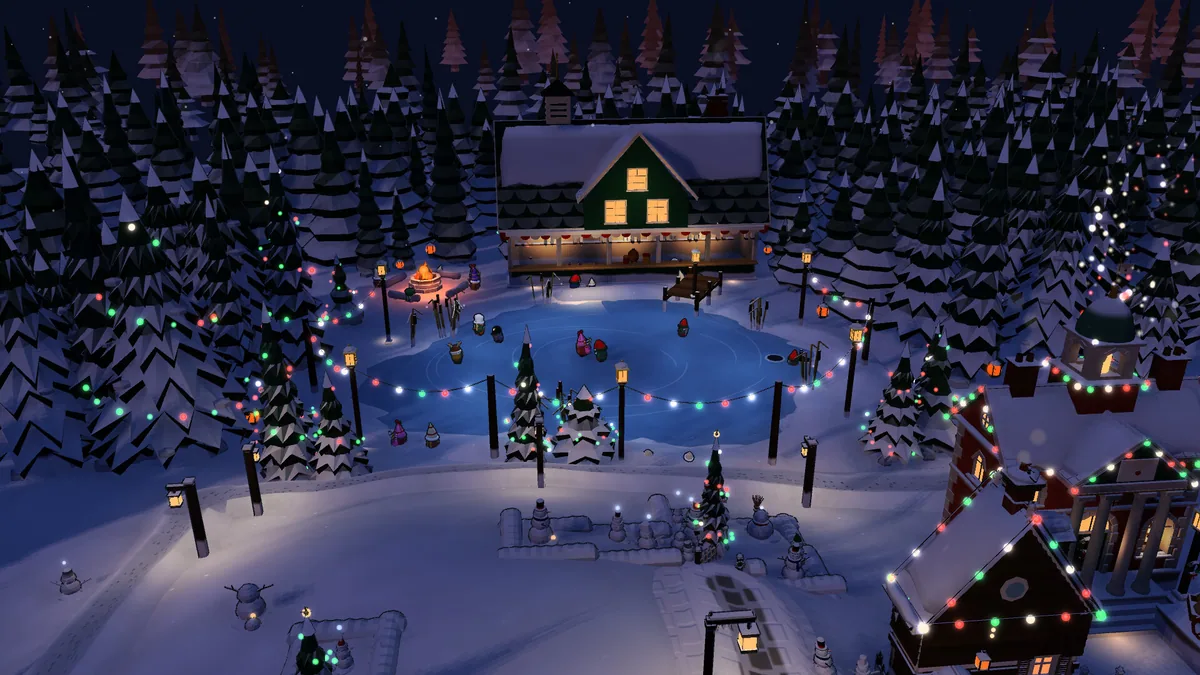
Tinselwood lets players paint houses, markets and workshops into a snowy valley where townsfolk build around them. Free building and Progression Mode provide different rhythms without timers or defeat. The town grows from the relationship between placed landmarks and nearby life.
A new workshop can make a quiet lane active, while a market changes how people use the center. Progression titles encourage a new kind of arrangement without forcing a single town plan. The appeal is watching a chosen layout turn into a lit winter settlement.
Official game page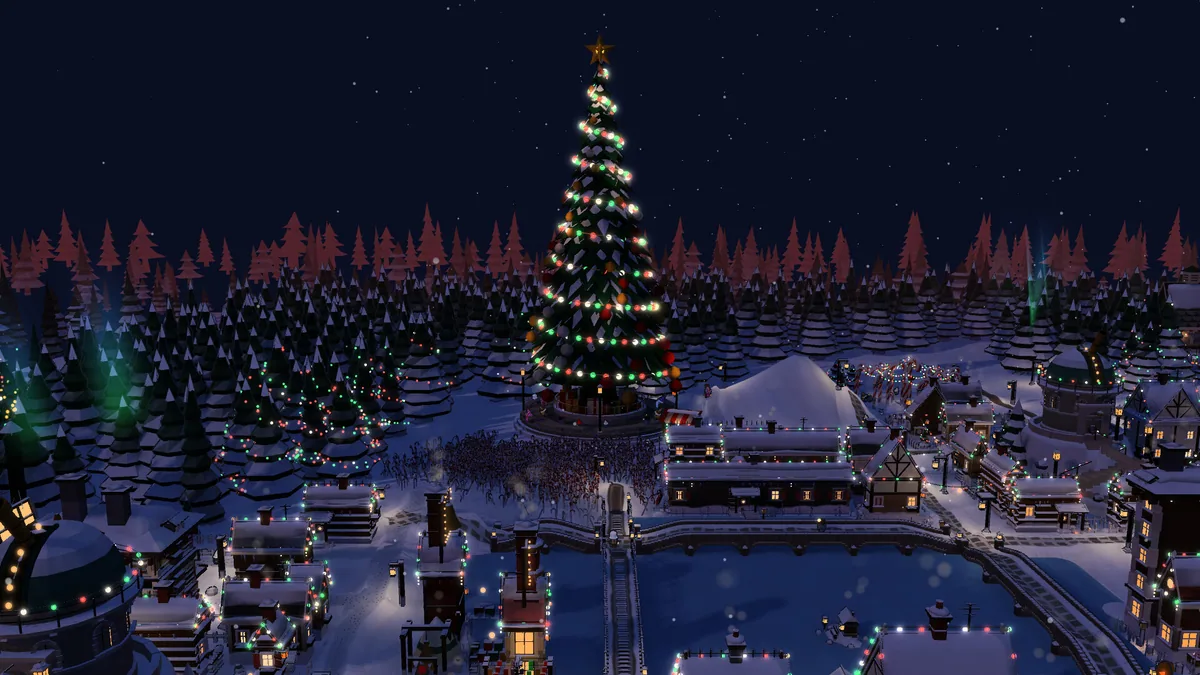


Using the Tinselwood trainer
The Eagle menu shows painted buildings, town activity and available progression titles. Use Insert before placing a landmark to see what already surrounds it. A valley map tracks new neighborhoods while preserving the unhurried freedom of free building.



