FREE CHEATS FOR
Towers of Babble
Released November 10, 2026
Updated
 EAGLE CHEATS
How to use Eagle in Towers of Babble
With Towers of Babble running, press Insert to open the Eagle menu. The quick keys give direct access to Letter Rack and Word Effects. Use the menu for Tower Coverage, Level History and Path Map and the remaining listed features; close it with Insert to return to the app.
- F2 Letter Rack
Press F2 to turn Letter Rack on or off without opening the menu. - F3 Word Effects
Press F3 to turn Word Effects on or off without opening the menu. - Insert Tower Coverage
Press Insert, find Tower Coverage in the feature list, and switch it on or off. - Insert Level History
Press Insert, find Level History in the feature list, and switch it on or off. - Insert Path Map
Press Insert, find Path Map in the feature list, and switch it on or off.
EXPLORE THE MENUFeatures
8 features
The Eagle trainer for Towers of Babble brings letter rack, word effects, tower coverage together for the Windows PC release. Press Insert during play to open the menu, choose a control and return to the current session. Additional controls cover resource count, enemy wave, and path map during play.
- Letter Rack
- Word Effects
- Tower Coverage
- Resource Count
- Enemy Wave
- Path Map
- Build Queue
- Level History
About the game
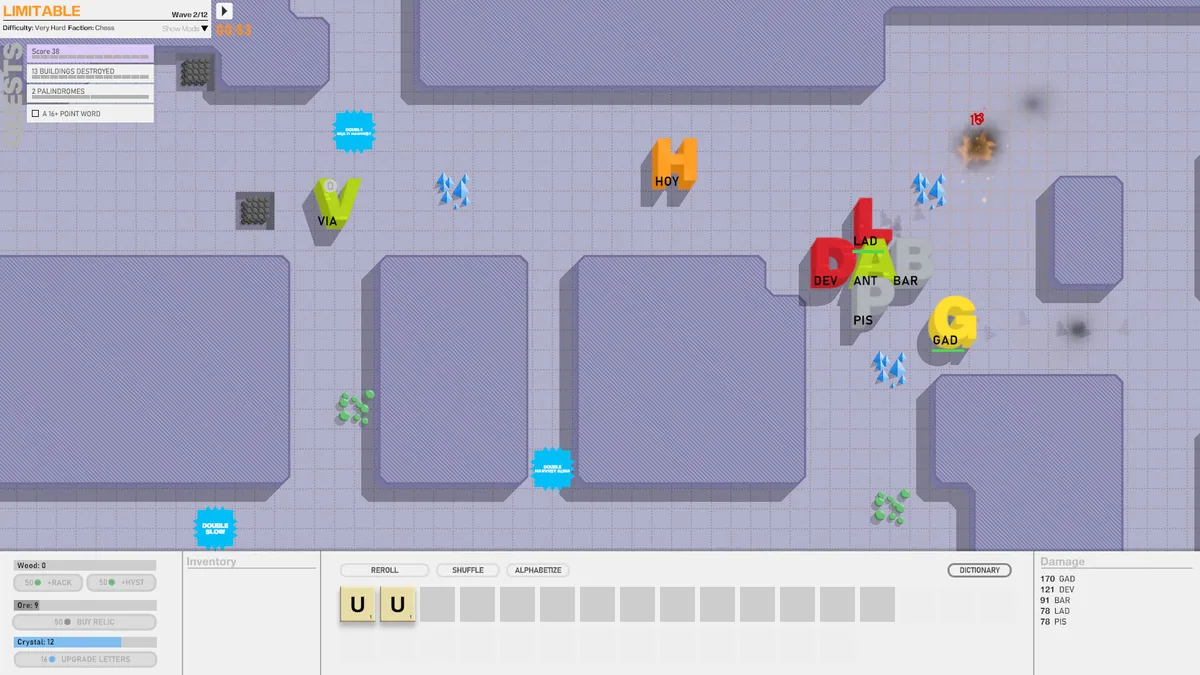
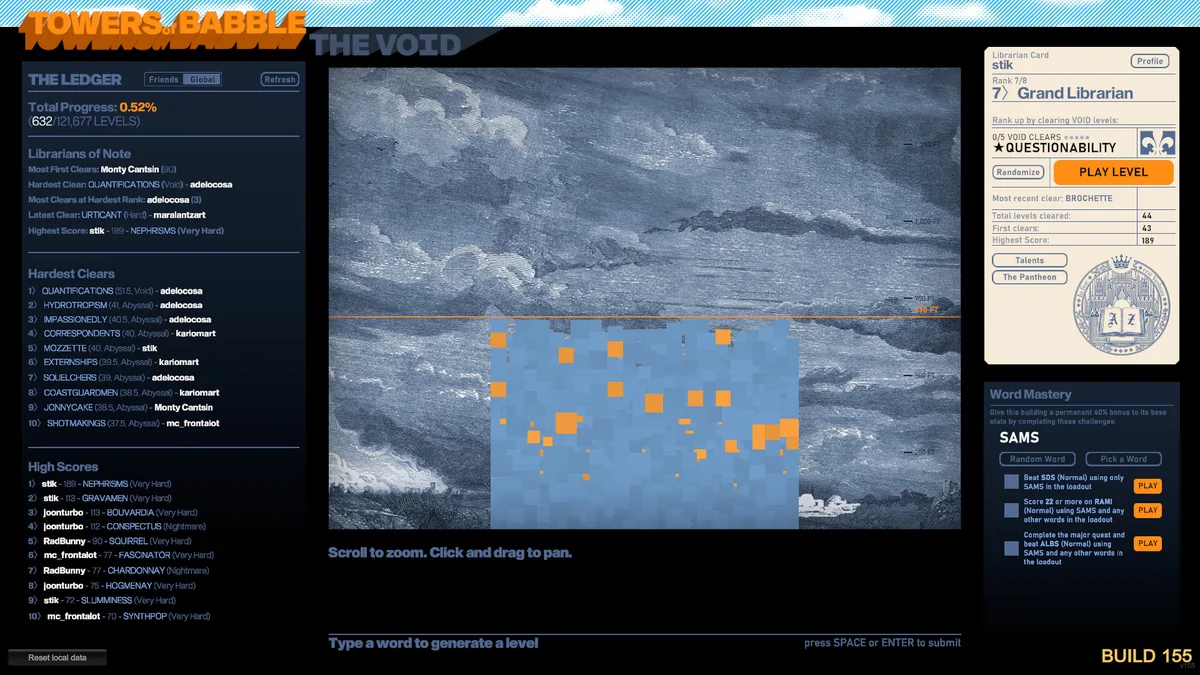
Towers of Babble turns spelling into tower construction. A word can harvest a resource or create a defensive structure, and each word also brings its own procedural challenge. The enormous range of possible levels means a familiar vocabulary can lead to unfamiliar layouts.
A long word may create an impressive tower but leave too few letters for the next emergency. Players need to consider the current enemy path, available resources and what each possible word produces. The puzzle and tower-defense decisions happen together rather than in separate phases.
Official game page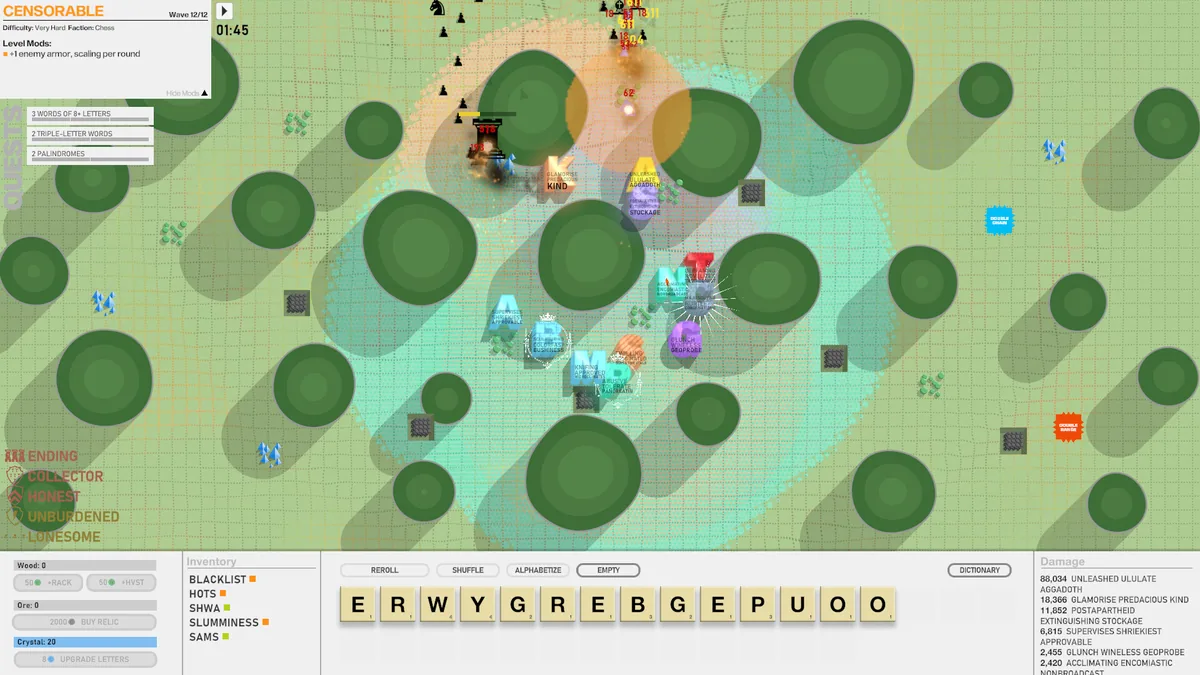
Using the Towers of Babble trainer
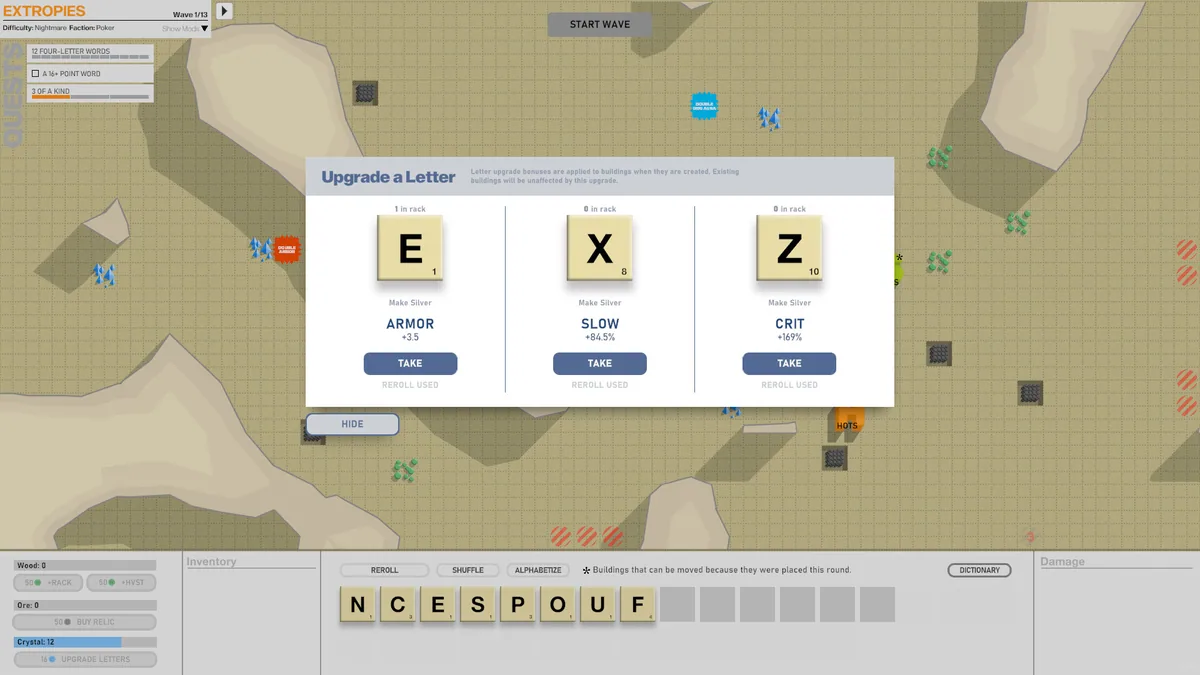
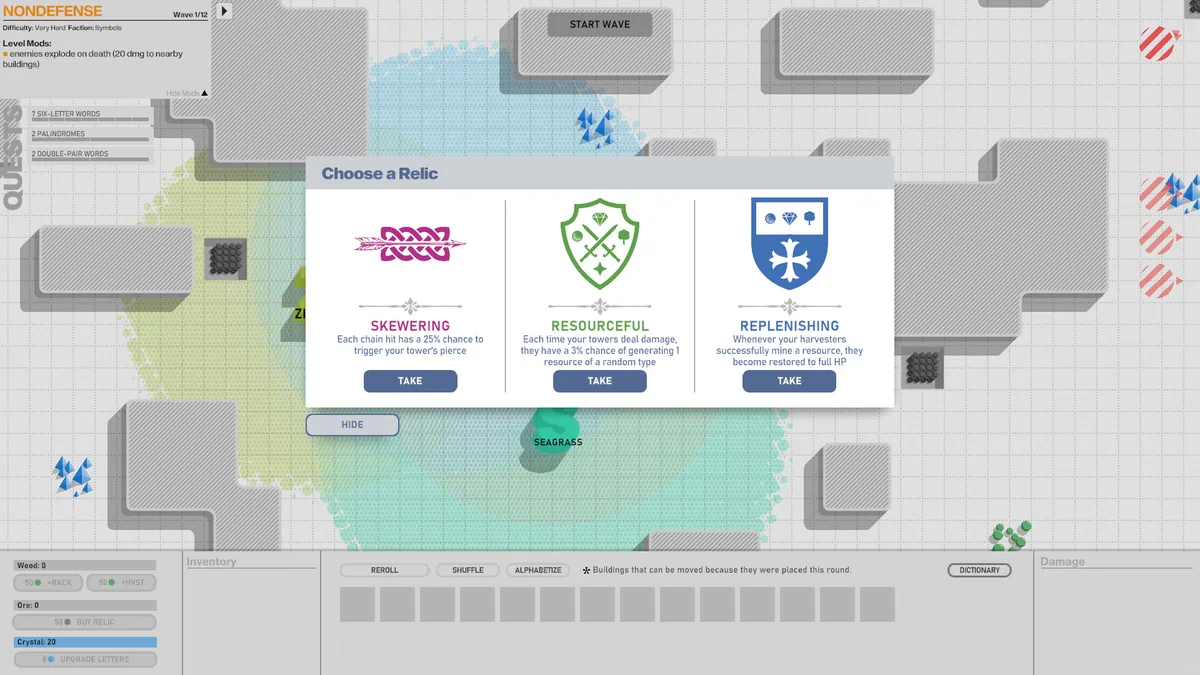
The menu shows letter supply, planned word effects and tower coverage before the word is committed. It helps choose between immediate materials and a stronger defense. Wave and board views keep the consequences of a spelling choice visible during the resulting battle.