FREE CHEATS FOR
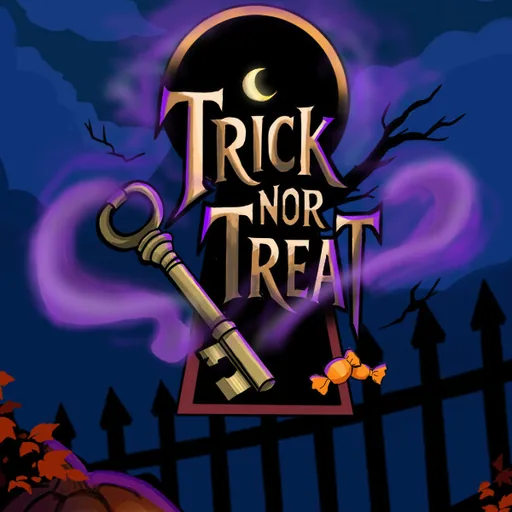
Trick Nor Treat
Released November 15, 2026
Updated
 EAGLE CHEATS
How to use Eagle in Trick Nor Treat
With Trick Nor Treat running, press Insert to open the Eagle menu. The quick keys give direct access to Legend Journal and Clue Checklist. Use the menu for Room Map, Inventory Notes and Threat Alerts and the remaining listed features; close it with Insert to return to the app.
- F2 Legend Journal
Press F2 to turn Legend Journal on or off without opening the menu. - F3 Clue Checklist
Press F3 to turn Clue Checklist on or off without opening the menu. - Insert Room Map
Press Insert, find Room Map in the feature list, and switch it on or off. - Insert Inventory Notes
Press Insert, find Inventory Notes in the feature list, and switch it on or off. - Insert Threat Alerts
Press Insert, find Threat Alerts in the feature list, and switch it on or off.
EXPLORE THE MENUFeatures
8 features
The Eagle trainer for Trick Nor Treat brings legend journal, clue checklist, room map together for the Windows PC release. Press Insert during play to open the menu, choose a control and return to the current session. Additional controls cover threat alerts, inventory notes, and encounter log during play.
- Legend Journal
- Clue Checklist
- Room Map
- Threat Alerts
- Inventory Notes
- Encounter Log
- Route History
- Story Progress
About the game
Trick Nor Treat is a first-person folklore horror game built around strange places and supernatural encounters. Players investigate clues and record discoveries in a journal to understand the story behind each threat. Careful observation gives exploration a purpose beyond finding the next door.
An object may make sense only after another legend is learned, so returning to a room can be useful. A hostile encounter interrupts investigation and tests whether the route back is known. The journal helps connect local details to the broader folklore.
Official game page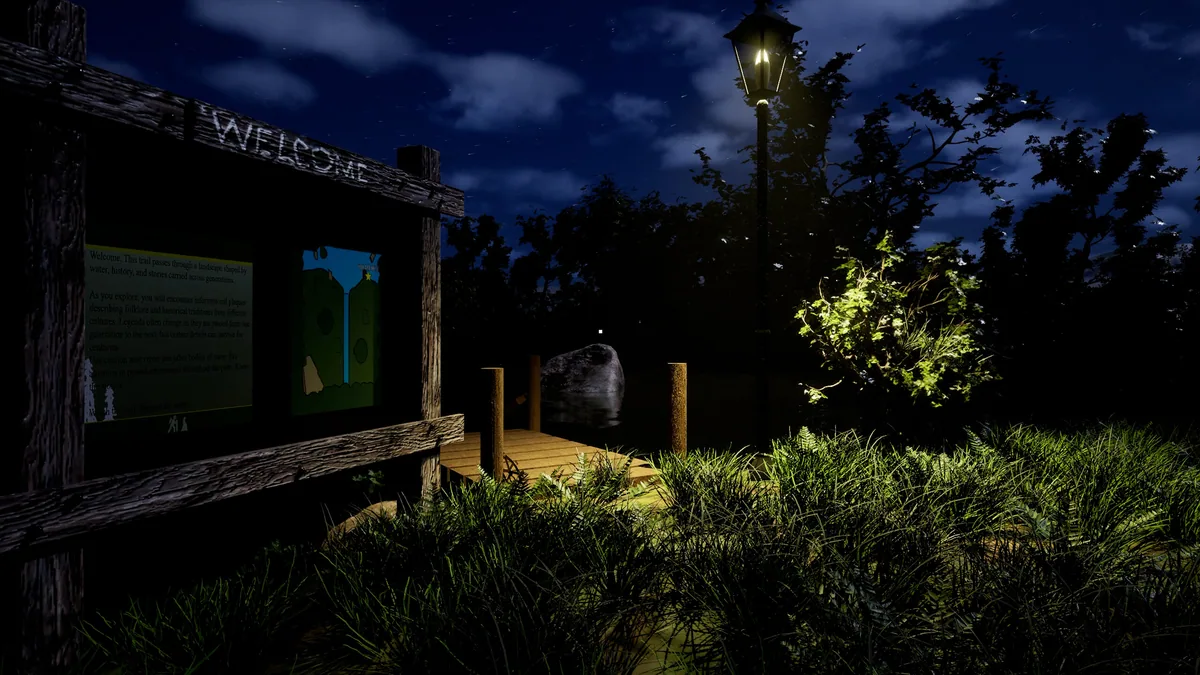
Using the Trick Nor Treat trainer
The Eagle menu keeps legend notes, searched rooms and current hazards in separate panels. Use Insert before leaving a scene to check unresolved clues. A survival view remains visible during an encounter without claiming to reveal the truth too soon.