FREE CHEATS FOR
Warframe
Released March 25, 2013
Updated

 EAGLE CHEATS
How to use Eagle in Warframe
With Warframe running, press Insert to open the Eagle menu. The quick keys give direct access to God Mode and Infinite Shields. Use the menu for Infinite Energy, Infinite Ammo and Movement Speed and the remaining listed features; close it with Insert to return to the app.
- F2 God Mode
Press F2 to turn God Mode on or off without opening the menu. - F3 Infinite Shields
Press F3 to turn Infinite Shields on or off without opening the menu. - Insert Infinite Energy
Press Insert, find Infinite Energy in the feature list, and switch it on or off. - Insert Infinite Ammo
Press Insert, find Infinite Ammo in the feature list, and switch it on or off. - Insert Movement Speed
Press Insert, choose Movement Speed, adjust the value, and apply.
EXPLORE THE MENUFeatures
11 features
The free Warframe mod menu includes God Mode, Infinite Shields and Infinite Energy. It also offers No Ability Cooldown, Infinite Ammo and No Reload. Press Insert to open the menu on Windows PC.
- God Mode
- Infinite Shields
- Infinite Energy
- No Ability Cooldown
- Infinite Ammo
- No Reload
- One Hit Kills
- Movement Speed
- Enemy ESP
- Loot Highlight
- No Recoil
About the game
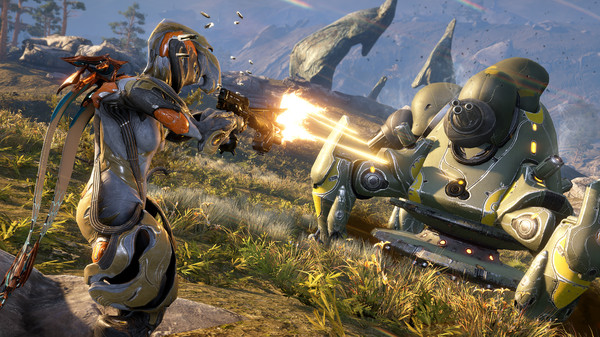
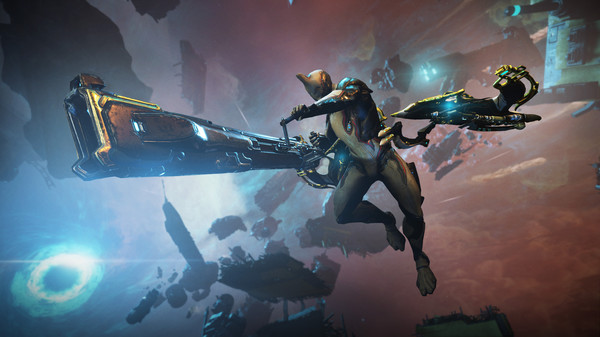
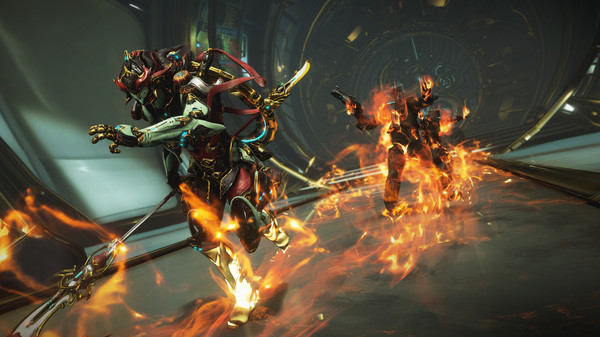
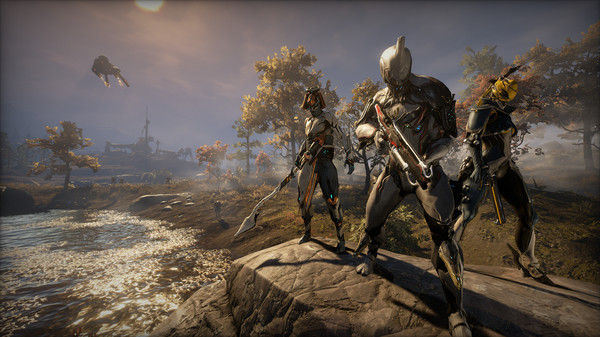
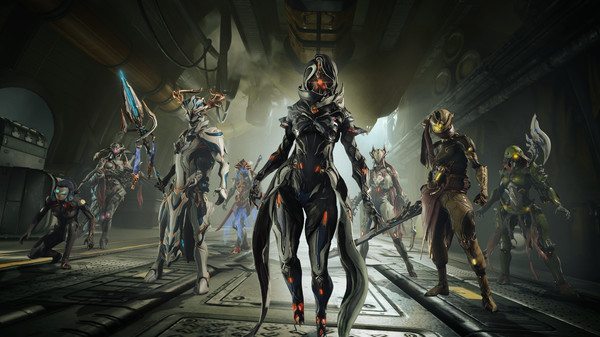
Warframe puts players in control of the Tenno, warriors who use distinct Warframes and equipment across missions in a continually expanding science-fiction setting. Movement, abilities and weapon choices create very different ways to clear an objective.
Progress comes from earning gear, learning mission types and improving a build. A frame's abilities can change the rhythm of combat as much as a new weapon.
Official game page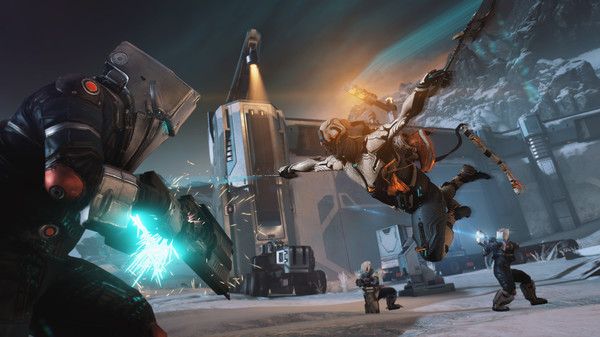
Why use Eagle for Warframe?
Warframe sessions often move quickly between abilities, movement and weapon use. Eagle puts shield, energy, cooldown and ammo controls on one screen, so you can test a frame or weapon setup during a mission instead of repeatedly resetting the run. The feature list above shows the menu's exact options for this game. Open it with Insert on Windows PC, adjust the controls relevant to the current loadout and return to play.