FREE CHEATS FOR
Warstead
Released November 14, 2026
Updated

 EAGLE CHEATS
How to use Eagle in Warstead
With Warstead running, press Insert to open the Eagle menu. The quick keys give direct access to Settlement Stock and Build Queue. Use the menu for Trade Routes, Map View and Troop Roster and the remaining listed features; close it with Insert to return to the app.
- F2 Settlement Stock
Press F2 to turn Settlement Stock on or off without opening the menu. - F3 Build Queue
Press F3 to turn Build Queue on or off without opening the menu. - Insert Trade Routes
Press Insert, find Trade Routes in the feature list, and switch it on or off. - Insert Map View
Press Insert, find Map View in the feature list, and switch it on or off. - Insert Troop Roster
Press Insert, find Troop Roster in the feature list, and switch it on or off.
EXPLORE THE MENUFeatures
8 features
The Eagle trainer for Warstead brings settlement stock, build queue, trade routes together for the Windows PC release. Press Insert during play to open the menu, choose a control and return to the current session. Additional controls cover troop roster, battle orders, and map view during play.
- Settlement Stock
- Build Queue
- Trade Routes
- Troop Roster
- Battle Orders
- Map View
- Resource Demand
- Session Status
About the game
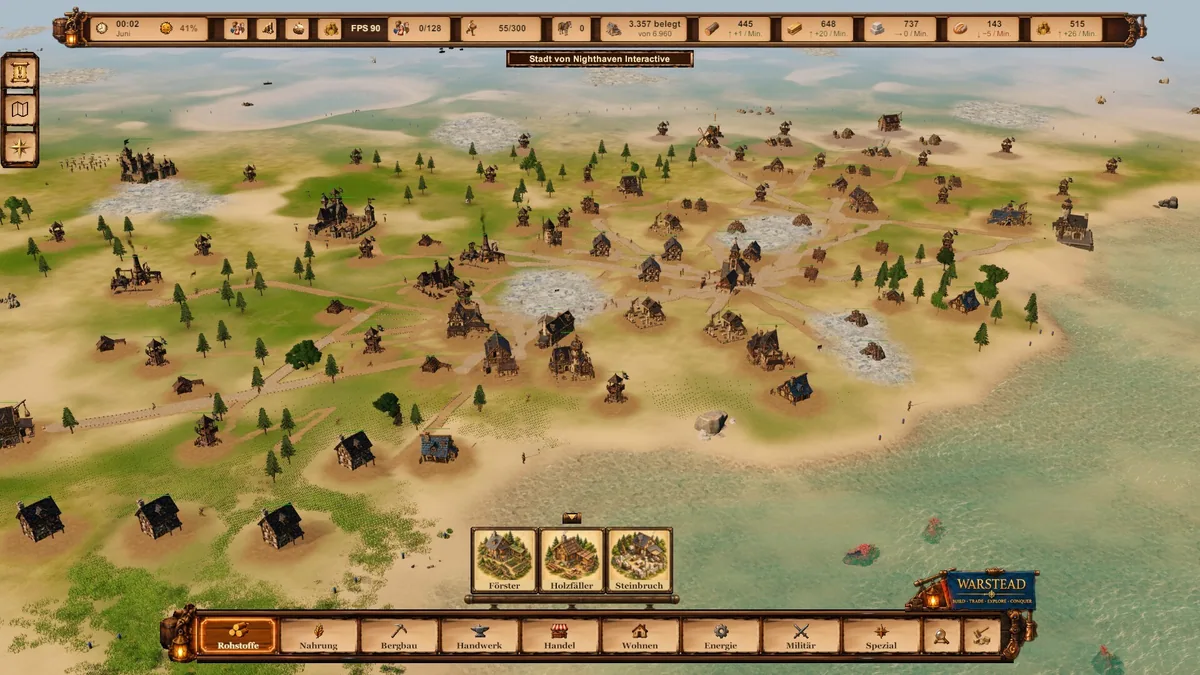
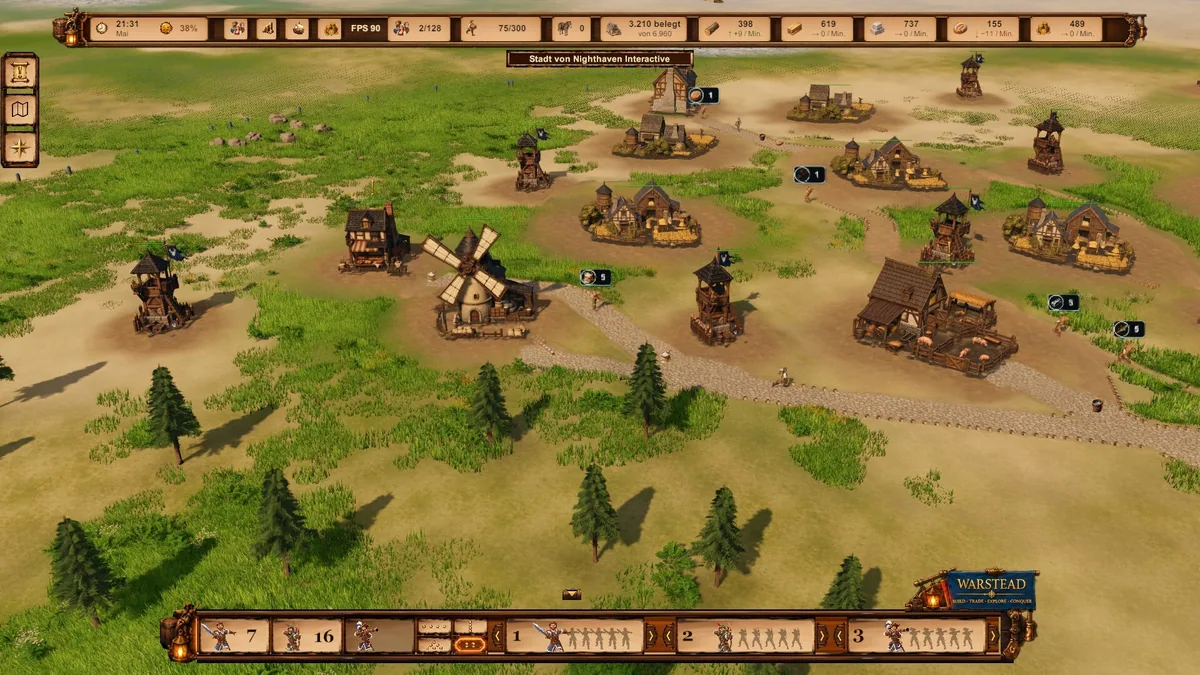
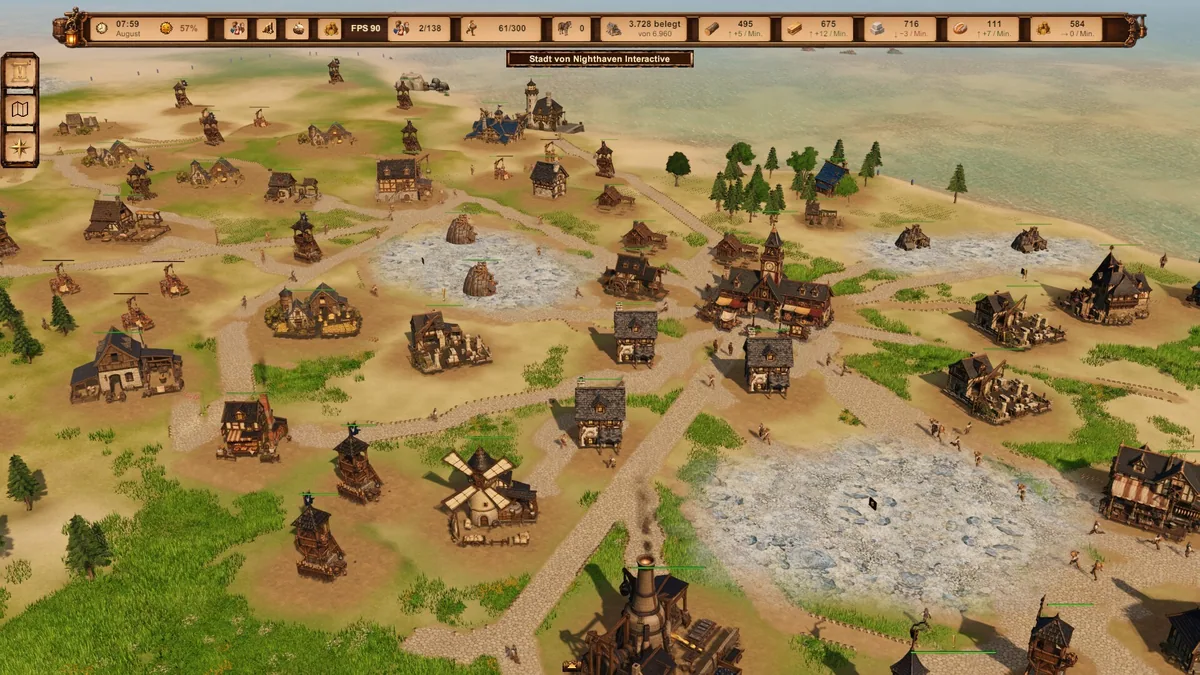
Warstead brings settlement building, trade and tactical real-time combat together. Players allocate resources to a growing town and lead troops when conflict reaches it. The current release is still developing, so its available systems are best understood through the actual settlement and battles on the page.
Trading can fill a resource shortage but may leave the town dependent on a route it cannot protect. A military push consumes people and supplies that could have expanded the settlement. The two sides of play remain connected even when the immediate objective looks purely economic or tactical.
Official game page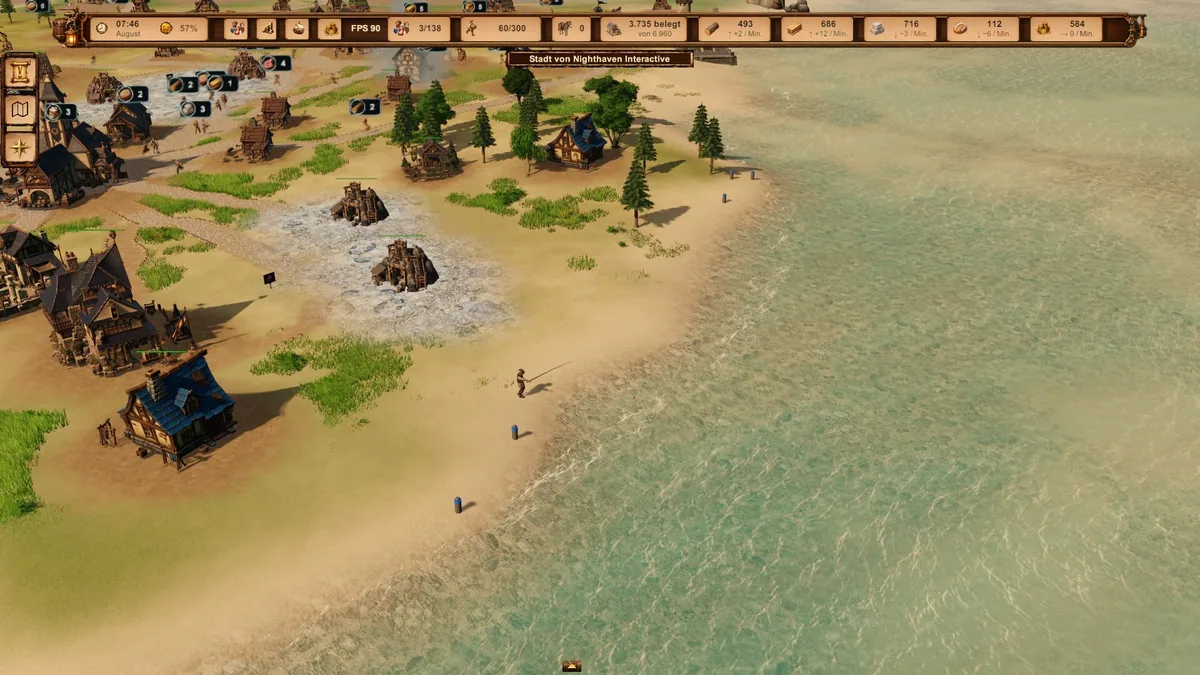
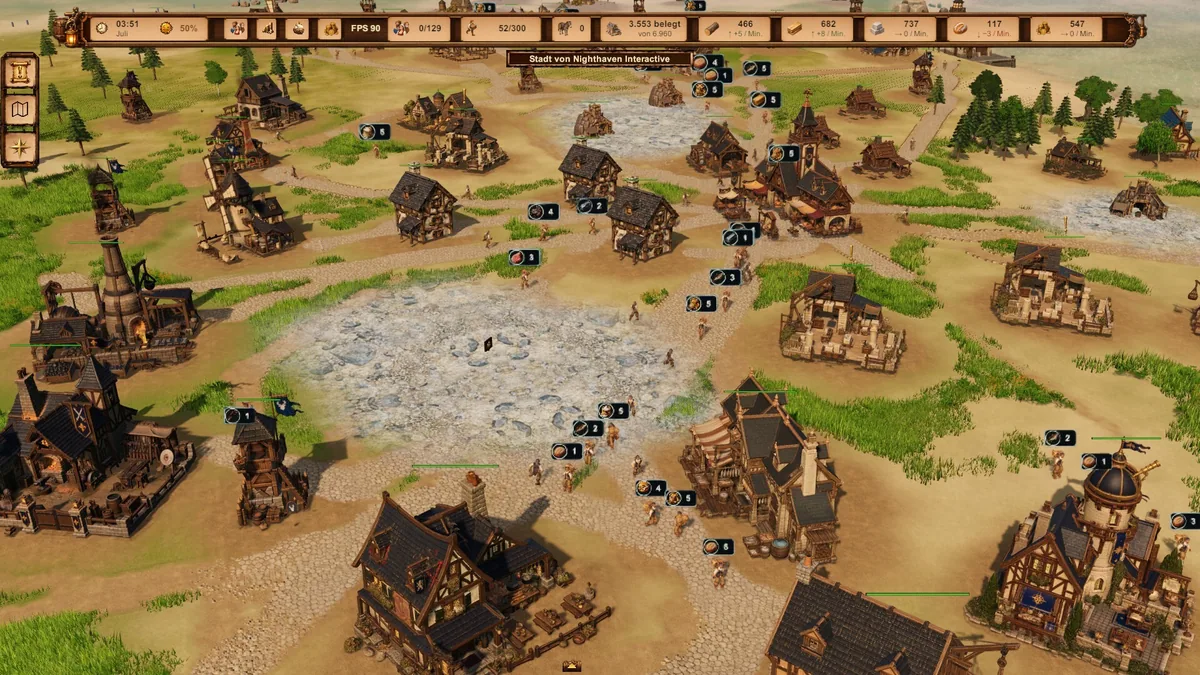
Using the Warstead trainer
The Eagle menu groups construction, stock and troop orders beside the current map. Open it with Insert before a battle to compare army readiness with settlement needs. Multiplayer status is shown separately because joining a session and hosting one are different options in the present build.



