FREE CHEATS FOR
WISP
Released November 10, 2026
Updated
 EAGLE CHEATS
How to use Eagle in WISP
With WISP running, press Insert to open the Eagle menu. The quick keys give direct access to Beat Timeline and Projectile Density. Use the menu for Health View, Damage Upgrades and Shop Points and the remaining listed features; close it with Insert to return to the app.
- F2 Beat Timeline
Press F2 to turn Beat Timeline on or off without opening the menu. - F3 Projectile Density
Press F3 to turn Projectile Density on or off without opening the menu. - Insert Health View
Press Insert, find Health View in the feature list, and switch it on or off. - Insert Damage Upgrades
Press Insert, find Damage Upgrades in the feature list, and switch it on or off. - Insert Shop Points
Press Insert, find Shop Points in the feature list, and switch it on or off.
EXPLORE THE MENUFeatures
8 features
The Eagle trainer for WISP brings beat timeline, projectile density, health view together for the Windows PC release. Press Insert during play to open the menu, choose a control and return to the current session. Additional controls cover ultimate charge, shop points, and damage upgrades during play.
- Beat Timeline
- Projectile Density
- Health View
- Ultimate Charge
- Shop Points
- Damage Upgrades
- Wave Tracker
- Run Replay
About the game
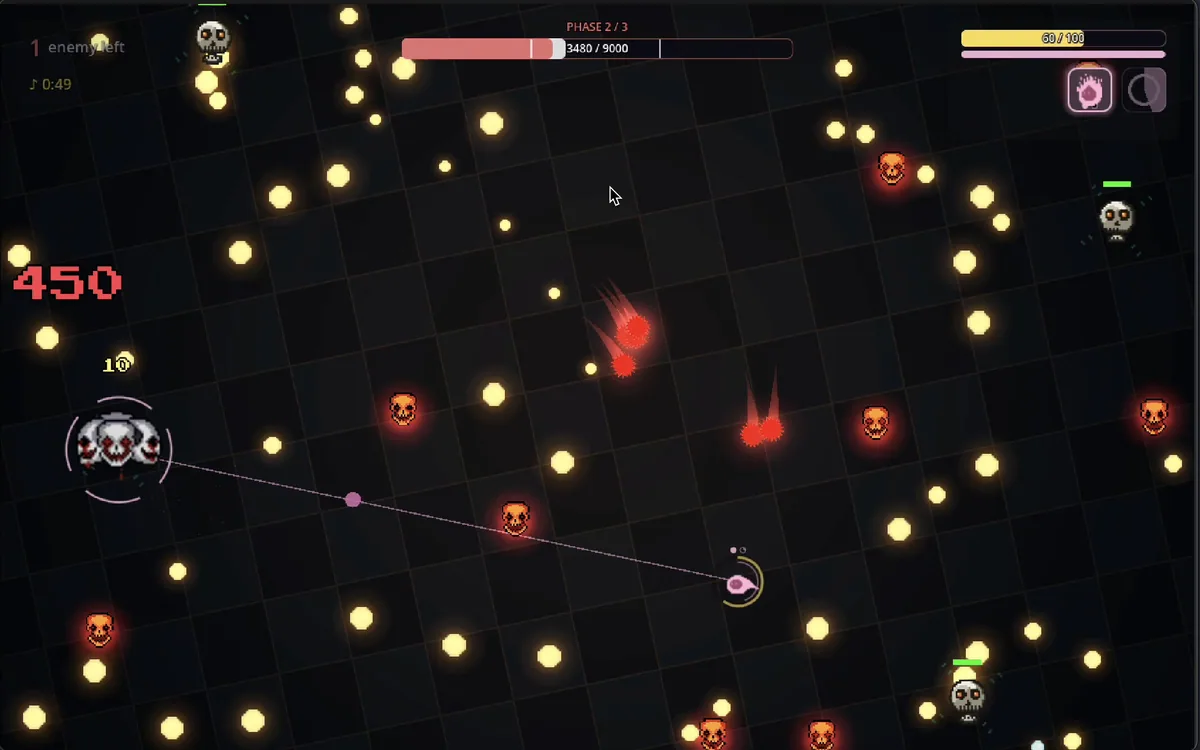
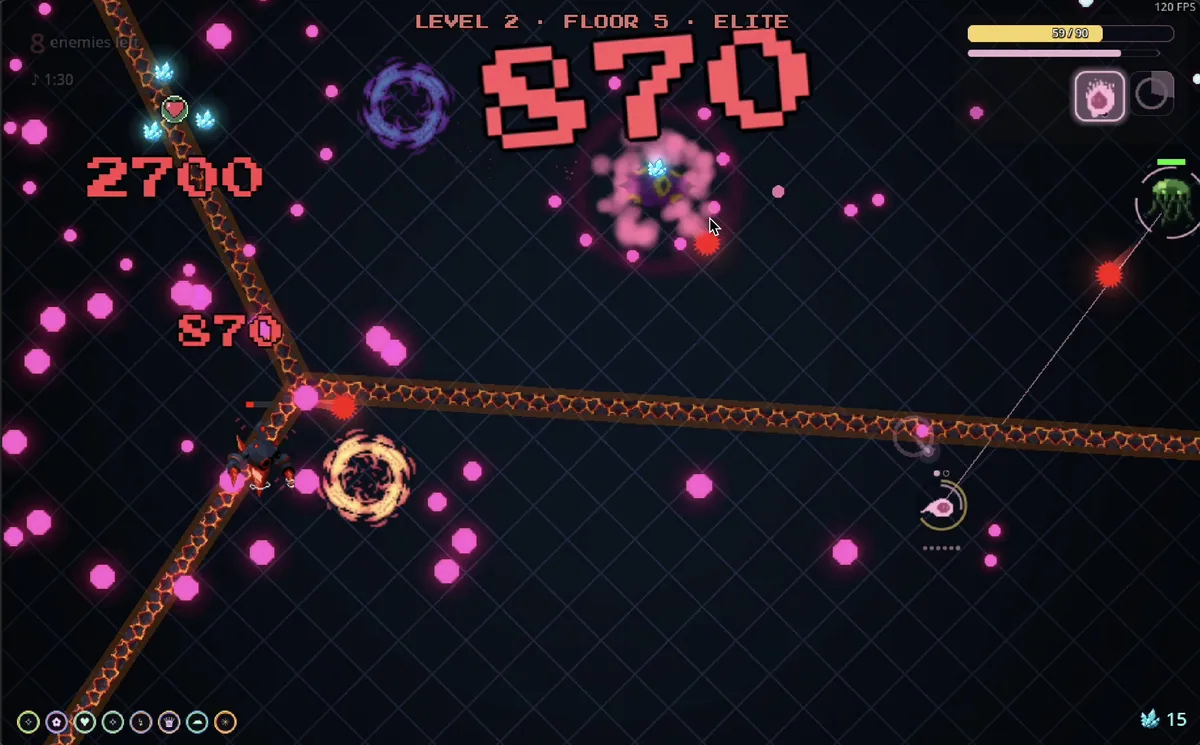
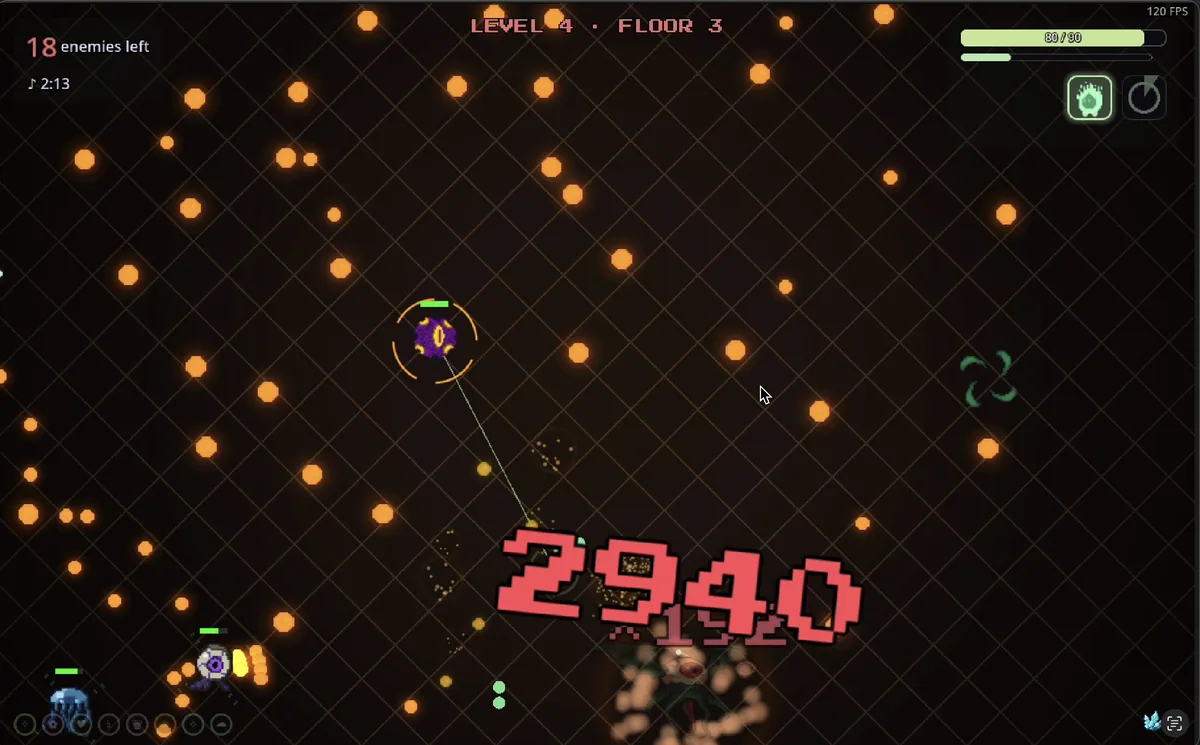
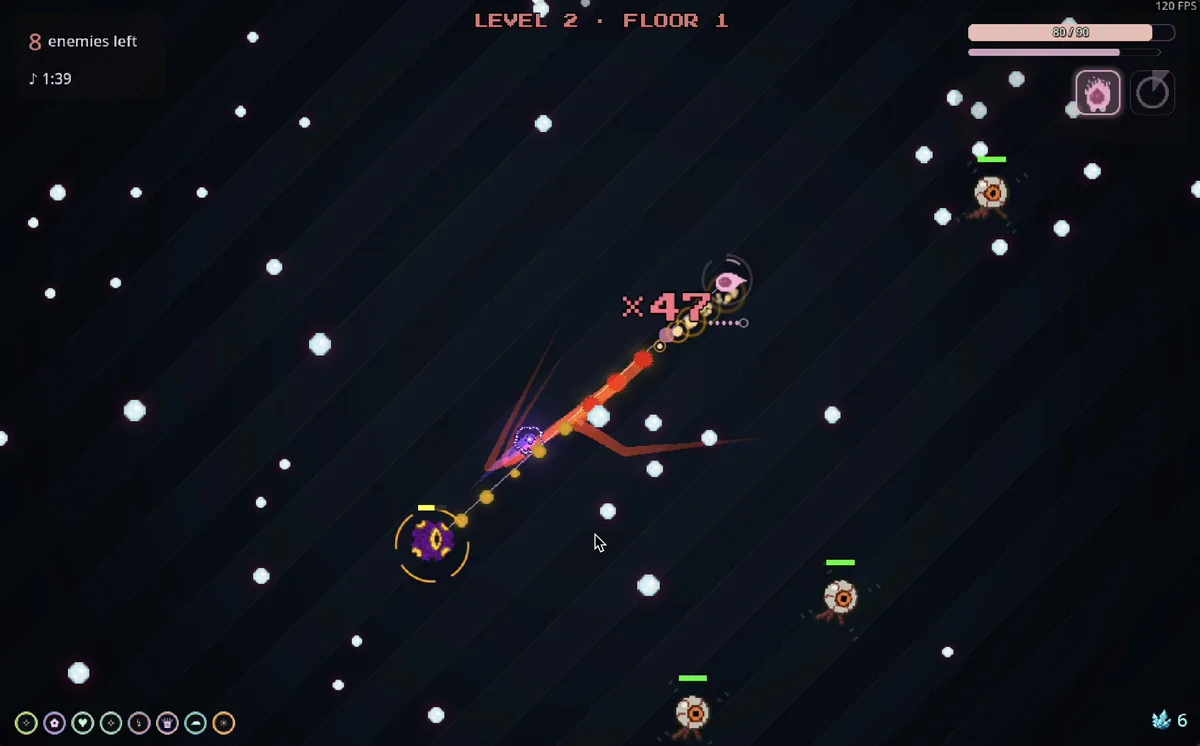
WISP is a music-driven bullet-hell game where each kick beat brings another wave of enemy projectiles. As the track builds, the screen becomes denser and timing becomes more important. Shops between waves let players spend points on damage and stronger abilities.
A movement that is safe between beats can become dangerous when the next pulse arrives. Players need to hear and see the rhythm while saving enough space to dodge. Upgrade spending changes whether a difficult section is handled by faster clearing or better survival.
Official game page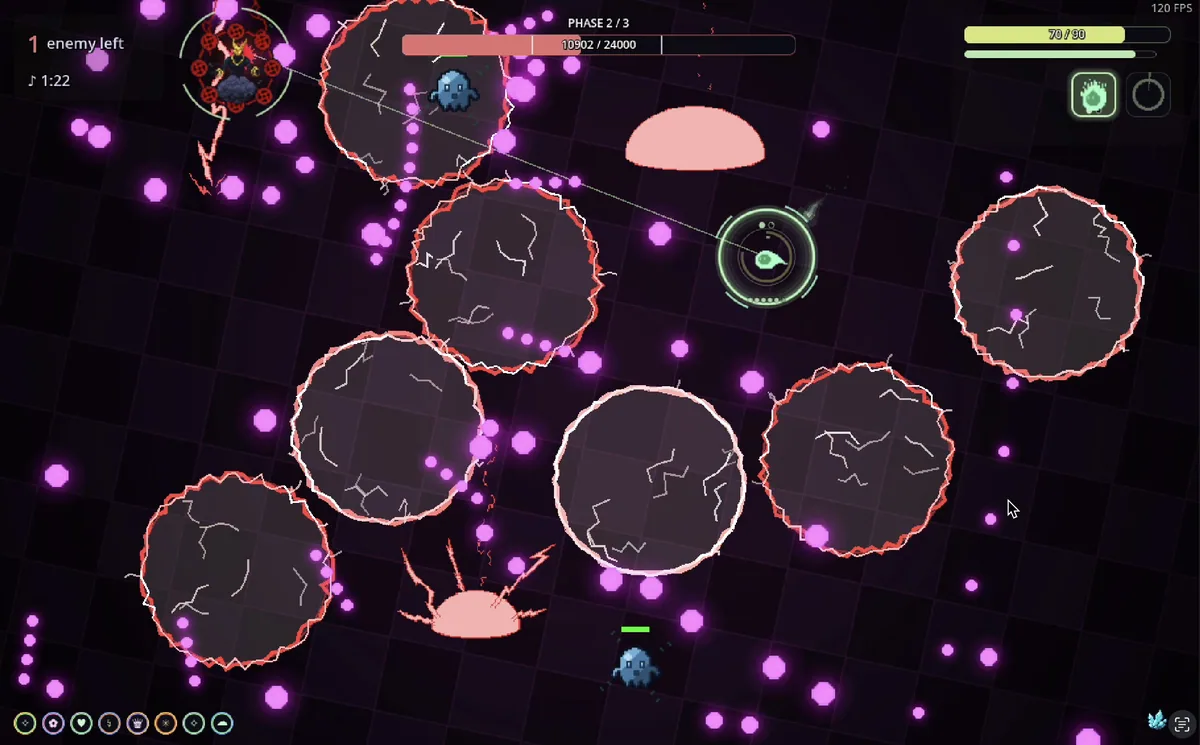
Using the WISP trainer
The menu aligns beat timing, projectile density and ability charge. It helps prepare for the next musical phrase and compare purchases at the shop before another wave. Replay information makes a missed dodge easier to place within the song.