FREE CHEATS FOR
Witch of Oz
Released November 16, 2026
Updated

 EAGLE CHEATS
How to use Eagle in Witch of Oz
With Witch of Oz running, press Insert to open the Eagle menu. The quick keys give direct access to Card Ranks and Spell Grid. Use the menu for Poker Hands, Overlap Paths and Placement View and the remaining listed features; close it with Insert to return to the app.
- F2 Card Ranks
Press F2 to turn Card Ranks on or off without opening the menu. - F3 Spell Grid
Press F3 to turn Spell Grid on or off without opening the menu. - Insert Poker Hands
Press Insert, find Poker Hands in the feature list, and switch it on or off. - Insert Overlap Paths
Press Insert, find Overlap Paths in the feature list, and switch it on or off. - Insert Placement View
Press Insert, find Placement View in the feature list, and switch it on or off.
EXPLORE THE MENUFeatures
8 features
The Eagle trainer for Witch of Oz brings card ranks, spell grid, poker hands together for the Windows PC release. Press Insert during play to open the menu, choose a control and return to the current session. Additional controls cover overlap paths, placement view, and spell journal during play.
- Card Ranks
- Spell Grid
- Poker Hands
- Overlap Paths
- Placement View
- Spell Journal
- Enemy Notes
- Adventure Progress
About the game
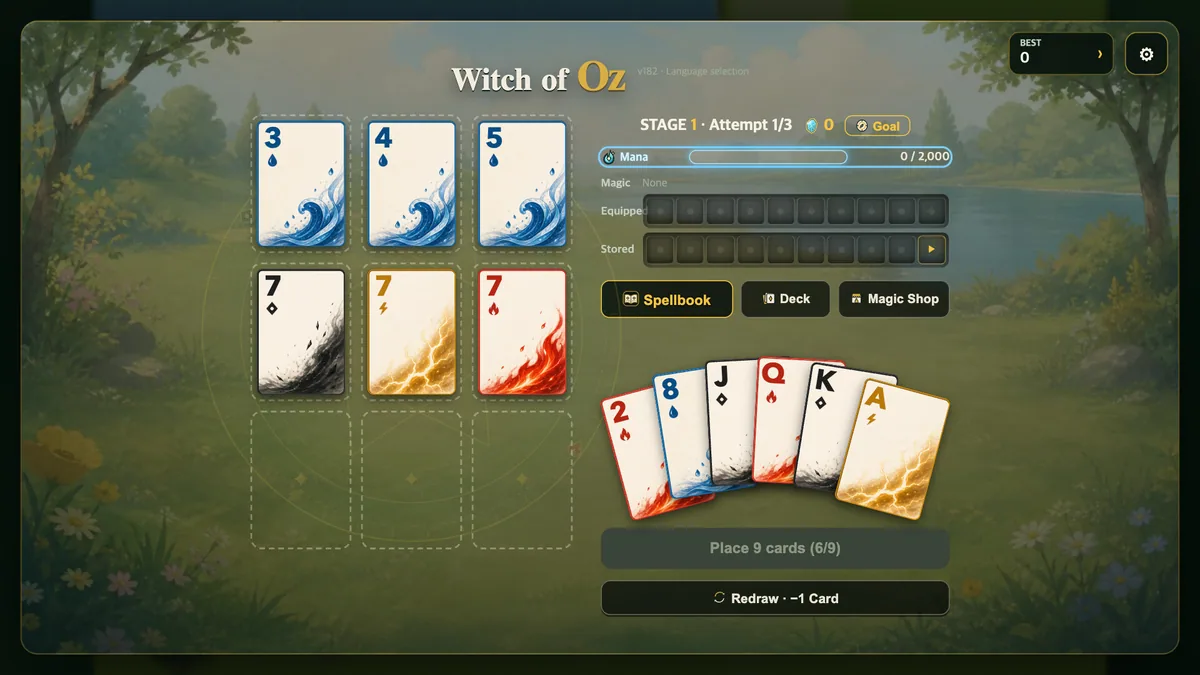
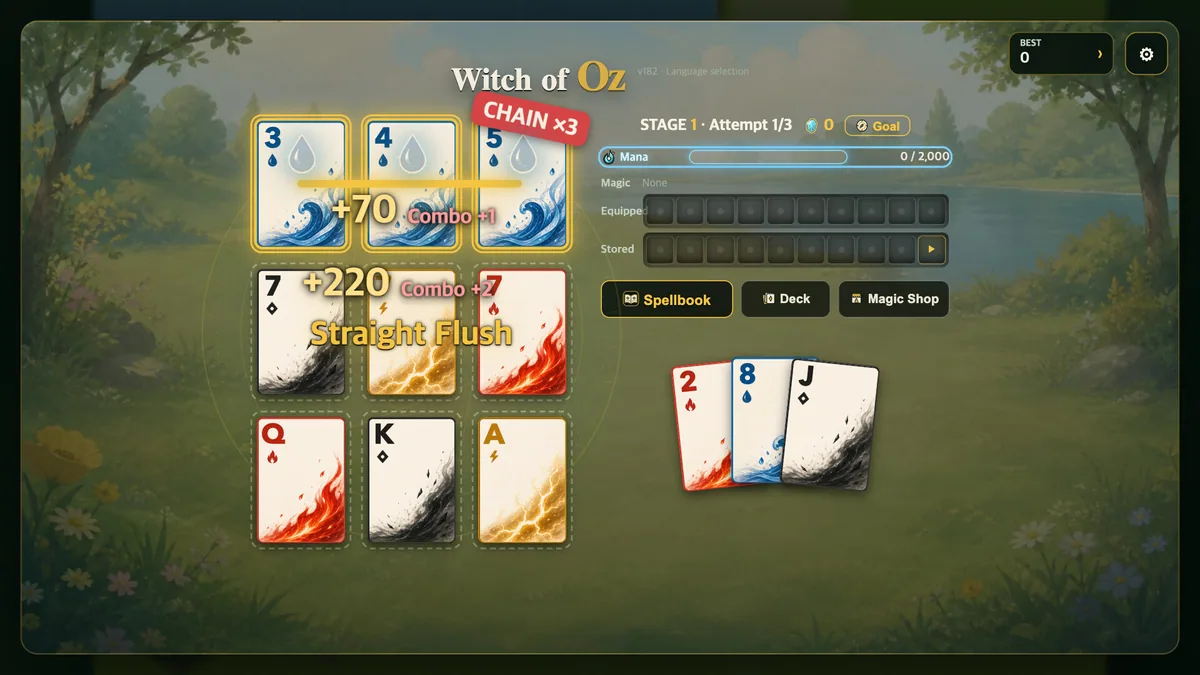
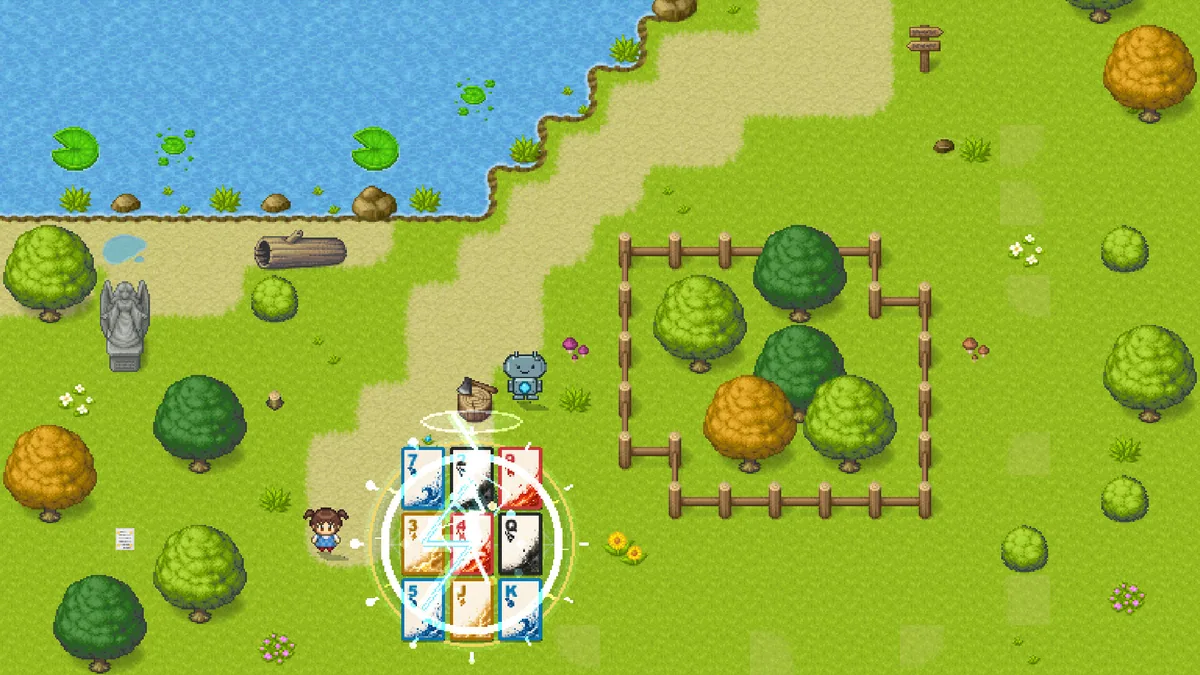
Witch of Oz turns poker hands into spells on a three-by-three grid. Patterns can overlap, creating powerful combinations from limited space. The puzzle is deciding which hand to form without blocking a better one next turn.
A quick pair may be useful but consume cards needed for a stronger pattern. The shape of the grid matters as much as the cards themselves. Reviewing spell results helps choose placements that leave future combinations open.
Official game page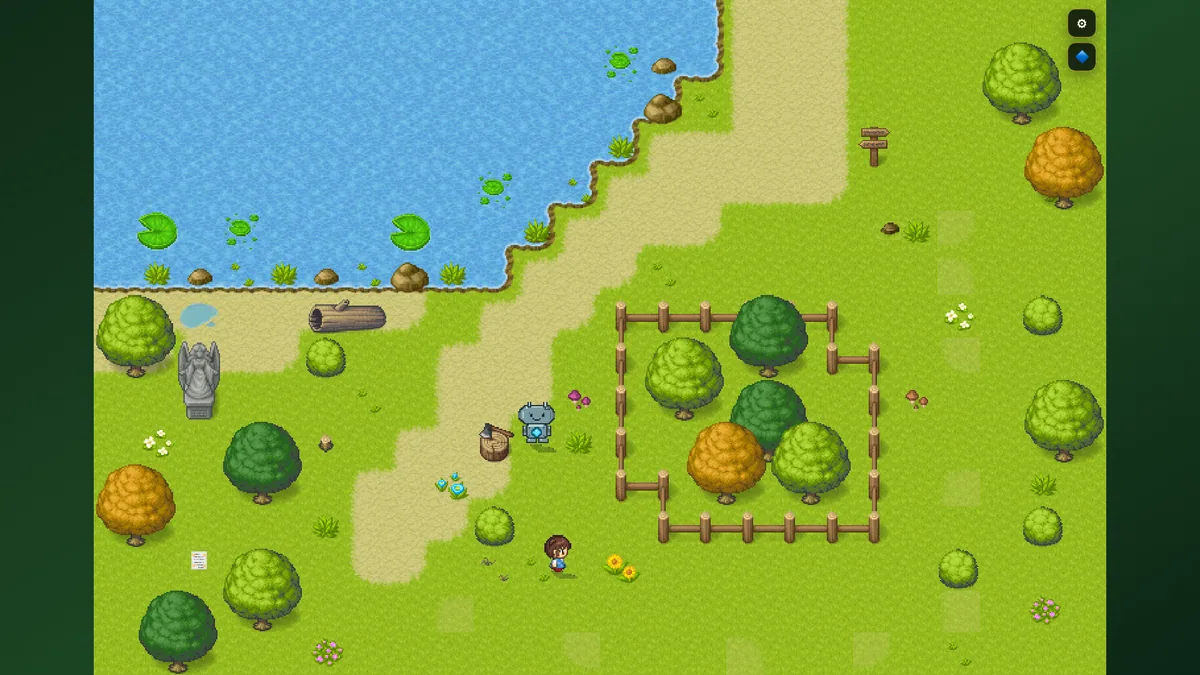
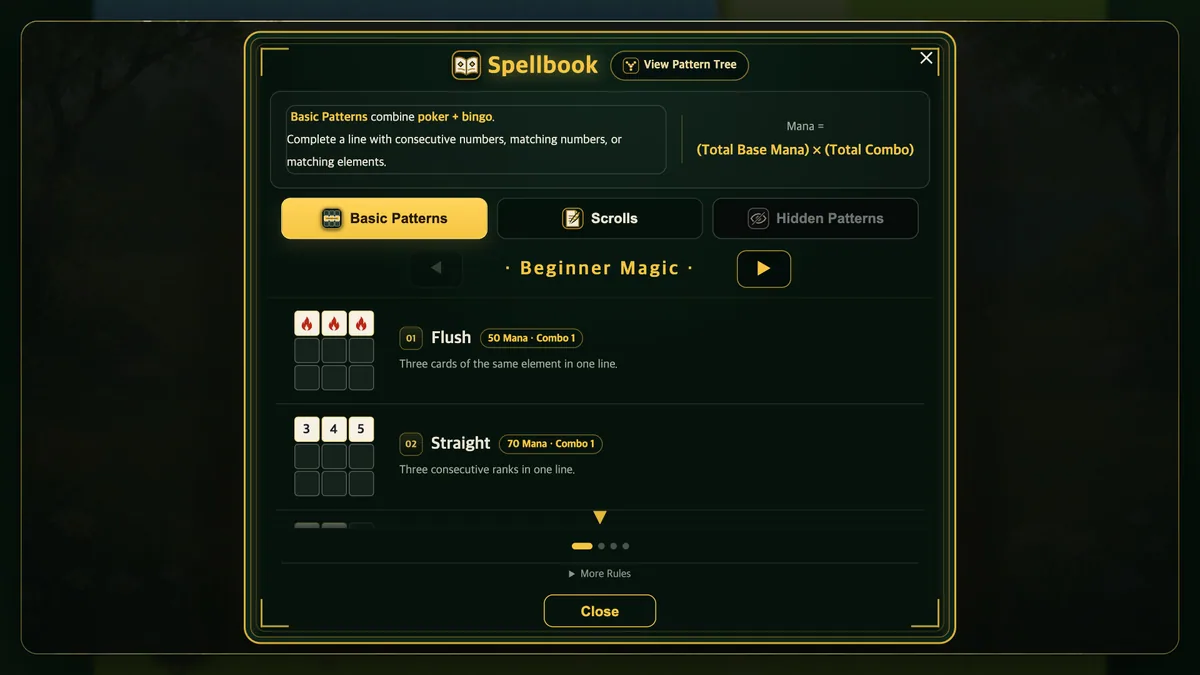
Using the Witch of Oz trainer
Open the Eagle menu with Insert to inspect card ranks, grid spaces and possible hands. The spell journal records overlapping patterns and their effects. Use the placement view before filling a square shared by several promising lines.