FREE CHEATS FOR
World Of Mana II
Released November 15, 2026
Updated
 EAGLE CHEATS
How to use Eagle in World Of Mana II
With World Of Mana II running, press Insert to open the Eagle menu. The quick keys give direct access to World Map and Hero Stats. Use the menu for Level Progress, Treasure Chests and Secret Routes and the remaining listed features; close it with Insert to return to the app.
- F2 World Map
Press F2 to turn World Map on or off without opening the menu. - F3 Hero Stats
Press F3 to turn Hero Stats on or off without opening the menu. - Insert Level Progress
Press Insert, find Level Progress in the feature list, and switch it on or off. - Insert Treasure Chests
Press Insert, find Treasure Chests in the feature list, and switch it on or off. - Insert Secret Routes
Press Insert, find Secret Routes in the feature list, and switch it on or off.
EXPLORE THE MENUFeatures
8 features
The Eagle trainer for World Of Mana II brings world map, hero stats, level progress together for the Windows PC release. Press Insert during play to open the menu, choose a control and return to the current session. Additional controls cover treasure chests, secret routes, and item stock during play.
- World Map
- Hero Stats
- Level Progress
- Treasure Chests
- Secret Routes
- Item Stock
- Enemy Markers
- Quest Record
About the game
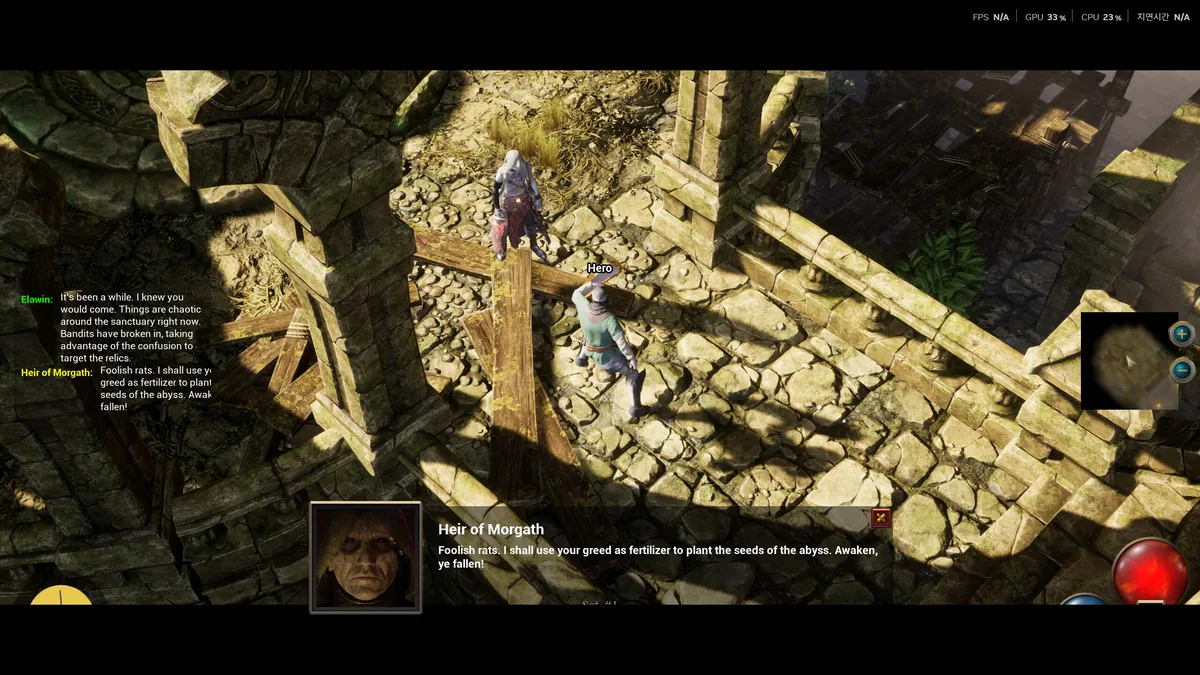
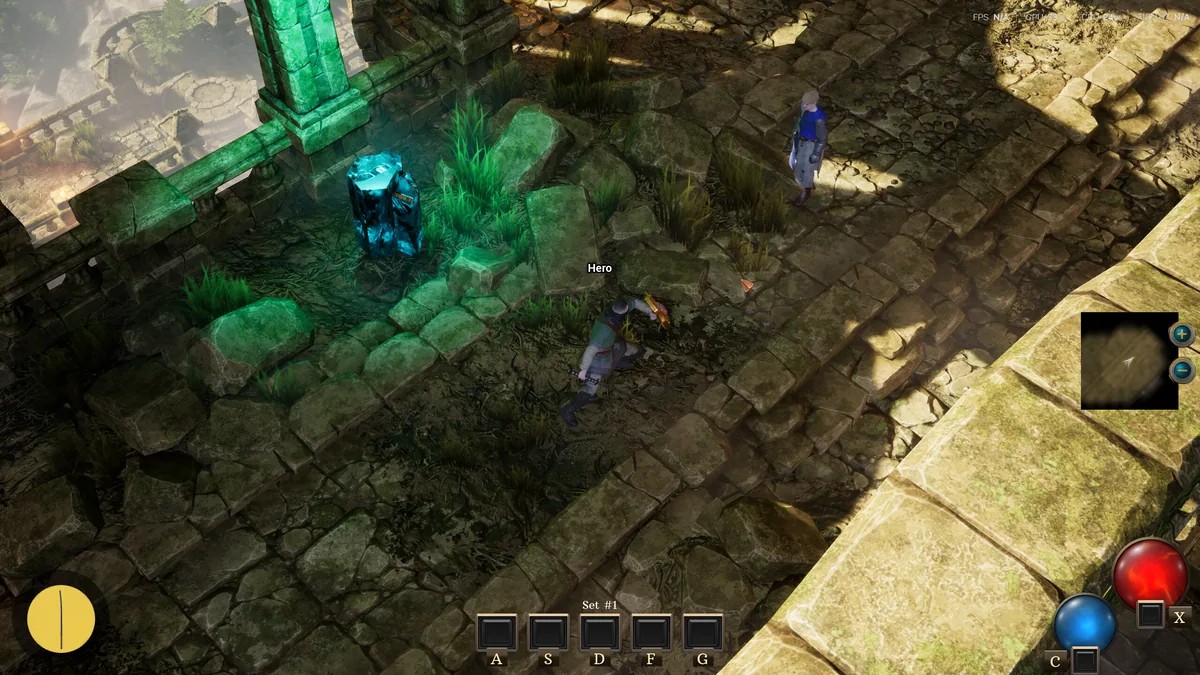
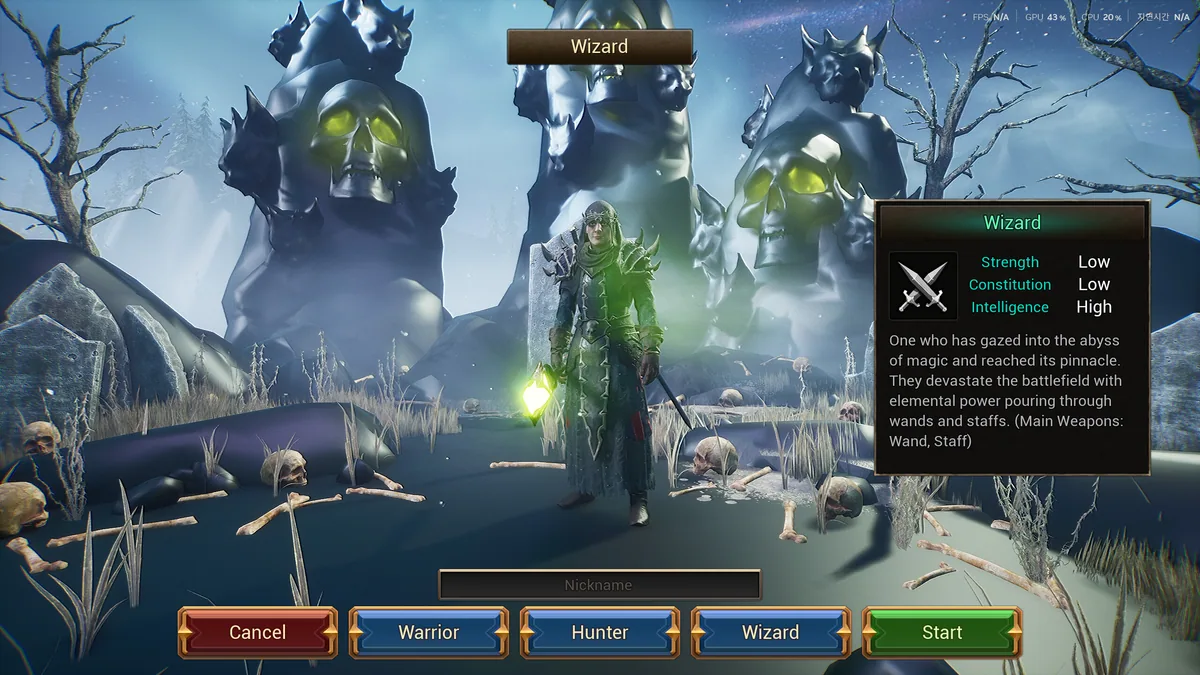
World Of Mana II is a short action RPG about reaching a Necromancer at the heart of darkness. Exploration reveals secret areas and rare chests while monster battles raise the hero's level and stats. The route through the map is as important as the final confrontation.
A hidden passage may offer equipment that changes the next fight. Spending too long searching can leave a player underprepared for a direct push, while rushing forward can miss useful resources. The compact journey makes each detour matter.
Official game page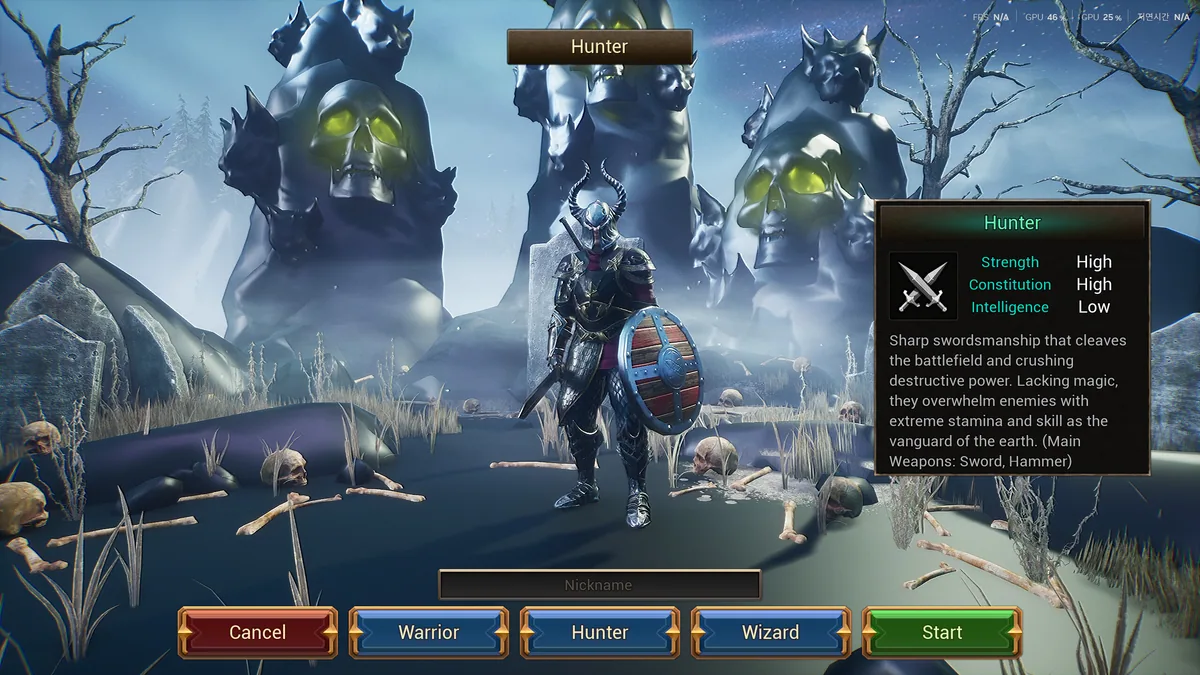
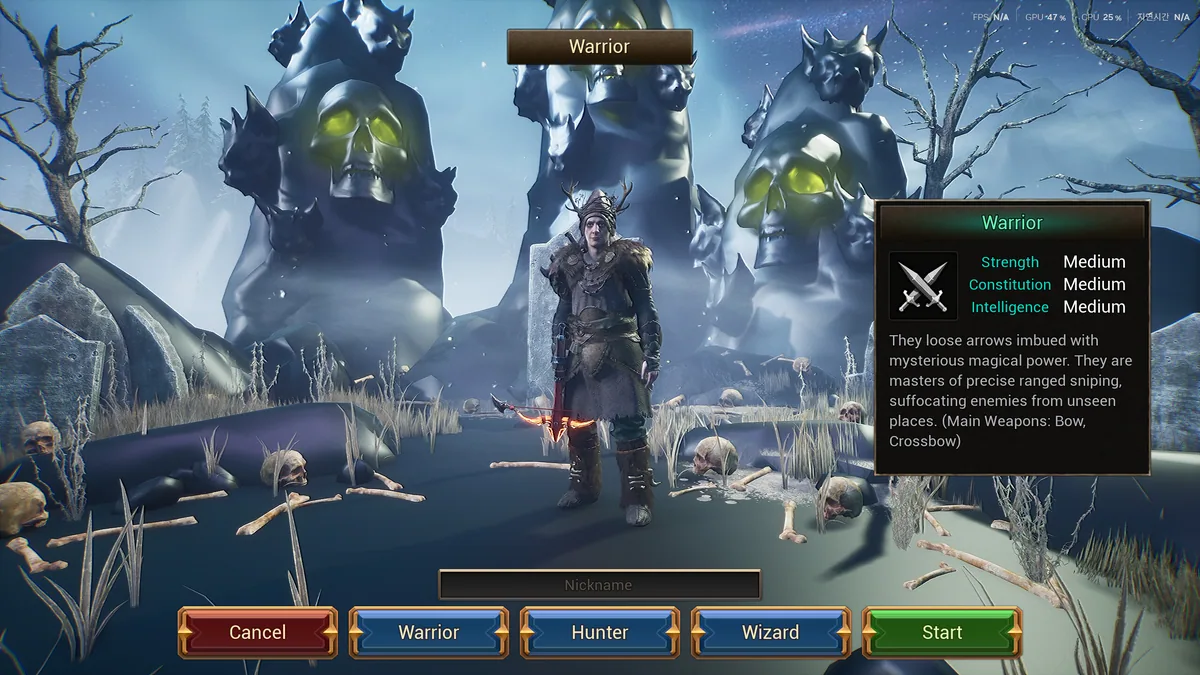
Using the World Of Mana II trainer
The Eagle menu shows explored paths, character stats and discovered chests. Use Insert before entering a new area to review supplies and unfinished routes. A boss panel tracks the Necromancer encounter without revealing hidden areas automatically.