FREE CHEATS FOR
Worst Class Ever
Released November 9, 2026
Updated

 EAGLE CHEATS
How to use Eagle in Worst Class Ever
With Worst Class Ever running, press Insert to open the Eagle menu. The quick keys give direct access to Classroom Map and Role Status. Use the menu for Prank Tracker, Round Timer and NPC Markers and the remaining listed features; close it with Insert to return to the app.
- F2 Classroom Map
Press F2 to turn Classroom Map on or off without opening the menu. - F3 Role Status
Press F3 to turn Role Status on or off without opening the menu. - Insert Prank Tracker
Press Insert, find Prank Tracker in the feature list, and switch it on or off. - Insert Round Timer
Press Insert, find Round Timer in the feature list, and switch it on or off. - Insert NPC Markers
Press Insert, find NPC Markers in the feature list, and switch it on or off.
EXPLORE THE MENUFeatures
8 features
The Eagle trainer for Worst Class Ever brings classroom map, role status, prank tracker together for the Windows PC release. Press Insert during play to open the menu, choose a control and return to the current session. Additional controls cover npc markers, suspicion meter, and student objectives during play.
- Classroom Map
- Role Status
- Prank Tracker
- NPC Markers
- Suspicion Meter
- Student Objectives
- Round Timer
- Match Replay
About the game
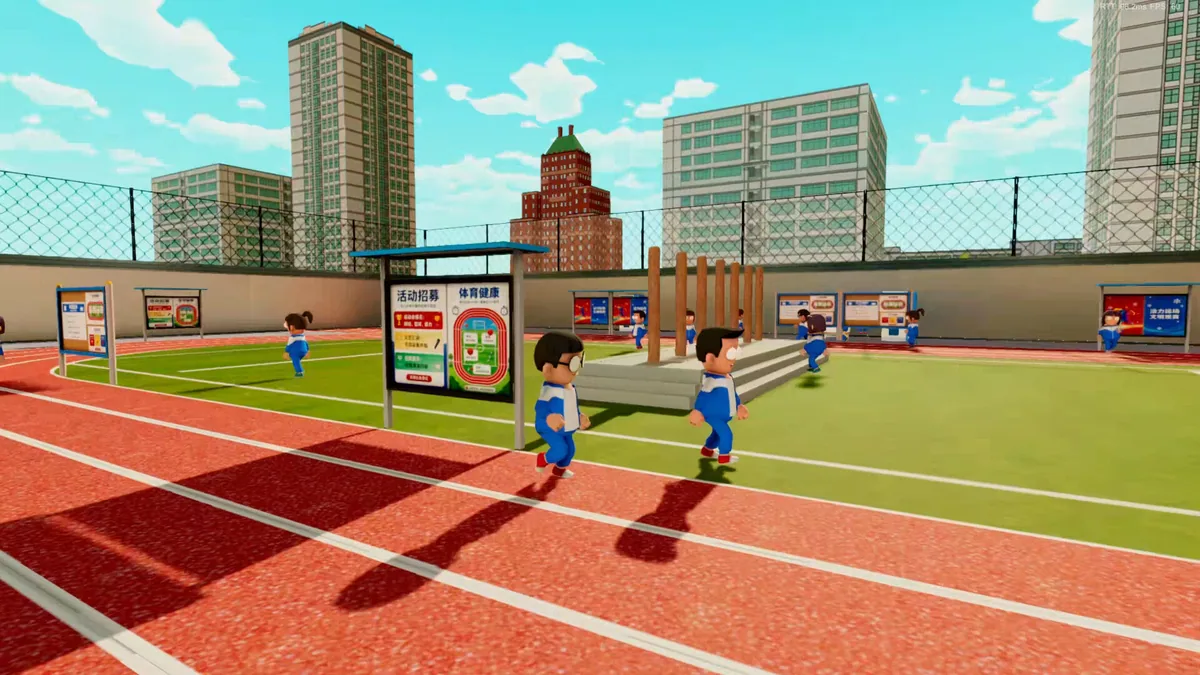
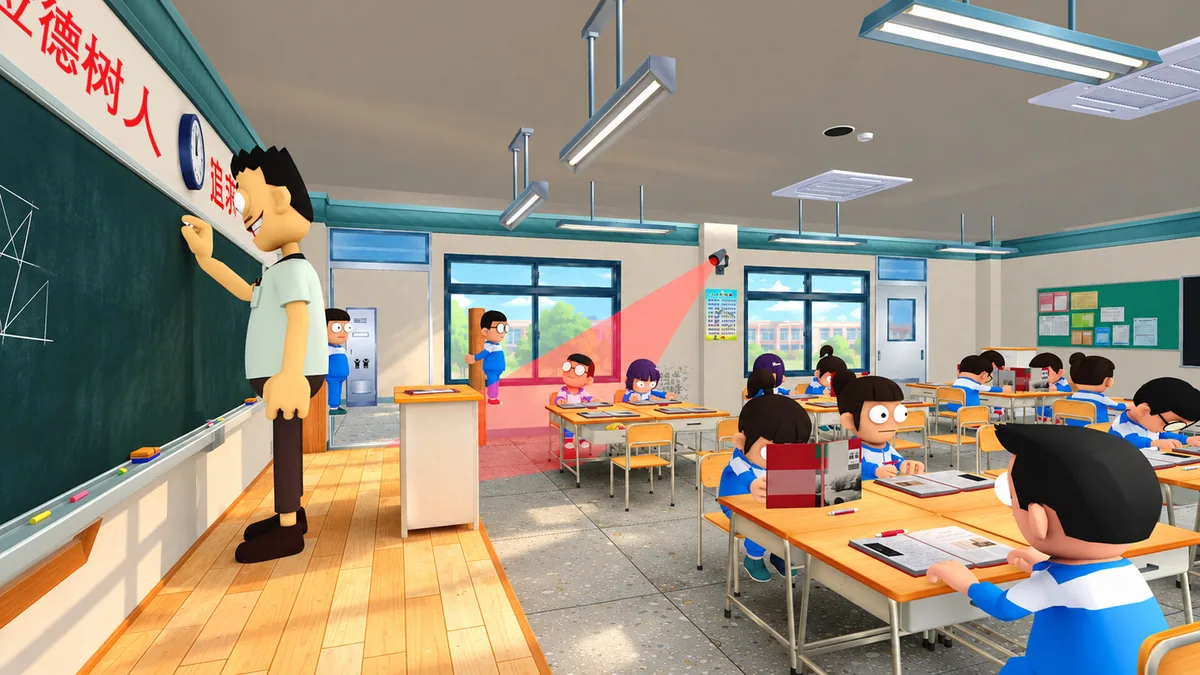
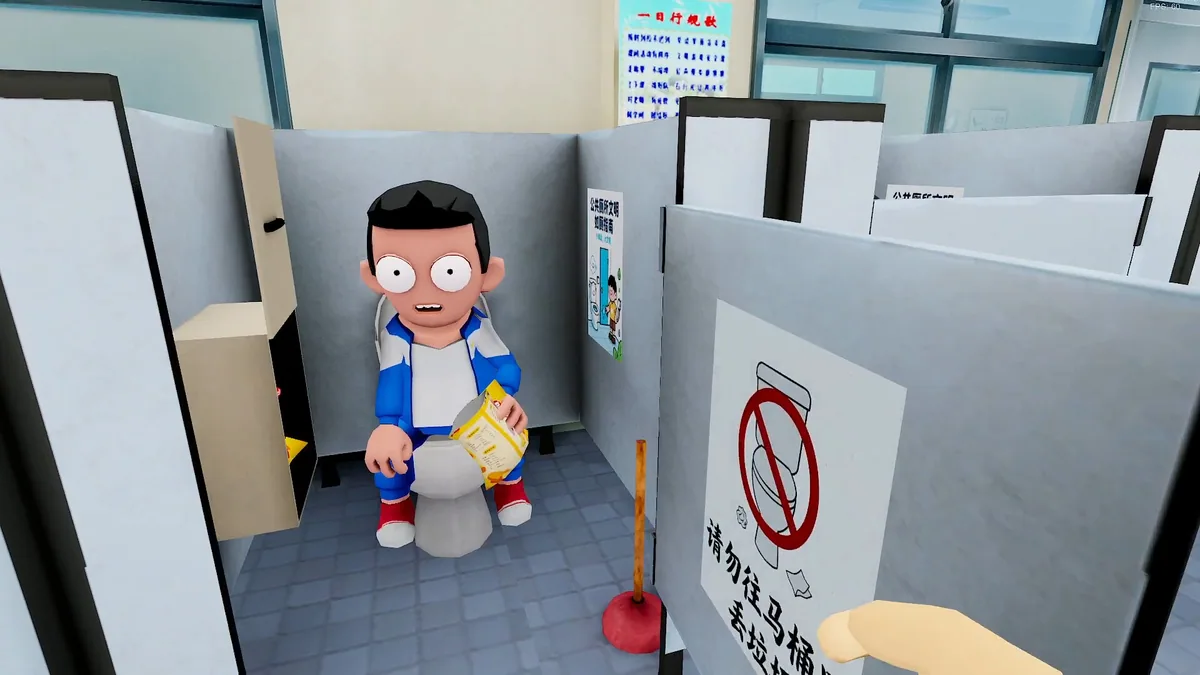
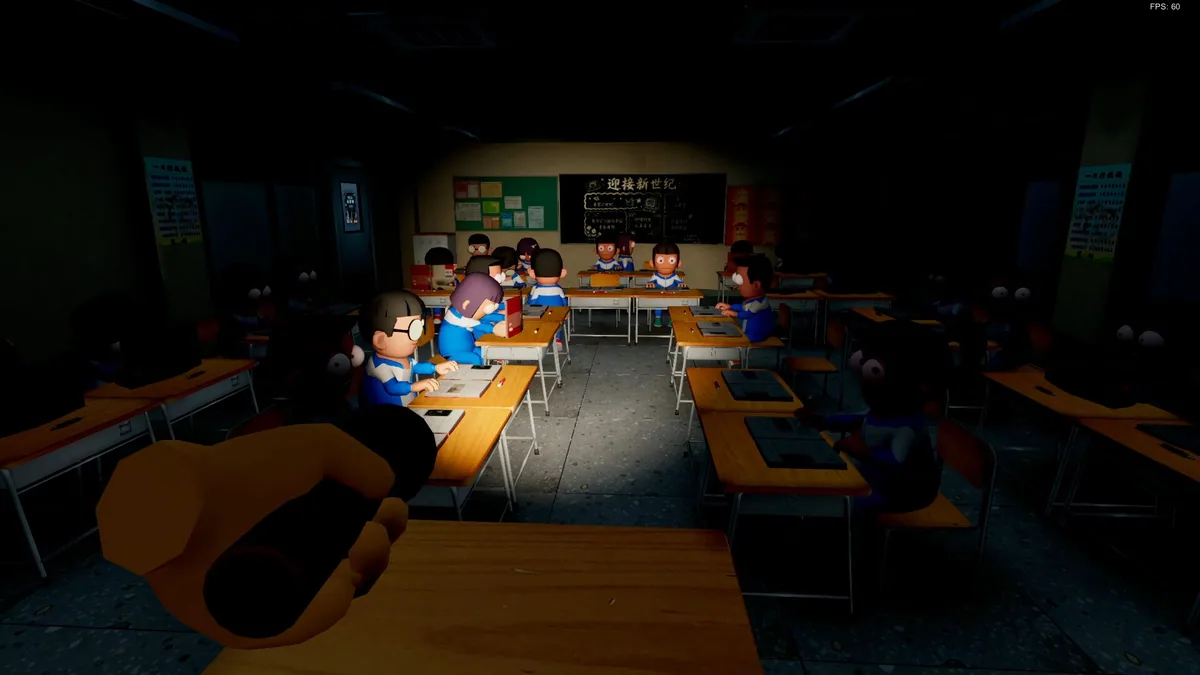
Worst Class Ever is an asymmetric party game with one teacher facing seven students. Students can hide among NPC classmates and cause trouble, while the teacher tries to identify them before the room becomes chaos. Each side reads the same classroom differently.
For a student, blending in can be more useful than running after a prank. The teacher must notice behavior without accusing every ordinary classmate. Short rounds reward learning common routes, timing a distraction and responding to the other team's choices.
Official game page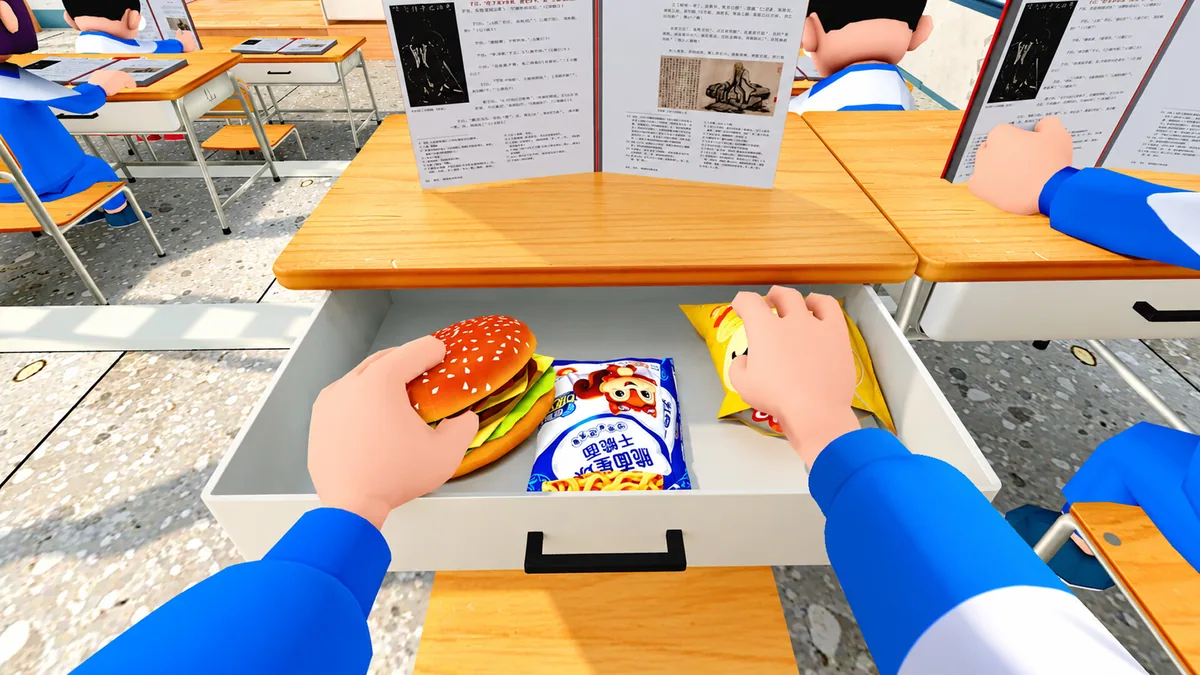
Using the Worst Class Ever trainer
The menu keeps class positions, prank status and round time clear for the current role. It helps the teacher track suspicious activity and students follow their remaining objectives. Role-specific views prevent the same information from being presented as if both teams shared a goal.