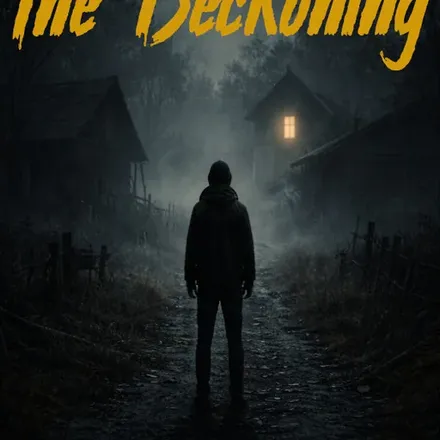
FREE CHEATS FOR
Yami Mura
Released November 15, 2026
Updated

 EAGLE CHEATS
How to use Eagle in Yami Mura
With Yami Mura running, press Insert to open the Eagle menu. The quick keys give direct access to Lantern Checklist and Village Map. Use the menu for Clue Journal, Objective Markers and Pursuer Alert and the remaining listed features; close it with Insert to return to the app.
- F2 Lantern Checklist
Press F2 to turn Lantern Checklist on or off without opening the menu. - F3 Village Map
Press F3 to turn Village Map on or off without opening the menu. - Insert Clue Journal
Press Insert, find Clue Journal in the feature list, and switch it on or off. - Insert Objective Markers
Press Insert, find Objective Markers in the feature list, and switch it on or off. - Insert Pursuer Alert
Press Insert, find Pursuer Alert in the feature list, and switch it on or off.
EXPLORE THE MENUFeatures
8 features
The Eagle trainer for Yami Mura brings lantern checklist, village map, clue journal together for the Windows PC release. Press Insert during play to open the menu, choose a control and return to the current session. Additional controls cover objective markers, pursuer alert, and room history during play.
- Lantern Checklist
- Village Map
- Clue Journal
- Objective Markers
- Pursuer Alert
- Room History
- Route Notes
- Story Progress
About the game
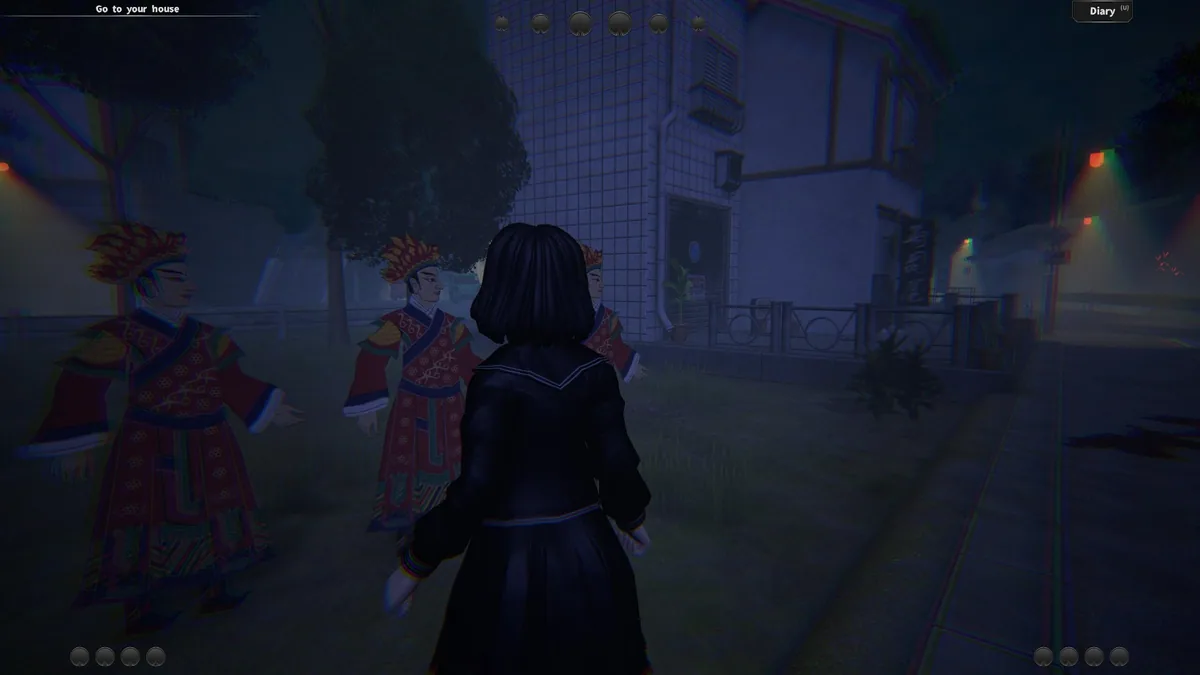
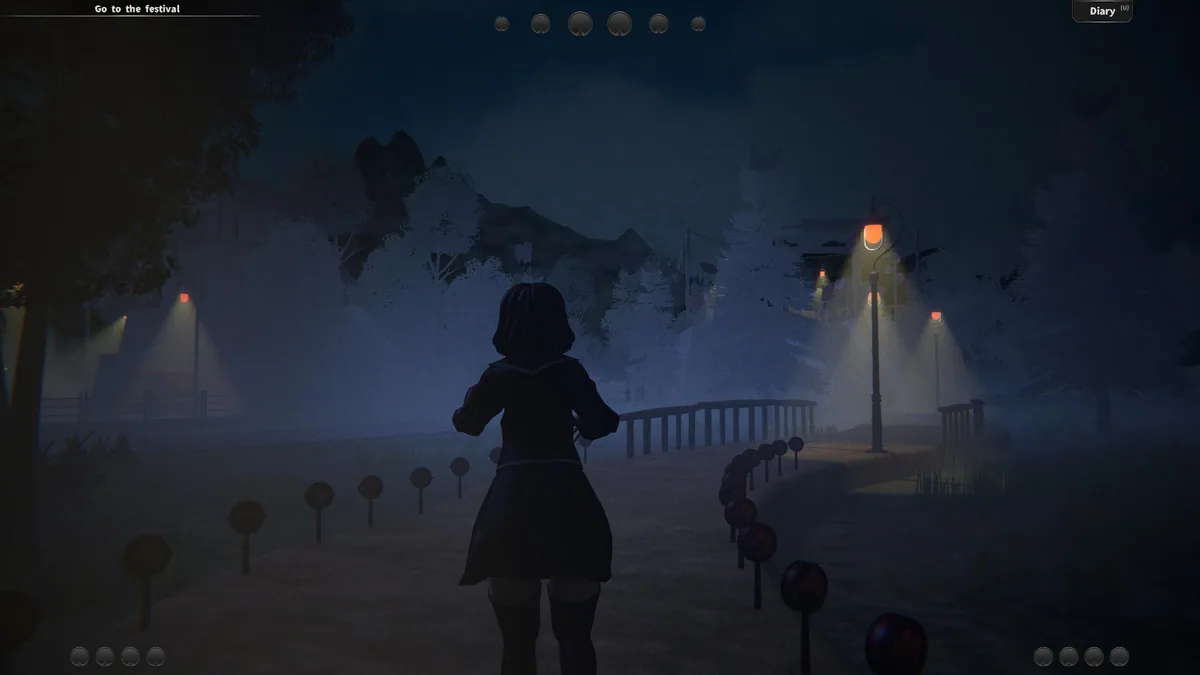
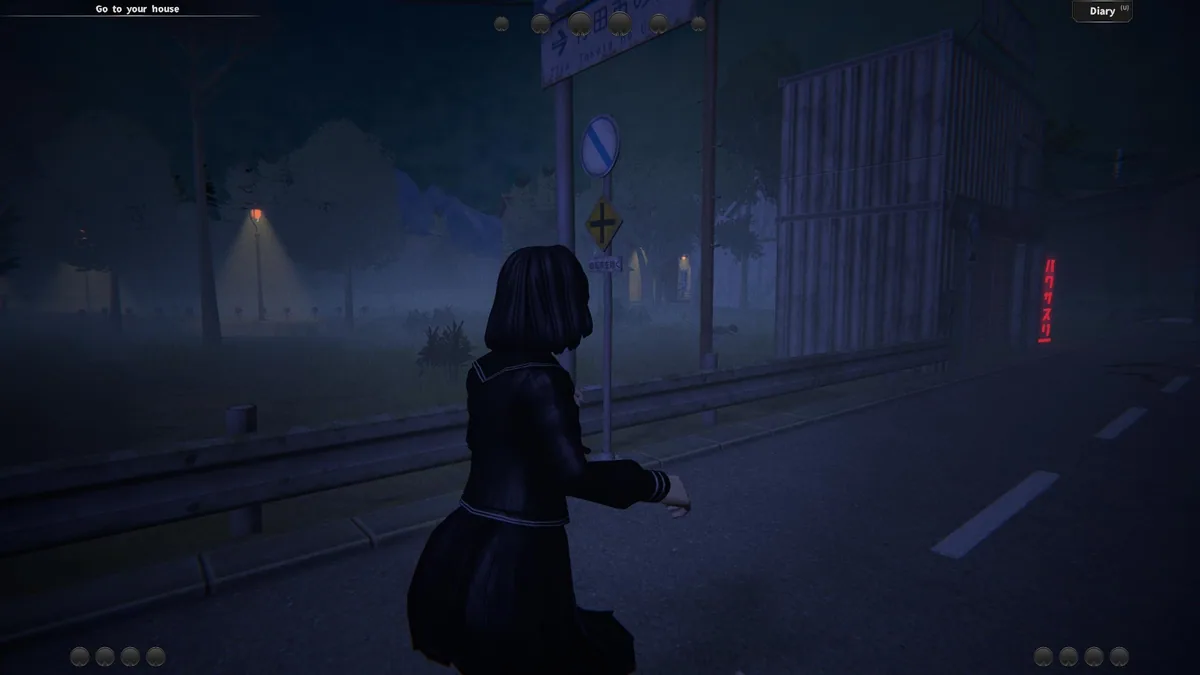
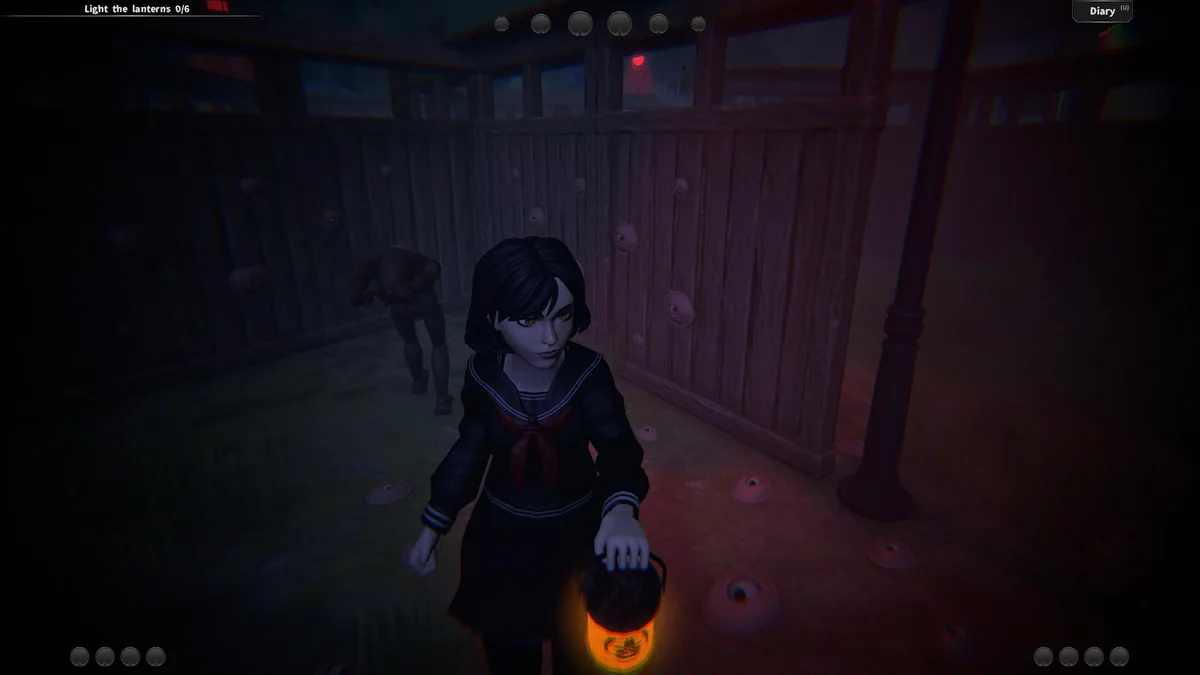
Yami Mura places Emica in a silent village where she must solve mysteries and light six lanterns to escape. The horror story also reflects her difficult family life and uncertainty about what she is experiencing. Exploration, not combat, drives progress through the empty streets and buildings.
The village offers clues in places that may initially seem safe, while the presence stalking Emica makes lingering uncomfortable. Each lit lantern is a concrete step toward escape, but understanding the route requires remembering where a clue was found. The story leaves room for doubt about the village itself.
Official game page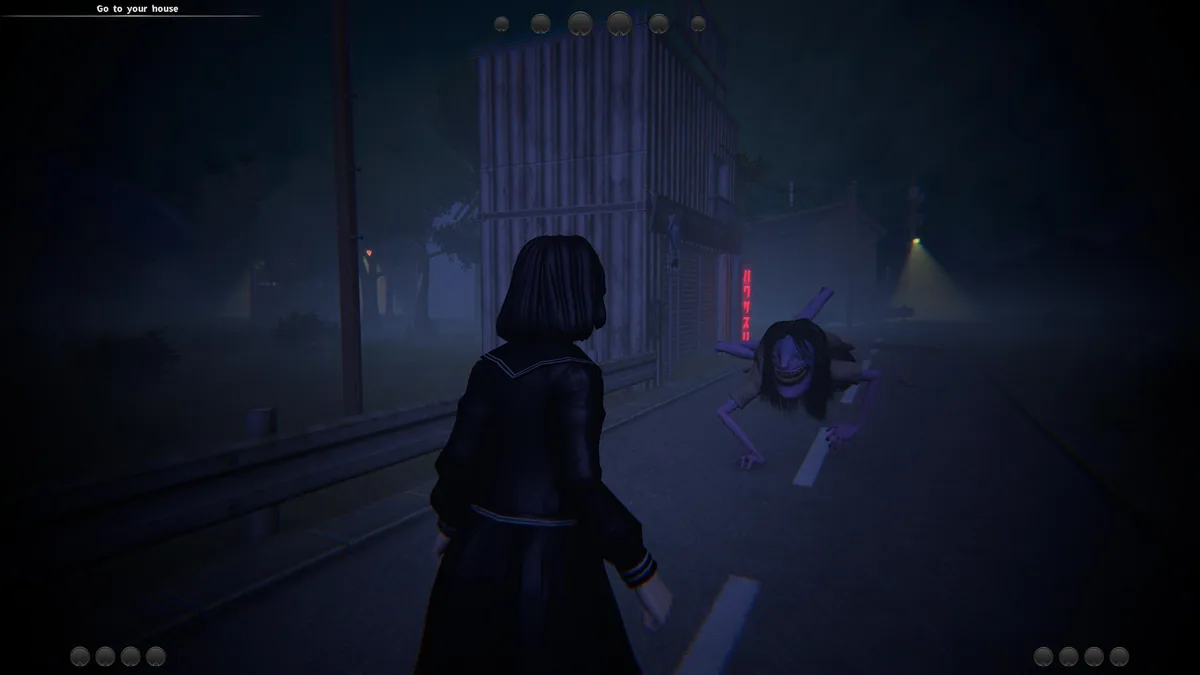
Using the Yami Mura trainer
The Eagle menu provides a lantern checklist, clue notes and a map of explored paths. Open it with Insert before revisiting an area to see which questions remain unresolved. The view highlights recorded observations rather than revealing the story's answer, preserving the mystery of Emica's situation.