FREE CHEATS FOR
YoYo Blade
Released November 14, 2026
Updated

 EAGLE CHEATS
How to use Eagle in YoYo Blade
With YoYo Blade running, press Insert to open the Eagle menu. The quick keys give direct access to Blade Momentum and Tether Reach. Use the menu for Wave Tracker, Health View and Corruption Level and the remaining listed features; close it with Insert to return to the app.
- F2 Blade Momentum
Press F2 to turn Blade Momentum on or off without opening the menu. - F3 Tether Reach
Press F3 to turn Tether Reach on or off without opening the menu. - Insert Wave Tracker
Press Insert, find Wave Tracker in the feature list, and switch it on or off. - Insert Health View
Press Insert, find Health View in the feature list, and switch it on or off. - Insert Corruption Level
Press Insert, find Corruption Level in the feature list, and switch it on or off.
EXPLORE THE MENUFeatures
8 features
The Eagle trainer for YoYo Blade brings blade momentum, tether reach, wave tracker together for the Windows PC release. Press Insert during play to open the menu, choose a control and return to the current session. Additional controls cover upgrade choices, corruption level, and enemy markers during play.
- Blade Momentum
- Tether Reach
- Wave Tracker
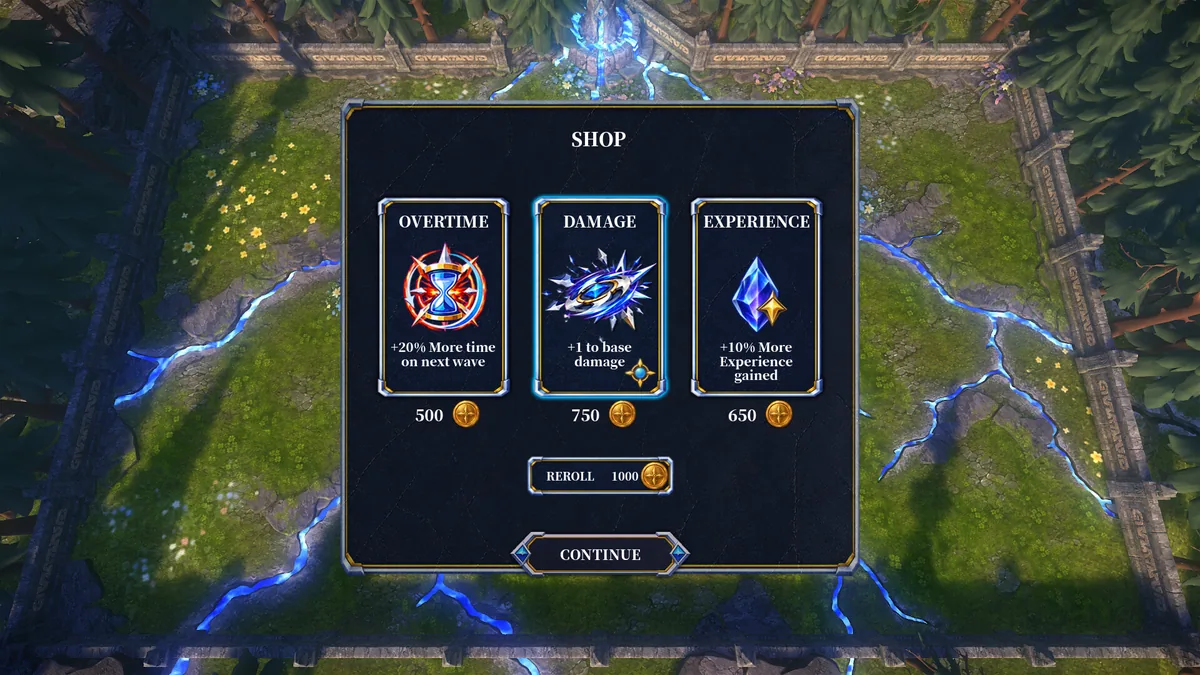
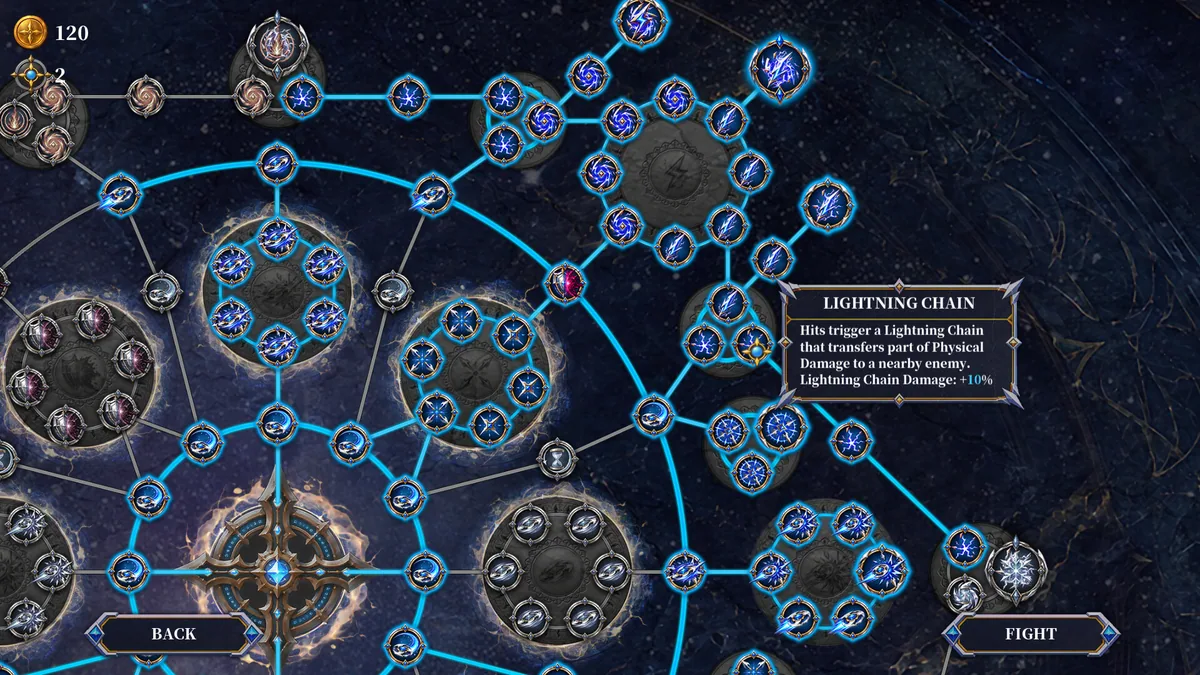
- Upgrade Choices
- Corruption Level
- Enemy Markers
- Throw History
- Health View
About the game
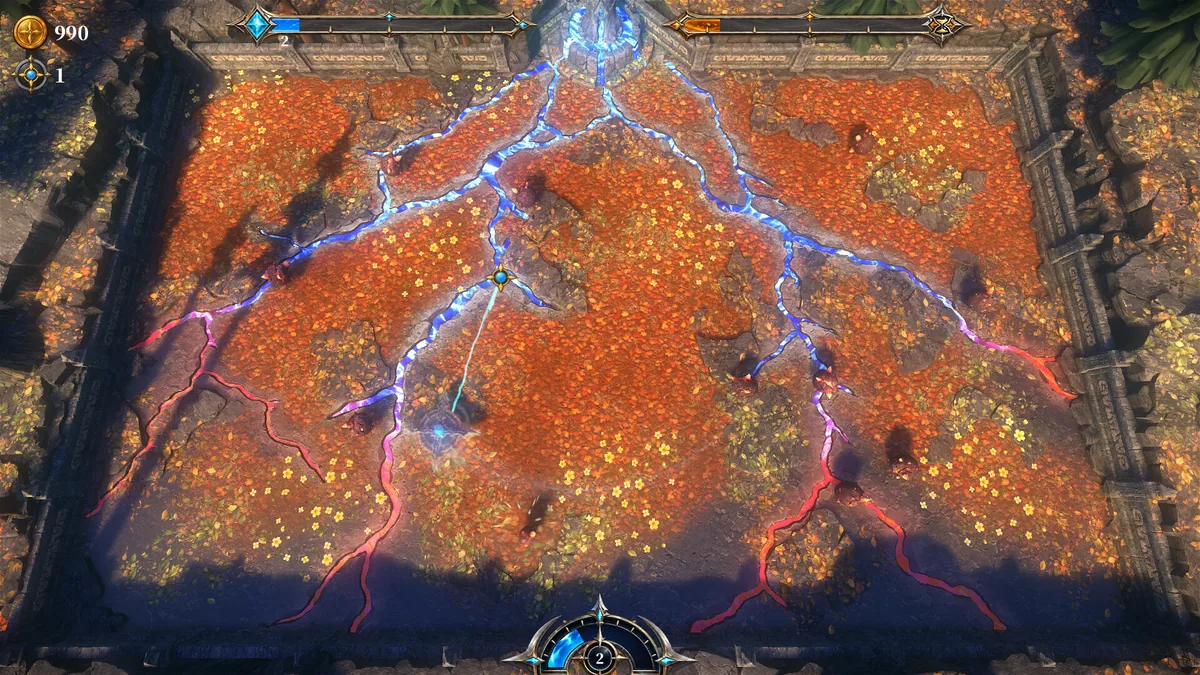
YoYo Blade centers on a tethered weapon controlled with the mouse. The player throws it, builds speed and buys upgrades to hold back enemy waves before corruption spreads through the world. The returning blade makes timing and the arc of each throw central to combat.
A longer throw may hit more enemies but leaves a different opening while the blade returns. Increasing speed changes the feel of that cycle, so a useful upgrade should fit the player's preferred rhythm. The wave structure rewards observing where pressure is building rather than throwing blindly.
Official game page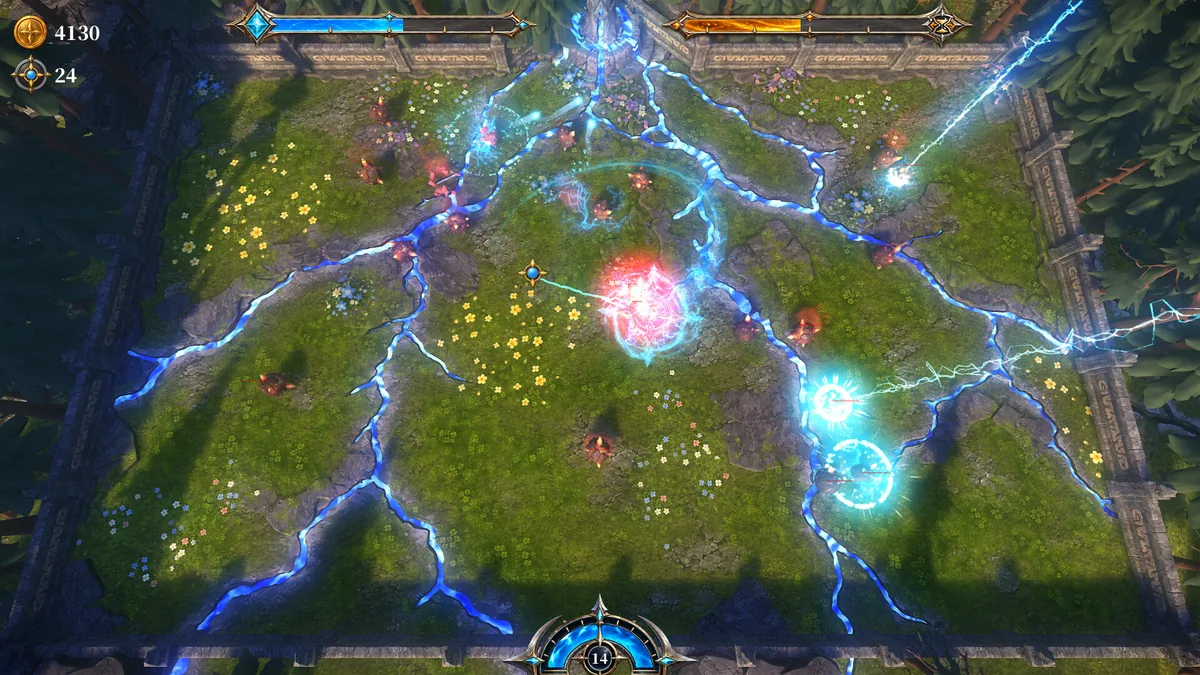
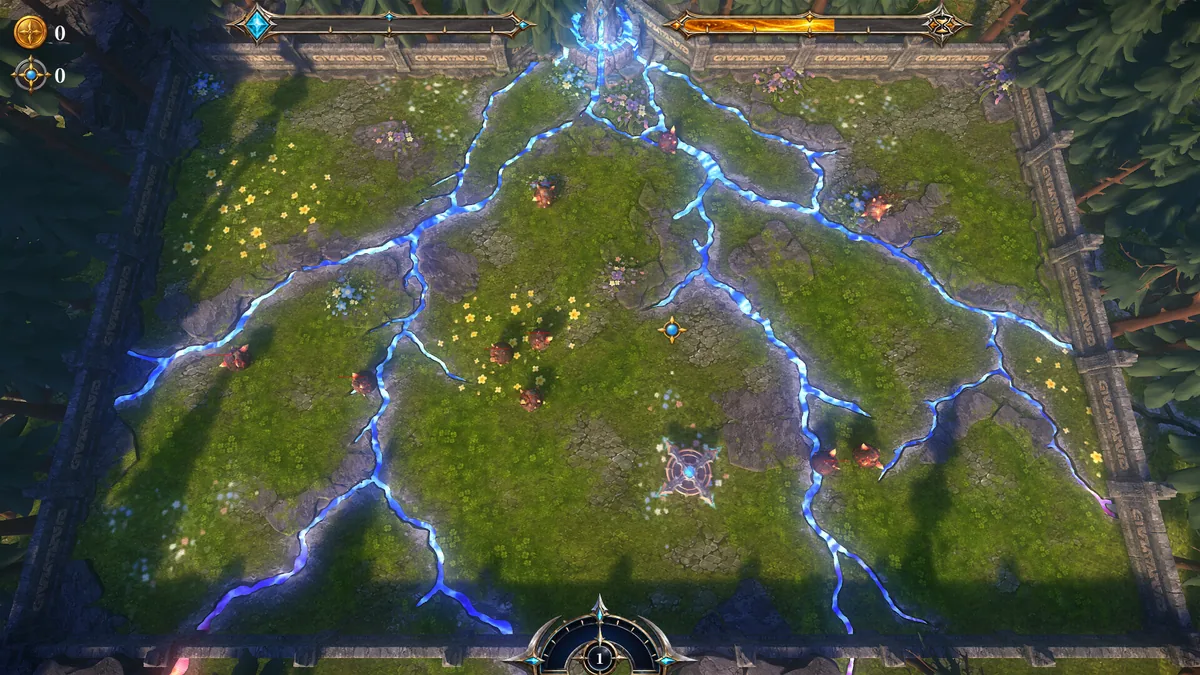
Using the YoYo Blade trainer
The Eagle menu shows blade momentum, the current wave and the reach of the tether. Open it with Insert between attacks to inspect upgrade options and corruption progress. Enemy markers help read the next opening while leaving aiming and release timing to the player.