FREE CHEATS FOR
Zero Sum
Released November 17, 2026
Updated

 EAGLE CHEATS
How to use Eagle in Zero Sum
With Zero Sum running, press Insert to open the Eagle menu. The quick keys give direct access to Operator Set and Number Chains. Use the menu for Target Outcomes, Wave Log and Run Modifiers and the remaining listed features; close it with Insert to return to the app.
- F2 Operator Set
Press F2 to turn Operator Set on or off without opening the menu. - F3 Number Chains
Press F3 to turn Number Chains on or off without opening the menu. - Insert Target Outcomes
Press Insert, find Target Outcomes in the feature list, and switch it on or off. - Insert Wave Log
Press Insert, find Wave Log in the feature list, and switch it on or off. - Insert Run Modifiers
Press Insert, find Run Modifiers in the feature list, and switch it on or off.
EXPLORE THE MENUFeatures
8 features
The Eagle trainer for Zero Sum brings operator set, number chains, target outcomes together for the Windows PC release. Press Insert during play to open the menu, choose a control and return to the current session. Additional controls cover wave log, run modifiers, and arena pressure during play.
- Operator Set
- Number Chains
- Target Outcomes
- Wave Log
- Run Modifiers
- Arena Pressure
- Calculation Notes
- Score Record
About the game
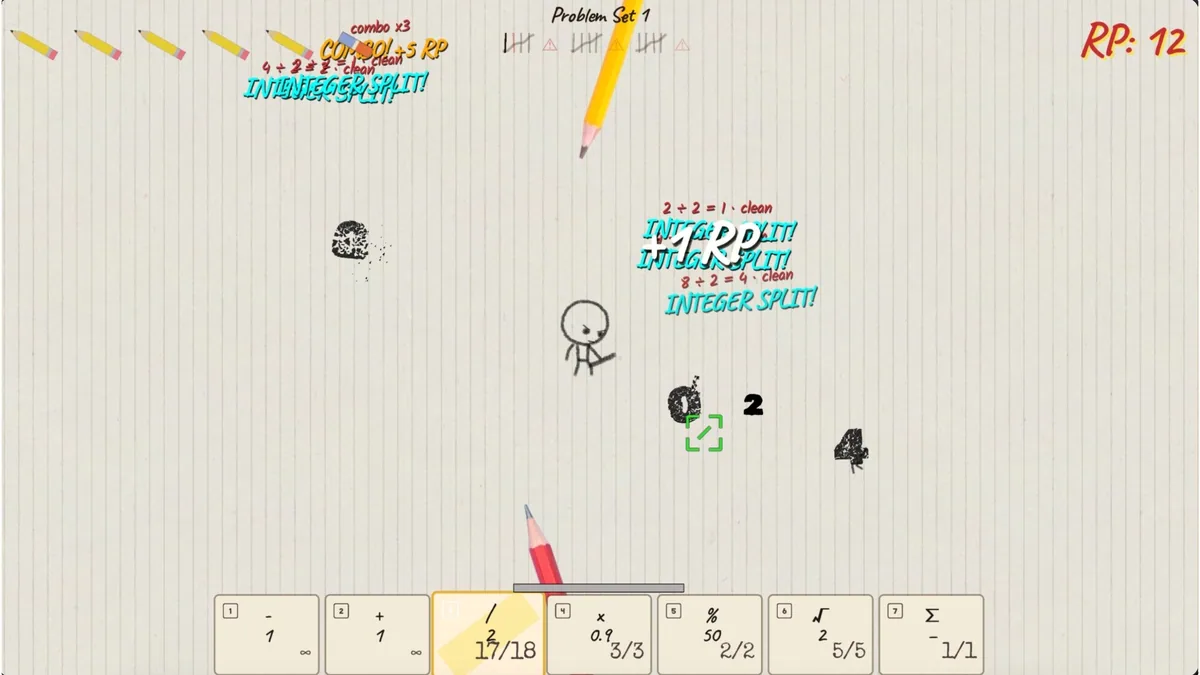
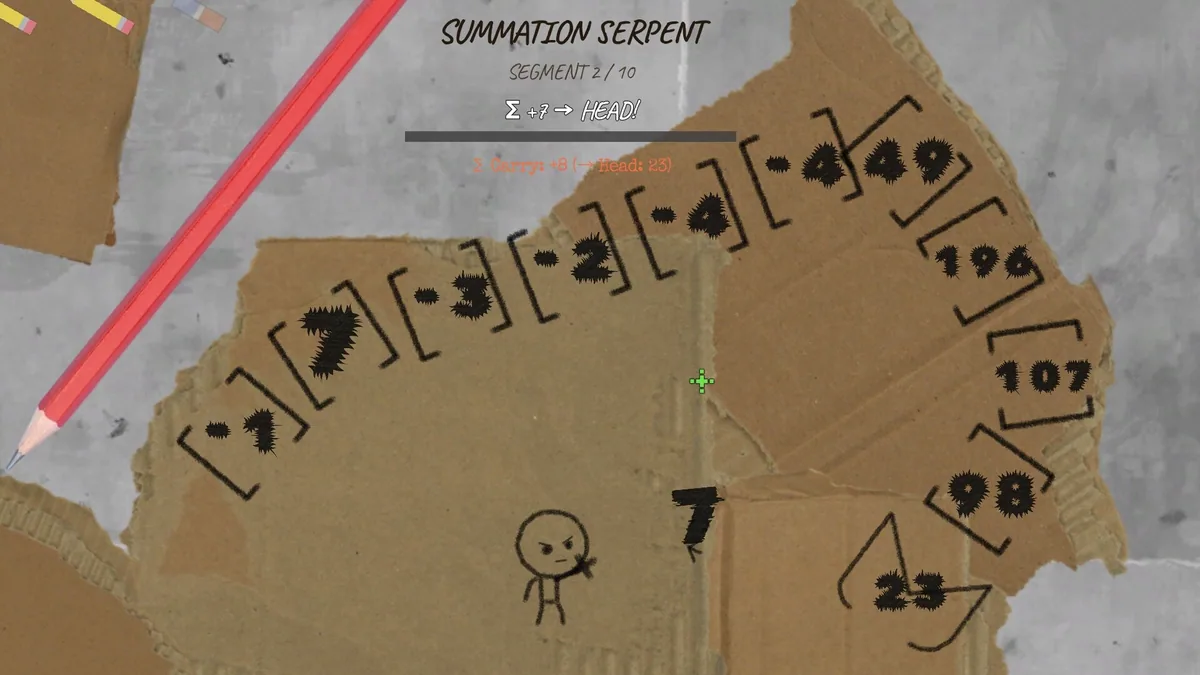
Zero Sum turns numbers into enemies and mathematical operators into weapons. The twin-stick action rewards movement, but the central puzzle is choosing an operation that changes a dangerous value into something manageable. A run can be won through arithmetic as well as reflexes.
Addition, division and other operators have different uses depending on the number in front of the player. A chain that clears one group may create a worse value elsewhere. Planning the order of operations makes the arena less chaotic when several integers converge.
Official game page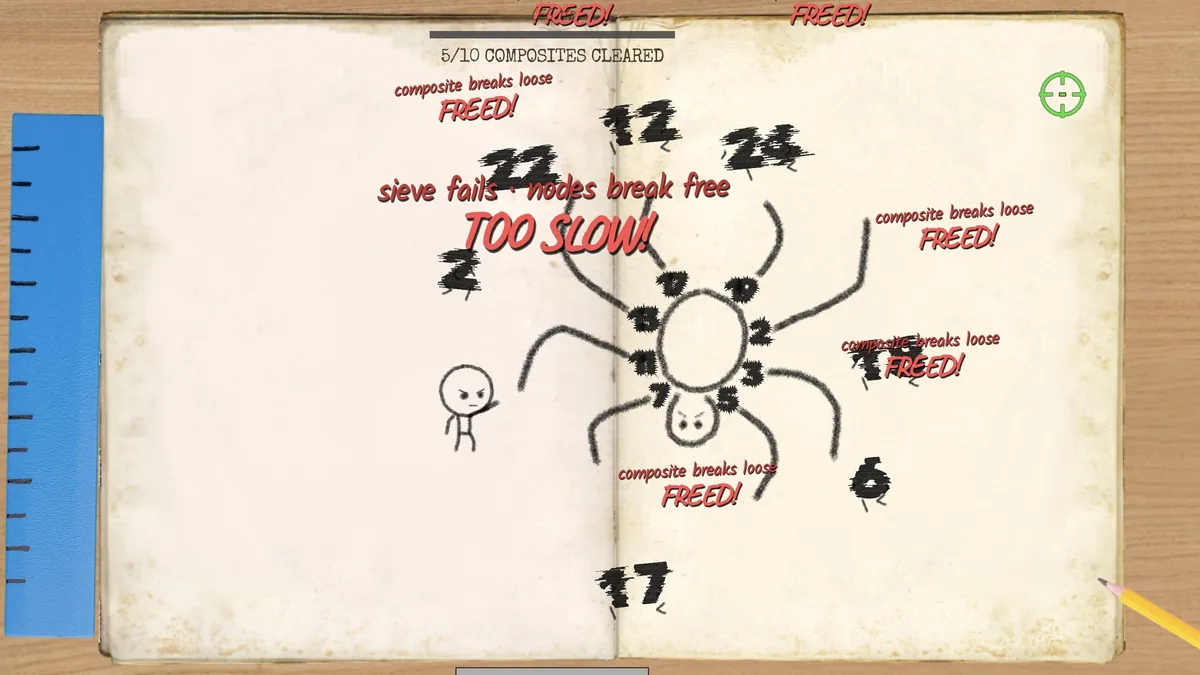
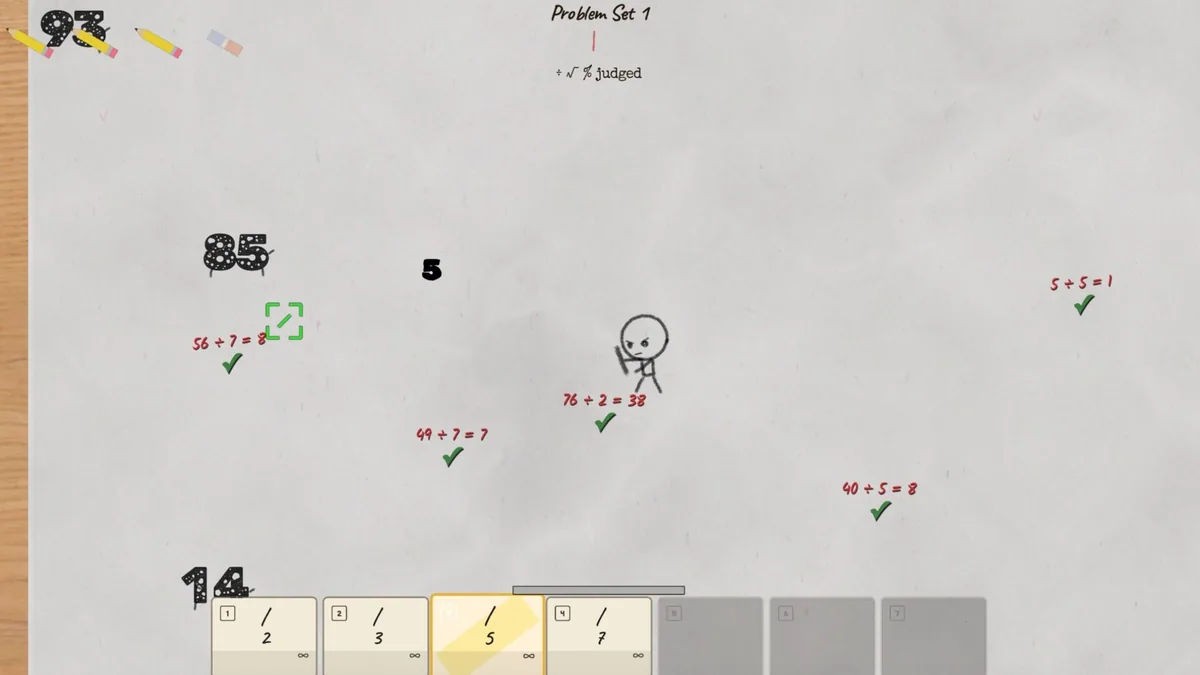
Using the Zero Sum trainer
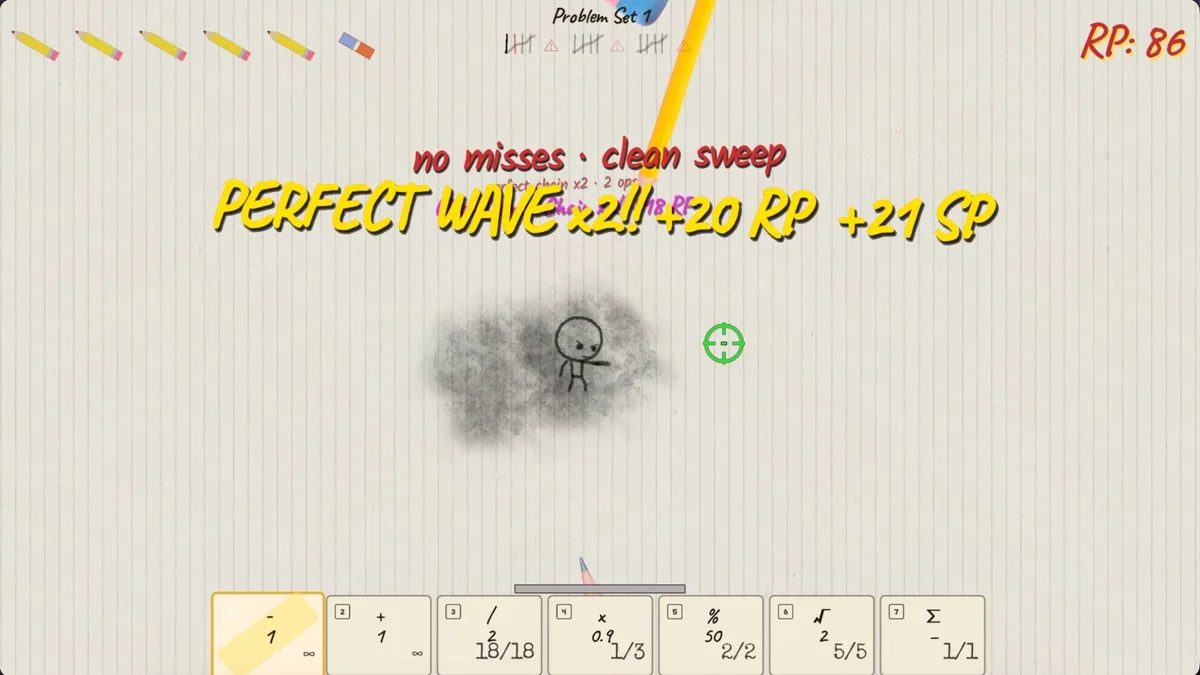
Open the Eagle menu with Insert between waves to review available operators, recent number chains and run modifiers. Its calculation panel displays possible outcomes for a chosen target. Use the wave log to identify which combinations caused a run to collapse.