FREE CHEATS FOR
Zomking
Released November 10, 2026
Updated
 EAGLE CHEATS
How to use Eagle in Zomking
With Zomking running, press Insert to open the Eagle menu. The quick keys give direct access to Weapon Rolls and Equipment Stats. Use the menu for Ammo Reserve, Health View and Loot Filter and the remaining listed features; close it with Insert to return to the app.
- F2 Weapon Rolls
Press F2 to turn Weapon Rolls on or off without opening the menu. - F3 Equipment Stats
Press F3 to turn Equipment Stats on or off without opening the menu. - Insert Ammo Reserve
Press Insert, find Ammo Reserve in the feature list, and switch it on or off. - Insert Health View
Press Insert, find Health View in the feature list, and switch it on or off. - Insert Loot Filter
Press Insert, choose Loot Filter, adjust its value or option, and apply.
EXPLORE THE MENUFeatures
8 features
The Eagle trainer for Zomking brings weapon rolls, equipment stats, ammo reserve together for the Windows PC release. Press Insert during play to open the menu, choose a control and return to the current session. Additional controls cover zombie markers, health view, and loot filter during play.
- Weapon Rolls
- Equipment Stats
- Ammo Reserve
- Zombie Markers
- Health View
- Loot Filter
- Stage Progress
- Boss Health
About the game
Zomking is a third-person zombie action RPG where randomized weapons and equipment shape a growing character. Five increasingly dangerous stages test the value of loot picked up earlier. Pistols, rifles and shotguns support different ranges and patterns of attack.
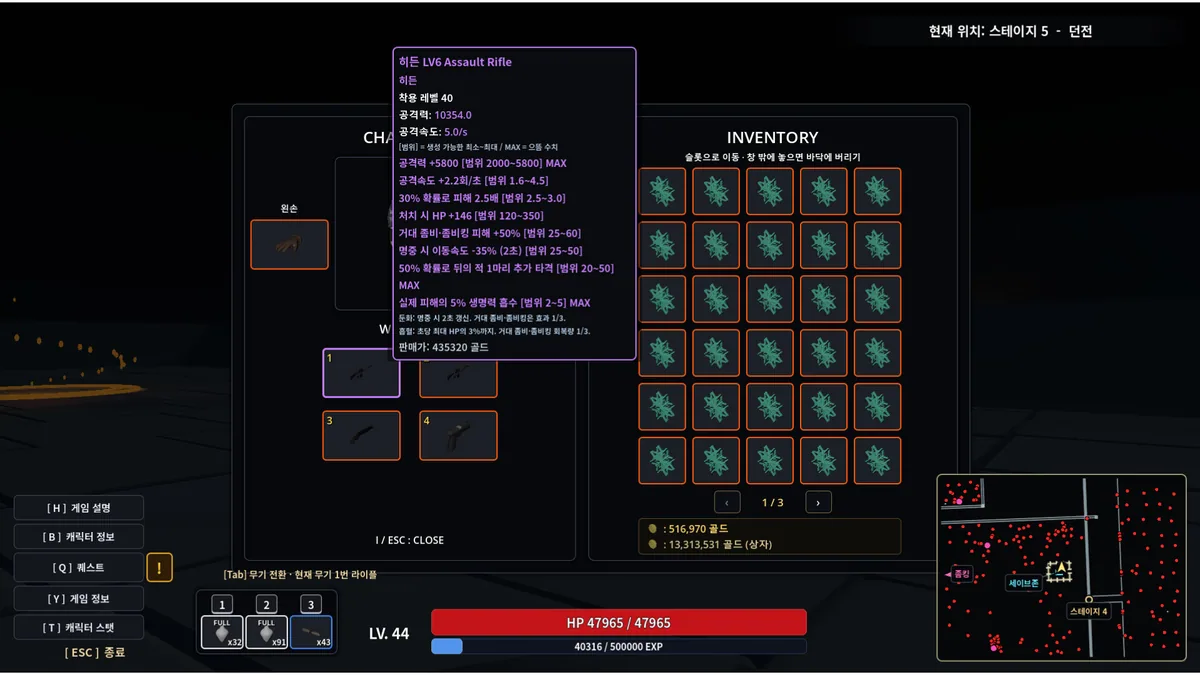
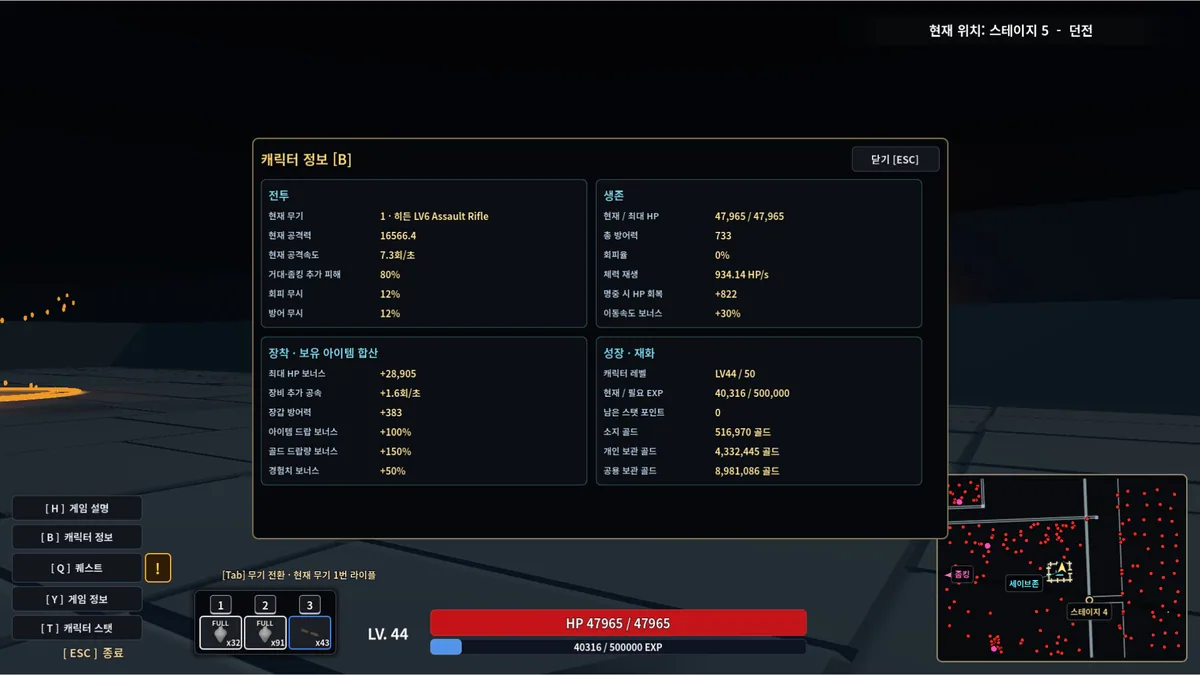
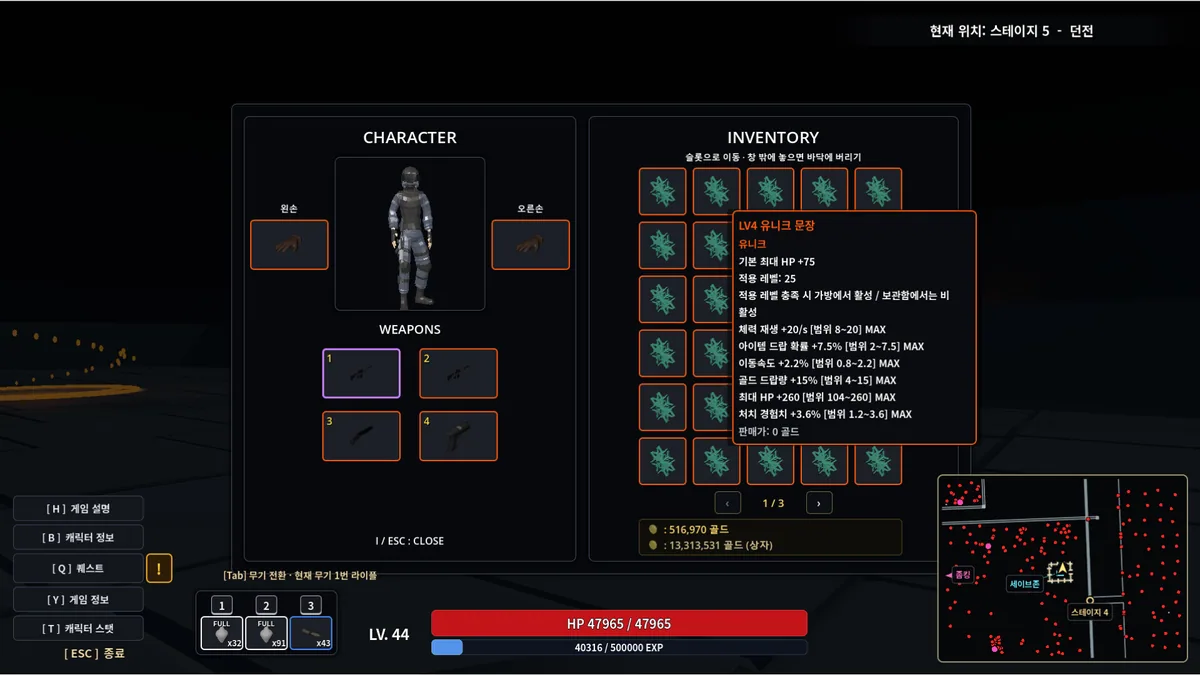
A weapon with a high damage number may be awkward if the next stage fills with close targets, while a weaker item can work better with the current build. Players need to judge equipment effects along with ammunition and survival. Each stage changes which stat matters most.
Official game page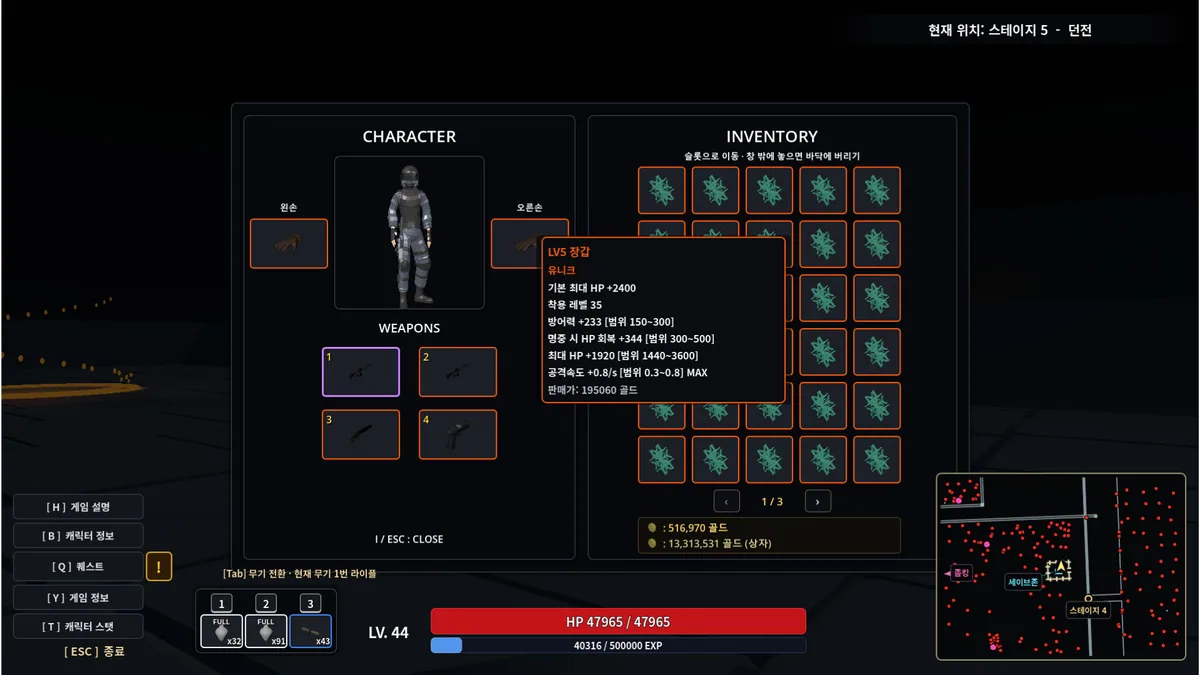
Using the Zomking trainer
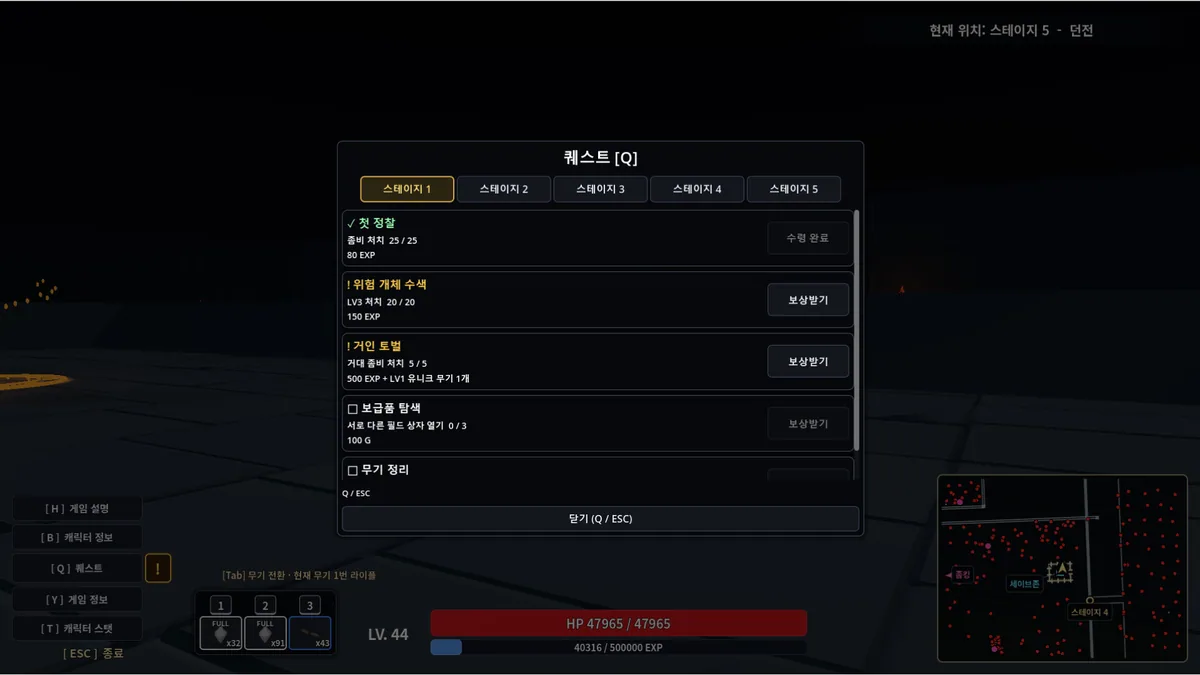
The menu compares weapon rolls, character stats and current enemy pressure. It helps decide whether to equip a new drop and shows which stage goal remains. Health and ammunition stay in view while the player moves between loot and combat.