FREE CHEATS FOR
Claimbreaker
Released November 17, 2026
Updated

 EAGLE CHEATS
How to use Eagle in Claimbreaker
With Claimbreaker running, press Insert to open the Eagle menu. The quick keys give direct access to Tunnel Map and Ore Stores. Use the menu for Furnace Status, Claim Progress and Raid Route and the remaining listed features; close it with Insert to return to the app.
- F2 Tunnel Map
Press F2 to turn Tunnel Map on or off without opening the menu. - F3 Ore Stores
Press F3 to turn Ore Stores on or off without opening the menu. - Insert Furnace Status
Press Insert, find Furnace Status in the feature list, and switch it on or off. - Insert Claim Progress
Press Insert, find Claim Progress in the feature list, and switch it on or off. - Insert Raid Route
Press Insert, find Raid Route in the feature list, and switch it on or off.
EXPLORE THE MENUFeatures
8 features
The Eagle trainer for Claimbreaker brings tunnel map, ore stores, furnace status together for the Windows PC release. Press Insert during play to open the menu, choose a control and return to the current session. Additional controls cover raid route, rival position, and dig plan during play.
- Tunnel Map
- Ore Stores
- Furnace Status
- Raid Route
- Rival Position
- Dig Plan
- Match Log
- Claim Progress
About the game
Claimbreaker is a real-time digging rivalry where a friend can become an opponent. Breaking rock, stealing ore and extinguishing a rival furnace create a contest over both resources and timing. Every tunnel can serve as a route or an opening.
A direct rush at a furnace may leave one's own mine undefended. Taking ore is valuable only if it can be brought back safely. Watching how tunnels connect helps decide when to attack and when to reinforce the home side.
Official game page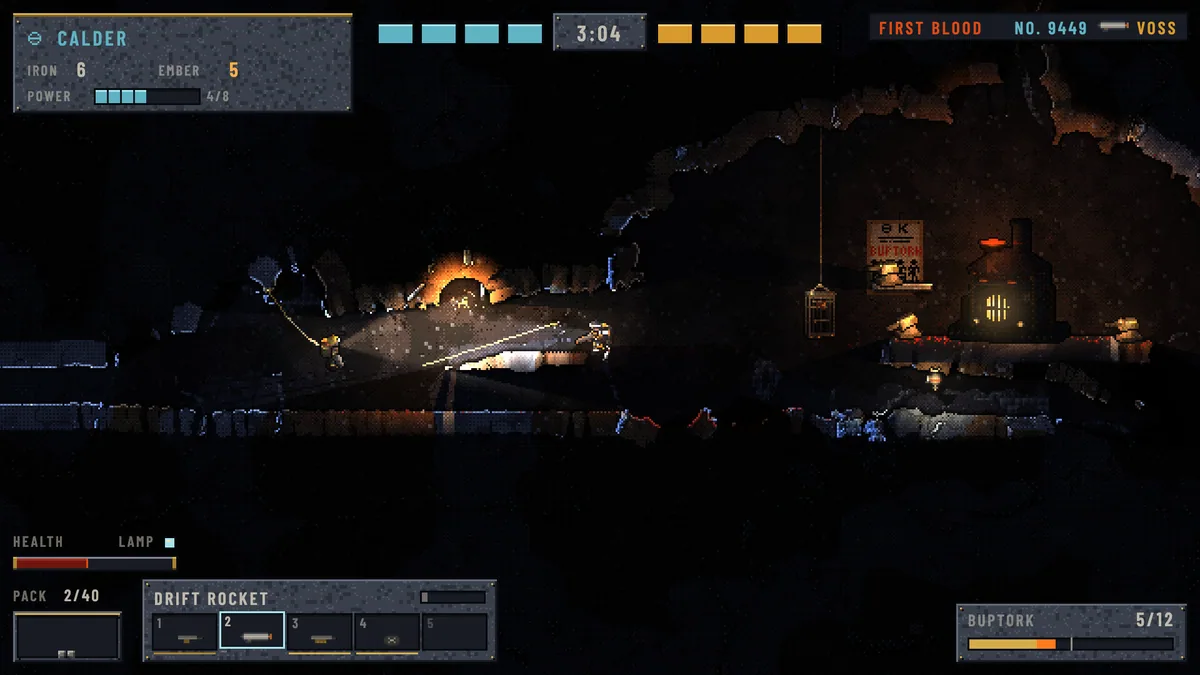
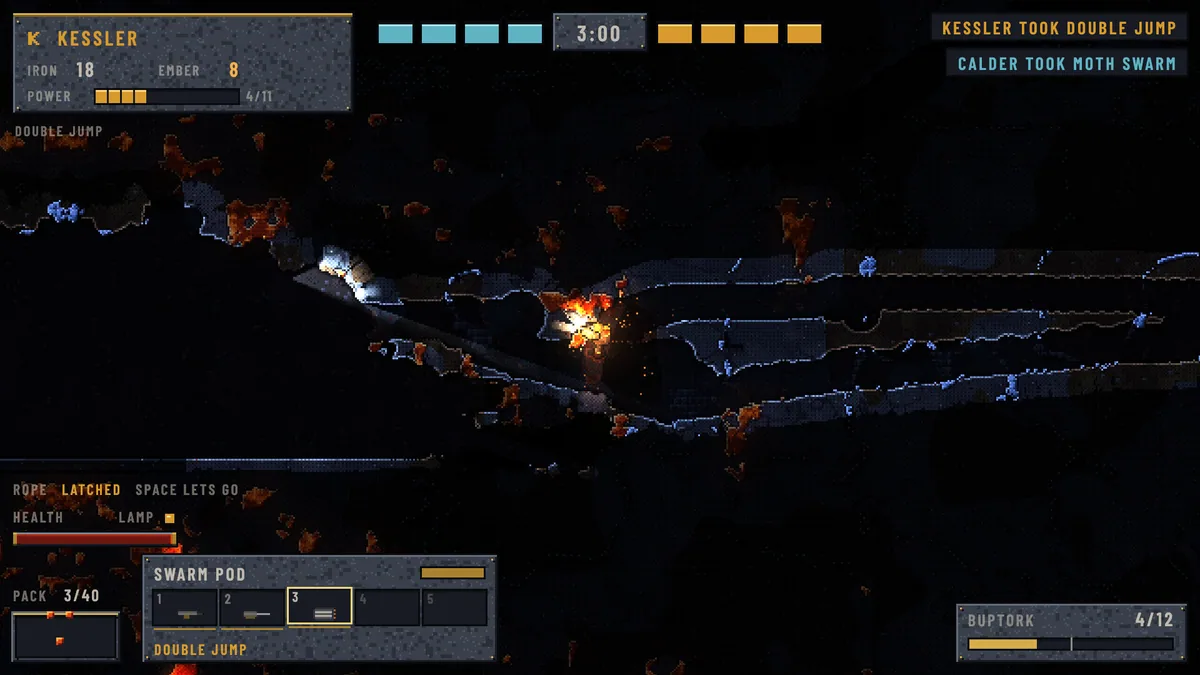
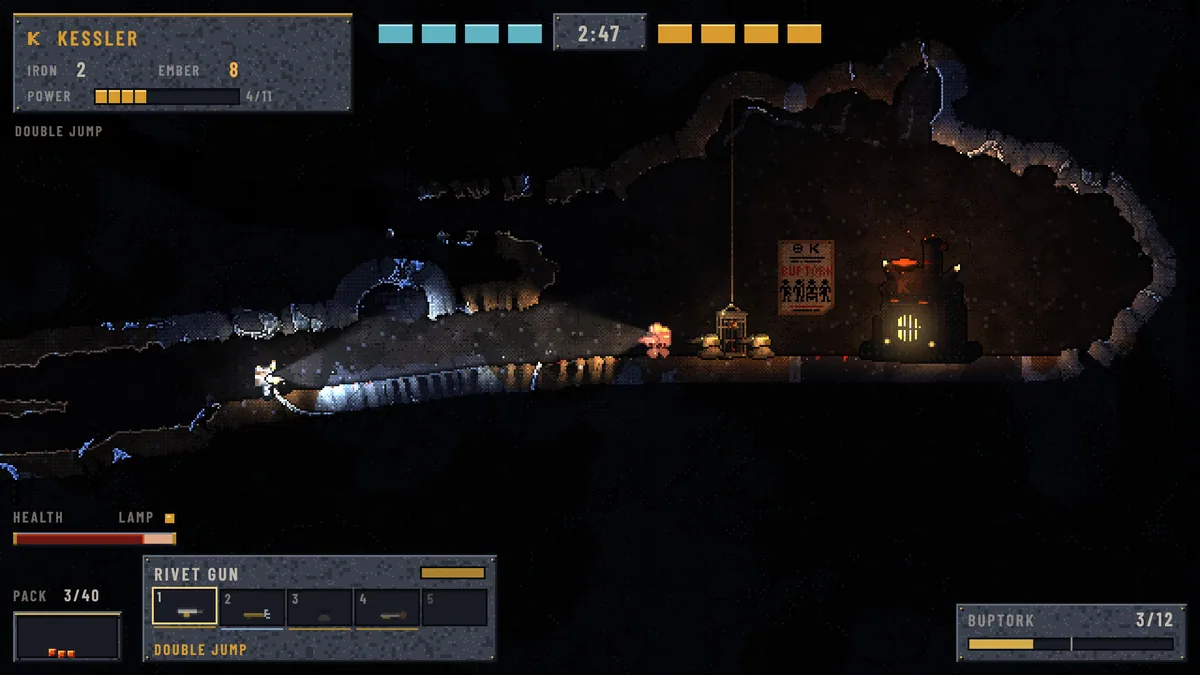
Using the Claimbreaker trainer
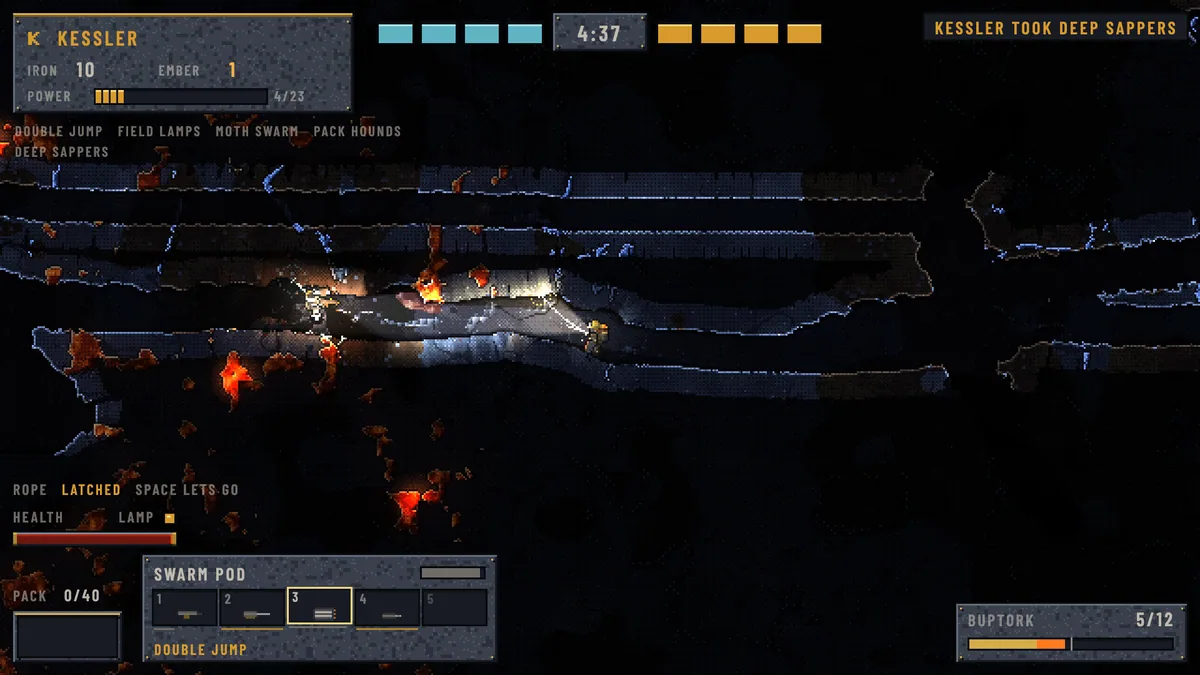
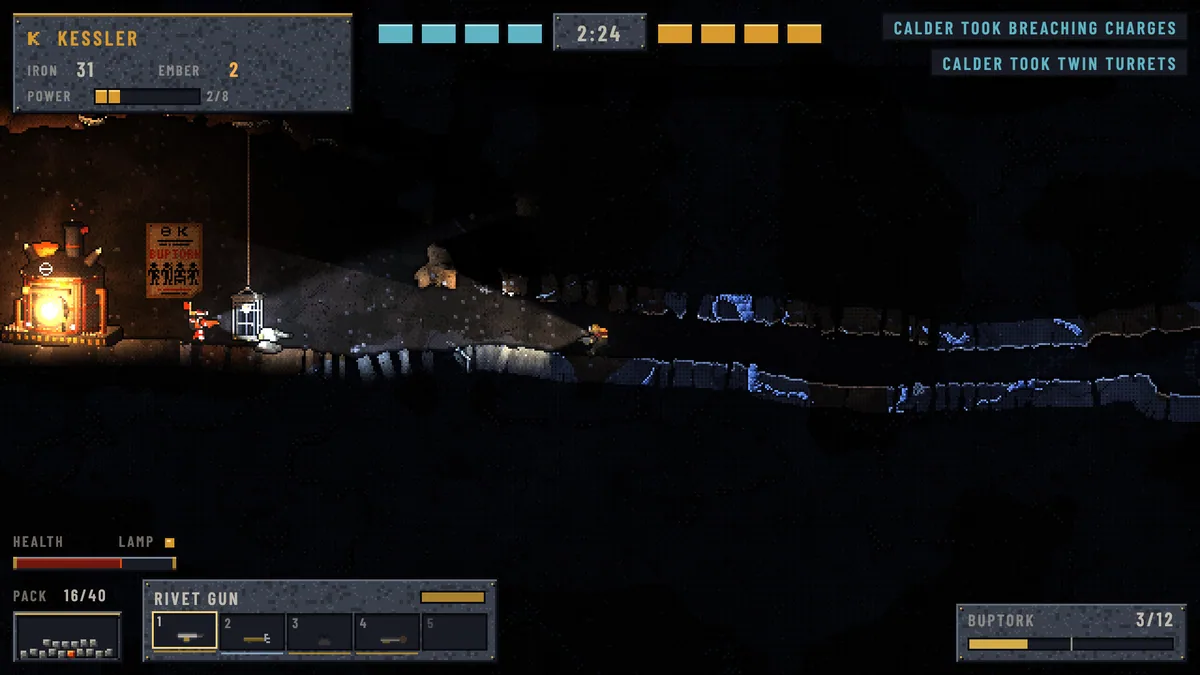
Open the Eagle menu with Insert to review tunnels, ore stores and furnace status. The match log records raids and recoveries. Use the route view before digging a shortcut that could help the rival as much as the player.