FREE CHEATS FOR
CrashFest
Released November 18, 2026
Updated
 EAGLE CHEATS
How to use Eagle in CrashFest
With CrashFest running, press Insert to open the Eagle menu. The quick keys give direct access to Track Layout and New Segments. Use the menu for Crash Points, Lap Splits and Build History and the remaining listed features; close it with Insert to return to the app.
- F2 Track Layout
Press F2 to turn Track Layout on or off without opening the menu. - F3 New Segments
Press F3 to turn New Segments on or off without opening the menu. - Insert Crash Points
Press Insert, find Crash Points in the feature list, and switch it on or off. - Insert Lap Splits
Press Insert, find Lap Splits in the feature list, and switch it on or off. - Insert Build History
Press Insert, find Build History in the feature list, and switch it on or off.
EXPLORE THE MENUFeatures
8 features
The Eagle trainer for CrashFest brings track layout, new segments, crash points together for the Windows PC release. Press Insert during play to open the menu, choose a control and return to the current session. Additional controls cover lap splits, build history, and vehicle notes during play.
- Track Layout
- New Segments
- Crash Points
- Lap Splits
- Build History
- Vehicle Notes
- Race Position
- Round Results
About the game
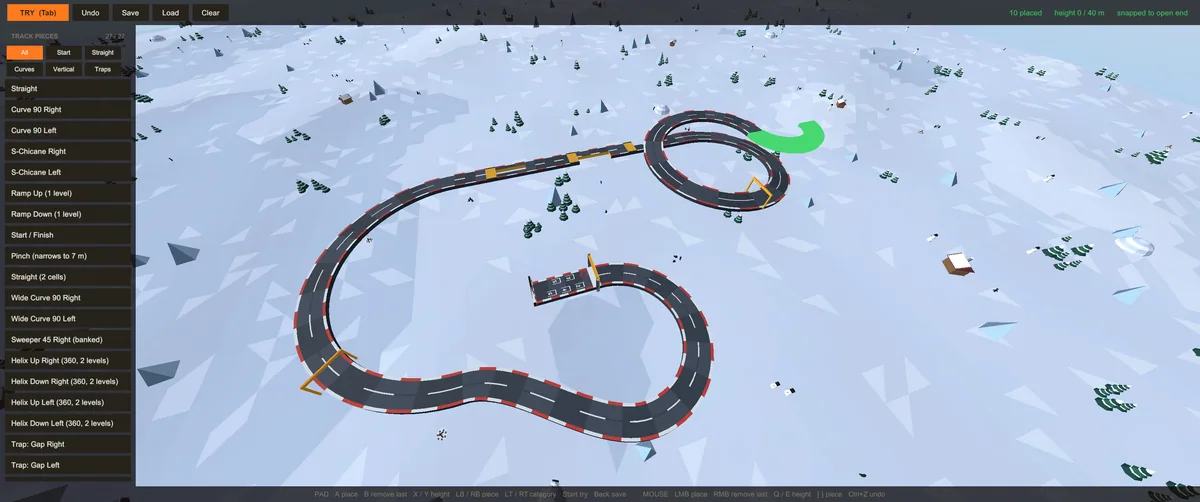
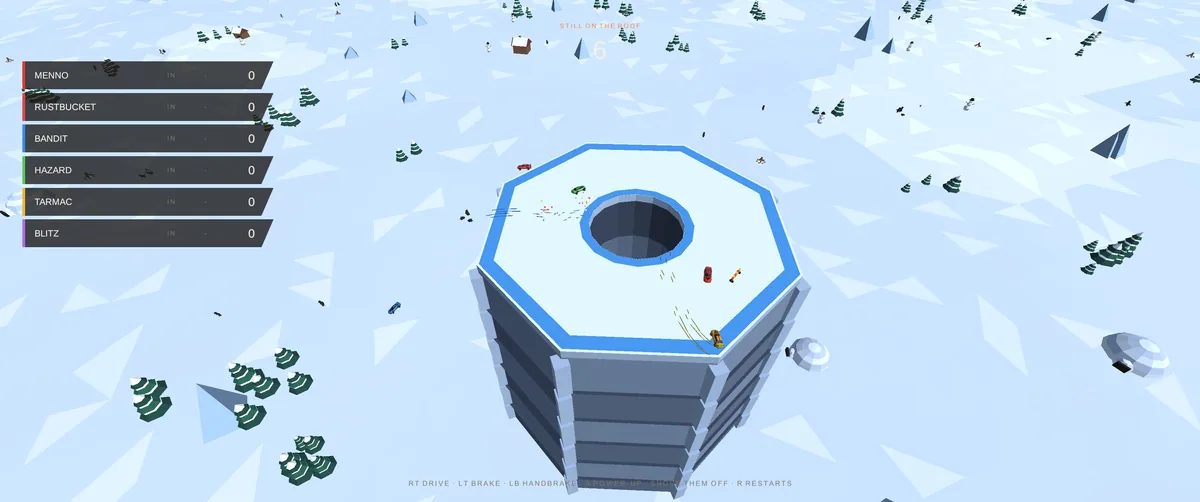
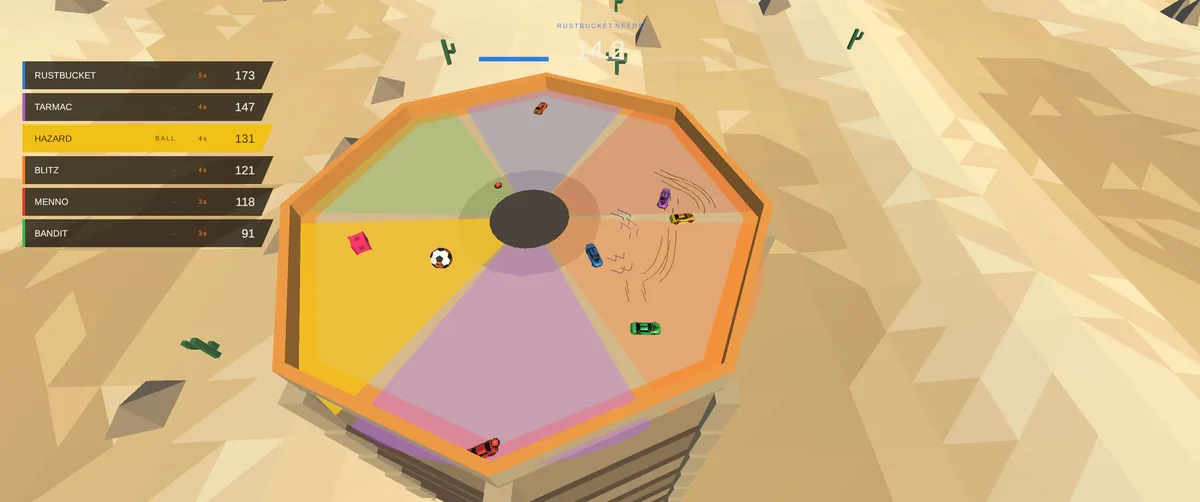
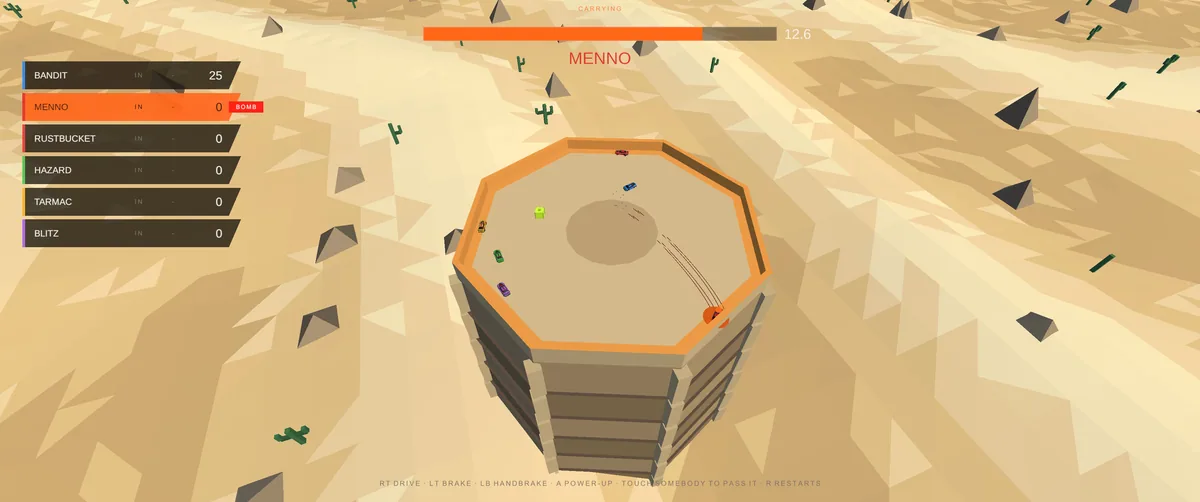
CrashFest makes players build a racing track together, adding pieces between rounds. Even bots alter the course, so yesterday's safe corner can become the next hazard. Racing skill and construction decisions continually affect each other.
A section that helps one vehicle may create a difficult landing for everyone after it. Memorizing the track is not enough when a new segment changes the approach. Reviewing crashes and added pieces helps choose a better line on the next lap.
Official game page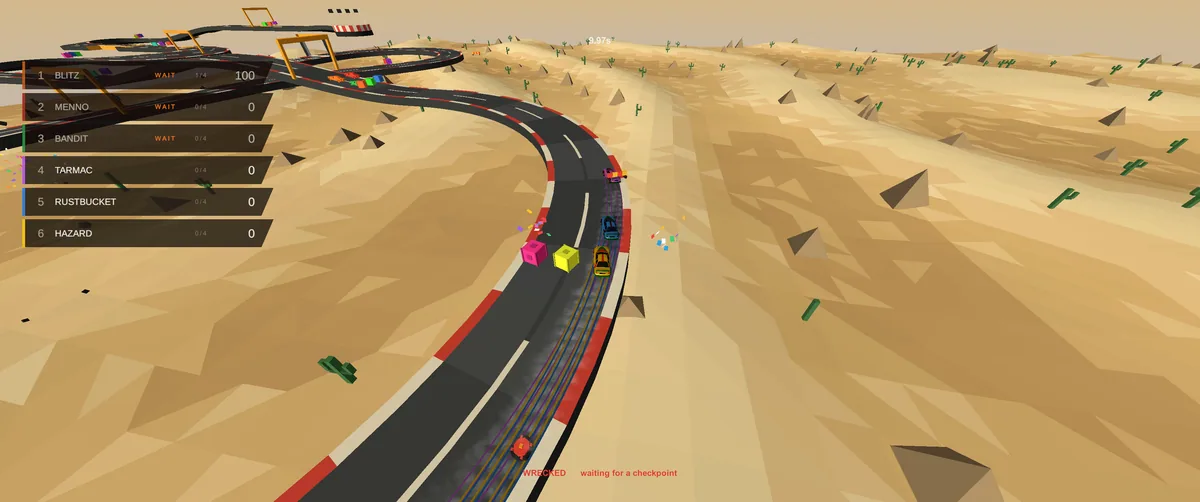
Using the CrashFest trainer
Open the Eagle menu with Insert between rounds to inspect the current track, newly placed parts and crash locations. The lap log compares routes through changed sections. Use the build history to see which addition caused a recurring problem.