FREE CHEATS FOR
Dream Glitcher
Released November 11, 2026
Updated
 EAGLE CHEATS
How to use Eagle in Dream Glitcher
With Dream Glitcher running, press Insert to open the Eagle menu. The quick keys give direct access to Memory Fragments and Dialogue History. Use the menu for Choice Log, Text Speed and Inventory View and the remaining listed features; close it with Insert to return to the app.
- F2 Memory Fragments
Press F2 to turn Memory Fragments on or off without opening the menu. - F3 Dialogue History
Press F3 to turn Dialogue History on or off without opening the menu. - Insert Choice Log
Press Insert, find Choice Log in the feature list, and switch it on or off. - Insert Text Speed
Press Insert, choose Text Speed, adjust the value, and apply. - Insert Inventory View
Press Insert, find Inventory View in the feature list, and switch it on or off.
EXPLORE THE MENUFeatures
8 features
The Eagle trainer for Dream Glitcher brings memory fragments, dialogue history, choice log together for the Windows PC release. Press Insert during play to open the menu, choose a control and return to the current session. Additional controls cover puzzle notes, inventory view, and scene map during play.
- Memory Fragments
- Dialogue History
- Choice Log
- Puzzle Notes
- Inventory View
- Scene Map
- Text Speed
- Chapter Progress
About the game
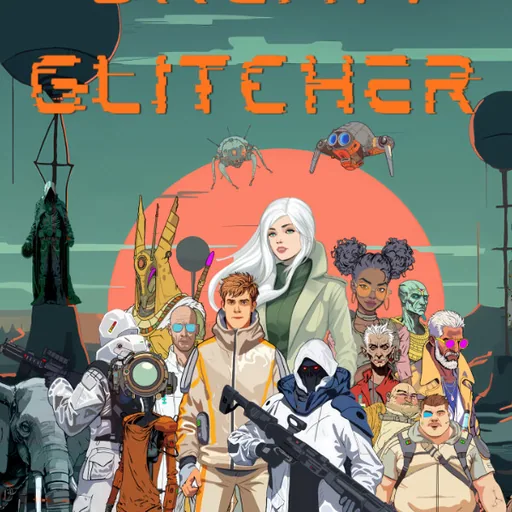
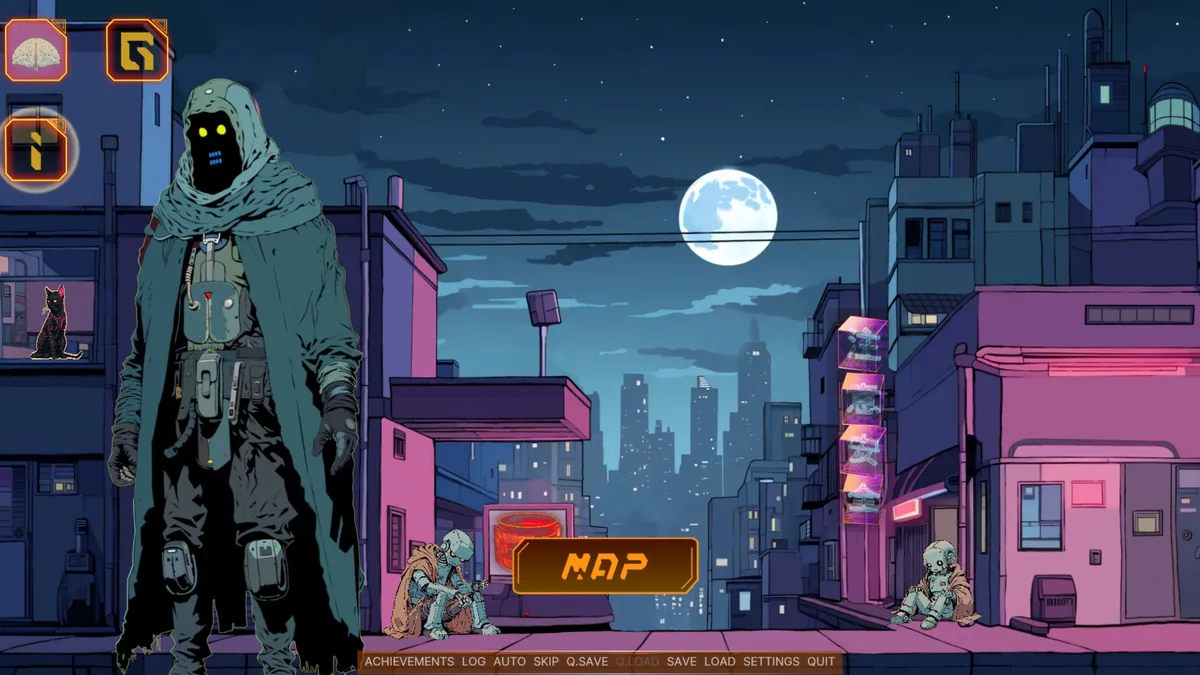
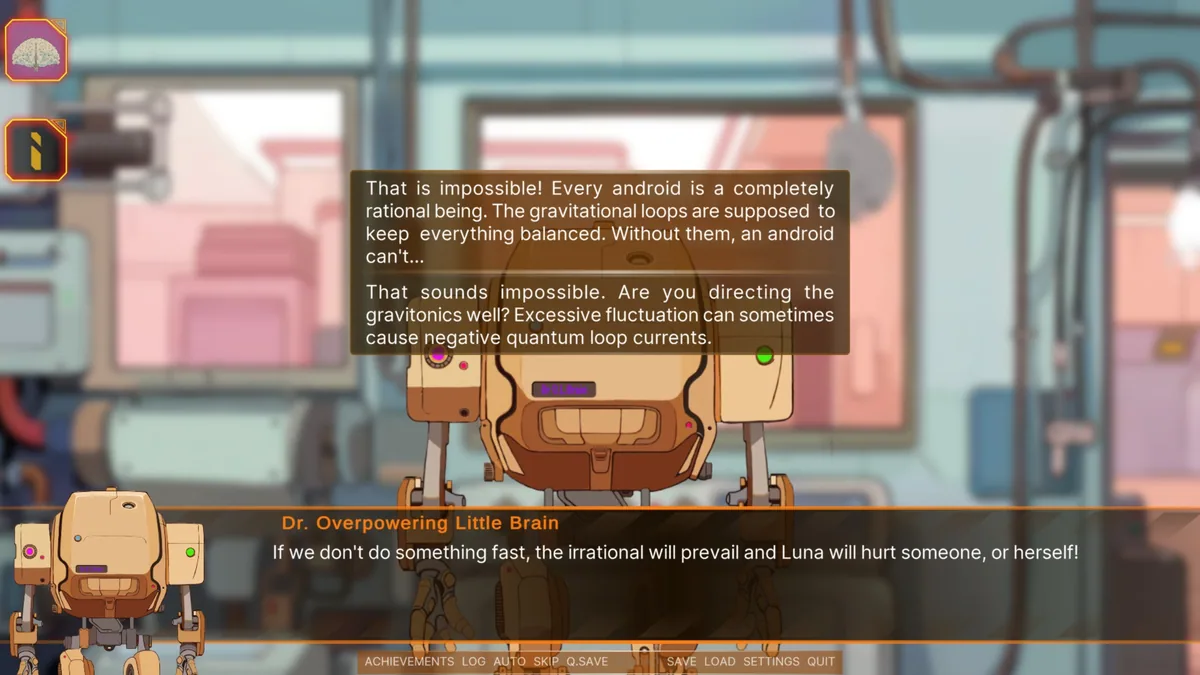
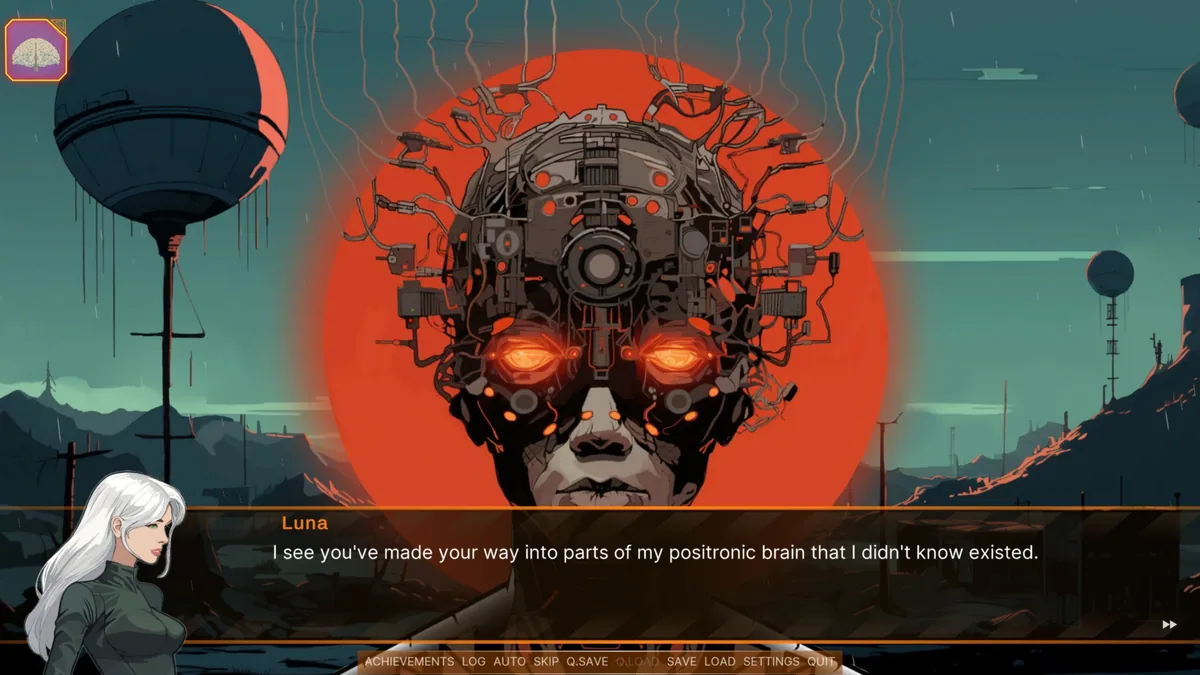
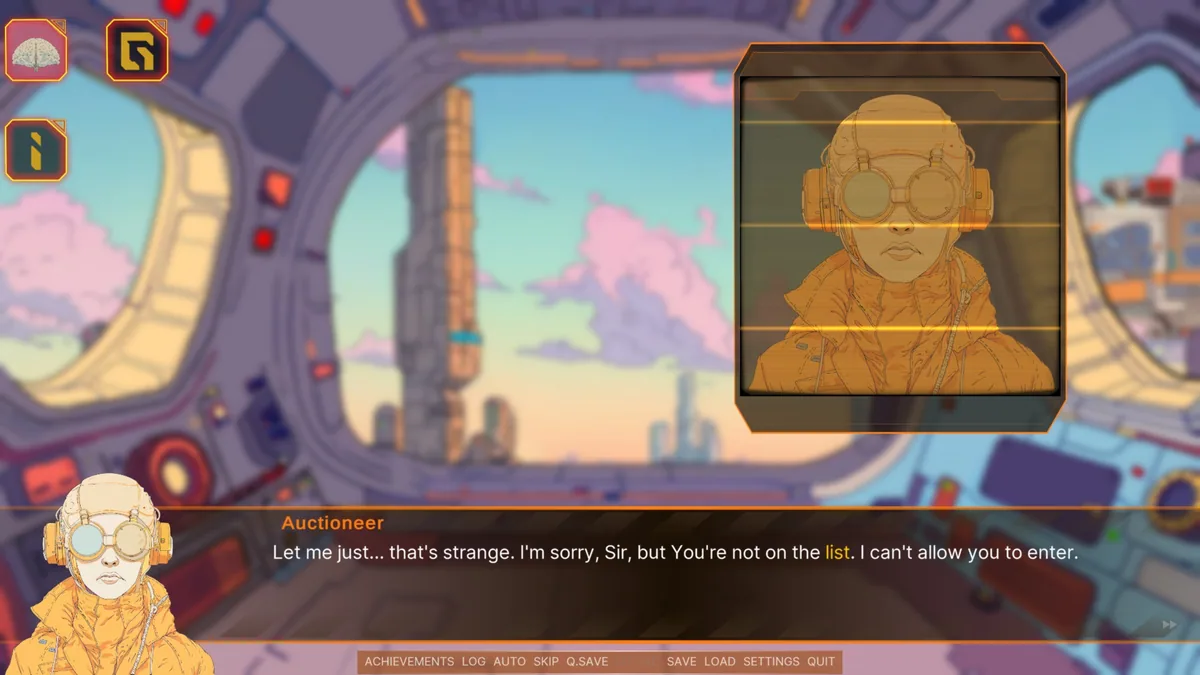
Dream Glitcher is a hand-drawn cyberpunk point-and-click story inside the fractured memories of an android named Luna. Players explore scenes, solve puzzles and make choices that influence how she perceives events. Questions of identity and control shape the journey as much as any individual lock or code.
A conversation can gain a different meaning after another memory is restored. Keeping track of inspected objects and earlier choices helps players follow Luna's changing understanding of the world. The puzzles belong to that narrative rather than appearing as isolated obstacles.
Official game page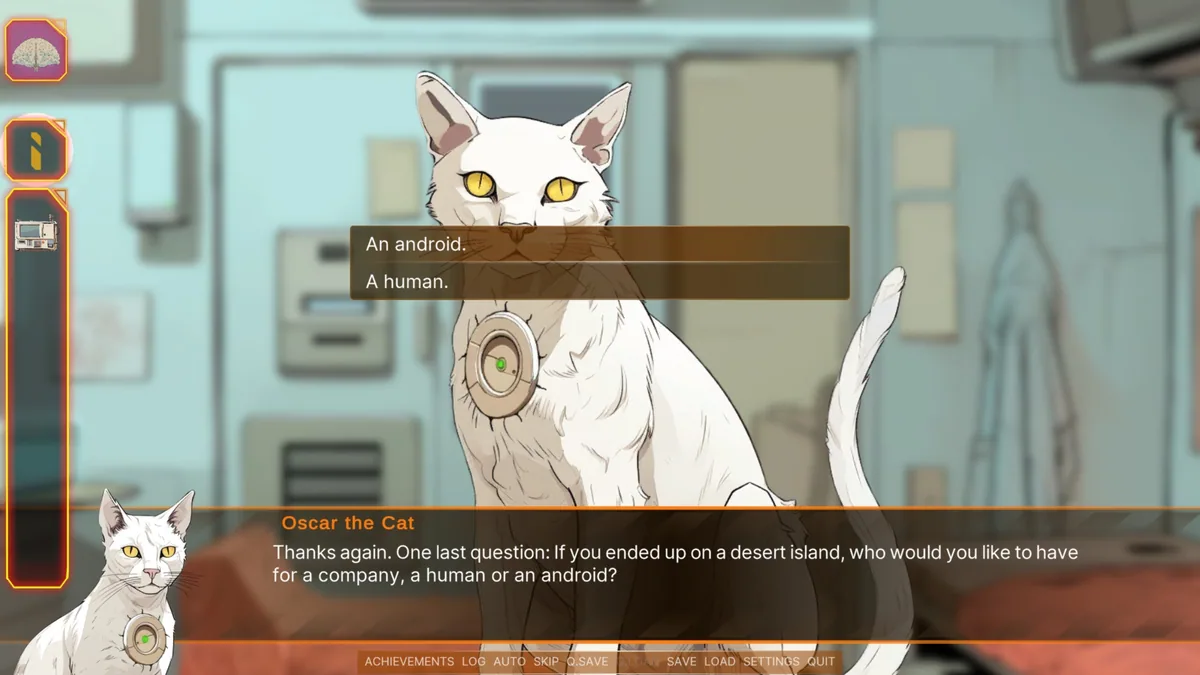
Using the Dream Glitcher trainer
The menu organizes memory fragments, dialogue history and puzzle notes by scene. It lets a reader revisit an earlier clue before making a new choice, while inventory and chapter progress show what is still unresolved. Text controls support a careful pace through the story.