FREE CHEATS FOR
Dream Riders
Released November 11, 2026
Updated

 EAGLE CHEATS
How to use Eagle in Dream Riders
With Dream Riders running, press Insert to open the Eagle menu. The quick keys give direct access to Hazard Preview and Boss Pattern. Use the menu for Speed Gauge, Track Map and Checkpoint Select and the remaining listed features; close it with Insert to return to the app.
- F2 Hazard Preview
Press F2 to turn Hazard Preview on or off without opening the menu. - F3 Boss Pattern
Press F3 to turn Boss Pattern on or off without opening the menu. - Insert Speed Gauge
Press Insert, choose Speed Gauge, adjust the value, and apply. - Insert Track Map
Press Insert, find Track Map in the feature list, and switch it on or off. - Insert Checkpoint Select
Press Insert, find Checkpoint Select in the feature list, and switch it on or off.
EXPLORE THE MENUFeatures
8 features
The Eagle trainer for Dream Riders brings speed gauge, hazard preview, boss pattern together for the Windows PC release. Press Insert during play to open the menu, choose a control and return to the current session. Additional controls cover track map, checkpoint select, and split times during play.
- Speed Gauge
- Hazard Preview
- Boss Pattern
- Track Map
- Checkpoint Select
- Split Times
- Vehicle Status
- Run Replay
About the game
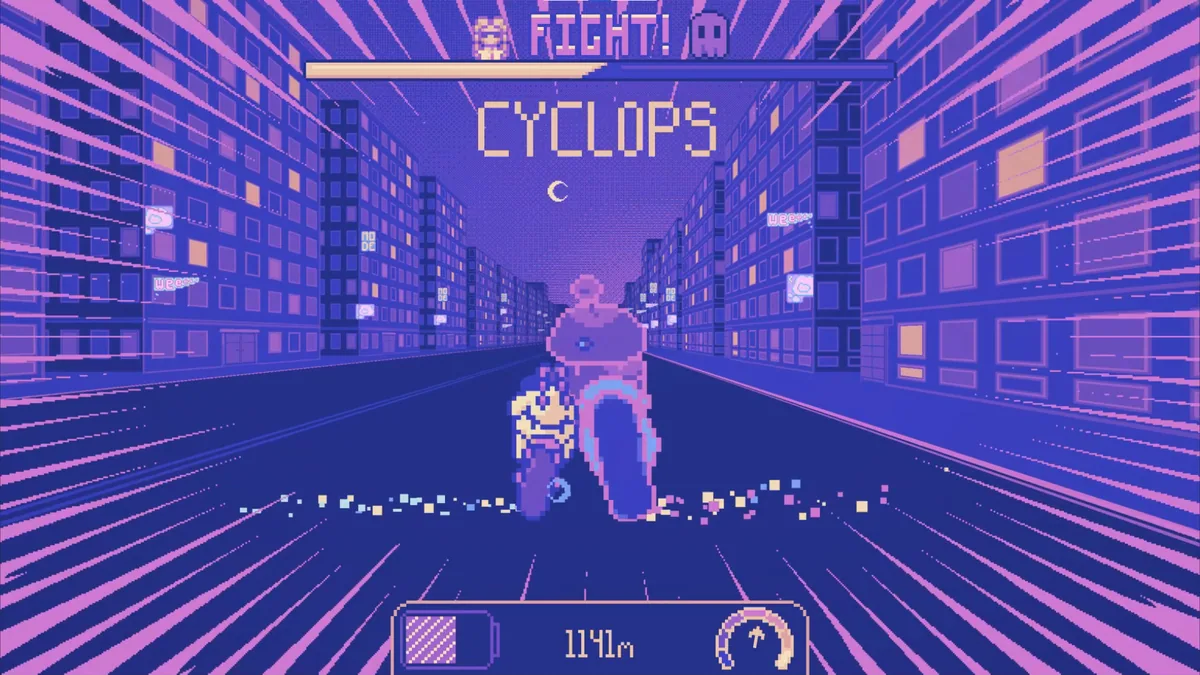
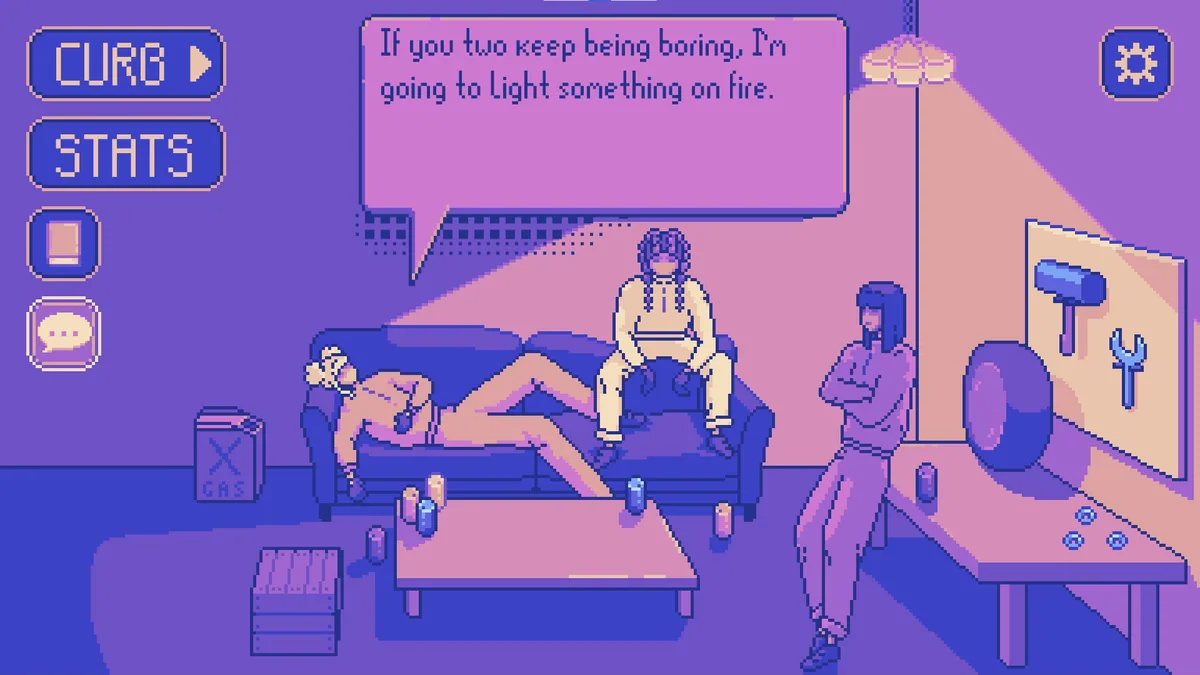
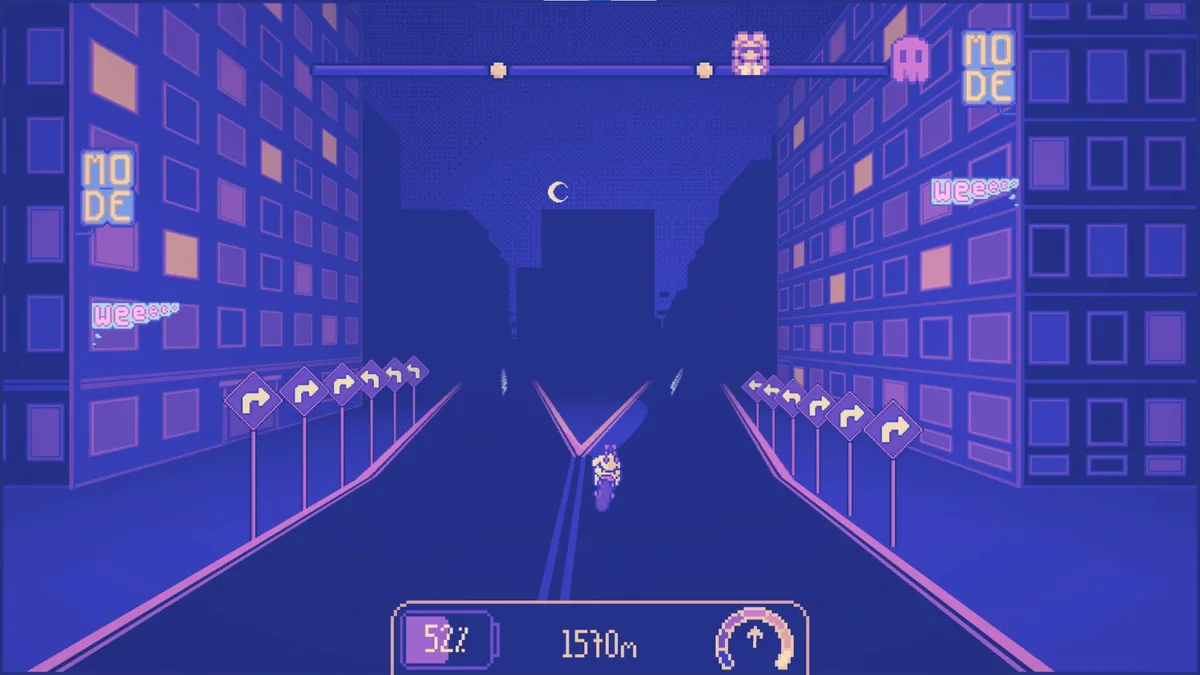
Dream Riders is a fast 2.5D auto-running driving game set in a hand-drawn dream world. The vehicle keeps moving through difficult themed tracks, with high-speed boss encounters waiting beyond the hazards. Success depends on reading what is coming before the scenery reaches the car.
A route that works during a normal stretch can fail when a boss changes the rhythm of obstacles. Repeated attempts help players learn when to jump, steer or commit to speed. The visual style is relaxed, but the timing needed to reach a new distance is precise.
Official game page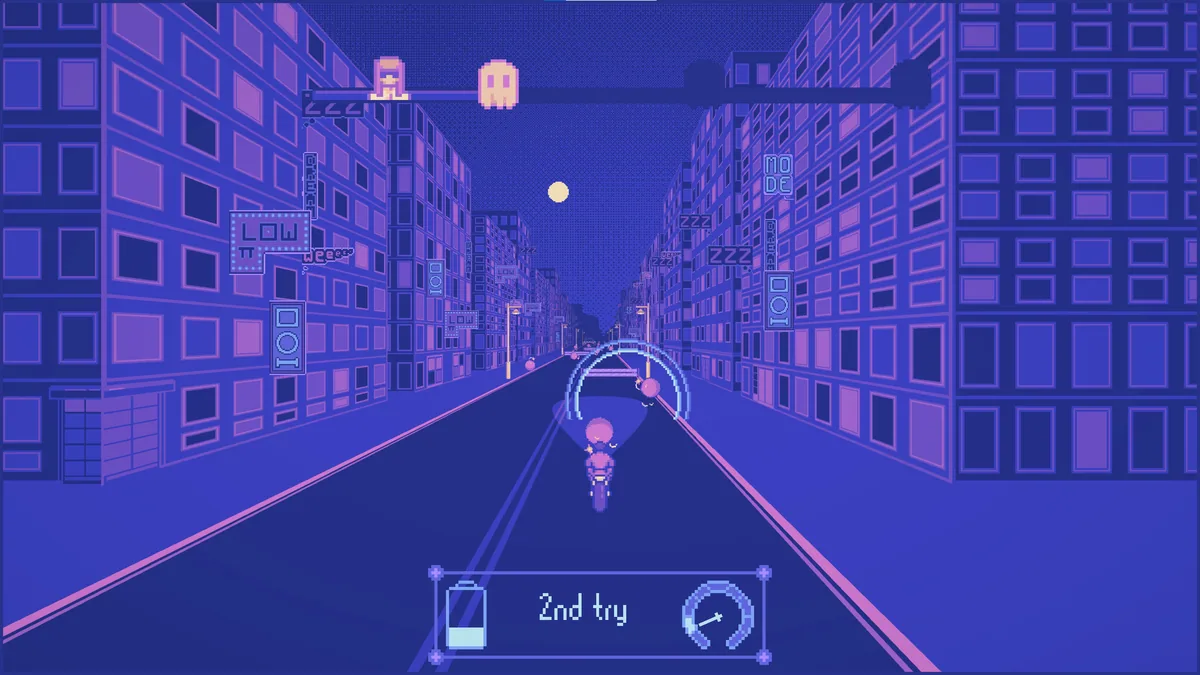

Using the Dream Riders trainer
The menu shows speed, upcoming hazards and the last checkpoint during a run. A player can review a failed segment, compare split times and prepare for the next boss pattern. Keeping the route visible helps separate a poor timing choice from an unfamiliar track feature.