FREE CHEATS FOR
Dungebra
Released November 14, 2026
Updated
 EAGLE CHEATS
How to use Eagle in Dungebra
With Dungebra running, press Insert to open the Eagle menu. The quick keys give direct access to Hand Order and Combo Preview. Use the menu for Overload Status, Sequence Chain and Deck Counter and the remaining listed features; close it with Insert to return to the app.
- F2 Hand Order
Press F2 to turn Hand Order on or off without opening the menu. - F3 Combo Preview
Press F3 to turn Combo Preview on or off without opening the menu. - Insert Overload Status
Press Insert, find Overload Status in the feature list, and switch it on or off. - Insert Sequence Chain
Press Insert, find Sequence Chain in the feature list, and switch it on or off. - Insert Deck Counter
Press Insert, find Deck Counter in the feature list, and switch it on or off.
EXPLORE THE MENUFeatures
8 features
The Eagle trainer for Dungebra brings hand order, combo preview, overload status together for the Windows PC release. Press Insert during play to open the menu, choose a control and return to the current session. Additional controls cover sequence chain, deck counter, and relic view during play.
- Hand Order
- Combo Preview
- Overload Status
- Sequence Chain
- Deck Counter
- Relic View
- Enemy Intent
- Run History
About the game
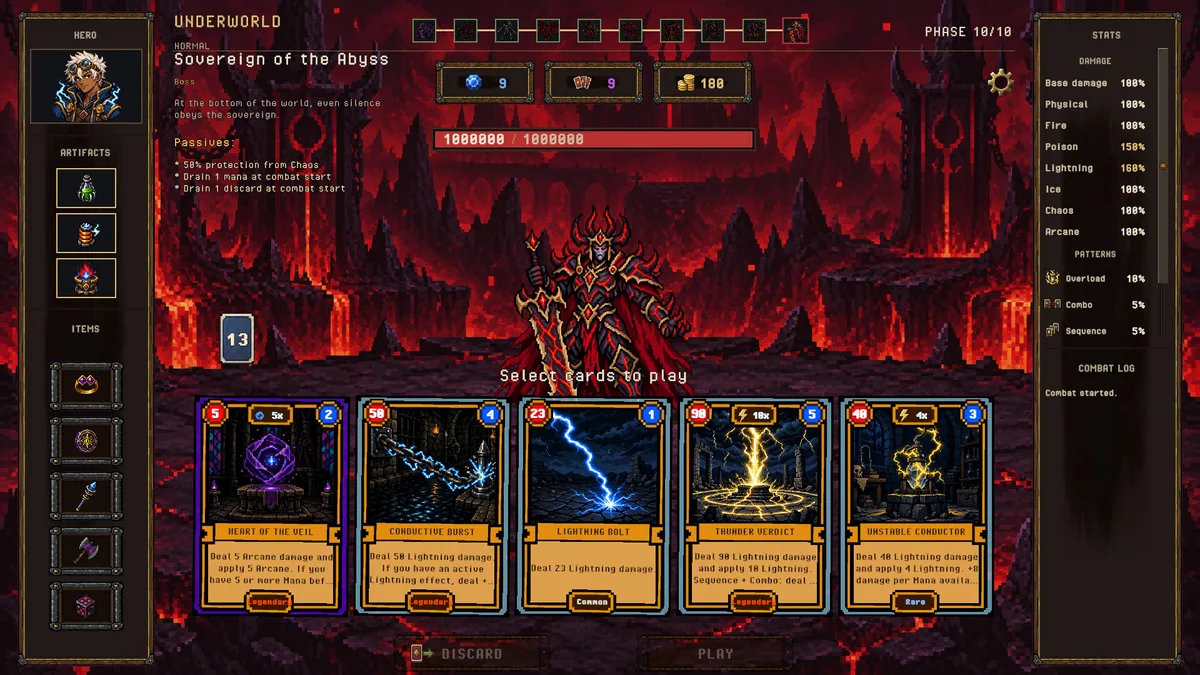
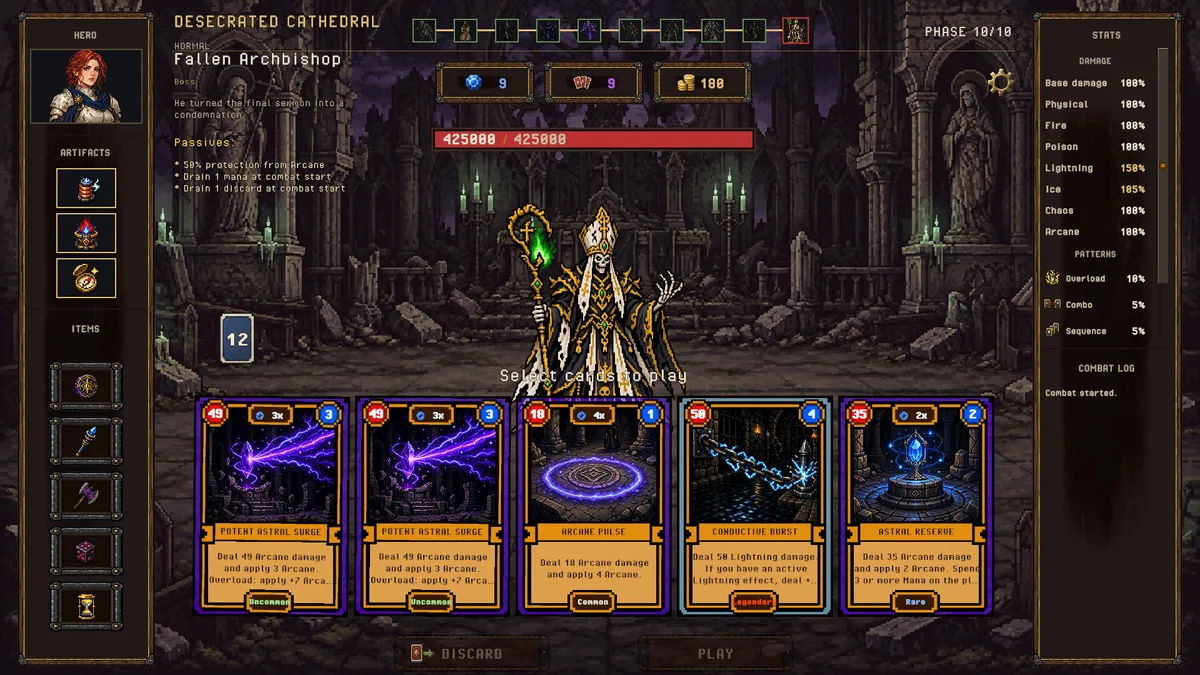
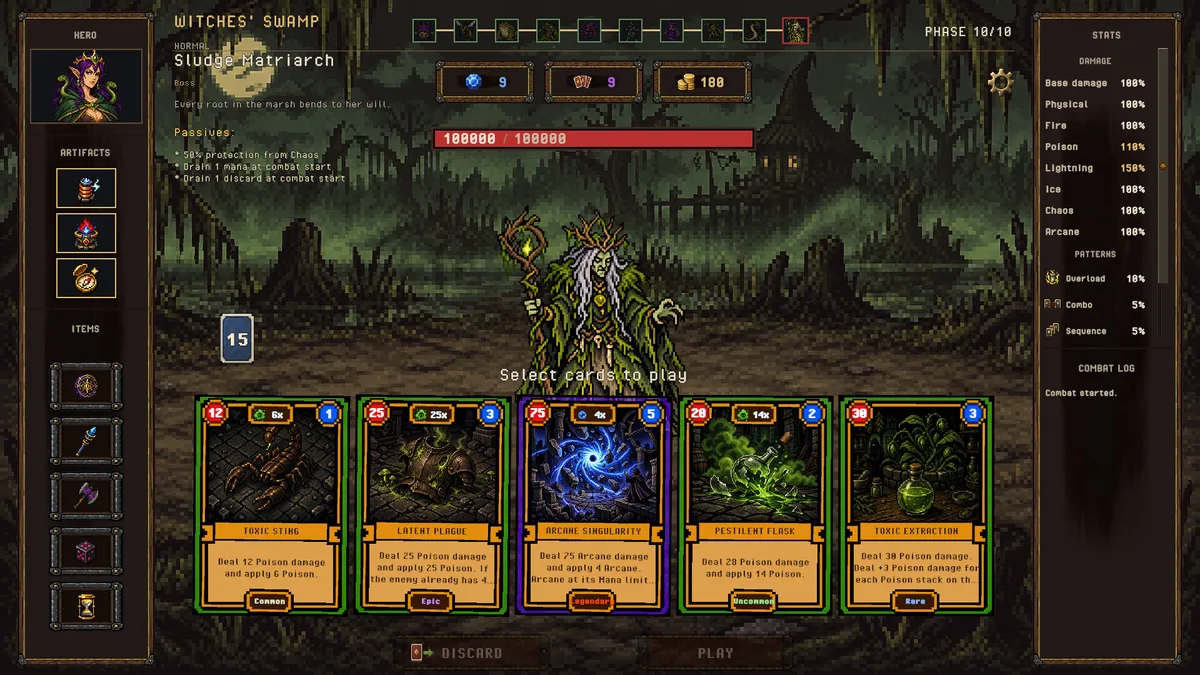
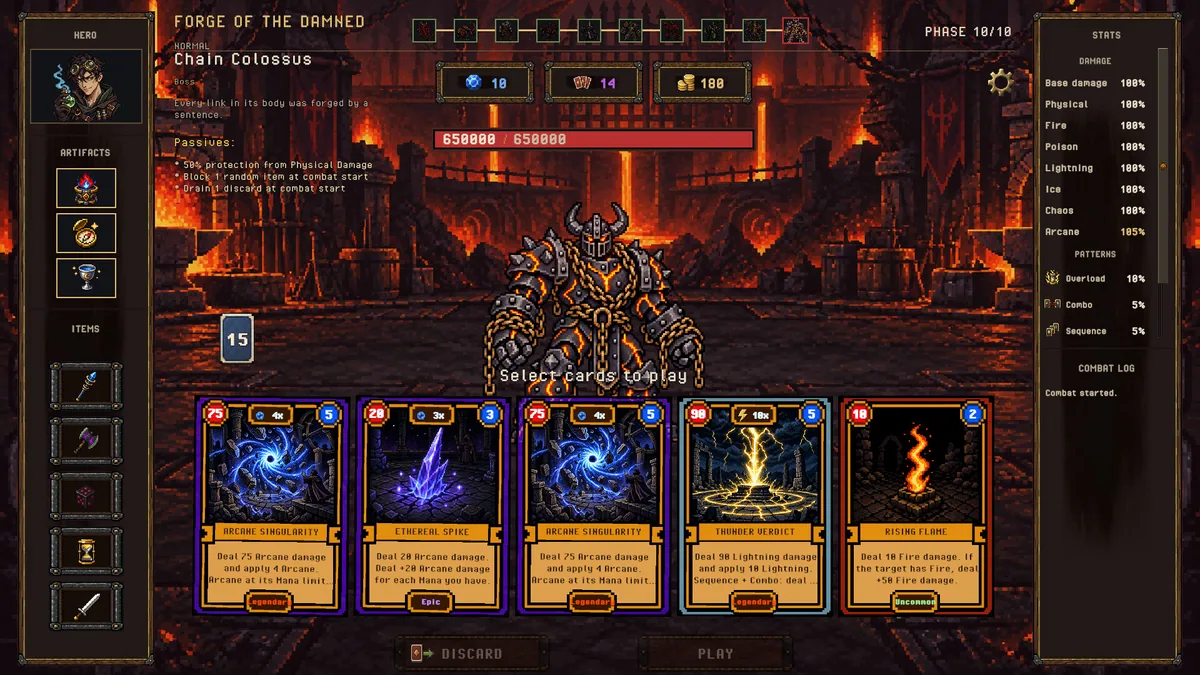
Dungebra is a dark-fantasy roguelike deckbuilder built around playing several cards at once. Combo, Overload and Sequence interactions change how a hand resolves, while the deck develops during the run. A seemingly modest card can become important when it completes the right chain.
Choosing several cards together creates a different risk from spending one obvious answer. An Overload line may win the current turn but leave fewer options for the next encounter. Reading the order of effects and the remaining deck helps turn an explosive play into a sustainable run.
Official game page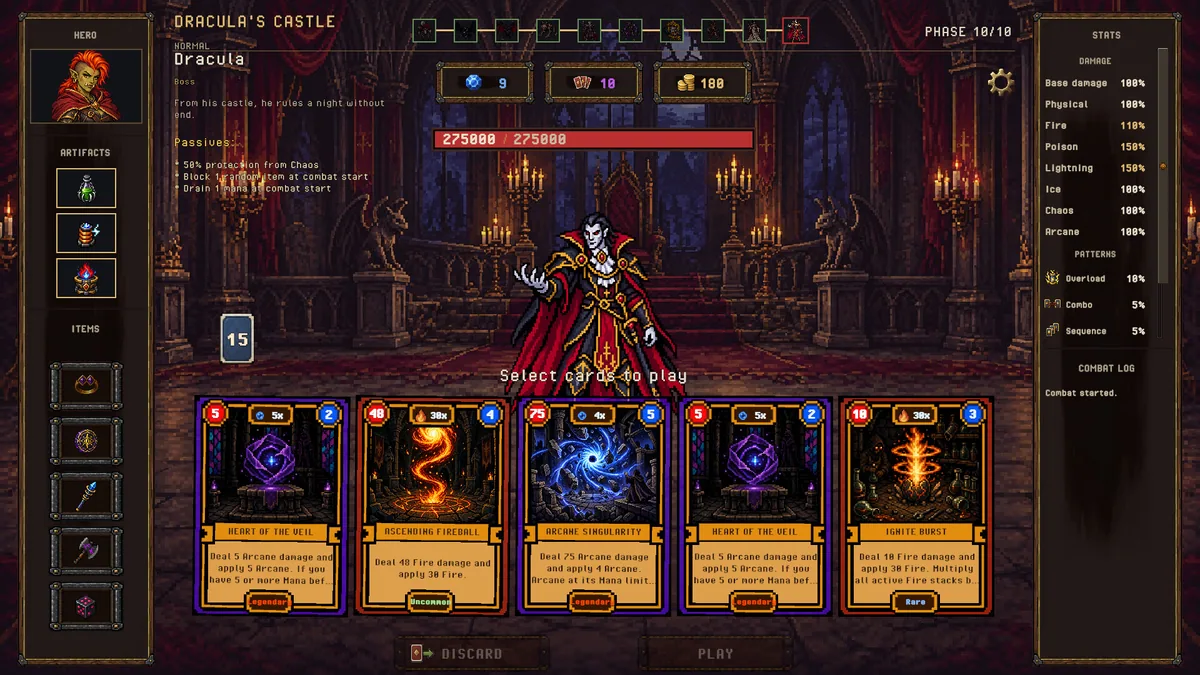
Using the Dungebra trainer
The Eagle menu lays out hand order, effect chains and the current deck in adjacent views. Open it with Insert before committing multiple cards to compare Combo and Sequence outcomes. A run log makes it easier to see which interactions produced a result after the animation has ended.